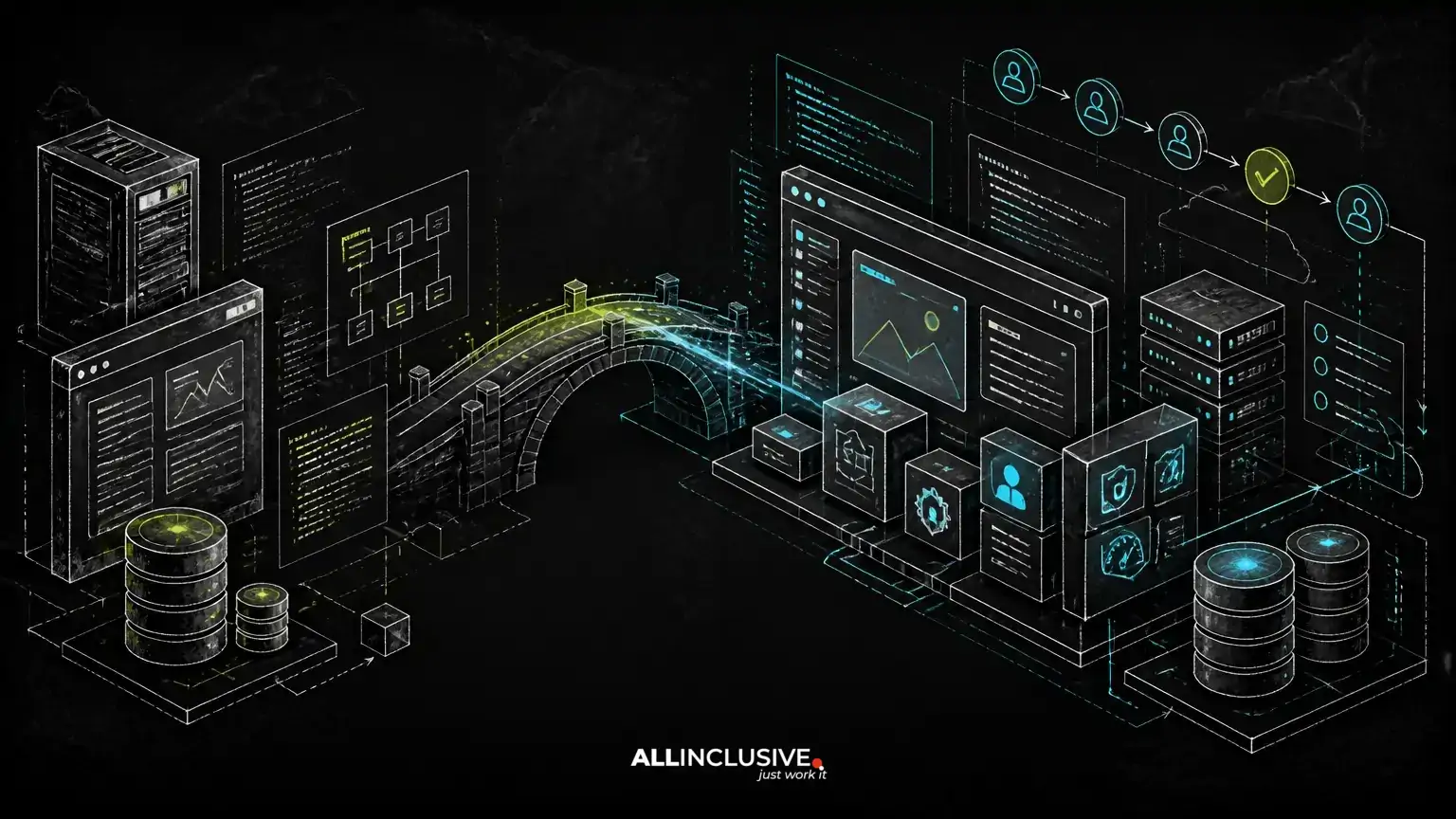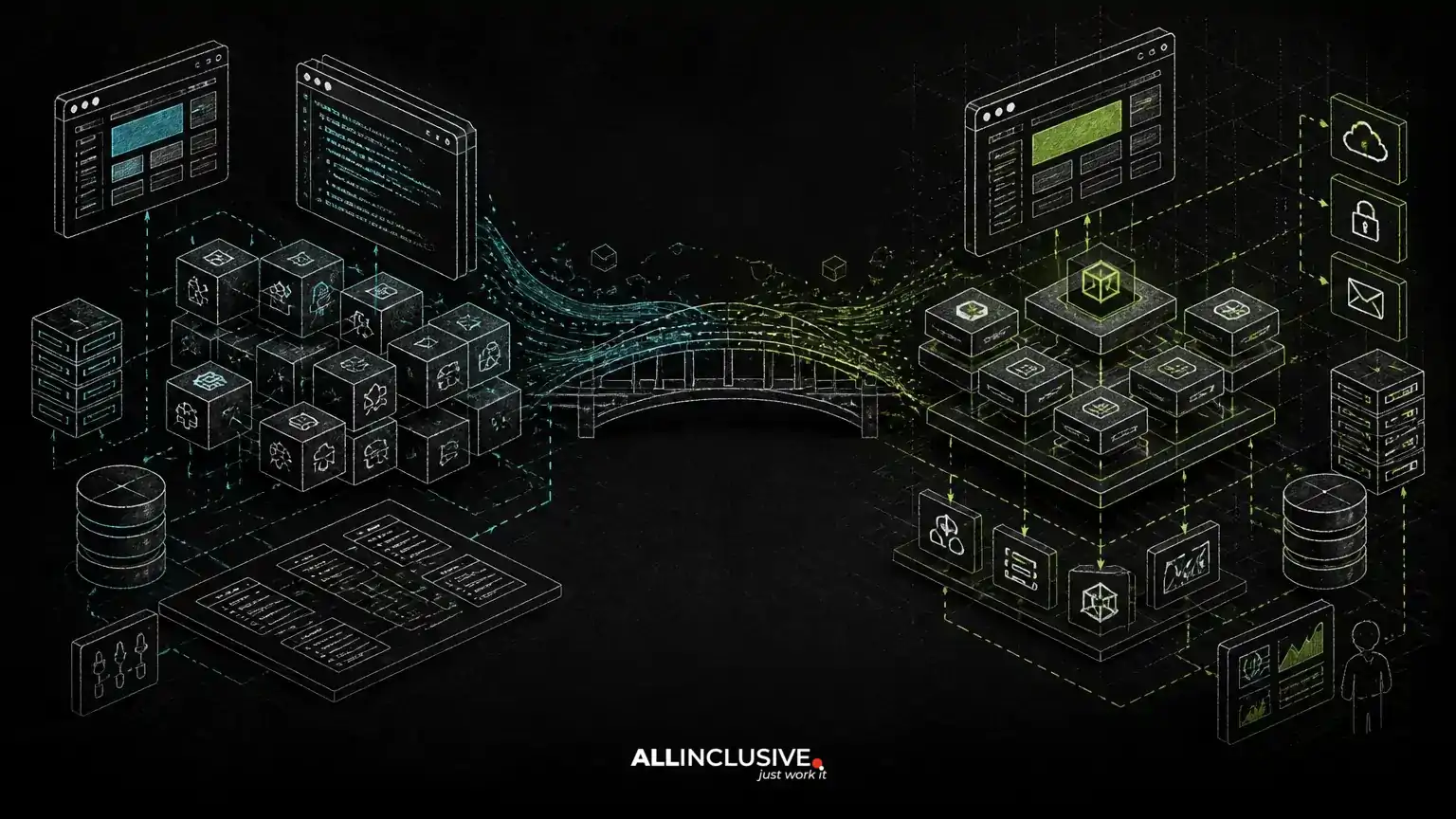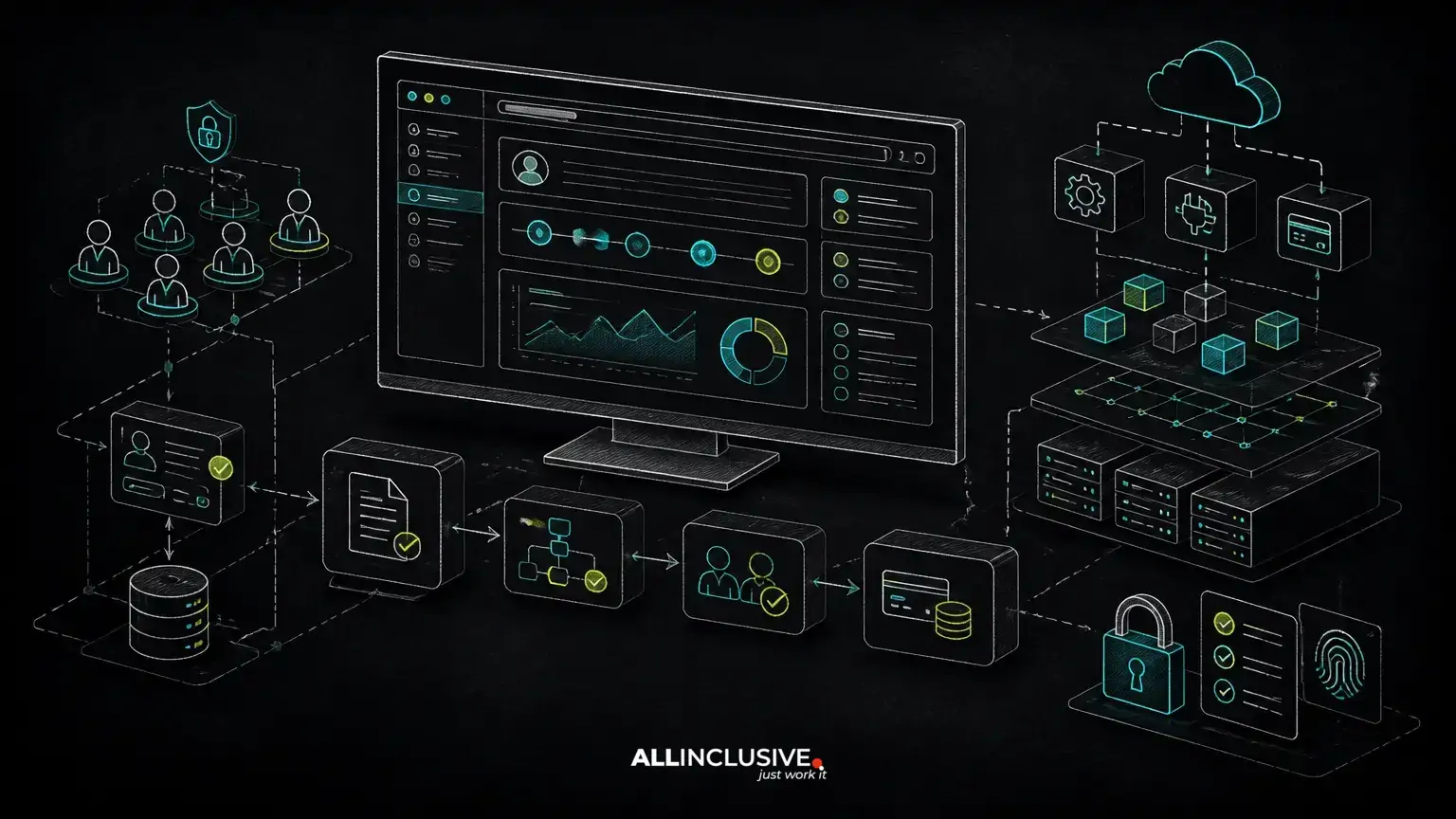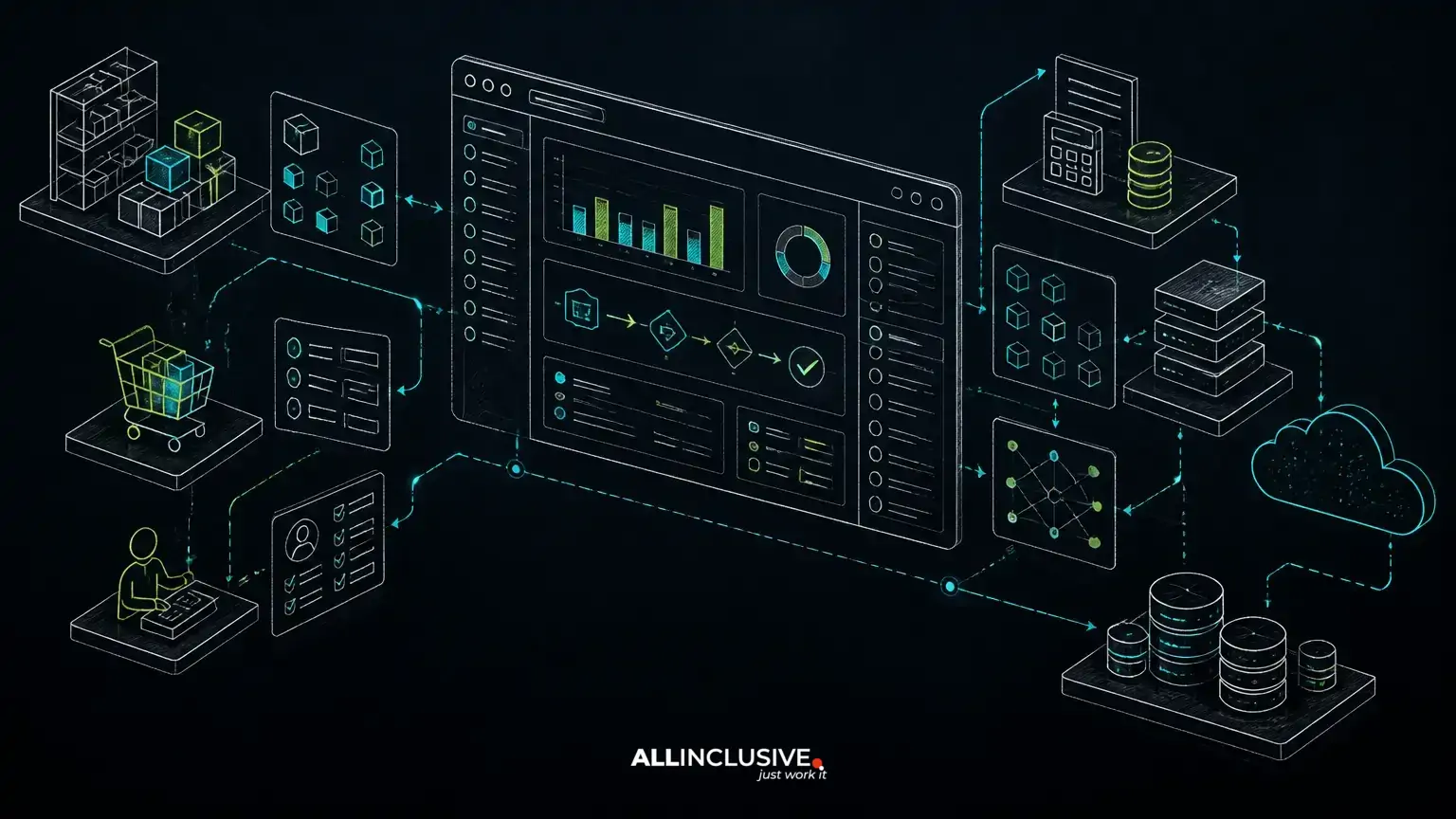
A custom ERP web application is worth considering when a business needs coordinated operations but does not need—or cannot effectively use—the breadth and complexity of a full enterprise suite. The decision is less about choosing custom software by default and more about matching technology to the workflows that create business value.
A focused ERP application may centralize orders, inventory, purchasing, fulfillment, billing, customer records, approvals or reporting around the way a particular organization operates. It can reduce manual handoffs and duplicate data without forcing every team into processes designed for a different industry or operating model.
The strongest implementations begin with workflow discovery, not a list of screens. The architecture should reflect how work moves through the business, which rules must be enforced, which systems remain authoritative and how the product will be maintained after launch.
When a focused ERP application is a better fit
Full enterprise suites provide broad functionality across finance, supply chain, human resources, customer operations and other domains. That breadth can be valuable for organizations with complex, standardized requirements and the resources to configure, govern and integrate the platform.
A custom application may be a better fit when the business has a narrower but distinctive operating model. Common signals include:
- The most important workflows are specific to the company or industry.
- Existing tools cover individual departments but do not share reliable operational data.
- Employees rely on spreadsheets, email or manual exports to move work between systems.
- The organization needs a customer, supplier or partner portal alongside internal operations.
- Users need a streamlined experience rather than access to a large set of rarely used modules.
- Licensing, configuration or integration constraints make the preferred suite difficult to adapt.
- The company wants ownership of its source code and control over product evolution.
These signals do not prove that custom development is the right answer. They indicate that the evaluation should focus on workflow fit, total operating effort and the cost of adapting a general-purpose product.
Start with business workflow, not ERP modules
ERP projects often become expensive when teams start by reproducing familiar modules: products, customers, invoices, purchase orders and dashboards. Those objects matter, but they do not explain how the organization actually creates, approves and completes work.
A workflow-first discovery process maps events, decisions, roles, exceptions and external dependencies. For example, a distribution business might need to support a process that begins with a sales order, checks account-specific pricing, reserves stock, routes an approval, schedules fulfillment, generates documents and synchronizes financial data. The valuable product is the controlled flow between those steps—not simply a collection of CRUD screens.
Useful discovery questions include:
- Which event starts each operational process?
- Who can create, approve, change or cancel a transaction?
- What information must be present before work can proceed?
- Which exceptions require human review?
- Which system owns the customer, product, inventory or financial record?
- What must be auditable, and for how long?
- Which tasks are performed by employees, customers, suppliers or automated services?
A structured web app discovery phase helps turn those answers into a bounded product scope before architectural commitments make change more expensive.
Core architecture decisions for a custom ERP web application
Choose a modular domain structure
A focused ERP application should separate business capabilities even when it is initially delivered as a single web application. Orders, inventory, purchasing, billing, identity and reporting may share infrastructure, but each domain should have clear responsibilities and rules.
This modular structure makes future changes safer. A billing integration can evolve without rewriting inventory logic, and a new portal can use approved domain operations without directly modifying database records. A modular monolith is often a sensible starting point when a product has one primary deployment and a small engineering team; distributed services may be justified later by independent scaling, deployment or ownership needs.
Model the system of record explicitly
Custom ERP projects commonly integrate with accounting platforms, payment processors, ecommerce systems, shipping providers, CRM tools or warehouse software. Each integration should have a documented ownership model. The application may own operational status while an accounting system owns ledger entries, for example.
Without this distinction, teams create conflicting records, unreliable synchronization and unclear correction procedures. Integration design should define data direction, identifiers, retry behavior, duplicate handling, failure visibility and reconciliation processes.
Design permissions around business responsibilities
ERP data often contains commercial, financial and operational information with different access requirements. Permissions should reflect actions and responsibilities, not only broad labels such as “admin” or “employee.”
Consider role-based access, organization boundaries, record-level restrictions, approval limits and separation of duties. A purchasing user might create a request but not approve it above a threshold. A customer may view only its own orders, while an internal account manager may view several assigned organizations.
Permission design is easier to maintain when it is treated as a domain concern from the start. The related guide to role-based access control for web apps explores how to model these rules before they become scattered across screens and controller logic.
Plan for multi-tenancy only when the product requires it
If the application will serve multiple companies, franchises, business units or customer organizations, tenancy must be designed into the data model, authorization layer, billing model and operational tooling. Isolation can involve shared tables with tenant keys, separate schemas or separate databases, depending on risk, scale and operational requirements.
Multi-tenancy also affects imports, exports, notifications, support access, reporting and background jobs. It should not be added as a superficial account field after the core application has already assumed a single organization.
For a deeper treatment of tenant isolation, roles, billing and scaling trade-offs, see multi-tenant SaaS architecture.
Build the smallest useful operational system
A custom ERP application should not attempt to replace every existing tool in its first release. A better initial boundary usually includes the workflow where fragmentation creates the greatest operational cost, plus the integrations needed to make that workflow reliable.
For example, an initial release might include:
- Organization, user and permission management.
- A defined order-to-fulfillment or request-to-approval workflow.
- Operational records with history and audit events.
- Selected integrations with accounting, payments, inventory or shipping systems.
- Role-specific dashboards and actionable notifications.
- Exports and reconciliation tools for operational control.
Features such as advanced forecasting, configurable workflow builders, broad analytics or extensive mobile functionality can follow when their requirements are understood. This approach protects delivery speed while leaving room for the product to expand.
Technology choices should follow the operating model
The technology stack should support the application’s workflow, team capabilities and expected operating conditions. PHP with Laravel can be suitable for transactional web applications that need clear routing, authentication, validation, queues, scheduled tasks and maintainable domain code. Python may be appropriate where the product has substantial data processing, automation or machine-learning requirements. A browser-based frontend can provide a consistent interface for internal users, customers and partners without requiring separate desktop deployments.
These are options, not automatic prescriptions. The important decisions include how business rules are represented, how data changes are tested, how background work is monitored and how releases are deployed safely. AI features may assist with document extraction, classification, search or recommendations, but production use still requires validation, permissions, human review where appropriate, observability and a clear response to uncertain output.
Source-code ownership also matters. A custom-built system should have documented repositories, deployment procedures, environment configuration, data models, integration credentials management and operational runbooks. Ownership reduces dependence on a vendor’s proprietary configuration model, but it also creates responsibility for maintenance and security.
Operational safeguards determine whether the system earns trust
ERP software becomes part of daily operations, so reliability is more than application availability. Users need confidence that transactions are not silently lost, duplicate actions are controlled and failures can be investigated.
Important safeguards include:
- Database backups with tested restoration procedures.
- Audit trails for material changes and approvals.
- Idempotent handling for integrations and repeatable jobs.
- Validation at both user-interface and server boundaries.
- Monitoring for failed queues, synchronization errors and unusual activity.
- Environment separation for development, testing and production.
- Documented release, rollback and incident procedures.
Support planning should begin before launch. The support and maintenance process should cover security updates, dependency management, defect triage, monitoring, backups and controlled feature changes.
How to compare custom development with a full suite
A useful comparison should evaluate the complete operating model rather than only implementation cost. Assess both options against the same criteria:
- Workflow fit: How many important processes require workarounds or customization?
- Implementation scope: What must be configured, integrated, migrated and tested?
- User adoption: Can users complete frequent tasks efficiently and accurately?
- Data ownership: Can the organization access, export and govern its operational data?
- Change speed: How easily can the system support new products, roles, channels or rules?
- Integration burden: Are external systems supported cleanly, or will custom connectors become a permanent liability?
- Operating responsibility: Who manages upgrades, monitoring, security, support and continuity?
- Exit options: What happens if the business changes platforms, vendors or operating models?
A full suite may win when standardized breadth, mature administrative controls and established domain functionality outweigh the cost of adapting the platform. A custom application may win when the differentiating workflow is narrow, central and poorly served by existing products.
When to stabilize, extend or replace an existing system
Not every ERP problem calls for a new application. If the existing system has sound data ownership and stable interfaces, an integration layer or focused portal may solve the most urgent workflow problem. If the system is maintainable but difficult to use, targeted extensions may be sufficient.
Replacement becomes more credible when core workflows depend on undocumented behavior, data cannot be reconciled, changes require unsafe edits or the platform prevents essential operational improvements. Before deciding, document the current system’s dependencies, data quality, failure points and migration constraints. The guide to web application modernization strategy provides a useful distinction between stabilizing, refactoring, migrating and rebuilding.
Use custom ERP engineering to make operations clearer
A focused ERP web application is not a smaller version of an enterprise suite. It is a product designed around a defined set of business workflows, users, data responsibilities and operational controls.
The best candidates have a clear process that matters, measurable friction in the current approach and a realistic commitment to ownership after launch. When those conditions exist, custom-made product engineering can create a maintainable system that fits the business instead of requiring the business to conform to an oversized platform.
For organizations evaluating that path, custom web development should begin with workflow boundaries, system-of-record decisions, permission models and a delivery plan—not with a promise to reproduce every ERP module.