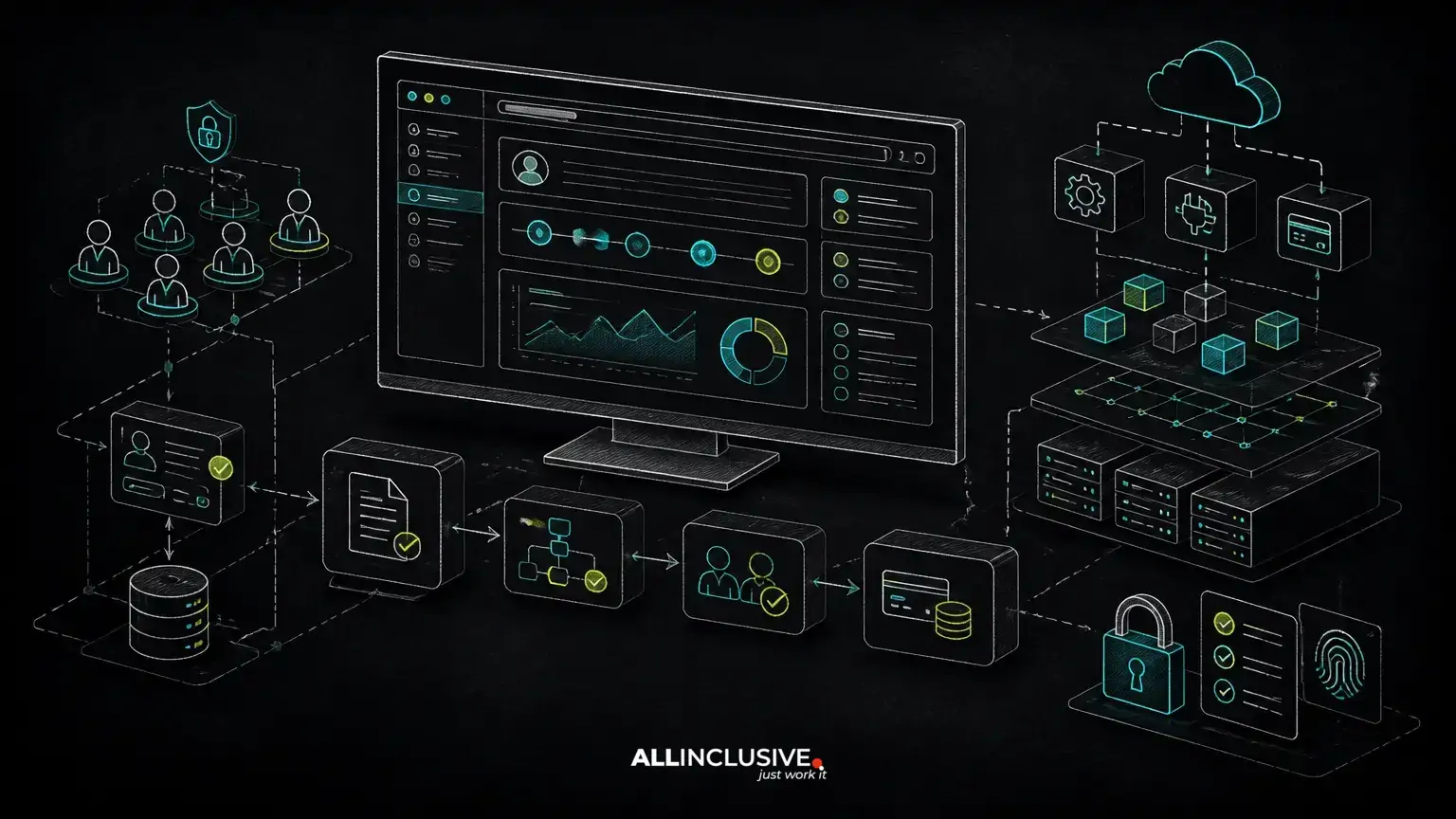
Customer portal development is the process of building a secure web application where customers can complete tasks, access information and communicate with a business without relying on disconnected email threads or manual updates. A well-designed portal may support account management, documents, orders, support requests, billing, approvals or booking workflows. The right feature set depends on the customer journey and the operational work behind it.
Custom customer portal development combines authentication, permissions, account data, workflows, integrations, security and a user experience designed around the tasks customers actually need to complete. The architecture should be defined before interface complexity is added.
The most important decision is not which framework to use. It is how the portal will represent the business workflow, permissions, data boundaries and integrations. Custom-made product engineering is often appropriate when an off-the-shelf portal cannot accommodate the organization’s rules or when the portal is part of a broader SaaS, marketplace, booking or internal system.
Start customer portal development with the customer workflow
A portal should reduce a specific source of friction. Before defining screens, document what customers need to do, what employees must review and which systems are authoritative for each piece of data.
A useful workflow map identifies:
- The customer’s starting point, such as an invitation, purchase, application or support request.
- Actions the customer can perform and actions that require internal approval.
- Status changes, notifications, deadlines and exception paths.
- Documents, records or payments exchanged during the process.
- Employees, administrators or external partners who need visibility.
- Existing systems that must remain synchronized with the portal.
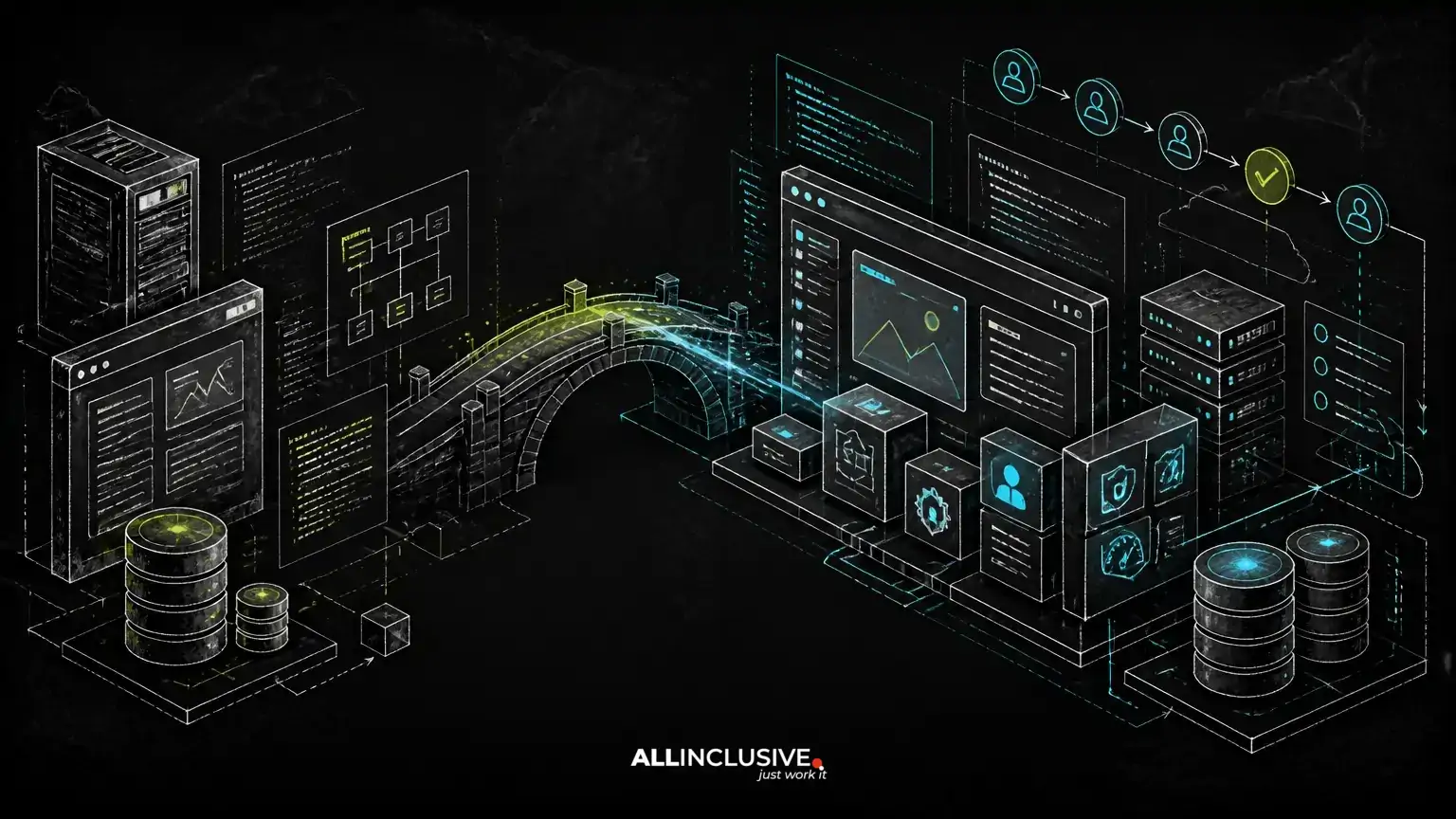
This approach prevents a common failure mode: building a polished dashboard that does not resolve the operational bottleneck. For a portal that replaces email and spreadsheets, the workflow itself should determine the data model, permissions and user interface. A related B2B portal development approach can be useful when the system serves business customers, account teams and approval chains.
Core customer portal features to prioritize
Most portals need a shared foundation, but not every capability belongs in the first release. Prioritize features that complete the primary customer task and create reliable operational data.
Identity and account management
Customers may need registration, invitations, password recovery, multifactor authentication, profile editing and organization-level account management. Decide whether users belong to one organization, multiple organizations or individual accounts. That decision affects navigation, permissions and data isolation.
Role-based access control
Role-based access control, or RBAC, defines what a user can see and do. A basic model might distinguish customer users, account administrators, support staff and system administrators. More complex portals may require permissions at the organization, project, record or field level.
Do not treat RBAC as a set of hidden buttons. The authorization policy must also be enforced on the server for every protected action and data query. Otherwise, a user could bypass the interface and request data directly.
Customer records and self-service actions
The portal should expose only the records needed for the customer’s task. Common examples include orders, subscriptions, cases, invoices, appointments, applications, product configurations and project updates. Self-service actions might include submitting a request, approving a document, changing a plan or uploading evidence.
Documents, messages and notifications
File uploads require clear ownership, access rules, retention policies and malware-handling procedures. Notifications should be tied to meaningful workflow events rather than generated for every database change. Email, in-app messages and optional SMS can support different urgency levels, but the portal should remain the system of record where appropriate.
Billing and payments
If customers pay through the portal, define whether the portal is collecting one-time payments, recurring subscriptions, deposits, invoices or usage-based charges. Payment processing introduces reconciliation, refunds, failed payments, tax and webhook-handling requirements. The payment provider may process card data, but the application still needs a reliable model for payment status and business fulfillment.
Architecture decisions that shape the portal
Customer portal architecture should reflect expected workflows, integrations, data sensitivity and operational ownership. A modular monolith is often a practical starting point for a custom portal because it keeps related business rules together while allowing clear boundaries between authentication, accounts, workflows, billing, documents and notifications.
A service-oriented architecture may be justified when separate teams, independent scaling needs or strict isolation requirements exist. It also adds distributed-system concerns, including service contracts, observability, retries, event ordering and deployment coordination. Splitting an application into services before those needs exist can slow delivery and make troubleshooting harder.
Application and data layers
A typical architecture includes a browser-based customer interface, an application layer that enforces business rules, a relational database for transactional records and background workers for tasks such as notifications, imports and document processing. Object storage may be appropriate for files, while a queue can separate slow or retryable work from the customer-facing request.
Use the application layer to validate state transitions. For example, a customer should not be able to approve an expired request simply because a front-end control was still visible. Business rules should remain testable and independent from individual screens.
Multi-tenancy and data isolation
For a portal serving multiple companies, multi-tenancy must be designed early. Common models include a shared database with tenant identifiers, separate schemas or separate databases. Each option affects cost, operations, migrations, backup strategy and isolation.
A shared model can be efficient, but every relevant query and background job must apply tenant boundaries consistently. Separate storage can provide stronger isolation but increases operational complexity. The appropriate choice depends on regulatory obligations, customer expectations, scale and the sensitivity of the data—not on a universal architecture rule.
Integrations and system ownership
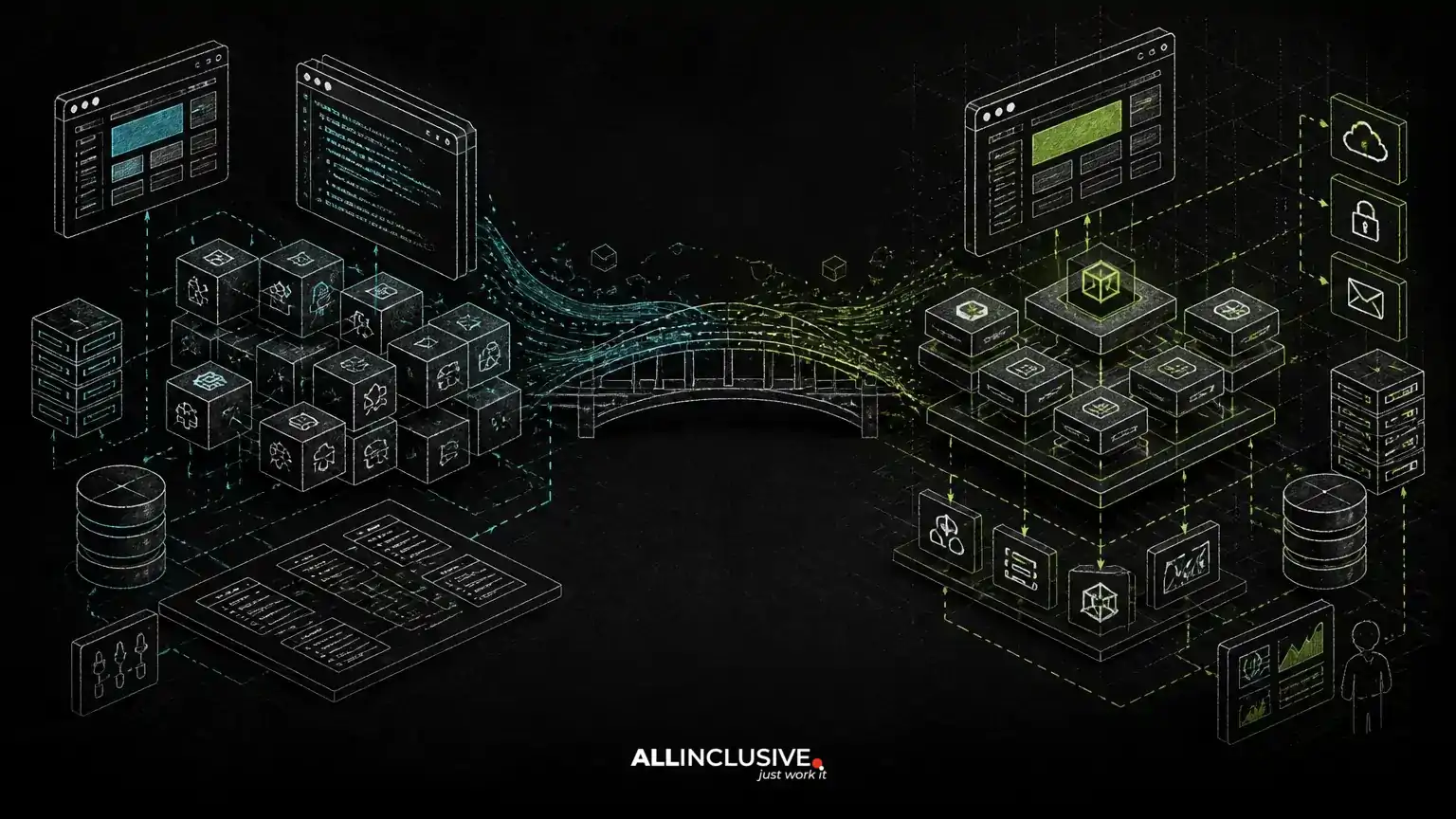
Decide which system owns each record. If an ERP owns invoice status, the portal should not create a competing editable version. If a CRM owns account identity, the integration should define how changes are reconciled. Integration designs should account for authentication, rate limits, retries, partial failures, duplicate events and manual recovery.
For complex integrations, an explicit synchronization model is safer than assuming two systems will remain identical. Store external identifiers, record synchronization status and preserve enough history to diagnose mismatches.
Security decisions for customer portal development
Security should be designed into the portal’s workflow rather than added as a final checklist. The threat model depends on the data and actions exposed, but several controls are broadly important.
- Authentication: use secure session or token handling, account recovery controls and stronger verification where the risk warrants it.
- Authorization: enforce permissions server-side and test horizontal access boundaries between users, organizations and records.
- Input handling: validate data, protect against injection and treat uploaded files as untrusted.
- Secrets: keep credentials and encryption keys outside source code and limit access by environment and role.
- Auditability: record sensitive actions such as permission changes, approvals, exports and payment-related events.
- Privacy: define retention, deletion, export and access procedures for customer data.
- Operational security: monitor authentication failures, unusual access and integration errors, with an incident response process.
Security also includes product behavior. A portal that sends sensitive information in email, exposes overly broad search results or allows irreversible actions without confirmation can create risk even when its login system is sound.
Choosing a custom build versus an off-the-shelf portal
An existing portal product may be suitable when the workflow is conventional, integrations are available and the organization accepts the vendor’s data model and user experience. It can reduce initial implementation effort, but licensing, customization limits, data portability and vendor dependency should be evaluated.
Custom customer portal development is more defensible when the portal contains differentiated workflow logic, needs deep integration with proprietary systems, serves multiple roles or will become a core product surface. Ownership of the source code can support long-term control over changes, hosting, data structures and integrations. That ownership also creates responsibility for maintenance, security updates, monitoring and documentation.
The comparison should consider total operating effort rather than only initial build cost:
- How much of the required workflow is supported without workarounds?
- Can the system enforce the necessary permission and data-isolation model?
- Who owns the source code, data and deployment process?
- How difficult will integrations and future changes be?
- Can the business support the application after launch?
Technology choices for a maintainable portal
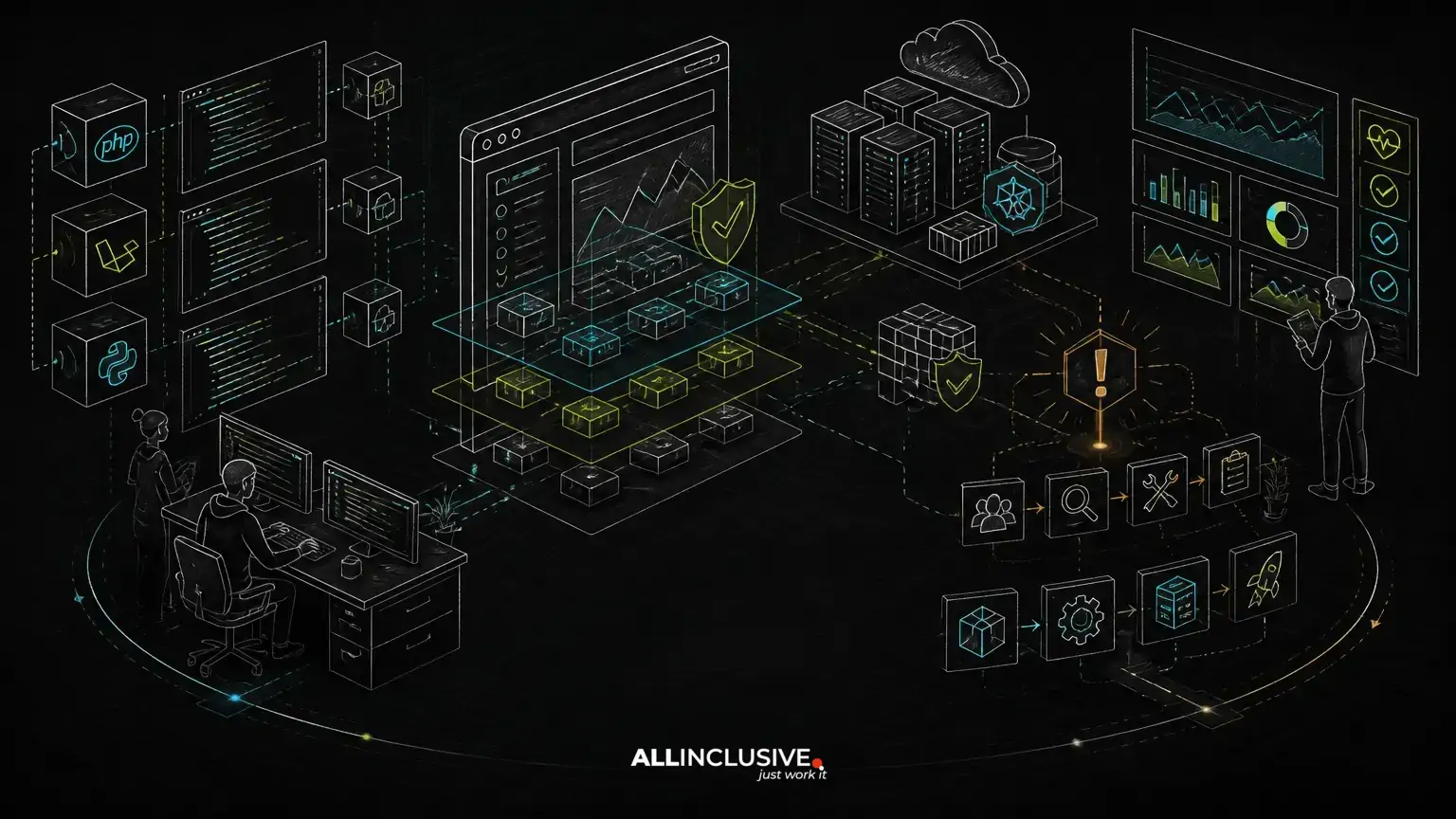
PHP and Laravel can be a suitable foundation for many custom portals that require structured business logic, relational data and conventional web delivery. Laravel’s ecosystem can support authentication, queues, scheduled jobs, notifications and API development, but the framework does not replace architecture or security design.
Python may be appropriate when the portal is closely connected to data processing, scientific workflows or existing Python services. A separate front-end application may improve interactivity for complex workflows, while server-rendered pages can reduce unnecessary client-side complexity for form-heavy experiences.
AI features can be added when they solve a defined problem, such as document classification, assisted search or draft responses. Production use requires permission-aware retrieval, evaluation, failure handling and a clear distinction between generated suggestions and authoritative business records. AI should not silently make high-impact decisions when users need traceability and control.
Plan delivery around a narrow, testable release
A first release should support one complete workflow end to end. That may include account access, a core customer action, internal review, status communication and the required integration. Deferring secondary dashboards, advanced automation and broad customization can make the initial system easier to validate.
Use acceptance criteria that describe outcomes and rules, not only interface elements. Test ordinary paths, rejected actions, duplicate submissions, expired links, failed integrations, permission changes and recovery procedures. Operational readiness should include backups, logging, deployment documentation, monitoring and a support process.
For a broader view of sequencing custom software work, see the custom web application development process. If the portal includes recurring plans or account-based access, SaaS MVP development principles can help separate the essential product loop from later expansion.
Questions to answer before development begins
- Which customer workflow will the portal improve first?
- Which system owns each important record?
- What can each user, organization and internal role see or change?
- What happens when an integration, payment or notification fails?
- How will files, audit records and personal data be retained?
- Which features are required for the first complete workflow, and which can wait?
- Who will own the source code, hosting, updates and operational response after launch?
Customer portal development is successful when the application makes the intended workflow clearer, safer and easier to operate—not merely when it provides a login and dashboard. Mapping the business process first, choosing architecture proportionate to the requirements and treating authorization and integrations as core product concerns creates a stronger foundation for future growth.
For custom product engineering across portals, SaaS products and internal systems, explore Allinclusive development services. Ongoing reliability also depends on a defined maintenance model; see support and maintenance for the operational work that follows launch.