AI copilot development is not primarily a prompt-writing exercise. A useful copilot is an assistive product feature that understands a user’s context, operates within clear permissions, produces appropriately cautious output and fits the way work already gets done. The strongest implementations reduce repetitive effort without forcing people to surrender judgment or learn an entirely new workflow. Teams working on ai copilot development may also need the implementation guidance in custom software development.
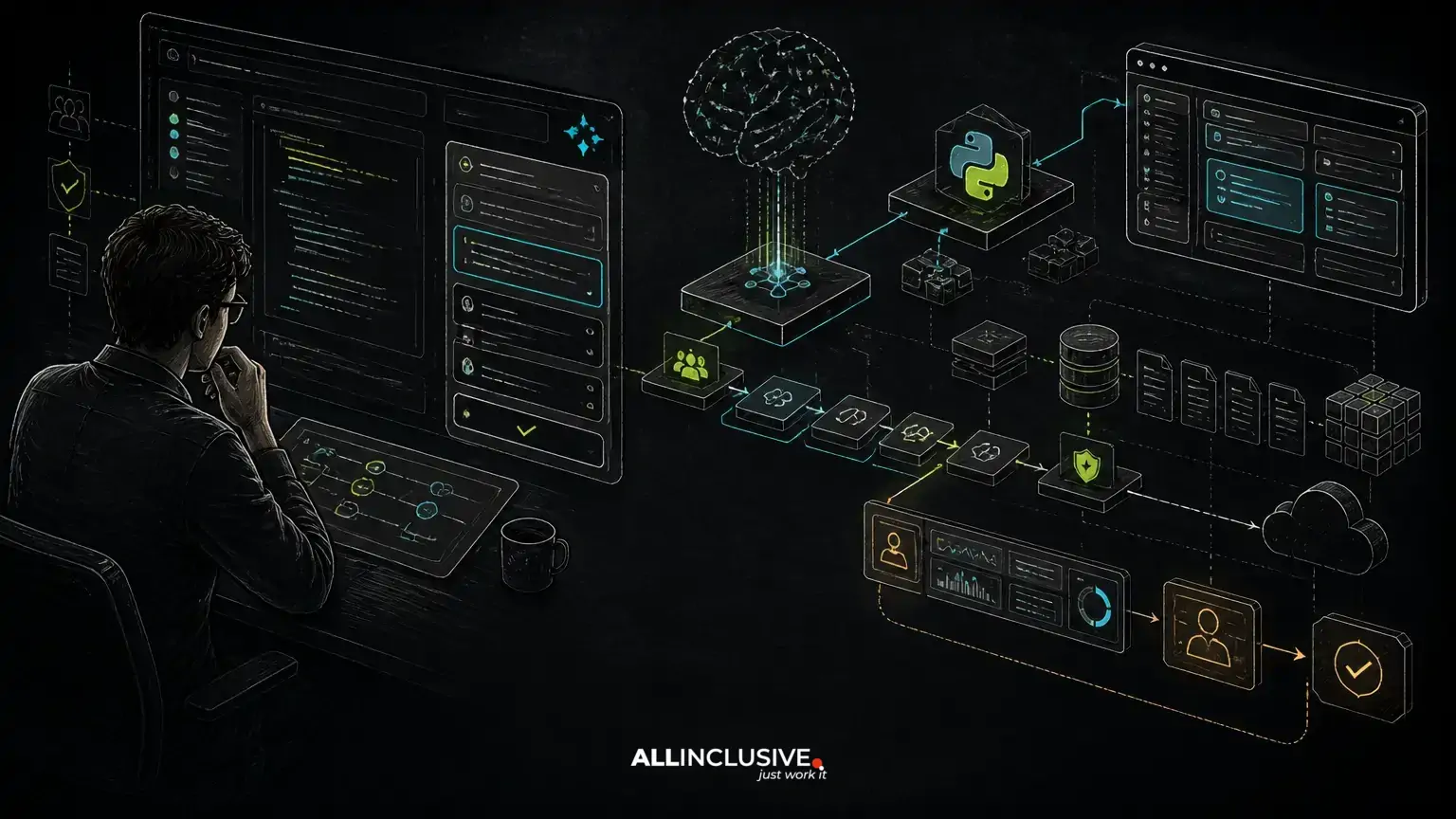
That requires more than connecting an interface to a large language model. Production copilots need reliable data access, retrieval where necessary, tool controls, evaluation criteria, monitoring, privacy safeguards, fallback behavior and a human-review path for consequential actions. The right design also depends on the application around the model: a Python service may own AI workloads while Laravel or another web application layer manages accounts, workflows, permissions and audit records.
What an AI copilot should do
A copilot assists with a defined category of work rather than attempting to be a general-purpose assistant for every task. It may summarize a case, draft a response, identify missing information, explain an internal procedure or recommend the next step. The user remains able to inspect, edit, reject or approve the result.
This distinction matters because a copilot’s value is measured inside a workflow. A technically impressive answer that arrives in the wrong system, lacks source context or cannot be reviewed may create more work than it removes. During discovery, product and engineering teams should identify:
- Which user decisions or repetitive tasks are candidates for assistance.
- What information the user needs at that point in the workflow.
- Which actions are advisory and which could change records, send messages or trigger downstream processes.
- What an acceptable answer looks like, including when the system should decline to answer.
- Where a person must review, approve or correct the result.
Start with the workflow, not the model
A common failure mode is choosing a model before defining the job. A better process maps the current workflow and identifies friction that language models can address without obscuring business rules.
For example, an internal support copilot might collect relevant account history, retrieve approved troubleshooting guidance, draft a response and highlight unresolved questions. It should not silently change billing data or promise an outcome that the source systems do not support. Separating these responsibilities makes the feature easier to test and safer to expand.
Use case selection should consider both user value and operational risk. Drafting and summarization are often easier to review than autonomous actions. A recommendation based on incomplete records may be acceptable if uncertainty is visible; an irreversible action requires stronger controls, confirmation and an audit trail.
A practical copilot architecture
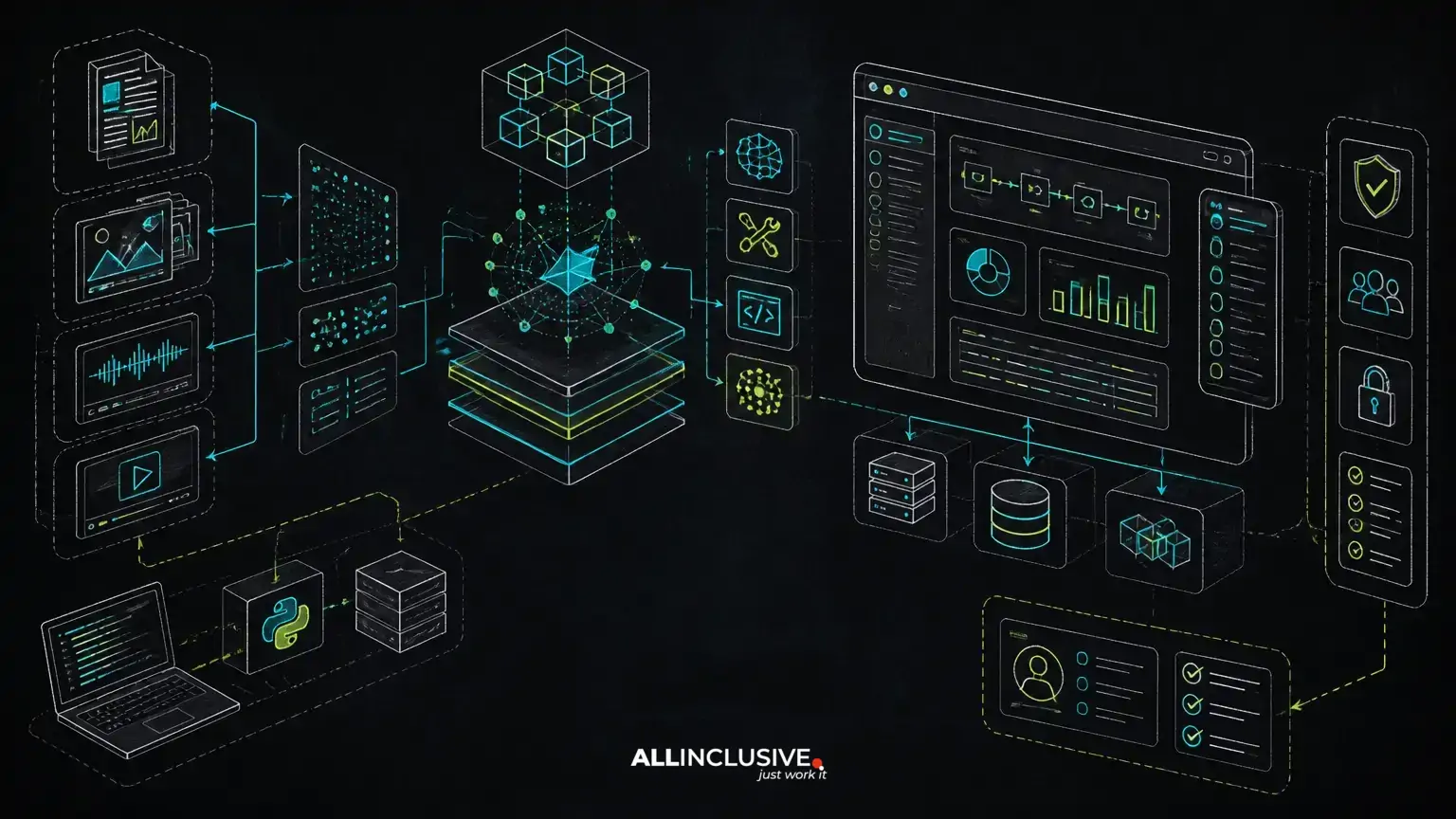
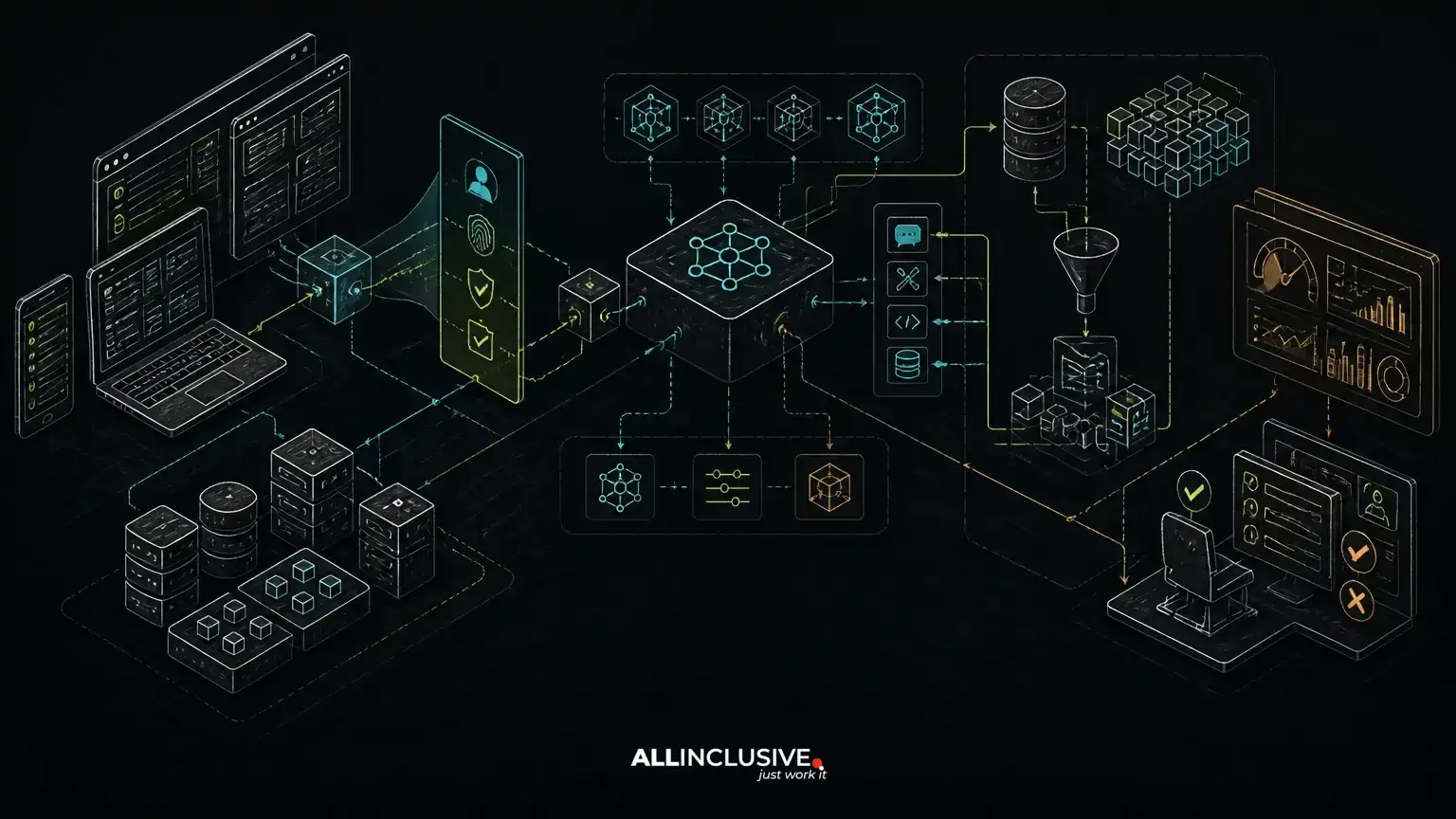
A production architecture usually contains several cooperating layers:
- Application layer: Handles identity, user interface, workflow state, permissions and business rules. Laravel or another application framework can own these responsibilities.
- AI orchestration layer: Coordinates prompts, model calls, retrieval, tool use, structured outputs, retries and fallbacks. Python is often a suitable choice for AI-heavy services, although the best boundary depends on the existing system.
- Knowledge and retrieval layer: Stores indexed content and retrieves relevant passages when the answer depends on internal or changing information.
- Tool layer: Exposes narrowly defined operations such as searching an account, creating a draft or requesting an approval. Tools should enforce authorization independently of the model.
- Evaluation and observability layer: Records useful telemetry, traces requests and measures quality, latency, cost and failure modes without exposing unnecessary sensitive data.
The integration boundary should be explicit. The application should not treat model output as trusted business logic, and the model service should not bypass the application’s authorization model. Structured requests and responses make ownership clearer and reduce brittle parsing.
For a broader view of production-oriented AI scope, see what custom AI development should include beyond an API wrapper.
When retrieval improves a copilot
Retrieval-augmented generation, or RAG, is useful when the copilot needs information that is private, frequently updated, too large for a prompt or specific to an organization. A retrieval pipeline typically turns source material into chunks, creates embeddings, searches for relevant content and supplies selected passages to the model.
Retrieval quality is not guaranteed by adding a vector database. Documents need sensible boundaries, metadata, access controls and update procedures. A useful pipeline may combine semantic retrieval with keyword filters, metadata constraints and reranking. The system should also preserve citations or source references when users need to verify an answer.
Access control must apply during retrieval, not only in the user interface. A user should not receive text from a document merely because the document happened to rank highly. Tenant, role, project and record-level permissions should be represented in the retrieval design.
RAG is not always the answer. If the task depends on deterministic calculations, transactional data or a small set of explicit rules, direct application queries or conventional code may be safer. For the distinction between retrieval and model customization, read RAG vs fine-tuning.
Agents, tools and controlled action
Some copilots need more than one model response. They may search several systems, ask for missing information, call a calculator or prepare a multi-step draft. This is where agentic patterns can help, but autonomy should be introduced deliberately.
A tool should have a narrow purpose, a typed input, explicit authorization checks and predictable error handling. Read-only tools are generally easier to govern than tools that create, update or delete records. Write operations should require confirmation or a business workflow when the consequences are material.
Do not assume that an agent will reliably follow a verbal instruction such as “never disclose confidential information.” Enforce critical rules in code, limit available tools, validate arguments and record significant actions. If an operation cannot be safely reversed, consider requiring human approval before execution.
Agent design is a separate engineering concern from a simple copilot response. The article AI agent development: what makes an agent production-ready provides a useful framework for evaluating planning, tool use and operational controls.
Designing for uncertainty and human review
Language models can produce fluent but incorrect output. A usable copilot makes uncertainty manageable rather than hiding it behind confident wording. The interface can show source passages, distinguish retrieved facts from generated suggestions, flag missing information and let users edit the draft before it is committed.
Human review should be designed as part of the workflow, not added as a vague policy after launch. Define:
- Which outputs require approval.
- What evidence the reviewer needs.
- How corrections are captured.
- What happens when the reviewer rejects a result.
- Whether approved output can be reused safely.
Fallback behavior is equally important. If a model provider is unavailable, retrieval returns no relevant material or the request exceeds a confidence threshold, the system can offer a conventional workflow, ask the user to provide more context or route the task to a person. A graceful fallback is more valuable than an unreliable attempt to answer every request.
Evaluations before and after launch
Production evaluation requires more than checking whether a few prompts produce plausible responses. Create a representative test set that reflects real tasks, edge cases, permission boundaries and known failure modes. Depending on the use case, evaluate factual support, completeness, relevance, instruction following, formatting, refusal behavior and tool-call correctness.
Automated checks can help with repeatable properties, while expert review remains important for nuanced or domain-specific work. Test data should include adversarial and ambiguous requests, stale documents, missing records and users with different permission levels.
After release, monitor quality using privacy-conscious traces and user feedback. Useful signals may include edits, approvals, rejections, escalations, fallback frequency, retrieval misses, latency and token or provider costs. These signals should inform product improvements, but they should not be interpreted as perfect measures of business value.
Privacy, security and data ownership
Copilot design should begin with a data inventory. Identify what enters prompts, what is retrieved, what is stored in logs and which external services process the content. Minimize data sent to the model, redact information where practical and define retention rules for prompts, outputs and traces.
Permissions should follow the application’s established identity and authorization model. The model should never decide independently whether a user is allowed to view or modify a resource. Secrets, credentials and unrestricted database access should not be exposed through prompts or general-purpose tools.
Also consider prompt injection in retrieved documents, uploaded files and user messages. Treat retrieved content as untrusted input, separate instructions from data where possible and validate every tool request. Security review should cover both the AI service and the surrounding web application.
Latency, cost and maintainability
A copilot’s operating model includes model calls, retrieval, reranking, tool execution, storage and observability. Cost and latency can increase when the system sends excessive conversation history, invokes several models or retrieves too many passages. Keep context purposeful, cache suitable results and use smaller or less expensive models for tasks that do not require advanced reasoning.
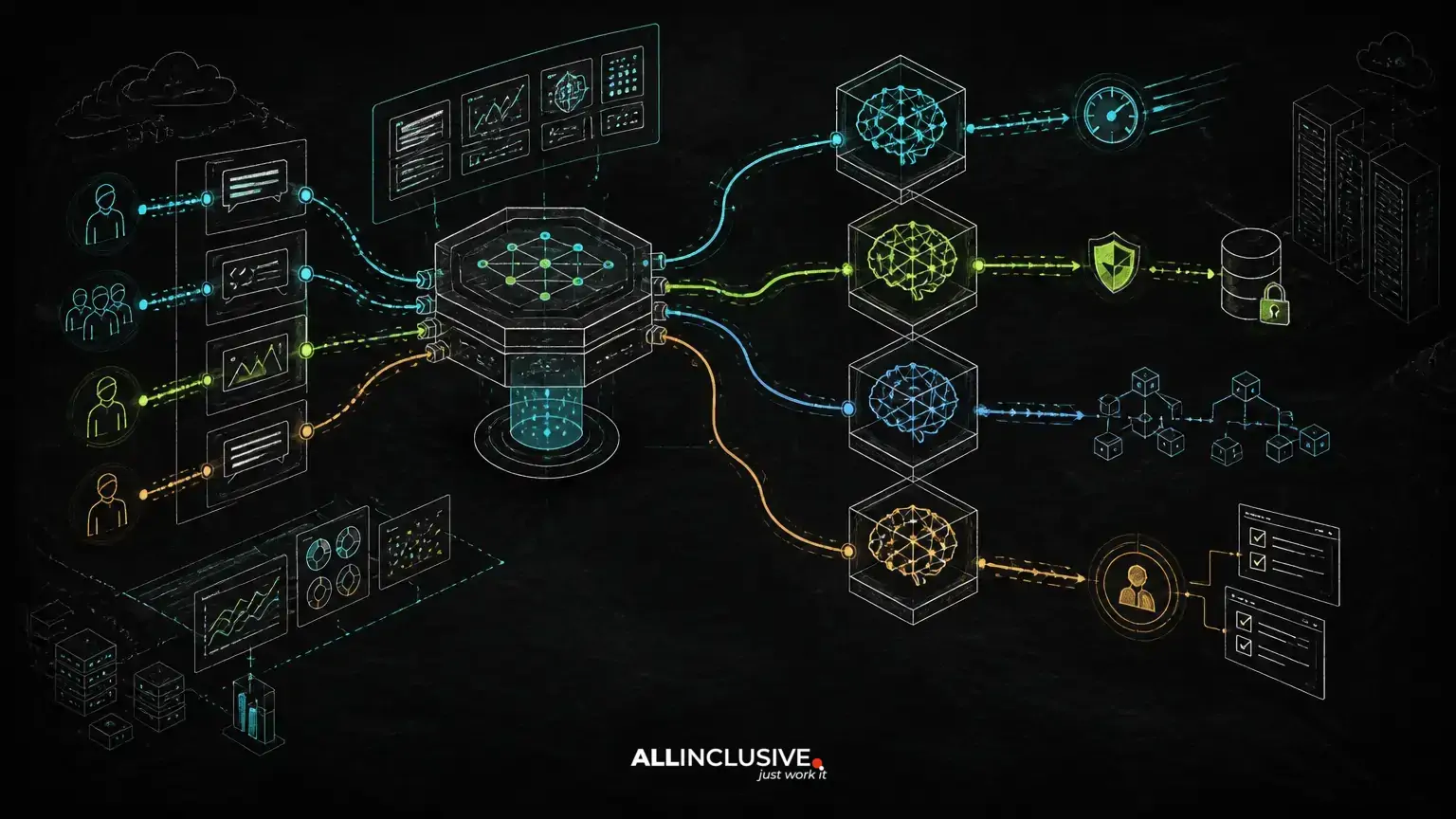
Model routing can assign different requests to different models based on complexity, privacy requirements or response format. It should be governed by measurable quality criteria rather than assumptions about model names or marketing categories. Provider abstractions can reduce lock-in, but excessive abstraction may hide important differences in capabilities, limits and failure behavior.
Maintainability improves when prompts, schemas, retrieval configuration and model settings are versioned like code. Changes should be tested against a regression set before deployment. Application teams also need ownership for source-data freshness, evaluation maintenance, incident response and provider changes.
A decision checklist for AI copilot development
- Define one workflow and the user outcome it should improve.
- Separate suggestions from actions and identify approval points.
- Determine whether the task needs retrieval, tools, deterministic code or a combination.
- Design authorization at the application and data layers.
- Specify structured inputs, outputs, fallbacks and refusal behavior.
- Build representative evaluations before treating the feature as production-ready.
- Instrument latency, cost, retrieval quality, failures and user corrections.
- Document data handling, retention, provider boundaries and operational ownership.
When the copilot must live inside an existing product, the surrounding application architecture is as important as the model integration. Explore web development services and application engineering considerations alongside the AI design. For Python-centered AI workloads and service integration, see Python development capabilities.
Build the smallest useful copilot, then earn more autonomy
The best first release is usually a narrow assistive feature with clear evidence, limited tools and an easy review path. It should solve a real workflow problem while generating the feedback needed to improve retrieval, prompts, interfaces and business rules.
As reliability becomes measurable, the copilot can take on more context or carefully bounded actions. That progression is safer than beginning with an autonomous agent and attempting to add controls after users encounter failures. A production-minded approach treats AI as software that must be integrated, evaluated, secured and maintained—not as a demo that happens to generate text.
For organizations assessing the broader implementation path, AI development services can provide a starting point for scoping architecture, integration and operational requirements.