
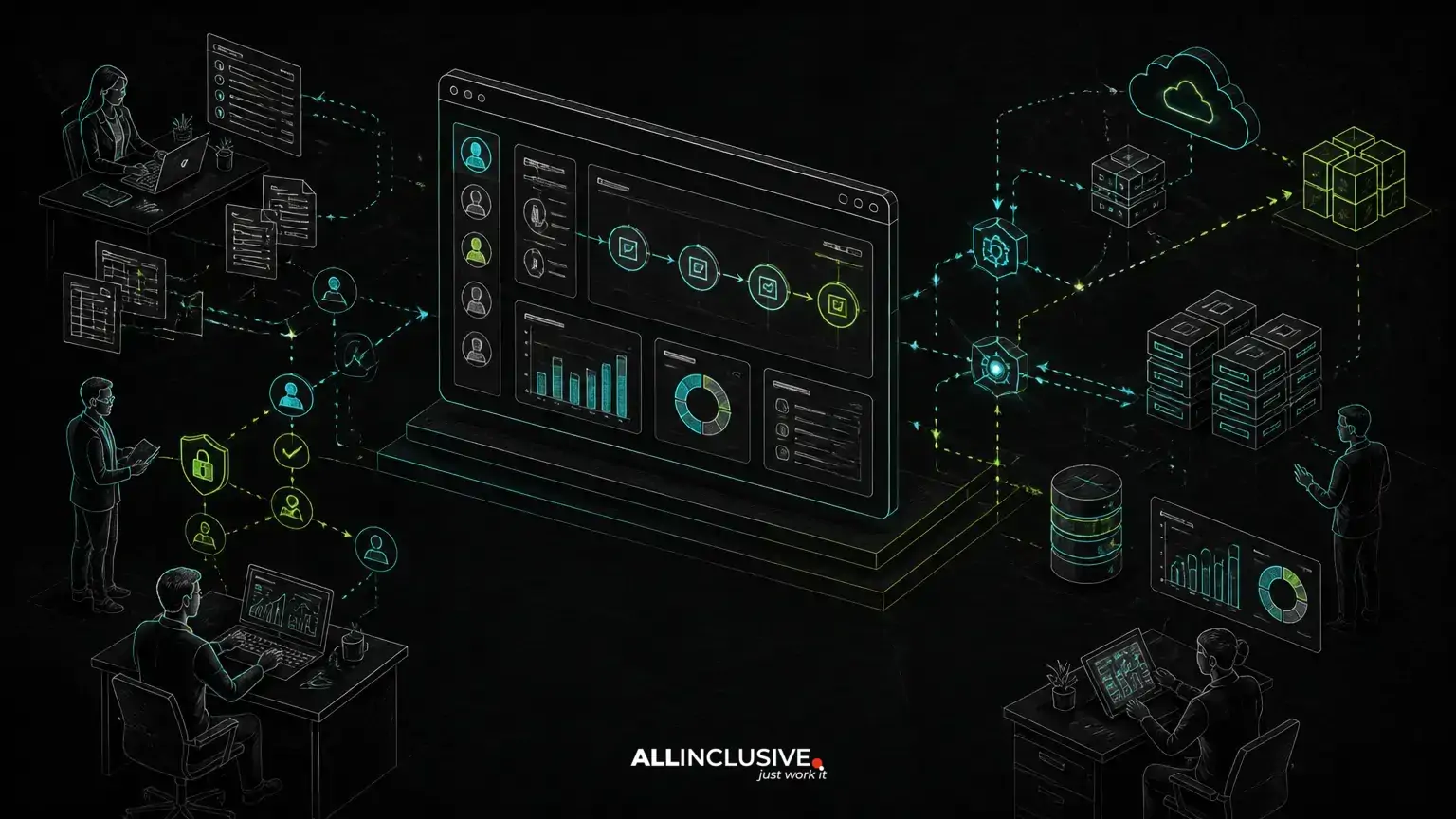
B2B portal development is the process of building a secure web application that gives business customers, suppliers, distributors or internal teams one place to submit requests, exchange documents, track status and complete operational work. The strongest portals do more than move email into a browser: they turn fragmented steps into a controlled workflow with clear ownership, permissions, integrations and audit history.
That distinction matters. A portal built around a collection of screens can reproduce the same confusion as email and spreadsheets. A portal built around the business process can reduce duplicate entry, make handoffs visible and provide reliable operational data without forcing every team to change its core systems at once.
When a B2B portal is better than another shared inbox or SaaS tool
A custom portal becomes worth considering when the workflow has rules, roles or exceptions that generic tools cannot represent cleanly. Common signals include:
- Customers or partners repeatedly request the same information through email.
- Employees re-enter portal, spreadsheet and accounting data by hand.
- Different users need different actions, records or approval limits.
- Requests pass through several teams and their status is difficult to verify.
- Documents, pricing, inventory or account information must be restricted by organization.
- Existing SaaS products handle isolated tasks but do not connect the complete workflow.
- Management needs operational reporting based on authoritative records rather than manually updated files.
This does not mean every organization should build a portal. If the process is standard, stable and adequately covered by an existing product, buying may be more sensible. Custom development is most defensible when the workflow itself is part of the business advantage or when integration, access control and ownership requirements exceed what packaged software can provide.
Start with the workflow, not the portal feature list
The first design artifact should be a map of how work moves from trigger to completion. For example, a distributor request might follow this path:
- A customer submits a request with products, quantities and delivery requirements.
- The portal validates required information and checks account-specific rules.
- A sales or operations user reviews the request and asks for clarification if needed.
- An approval step is triggered based on value, margin or customer permissions.
- The accepted request is sent to an ERP, CRM or fulfillment system.
- Status updates return to the portal and become visible to the appropriate users.
- Documents, messages and changes remain attached to the transaction.
Each step should identify the actor, permitted action, required data, system of record, notification and failure path. This exposes the decisions that a feature list tends to hide. “Add approvals” is not enough; the product team must define who approves, when approval expires, what happens after rejection and whether the requester can edit the record.
Model states and exceptions explicitly
A useful portal usually has a state model rather than a single status field that users edit freely. States might include draft, submitted, under review, changes requested, approved, processing, completed and cancelled. Transitions should be controlled by permissions and business rules.
Exceptions deserve equal attention. A customer may submit incomplete data, an integration may be unavailable, an approval may be overdue or an external record may change after submission. Designing these cases early prevents staff from falling back to private spreadsheets and side-channel email—the very behavior the portal is meant to replace.
Core architecture decisions in B2B portal development
Multi-tenant data boundaries
If multiple companies use one portal, the application needs a clear tenancy model. At minimum, each business record should be associated with an organization, and every query and authorization decision should respect that boundary. More complex products may include parent companies, divisions, shared service teams or users who belong to multiple organizations.
The right model depends on risk, scale, reporting and operational requirements. A shared database with tenant-aware records can be practical, while separate databases or infrastructure may be appropriate for stronger isolation requirements. The important point is that tenancy is an architectural concern, not a filter added to a few screens near launch.
Role-based access control with business context
Basic roles such as administrator, customer user and reviewer are rarely sufficient for a mature B2B workflow. Access may depend on organization, account, region, project, record ownership, approval threshold or lifecycle state.
Use permissions that describe actions and scope. A user might be allowed to view orders for one account, approve requests below a limit or download documents only after a transaction reaches a particular state. Authorization should be enforced on the server and represented consistently in the user interface, API and background jobs.
Keep authorization rules understandable and testable. Overly broad administrator access can create operational risk, while an excessively complicated permission model can make support and onboarding difficult.
System of record and integration boundaries
A portal should not become an accidental second ERP or CRM. Before implementation, decide which system owns each important data type. The portal may own submissions, conversations and workflow state, while an ERP owns invoices or inventory. A CRM may own account relationships, while the portal presents a controlled view of selected data.
Integrations should account for retries, duplicate messages, timeouts, partial failures and reconciliation. A successful user action should not silently disappear because an external API was unavailable. Queue-based processing, idempotent operations and visible integration status can make failures recoverable instead of forcing manual investigation.
Documents, messages and audit history
B2B workflows often depend on contracts, purchase orders, invoices, specifications or compliance documents. Store metadata such as owner, related transaction, version, upload time and access scope. Avoid treating an uploaded file as proof that a process step occurred; the application should record who performed the action, when it happened and what changed.
Audit history is useful for support, accountability and troubleshooting. It should be designed deliberately, with attention to retention, privacy and the difference between an immutable event record and an editable business note.
What the first release should contain
The first release should support one valuable end-to-end workflow rather than expose every possible portal capability. A sensible scope often includes:
- Organization and user administration.
- Authentication, password recovery and appropriate session controls.
- A single primary request or transaction type.
- Role-aware views and permitted actions.
- Validation, workflow states and approval rules.
- Notifications tied to meaningful events.
- Document or message handling where the process requires it.
- One or two high-value integrations.
- Search, filtering and operational reporting for the teams responsible for the workflow.
- Audit records and support tools for investigating issues.
Analytics, advanced dashboards, broad customization and automation can follow once real usage shows which information and exceptions matter. This approach is consistent with SaaS MVP development: validate the smallest complete product loop, not the smallest collection of incomplete screens.
Security and operational controls that should not be postponed
A B2B portal handles business data, so security is part of product design rather than a launch checklist. Requirements commonly include:
- Server-side authorization on every protected action.
- Tenant isolation and tests for cross-organization access.
- Secure password handling and session management.
- Protection against common web vulnerabilities through framework-supported patterns and careful input handling.
- Controlled file uploads, malware scanning where appropriate and safe download authorization.
- Audit logging for sensitive changes and administrative actions.
- Backups, restoration procedures and monitoring.
- Data retention and deletion rules aligned with contractual and regulatory needs.
Operational design matters as much as application code. Someone must be able to deactivate a user, correct a failed integration, investigate an unexpected state and restore service without editing production data informally.
Choosing a technology approach
The technology should follow the workflow, team capability and integration environment. A conventional server-rendered application can be an effective choice for forms, permissions and operational screens. A richer client application may be justified when users need complex editing, real-time collaboration or highly interactive data views.
PHP and Laravel can suit portal projects that need structured domain logic, authentication, queues, scheduled work and maintainable APIs. Python may be appropriate when the portal is closely connected to data processing, specialized automation or existing Python services. Neither language is automatically correct; the decision should reflect the product’s workflow, deployment model, hiring context and long-term ownership.
AI can assist with document classification, search, response drafting or anomaly review, but it should be introduced with a defined human decision point, clear data boundaries and a fallback when the model is uncertain. A prototype that produces plausible text is not the same as a production capability that must be explainable, monitored and permission-aware.
Build, buy or extend: a practical decision
Compare options against the actual workflow rather than against feature counts. Buying may be appropriate when the process is common, configuration is sufficient and integration costs are low. Extending an existing platform may work when its data model and permission system align with the business. Custom development is stronger when the process includes distinctive rules, multiple systems, complex organization boundaries or a need to own the source code and roadmap.
Evaluate:
- How much workflow change the business expects over the next few years.
- Whether the product can represent exceptions without manual workarounds.
- How data can be exported and integrated with other systems.
- Who owns the source code, configuration and operational knowledge.
- Whether licensing and per-user costs remain suitable as usage changes.
- How security, support and upgrades will be handled.
A low initial purchase price can be misleading if staff must maintain parallel spreadsheets or if every process change requires vendor-specific customization.
Delivery practices that keep the portal maintainable
Use domain language consistently across requirements, database design, APIs and interface labels. Separate workflow rules from presentation code so that a change to approval logic does not require rewriting every screen. Define integration contracts and test failure behavior, not only successful responses.
Release in vertical slices: each slice should take a real request from submission through its next meaningful outcome. Review it with the people who perform the work, then refine rules and terminology before expanding scope. A well-designed custom web application development process makes these decisions visible early, when they are less expensive to change.
Plan for the period after launch. Monitoring, dependency updates, access reviews, incident response and small workflow changes determine whether the portal remains useful. Support and maintenance should include a clear ownership model for both technical operations and business-rule changes.
How to tell whether the portal is solving the original problem
Measure workflow quality, not just logins. Useful indicators include the share of requests completed inside the portal, the number of manual handoffs, unresolved exception volume, duplicate data entry, time spent locating records and the frequency of integration failures. Qualitative feedback also matters: users should understand what requires their action, what happens next and where to find the authoritative record.
The best B2B portal is not the one with the most modules. It is the one that makes a defined business process easier to complete, safer to control and simpler to improve. A custom-made portal can provide that foundation when its architecture follows the workflow, its permissions reflect real responsibilities and the organization retains ownership of the software it depends on.
For organizations assessing a broader custom product or operational platform, the web development team and delivery approach should be evaluated against those same criteria: workflow understanding, maintainable architecture, integration discipline and long-term ownership.


