
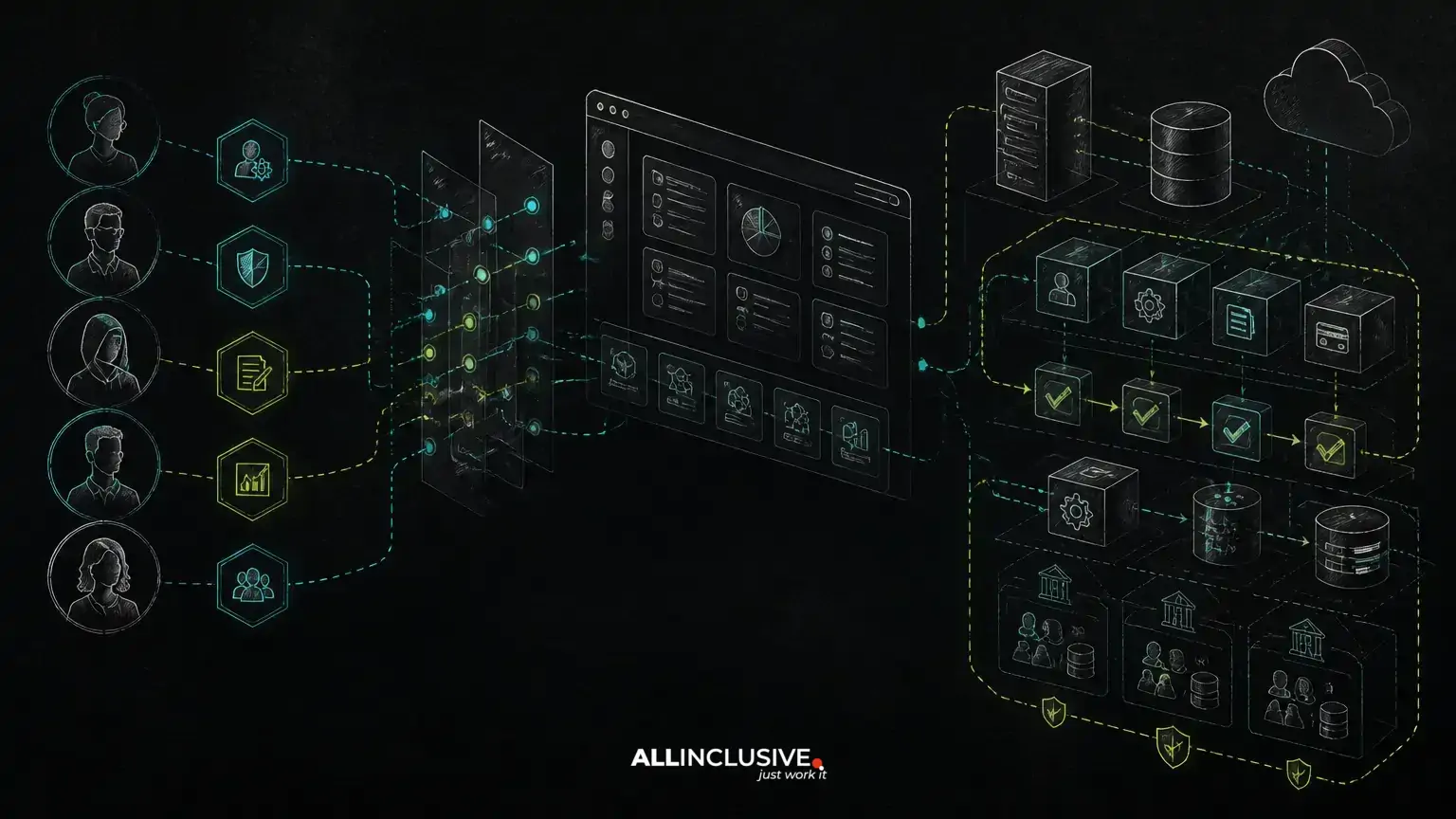
Role-based access control for web apps is more than adding an admin role and hiding a few navigation items. A durable authorization model connects business responsibilities to specific actions, records, workflows and tenant boundaries. If those relationships are not defined early, permissions tend to spread through controllers, templates, background jobs and database queries until even a small policy change becomes risky.
The right approach is to model access around how the business operates. Start with the workflows users must complete, identify the resources and actions involved, then decide which roles, attributes and approval rules govern each action. This produces a system that is easier to test, explain and change as the product grows.
What role-based access control actually governs
RBAC answers a basic question: which users can perform which actions on which resources? A role groups permissions so administrators do not need to assign every capability manually to every user.
For example, a project-management SaaS might contain these resources and actions:
- Projects: view, create, edit, archive and manage members.
- Tasks: view, create, assign, edit status and delete.
- Billing: view invoices, change a subscription and download receipts.
- Reports: view, export and share.
A role such as project manager can then be mapped to a set of capabilities. However, a role alone may not answer every authorization question. The user may be allowed to edit projects only within one organization, or only while a project is active. That is where resource ownership, tenant scope and contextual rules become important.
Start with workflows instead of a list of job titles
Job titles are often too vague to become reliable permissions. Two people called “manager” may need different access because they work in different departments, regions or customer accounts. A workflow-first design begins with the decisions and actions the application must support.
Document each important workflow using four elements:
- Actor: who initiates the action?
- Resource: what record, file, account or transaction is affected?
- Action: what does the actor want to do?
- Conditions: what must be true before the action is allowed?
Consider an expense approval workflow. An employee may create and submit an expense. A department manager may approve expenses for their department, but not their own submissions. A finance user may reject or reimburse approved expenses. The permission model must represent more than “employees can use expenses.” It must express ownership, organizational scope and state transitions.
This workflow-first analysis also exposes missing requirements early. A product team may discover that a user needs permission to view a record but not export it, or that an external partner can comment on a case without seeing internal notes.
Separate roles, permissions and scopes
Three concepts are frequently mixed together in fragile RBAC implementations:
- Roles describe a user’s responsibility or access profile, such as support agent or billing administrator.
- Permissions describe an allowed capability, such as ticket.update or invoice.export.
- Scopes limit where that capability applies, such as one organization, region, project or account.
Keeping these concepts separate makes the model more reusable. A support agent may have the permission to update tickets, while a scope determines whether the agent can update tickets assigned to their team or all tickets belonging to the customer account.
In a database-backed application, a common conceptual model includes users, roles, permissions, role assignments and resource relationships. The exact schema depends on the product, but the design should answer whether a role is global, organization-specific, project-specific or time-limited. It should also define what happens when a user has multiple roles with overlapping or conflicting permissions.
Use least privilege without making work impossible
Least privilege means users receive the access required for their responsibilities and no more. It reduces the impact of account compromise, accidental changes and operational mistakes. Yet an overly restrictive model can force teams into unsafe workarounds, such as sharing administrator credentials or asking developers to edit production data.
A workable design distinguishes between:
- Capabilities needed for routine work.
- Rare administrative actions that require an elevated role.
- Actions that require a second person’s approval.
- Emergency access that is time-limited and auditable.
Do not treat the interface as the security boundary. Hiding a button improves usability, but the server must enforce authorization for every protected operation, including direct requests, API calls, imports, exports and background jobs.
Account for multi-tenancy and organizational boundaries
In a multi-tenant SaaS product, authorization has two dimensions: what a user can do and where they can do it. A user may be an administrator in one organization and a read-only collaborator in another. A platform operator may need carefully controlled access across tenants, while ordinary customer users must never cross tenant boundaries.
Tenant checks should be part of the authorization design rather than added as scattered query filters. Every protected resource should have a clear ownership or tenancy relationship. Application services, policies and data access layers should consistently verify that relationship.
For products with nested boundaries, define the hierarchy explicitly. A user may belong to an organization, access several workspaces and have permissions on individual projects. Decide whether access is inherited, overridden or independently assigned at each level. These decisions affect invitations, role changes, reporting, billing and customer support.
For a deeper treatment of isolation, billing and roles, see multi-tenant SaaS architecture.
Decide when RBAC needs attributes or policies
Pure RBAC works well when access maps cleanly to stable responsibilities. It becomes strained when decisions depend on record attributes, relationships or context.
Attribute-based or policy-based rules may be appropriate when access depends on conditions such as:
- The user’s department matches the record’s department.
- The user is the record owner or an assigned collaborator.
- The document contains sensitive data.
- The request originates from an approved integration.
- The action is allowed only during a defined workflow state.
This does not mean every product needs a complex policy engine. A custom web application can start with explicit authorization services or policy classes and introduce more sophisticated controls only when the business rules justify them. The important decision is to avoid encoding contextual rules as informal exceptions inside unrelated controller methods.
Design authorization around business actions
Permission names should describe meaningful actions rather than technical implementation details. Names such as order.approve, customer.export and workspace.member.invite are easier for product teams to review than permissions tied to a particular screen or database table.
For each action, document:
- Who can request it.
- Which resource types it affects.
- Which scope applies.
- Required workflow state.
- Whether approval or separation of duties is required.
- What audit event is recorded.
This structure supports both user-facing permissions and machine-to-machine access. Integrations should have narrowly scoped credentials or tokens rather than inheriting a human administrator’s full role. If an AI feature can create, modify or send records, treat it as an actor with explicit permissions and review boundaries, not as a trusted shortcut around authorization.
Common RBAC failure modes in growing products
Admin versus everyone else
A two-role model may be acceptable for an early internal tool, but it often collapses when the product adds billing, external users, regional teams or approval workflows. Splitting roles later can be difficult if administrator access was used to bypass normal business rules.
Permissions enforced only in the frontend
Client-side controls can be bypassed by calling the API directly. Authorization must be enforced on the server and tested independently of the interface.
Role names used as hard-coded conditions
Logic such as if user is admin spreads quickly and makes role changes expensive. Prefer centralized policies or authorization services that evaluate an action and resource.
Unclear behavior when access changes
When a user is removed from an organization or loses a role, decide whether existing sessions, API tokens, queued jobs and shared links continue to work. Access revocation should be deliberate and testable.
No distinction between viewing and exporting
Exporting can expose substantially more data than viewing one record. Treat downloads, bulk actions, reporting and API access as separate capabilities where the risk or business requirement differs.
Build an authorization test matrix before implementation
A permission matrix makes assumptions visible to product, engineering and operations teams. Rows can represent roles or user contexts; columns can represent actions and resources. Add separate cases for tenant boundaries, ownership, workflow state and denied actions.
Useful tests include:
- A user can access records in an assigned organization but not another organization.
- A manager can approve eligible submissions but cannot approve their own.
- A revoked role no longer grants access through the API.
- A read-only user can view a report but cannot export it.
- An integration can update permitted fields but cannot change billing settings.
- A background job rechecks authorization-sensitive conditions before making a change.
Negative tests deserve equal attention. A system is not adequately tested if it confirms only that authorized users succeed.
Choose implementation patterns that preserve ownership
Framework features can accelerate delivery, but they should not replace authorization design. In a PHP or Laravel application, policies, gates, middleware and service-layer checks can provide useful structure when responsibilities are clearly separated. Python-based systems can apply the same principles through explicit permission services and request-level authorization. The framework is less important than having one understandable source of policy decisions.
Keep authorization logic close enough to the business action that it can be reviewed, but not duplicated across every route and template. Record important decisions in audit logs, especially for role changes, permission changes, exports, approvals and privileged access. The audit design should capture the actor, action, resource, result and relevant scope without storing unnecessary sensitive data.
When evaluating a third-party access-control component, examine data ownership, extensibility, tenant support, migration options and operational dependencies. A custom-made product may benefit from a focused implementation that the product team fully controls, particularly when permissions are central to the workflow or regulatory posture.
Review the model as the product changes
RBAC is not a one-time configuration task. New plans, integrations, departments, approval paths and customer types can change the authorization model. Include permission review in discovery, feature planning and release testing.
A useful review asks:
- Has a new feature introduced a new resource or business action?
- Can existing roles perform more than their responsibilities require?
- Are tenant and ownership checks consistent across web, API and background flows?
- Can administrators explain why a user has access?
- Can the organization revoke access without manual database changes?
- Are privileged and sensitive actions auditable?
Authorization decisions are part of product architecture, not merely security configuration. Teams planning a new portal, SaaS product or internal system can address these questions during a structured web app discovery phase, before permission assumptions become embedded in code.
When to bring in custom product engineering
Off-the-shelf identity and access tools can handle important parts of authentication and account administration. They may not model the workflows, approval rules, tenant boundaries and operational responsibilities unique to a business. A custom implementation is worth considering when access decisions directly affect revenue, sensitive records, partner operations or the usability of the core product.
The goal is not to create the most elaborate permission system. It is to create an authorization model that matches the business, can be explained to operators, and remains maintainable as the application grows. The right architecture may use PHP or Laravel, Python, a managed identity service or a combination of components. The decision should follow the workflow and ownership requirements rather than a technology preference.
For organizations planning a custom portal, SaaS product or internal system, explore custom web development services with the permission model included in the product architecture from the beginning. After launch, ongoing review and operational support can help keep roles, policies and integrations aligned as the system changes; see support and maintenance for web applications.


