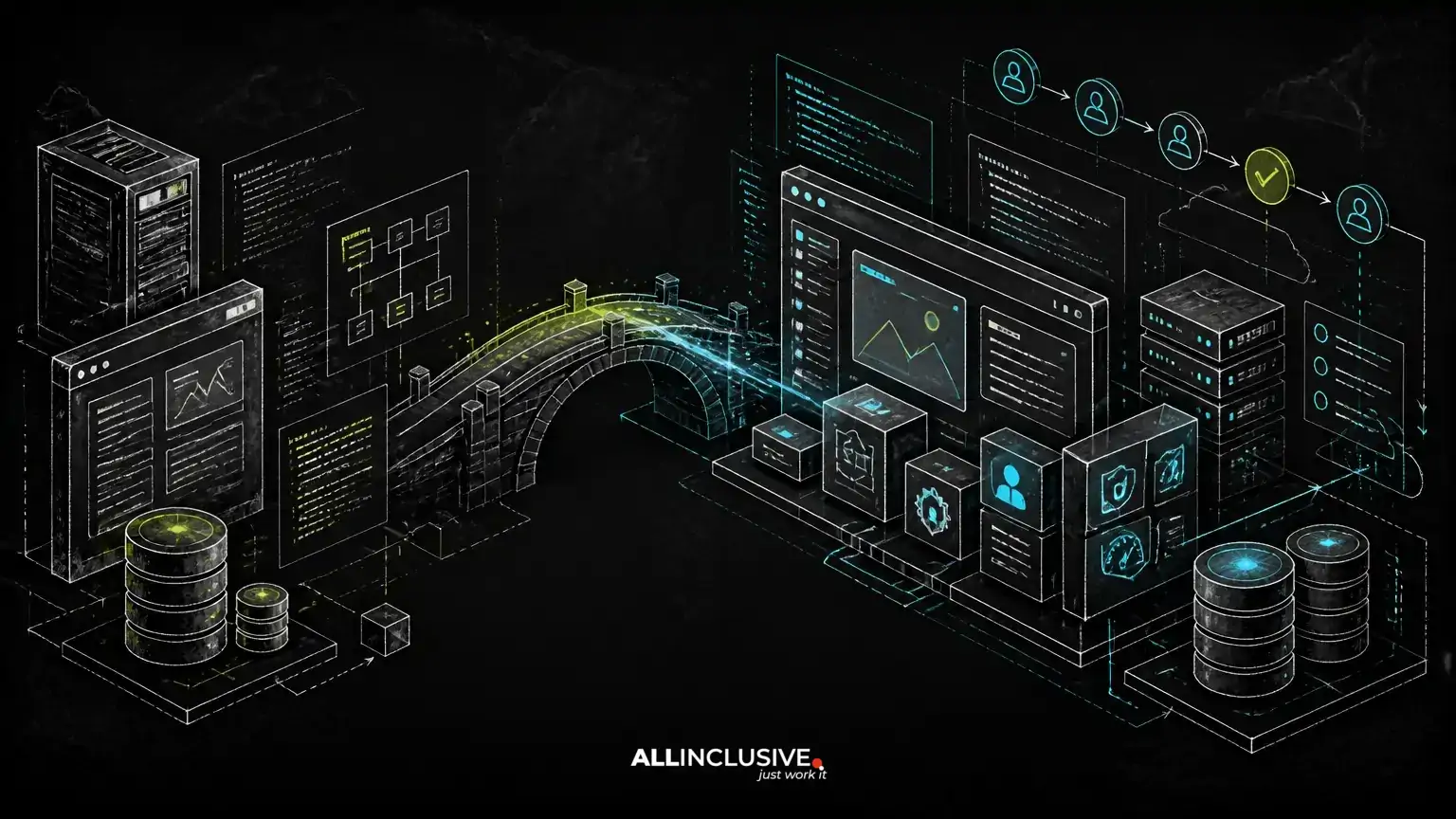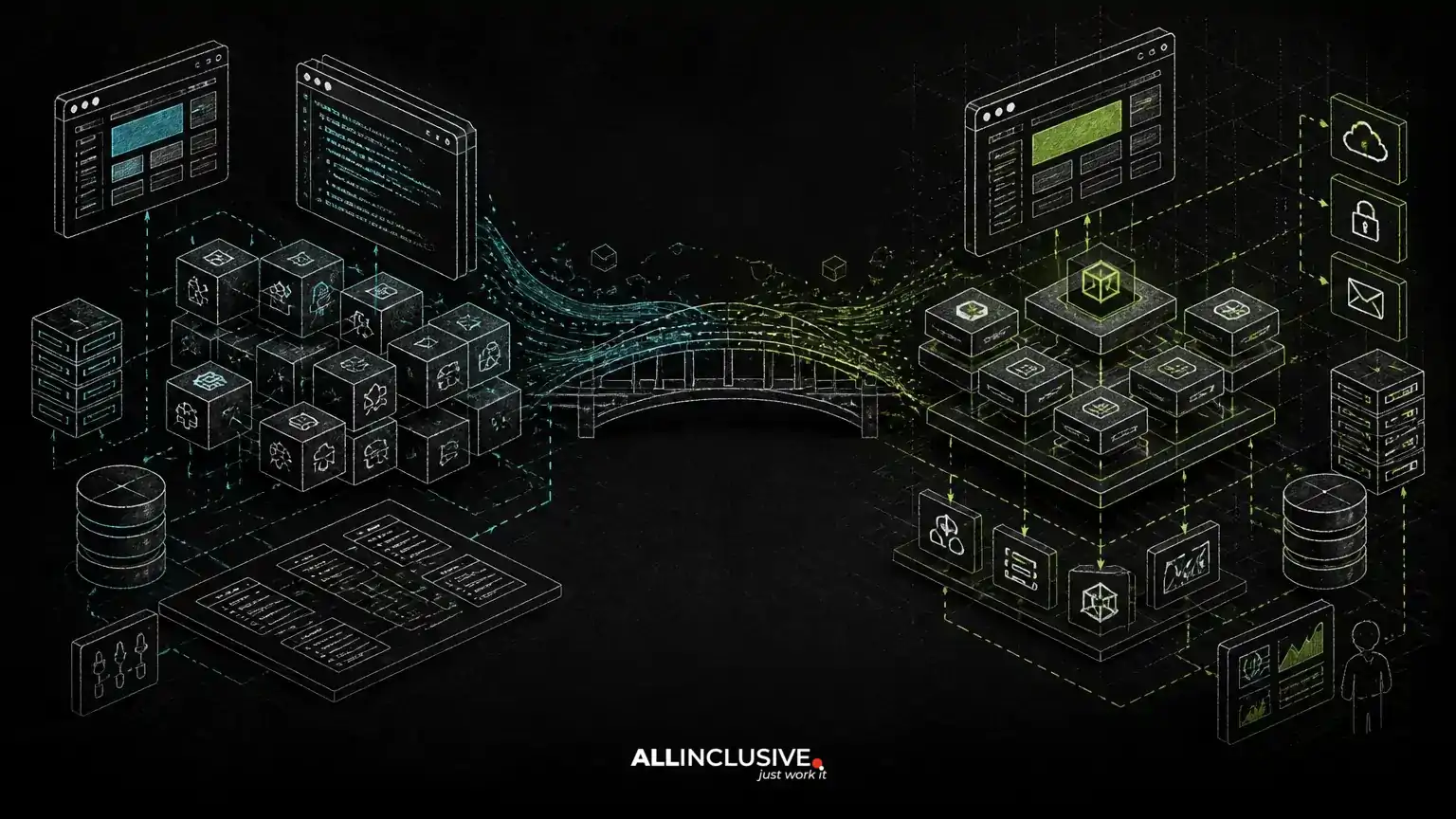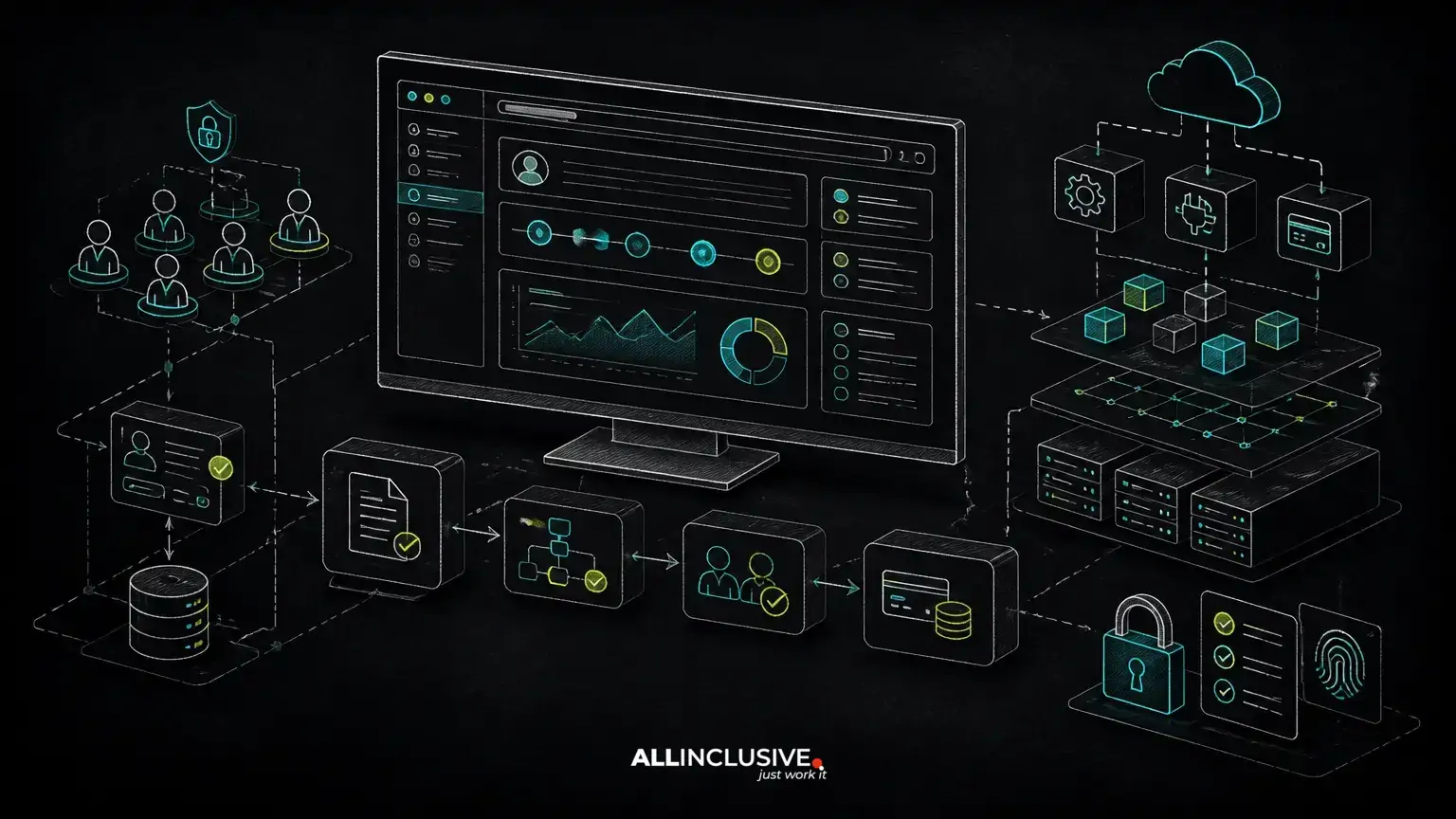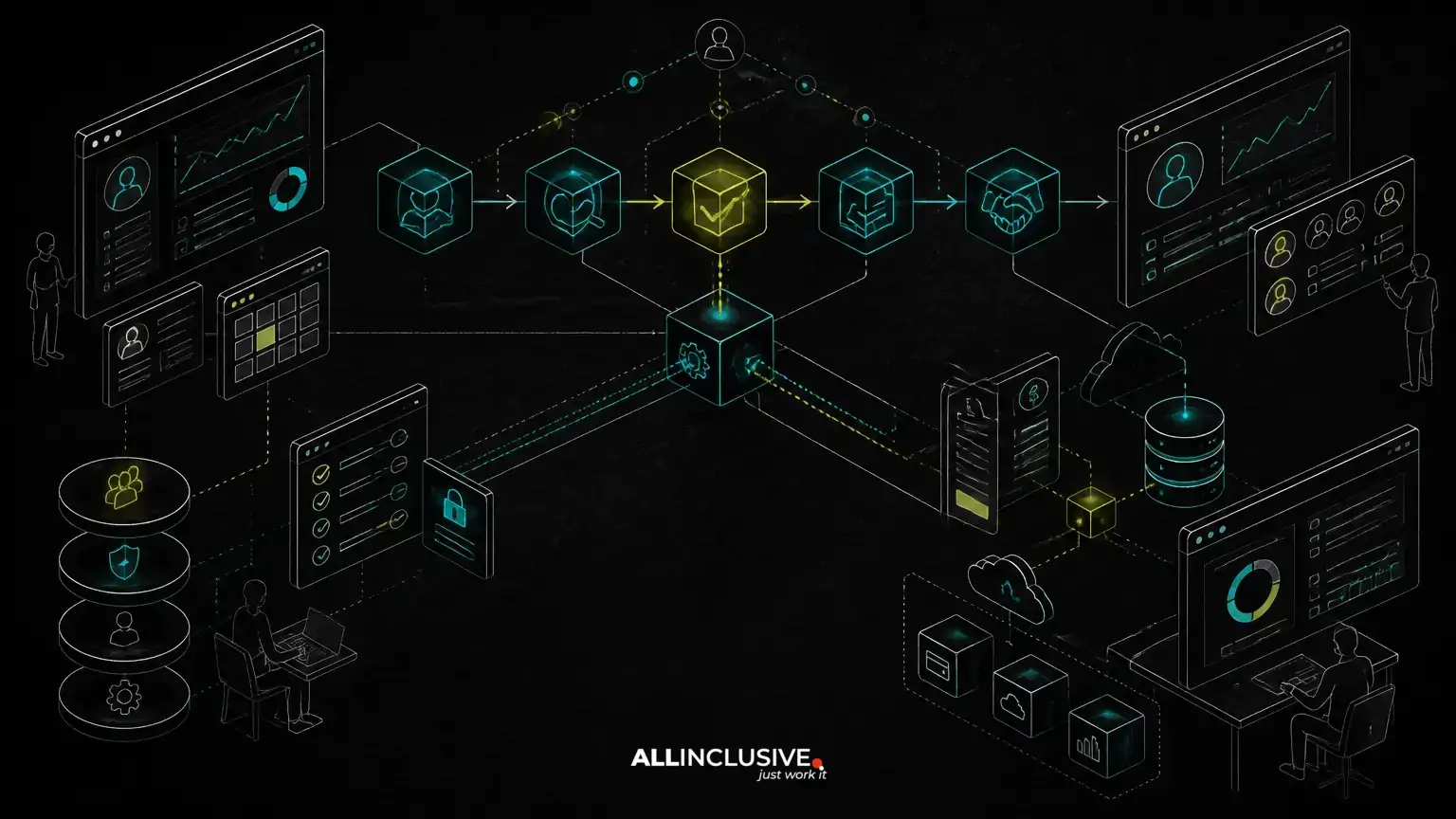
Custom CRM development makes sense when your sales process is no longer a variation of a standard pipeline. If teams rely on spreadsheets, email threads, manual approvals, disconnected billing tools, or workarounds inside a generic CRM, the problem may not be a lack of features. It may be that the system does not reflect how your business actually operates. Another decision connected with custom crm development is covered in web development services.
A custom CRM is a business application designed around your workflows, data relationships, roles, integrations, and operating rules. It can be built as an internal system, a customer-facing portal, or a multi-tenant SaaS product. The right decision depends on whether the operational value of fitting the software to the process outweighs the cost and responsibility of owning a product.
When a generic CRM becomes an operational constraint
Commercial CRM platforms are often a sensible starting point. They can provide contact records, opportunity stages, tasks, reporting, and integrations without requiring a product team to design and maintain the underlying system. Problems arise when the standard data model or workflow assumptions conflict with the business.
Common warning signs include:
- Sales representatives maintain important information outside the CRM because required relationships cannot be represented cleanly.
- Managers approve discounts, contracts, or exceptions through email rather than a traceable workflow.
- Operations staff re-enter data between the CRM, finance system, project tool, and customer portal.
- Different teams need different stages, fields, permissions, or handoff rules.
- Reporting requires manual exports because the available reports do not match the questions leadership asks.
- Licensing, customization limits, or vendor-specific extensions make the system increasingly difficult to adapt.
- The business wants to turn an internal sales process into a differentiated product or SaaS offering.
These symptoms do not automatically justify a custom build. They do indicate that the decision should be based on workflow economics and operational risk rather than on a feature checklist.
Start with the workflow, not the CRM feature list
The most important design question is not “Which CRM screens should we copy?” It is “What must happen from the first qualified interaction through renewal, expansion, or closure?”
Map the process as states, decisions, actors, and data changes. For example, a complex B2B sales workflow may include lead qualification, account matching, territory assignment, technical discovery, proposal generation, legal review, approval thresholds, contract execution, implementation handoff, and renewal planning. Each stage can have different owners, required information, deadlines, and permissions.
A workflow-first design helps separate essential rules from habits created by an existing tool. It also exposes where automation will have business value. A CRM may need to create a task when a proposal is sent, prevent a deal from advancing without required compliance information, notify finance when a contract is signed, or synchronize customer status with a portal.
Architecture should follow these relationships. If an opportunity can involve several products, legal entities, contacts, decision-makers, locations, and approval paths, forcing everything into a single opportunity record will create reporting and maintenance problems later.
Core architecture decisions in custom CRM development
Data model and domain boundaries
A custom CRM should distinguish core business entities rather than treating every record as a contact and a deal. Depending on the process, the model may include organizations, people, opportunities, products, contracts, subscriptions, activities, proposals, tickets, territories, and implementation projects.
Clear boundaries make the system easier to extend. They also reduce the risk that a change to one workflow unexpectedly changes reporting, billing, or customer access elsewhere. A domain model should reflect real ownership and relationships, not just the fields available in a generic tool.
Roles, permissions, and approval rules
Role-based access control is more than hiding a few navigation items. A CRM may need to control access by role, team, region, account ownership, legal entity, record status, or field sensitivity. Sales staff may edit active opportunities, finance may approve commercial terms, and customers may see only selected contract or service information through a portal.
Approval rules should be explicit and auditable. If a discount above a threshold requires review, the application should record who requested it, who approved it, what changed, and when the decision occurred. This is more reliable than relying on informal email history.
Integrations and system ownership
Most CRM projects are integration projects as much as interface projects. Common connections include email, calendars, accounting, payment services, marketing platforms, identity providers, document tools, support systems, and customer portals.
Before implementation, define the source of truth for each important field. For example, the CRM may own opportunity stage and account ownership, while an accounting system owns invoices and payment status. Without these boundaries, two-way synchronization can produce conflicts, duplicate records, and unclear operational responsibility.
Integration design should also account for failed requests, retries, duplicate events, rate limits, and changes to third-party APIs. A reliable system does not assume every external service is available whenever a user clicks a button.
Billing, subscriptions, and commercial operations
Some CRM products need to support more than sales activity. If the system manages subscriptions, deposits, usage-based charges, renewals, or commissions, billing rules should be designed as a separate concern even when billing is visible in the CRM interface.
That separation allows the application to represent commercial states accurately: a proposal can be approved without being invoiced, an invoice can be issued without being paid, and a subscription can be active while a renewal is under negotiation. Connecting the CRM to a payment or accounting system is often preferable to rebuilding financial capabilities without a clear need.
Custom CRM options: internal application, portal, or SaaS product
“Custom CRM” can describe several different products. An internal CRM serves one organization and can use its existing identity, teams, and operating policies. A customer portal extends selected workflows to clients, such as onboarding, document exchange, service requests, or account reviews. A SaaS CRM serves multiple organizations and requires tenant isolation, tenant-level configuration, subscription management, and support tooling.
Multi-tenancy introduces decisions that are easy to underestimate. Data must be isolated consistently across queries, background jobs, files, reports, exports, and integrations. Administrators may need organization-level roles, configurable pipelines, custom fields, branded notifications, and usage controls. Tenant-aware architecture should be planned before the first production schema and not added as an afterthought.
If the intended product is primarily a customer or partner experience, a portal may be more appropriate than exposing an internal CRM interface. For related planning considerations, see this guide to customer portal development.
Choosing a technology approach
Technology should follow the workflow, team capabilities, integration requirements, and expected product life. A PHP and Laravel implementation can be a practical choice for a business application with structured data, authenticated users, queues, scheduled tasks, APIs, and administrative workflows. Laravel can support a modular application structure while allowing the team to choose suitable components for authentication, jobs, testing, and data access.
Python may be appropriate when the CRM includes substantial data processing, forecasting, document extraction, or machine-learning workloads. In some systems, a PHP or Laravel application handles the core workflow while a separate Python service performs specialized processing. The important question is whether the boundary reduces complexity rather than creating unnecessary operational overhead.
AI features should be treated as production capabilities, not demonstrations. Lead summarization, call transcription, suggested next actions, and assisted data entry require permission controls, review states, logging, provider-risk assessment, and a clear response when the model is wrong. AI should support a defined workflow and should not silently become the source of truth for commercial decisions.
Regardless of the stack, source-code ownership and deployment access matter. A custom-made product should be maintainable by the business or by a future engineering partner, with documented environments, database structure, integrations, tests, and release procedures.
Build versus buy: a decision based on operating leverage
Buying is usually stronger when your process is broadly standard, configuration covers the important exceptions, and the organization does not want to own application maintenance. Custom development becomes more defensible when the workflow is a competitive differentiator, manual coordination creates recurring cost or risk, or the product must connect several systems in a way generic software cannot support cleanly.
Evaluate the decision using questions such as:
- Which process failures create measurable delay, rework, lost information, or compliance exposure?
- Are the required changes configuration problems, or do they require a different data model?
- Will custom workflows improve how multiple teams work, rather than helping only one department?
- Does the business have a credible owner for product decisions, support, security, and ongoing maintenance?
- Can the first release target a narrow, high-value workflow instead of replacing every existing system?
- Who owns the source code, data, deployment accounts, integration credentials, and documentation?
Compare the full cost of both paths. A subscription is not the only cost of buying: include administration, duplicate entry, integration work, exports, training, workarounds, and process limitations. A custom build also has continuing costs: hosting, monitoring, security updates, support, testing, enhancements, and technical ownership.
Scope the first release around a complete sales loop
A useful first release should support one complete operational loop, such as qualification through proposal approval, rather than provide disconnected versions of every CRM feature. Define the users, records, transitions, notifications, integrations, reports, and exceptions required to complete that loop.
For example, an initial release might include organization and contact management, opportunity stages, configurable approval rules, activity history, document attachments, role-based access, and a finance integration. Advanced forecasting, AI-assisted summaries, complex commission logic, and broad customer self-service can follow once the underlying workflow and data quality are proven.
Plan for migration early. Data from spreadsheets and legacy tools often contains inconsistent names, duplicate contacts, ambiguous statuses, and missing ownership. A migration plan should define mapping, validation, deduplication, trial imports, rollback options, and user acceptance checks. Moving bad data into a new interface does not create a reliable CRM.
Failure modes that undermine custom CRM projects
- Copying the old tool without questioning its assumptions: the project reproduces workarounds instead of improving the process.
- Designing screens before permissions and state transitions: users can see or change records in ways the business did not intend.
- Underestimating integrations: the interface is delivered, but synchronization failures create new manual work.
- Building every requested feature in the first release: scope expands before the core workflow is validated.
- Treating reports as an afterthought: important business questions cannot be answered from the data captured.
- Ignoring ownership after launch: small defects, dependency updates, and workflow changes accumulate without a maintenance path.
For systems that connect sales activity to operational delivery, related patterns may also apply to internal tools development and B2B portal development. If the application will coordinate service availability or scheduled resources, booking system development introduces additional considerations around availability, payments, and roles.
How to prepare for a custom CRM project
- Document the current sales and handoff workflow, including exceptions and manual work.
- Identify the authoritative system for customers, contracts, invoices, activities, and other major data sets.
- List user roles and define what each role can view, create, approve, export, or administer.
- Prioritize one complete workflow for the first release.
- Inventory integrations and document failure, retry, and reconciliation requirements.
- Define reporting questions before finalizing the data model.
- Agree on source-code ownership, hosting access, documentation, testing, and post-launch support.
For an overview of how a custom application can be planned and delivered, explore custom web development. Ongoing maintenance should also be part of the operating model; support, monitoring, dependency updates, and controlled enhancements are covered in support and maintenance services.
The strongest case for custom CRM development is not that generic software is inherently inadequate. It is that the business has a valuable workflow that generic software cannot represent without persistent workarounds. When the process, data model, permissions, integrations, and ownership plan are designed together, the CRM becomes an operating system for the sales process rather than another place for staff to enter information.