
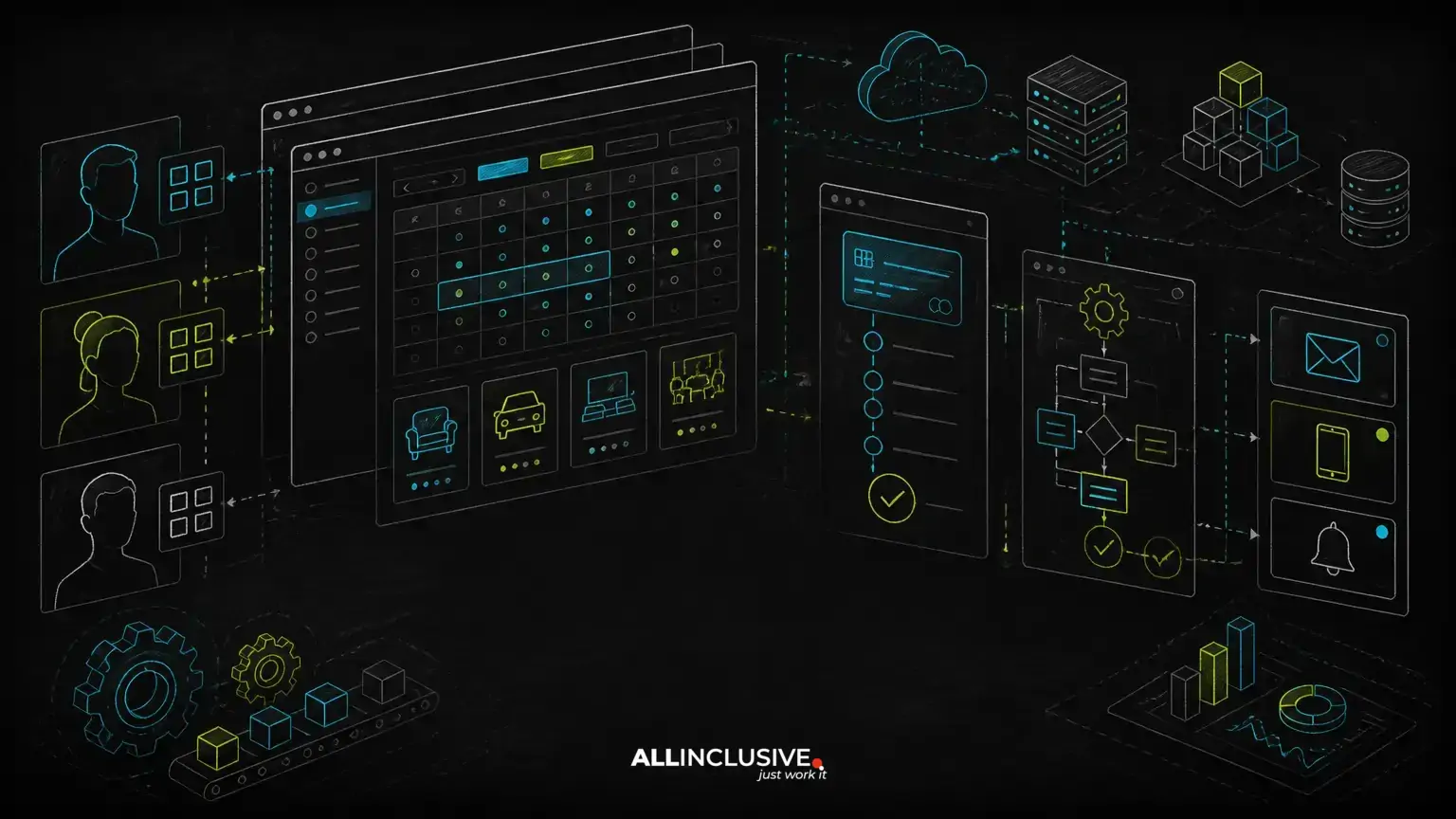
Booking system development should begin with the business rules behind a reservation, not with a calendar interface. A reliable system must determine what can be booked, by whom, for how long, under which conditions, at what price and with what operational follow-up.
That makes a custom booking system a workflow product. It may serve appointments, rentals, venues, services, equipment, classes or resources, but the core engineering challenge is similar: represent availability accurately while coordinating users, staff, payments, notifications and changes. Teams working on booking system development may also need the implementation guidance in custom crm development.
A custom-built solution is most valuable when your booking process includes rules that generic scheduling software cannot model cleanly. The goal is not to recreate every feature of a large platform. It is to build the smallest dependable system that matches your operating model and can evolve as that model changes.
Start with the booking workflow, not the calendar
The calendar is only one view of the underlying workflow. Before selecting a framework or designing screens, document the complete path from demand to fulfillment.
- Discovery: A customer, employee or partner searches for a service, resource or time slot.
- Eligibility: The system checks location, capacity, customer type, staff qualification, required lead time and other constraints.
- Reservation: A slot or resource is held temporarily or confirmed immediately.
- Payment: The system collects a deposit, full payment, authorization or no payment, depending on the booking type.
- Fulfillment: Staff or operators prepare for and deliver the appointment, rental or service.
- Change management: Users may reschedule, cancel, extend or transfer a booking according to defined policies.
- Reconciliation: The business tracks payouts, refunds, invoices, utilization and exceptions.
This workflow exposes requirements that a feature list often misses. For example, “online booking” could mean instant confirmation, approval by an operator, or a temporary hold followed by payment. Each option affects data modeling, user experience, notifications and support procedures.
Model availability as a set of business rules
Availability is usually the hardest part of booking system development because it is a calculation, not a static field. A system may need to combine operating hours, existing reservations, maintenance blocks, staff schedules, capacity limits, blackout dates, travel time and booking policies.
A useful availability model separates several concepts:
- Resources: The rooms, vehicles, people, equipment or service units that can be booked.
- Schedules: Recurring and exceptional periods when resources may be available.
- Allocations: Confirmed or temporarily held bookings that consume capacity.
- Constraints: Rules such as minimum duration, maximum duration, buffer time or advance notice.
- Overrides: Holidays, closures, maintenance windows and manually blocked periods.
Do not rely on front-end checks alone. Availability must be validated again on the server when a booking is created or changed. Two users can select the same slot within a short interval, so the system needs a transaction strategy that prevents conflicting confirmations.
The correct strategy depends on the domain. A simple appointment system may use database constraints and transactional checks. A high-volume marketplace may need temporary inventory holds, expiration handling and more explicit reservation states. The important principle is to make the conflict policy deliberate and testable.
Use explicit booking states
Representing every reservation as either “booked” or “not booked” creates operational ambiguity. More useful states might include draft, held, pending payment, confirmed, checked in, completed, cancelled, expired and refunded.
State transitions should be controlled by business rules. For example, an unpaid hold may expire automatically, while a confirmed booking may require an approved cancellation or refund process. Recording transition history also helps support teams understand what happened when a customer disputes a charge or a reservation changes unexpectedly.
Design payments around booking risk
Payment requirements should follow the commercial model. A business may need full payment at checkout, a deposit, an authorization, an invoice, a recurring charge or payment after service delivery. Each approach changes the booking lifecycle.
Important questions include:
- Is a booking confirmed before payment succeeds, or only afterward?
- How long can inventory be held while a customer completes checkout?
- What happens when payment succeeds but confirmation processing fails?
- How are cancellations, partial refunds and credits represented?
- Does the platform collect money for one business or distribute funds to multiple providers?
- Which system is the source of truth for invoices and accounting records?
Payment integrations should be treated as asynchronous systems. A browser redirect is not sufficient evidence that a transaction is complete. The application should process verified payment events, make handlers idempotent, and reconcile payment status with booking status. This prevents duplicate confirmations and reduces the risk of treating an abandoned or reversed payment as a completed booking.
For marketplaces or multi-provider systems, payment routing and payout responsibilities add another layer. That may require provider onboarding, fee calculations, refund allocation and reporting. If those requirements are central to the product, they should be reflected in the architecture from the beginning rather than added after launch.
Build role-based workflows for customers, staff and administrators
A booking platform rarely has one user type. Customers need search, booking history and changes. Staff need daily schedules, check-in tools and exception handling. Managers need capacity, pricing and reporting controls. Administrators may need configuration, audit history and access management.
Role-based access control should describe both what a user can do and which records they can access. A location manager, for example, might manage bookings for one location but not another. A service provider may see assigned appointments without seeing unrelated financial information.
Keep permissions separate from interface visibility. Hiding a button is not an authorization mechanism. Every sensitive action must be checked on the server, including refunds, schedule changes, manual overrides, customer data access and user administration.
An operational dashboard is often as important as the customer booking flow. Your team may need filtered schedules, conflict warnings, waitlists, notes, rescheduling controls and a clear audit trail. This is where a booking system connects to broader admin dashboard development: internal workflows should be designed for rapid, accurate decisions rather than merely exposing database records.
Choose architecture that fits the operating model
Most booking systems are well served by a modular web application with a transactional database, background jobs, notification services and integrations. The architecture does not need to be distributed by default. A well-structured monolith can provide clearer ownership and faster delivery while the product rules are still changing.
PHP and Laravel can be a practical choice for a custom booking application when the team values a mature web framework, clear routing and authorization patterns, database tooling and a conventional application structure. Python may be appropriate where booking is part of a broader data, optimization or automation system. The technology should follow the workflow, team capability, integration landscape and long-term maintenance requirements.
Typical architectural boundaries include:
- Booking domain: Resources, schedules, holds, confirmations, changes and cancellations.
- Pricing domain: Rates, discounts, taxes, deposits, fees and pricing rules.
- Identity and access: Accounts, roles, permissions, organizations and authentication.
- Payments: Transactions, refunds, invoices, provider events and reconciliation.
- Communication: Email, SMS, reminders, templates and delivery status.
- Integration layer: Calendars, CRM, accounting, property systems or external inventory.
Clear boundaries make future changes safer. They also help teams identify which records are authoritative when external systems disagree.
Plan multi-tenancy before adding organizations
If the product will serve multiple businesses, locations or provider accounts, tenancy decisions affect nearly every feature. A shared database with tenant identifiers may be sufficient for some products, while others may require stronger isolation or separate infrastructure.
Whichever model is selected, tenant context must be enforced consistently across queries, background jobs, exports, notifications and administrative tools. A common failure mode is securing the main web request while allowing a report, job or integration process to access records without the same tenant restriction.
Tenant-aware design also includes configuration. Different organizations may have distinct time zones, currencies, cancellation policies, operating hours, tax rules, branding and notification preferences. These should be treated as explicit configuration rather than scattered conditional logic.
Automate the work after a booking is made
Automation is where a booking system creates operational value beyond self-service scheduling. Useful automations may include confirmation messages, reminders, waitlist offers, staff notifications, preparation tasks, follow-up surveys, invoice creation and synchronization with other systems.
Background processing is usually preferable for non-blocking work. A booking confirmation should not fail merely because an email provider is temporarily unavailable. Jobs should support retries, idempotency and failure visibility. The operations team needs a way to identify messages or synchronization tasks that require attention.
AI can be added selectively, but it should not replace deterministic booking rules. An assistant might help customers find suitable options, summarize requests or route exceptions. It should not be the sole authority for whether a resource is available, whether a payment is settled or whether a cancellation complies with policy. Keep transactional decisions in explicit, testable application logic.
Integrate without losing data ownership
Booking platforms often connect to calendars, accounting tools, CRM systems, identity providers, messaging services and payment platforms. Integrations can reduce duplicate work, but every connection introduces synchronization questions.
For each integration, define:
- Which system owns each important field.
- Whether data moves one way or in both directions.
- How conflicts are detected and resolved.
- How retries and duplicate events are handled.
- What happens when the external service is unavailable.
- How historical records are preserved if the integration changes.
Source-code ownership and documented interfaces matter here. A custom product should remain understandable and transferable rather than becoming a collection of opaque vendor-specific rules. This is one reason to treat custom software development as product engineering rather than simply assembling a set of plugins.
Test the failure modes, not only the happy path
Booking software fails in edge cases. Testing should cover concurrent attempts for the same resource, time-zone changes, daylight-saving transitions, expired holds, duplicate payment events, partial refunds, failed notifications, staff overrides and imports from external systems.
Useful test categories include:
- Domain tests: Validate availability, pricing and state transitions.
- Integration tests: Verify payment, messaging and calendar behavior using controlled test environments.
- Authorization tests: Confirm that each role can access only permitted actions and records.
- Concurrency tests: Check that conflicting requests cannot create invalid double bookings.
- Operational tests: Confirm that jobs, alerts, logs and reconciliation processes expose failures clearly.
Observability should be part of the design. Record meaningful identifiers for bookings, payments and external events, while limiting sensitive data in logs. Support teams need enough context to investigate without granting broad access to private customer information.
Decide when custom development is justified
Buying an existing booking product may be sensible when your workflow closely matches its assumptions, integrations are available, and you can accept its data model and operating policies. Custom development becomes more compelling when booking is central to the business and generic software creates manual work or restricts the customer experience.
Consider a custom system when you need:
- Complex resource or capacity rules.
- Multiple roles, locations or organizations.
- Specialized pricing, deposits or settlement workflows.
- Integration with proprietary internal systems.
- Ownership of source code and product data.
- A workflow that must evolve without waiting for a vendor roadmap.
Do not customize simply because a standard calendar looks unattractive. First identify the rules that create operational differentiation. Then separate must-have workflow logic from convenience features that can be added later.
Define a focused first release
A sensible first release should prove that the core transaction works: a user can find an eligible option, reserve it without conflicts, complete the required payment step, receive accurate confirmation and be supported by an internal operator.
That may require fewer screens than expected, but it does require strong foundations for availability, state transitions, authorization and reconciliation. Advanced reporting, loyalty programs, native mobile applications and AI assistance can follow once the core workflow produces trustworthy records.
For ongoing reliability, plan maintenance as part of the product lifecycle. Framework updates, payment changes, integration failures, security patches, operational monitoring and new business rules all affect a live booking system. A defined support and maintenance process helps preserve the system after the initial build.
The strongest booking products are not the ones with the most calendar features. They are the ones that represent the business accurately, prevent costly conflicts, give each role the right controls and retain enough ownership for the product to keep improving.


