
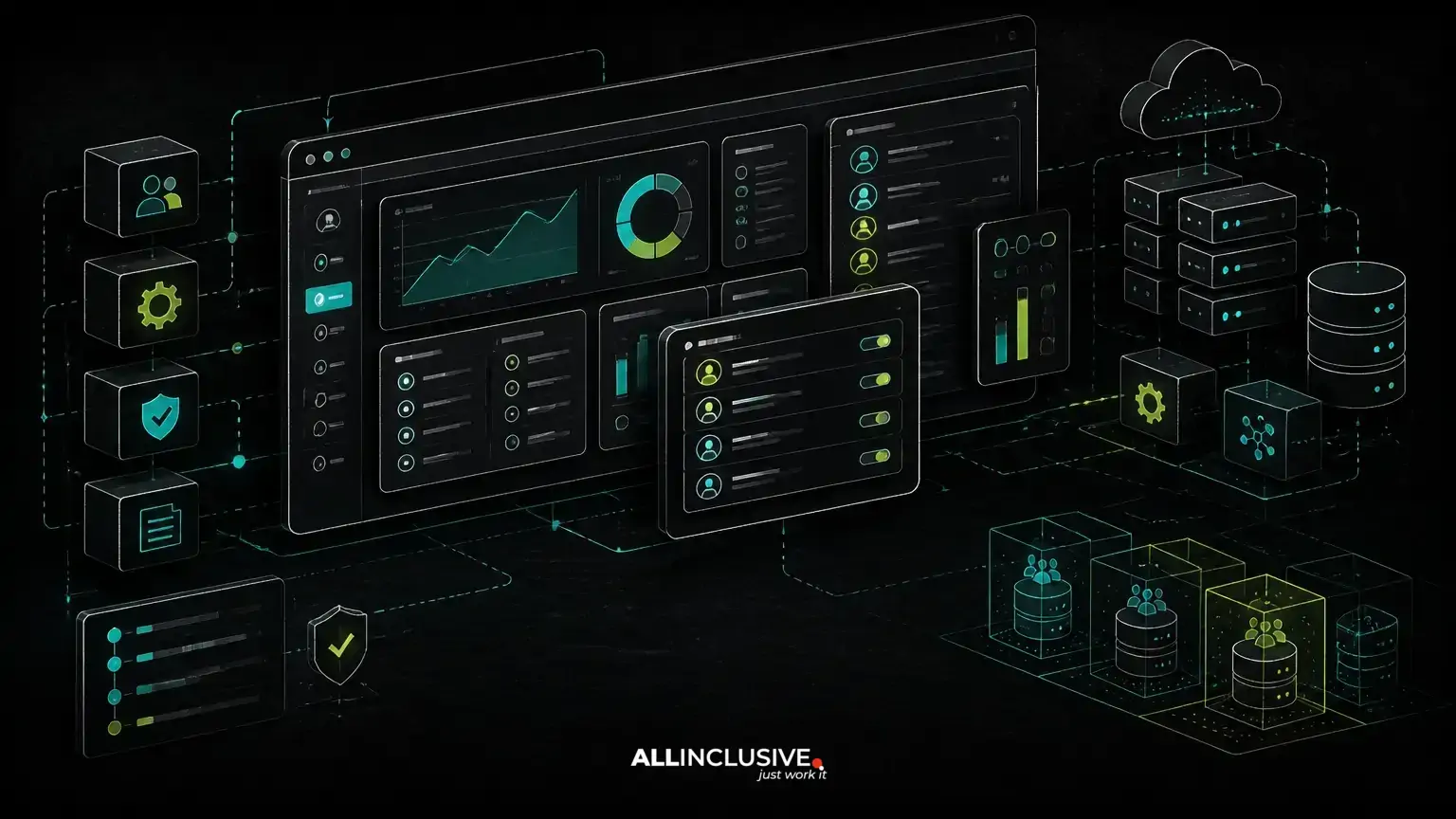
Admin dashboard development is the design and engineering of the operational side of a product: the screens, permissions, workflows and controls used by internal teams to manage customers, content, transactions, settings and exceptions. A strong dashboard is not merely a collection of charts. It is a purpose-built control layer that helps authorized users make accurate decisions and complete repetitive work with less risk. For admin dashboard development, an adjacent technical consideration is explained in web development services.
The right approach starts with business workflows rather than a preferred template or UI library. Whether the product is a SaaS platform, marketplace, booking system, B2B portal or internal application, the dashboard should reflect how the organization actually operates. That may require role-based access control, multi-tenant boundaries, billing actions, audit history, integrations and carefully designed approval paths.
This article explains the main decisions involved in building a custom admin dashboard, when a packaged administration tool may be sufficient, and how architecture choices affect maintainability, operational risk and future product development.
What an admin dashboard must accomplish
An admin dashboard gives selected users visibility and control over product data. Typical responsibilities include:
- Managing user accounts, organizations, teams and permissions
- Reviewing orders, bookings, subscriptions, invoices or marketplace activity
- Approving, rejecting, suspending or escalating records
- Updating content, pricing, configuration and operational rules
- Monitoring failed payments, integration errors and exceptional cases
- Exporting data or triggering downstream actions
- Recording who changed what and when
These functions often have different risk levels. Viewing a customer record is not equivalent to changing a billing status. Editing a product description is not equivalent to changing a tenant's access or deleting transactional data. A dashboard should therefore model actions explicitly instead of treating every authenticated administrator as equally trusted.
Start with operational workflows, not dashboard widgets
The most common planning mistake is beginning with a list of screens: users, reports, settings and activity. That list may be useful, but it does not reveal how work flows through the business.
Begin by documenting operational scenarios such as:
- A support agent investigates a failed customer action without seeing sensitive financial data.
- A finance user reviews an invoice exception and records an adjustment.
- An account manager changes a subscription while preserving approval history.
- A marketplace operator resolves a dispute between participants.
- A system administrator configures an integration for one organization without affecting others.
For each scenario, define the starting condition, user role, allowed actions, validation rules, resulting state and audit requirements. This workflow map becomes more valuable than a generic feature checklist because it exposes edge cases early. It also helps the engineering team decide whether a process needs a new state, a dedicated queue, an approval step or an integration event.
Core architecture decisions in admin dashboard development
Separate operational concerns from customer-facing concerns
An admin interface may use the same application and domain model as the customer product, but it should not automatically share the same assumptions. Internal users often need bulk actions, exception handling, diagnostic information and elevated controls that would be inappropriate in the public interface.
Separating dashboard routes, policies, components and operational services makes those differences explicit. It can also reduce accidental exposure of internal fields or actions. Separation does not necessarily require a separate application. In many systems, a well-structured modular area within the main application is sufficient; larger products may benefit from an independently deployed administrative frontend.
Model permissions as business rules
Role-based access control is a foundation, but simple roles are not always enough. A user may be allowed to view records for one organization but not another, approve refunds below a threshold but not above it, or edit configuration only after a second person reviews the change.
Permission design should account for:
- Action: what the user can do, such as view, edit, approve, export or delete
- Resource: which entity the action affects
- Scope: which tenant, region, department or account is included
- Conditions: rules based on status, amount, ownership or workflow stage
- Separation of duties: whether the person who initiates an action may also approve it
Authorization must be enforced on the server, not only hidden in the interface. The UI should make permitted actions understandable, but the backend remains responsible for validating every request.
Design for multi-tenancy when the product needs it
In a multi-tenant SaaS product, dashboard behavior must respect tenant boundaries consistently. This affects database queries, background jobs, exports, caching, search, audit records and integrations. A tenant selector in the interface is not a security boundary by itself.
Teams should decide early whether tenant data is isolated through shared tables with tenant identifiers, separate schemas or separate databases. Each approach has different operational and scaling implications. The appropriate choice depends on regulatory expectations, data volume, migration requirements, support workflows and the desired level of isolation.
Dashboard features that support reliable operations
Search, filtering and saved views
Operational users rarely work from a single dashboard view. They need to find records by identifiers, status, customer, date, region or exception type. Search should match the language used by the business, while filters should correspond to meaningful states rather than database implementation details.
Saved views can be useful for recurring queues such as pending approvals, failed payments or accounts requiring review. If data volumes are large, filtering and sorting should be designed with query performance in mind instead of relying on the browser to process an unbounded result set.
Bulk actions with safeguards
Bulk actions improve efficiency but increase the impact of mistakes. Useful safeguards include clear selection summaries, confirmation steps for destructive actions, permission checks, validation of mixed states and asynchronous processing for large jobs.
Every bulk operation should have a defined result. If some records succeed and others fail, the dashboard should show which ones were affected and why. A generic success message is not sufficient for an operational system.
Audit history and change visibility
Audit trails help teams investigate incidents, answer internal questions and understand how a record reached its current state. An effective audit record typically identifies the actor, action, affected resource, timestamp and relevant before-and-after values. For sensitive actions, the system may also need a reason, approval reference or associated request identifier.
Audit history should be designed as part of the domain model rather than added as an afterthought. Otherwise, important changes may occur through background jobs, imports or integrations without a consistent record.
Operational reporting without confusing it with analytics
Administrative reporting answers immediate operational questions: which subscriptions failed today, which bookings need review, or which organizations have an incomplete setup. Product analytics answers broader questions about behavior and trends. The two can share data infrastructure, but their interfaces and freshness requirements may differ.
When a dashboard displays financial or operational totals, define how statuses, refunds, cancellations and time zones are treated. Ambiguous metrics create more support work and can lead users to make decisions based on inconsistent numbers.
Integrations, billing and background processing
Admin dashboards often become the place where teams respond to events originating elsewhere. Payment providers, email services, identity systems, CRM platforms and webhooks can all create records or state changes that need review.
Do not make the dashboard responsible for synchronously performing every external operation. A better design often places integration logic in dedicated services or jobs, with the dashboard showing status, retry options and error details. This keeps the interface responsive and makes failure handling explicit.
Billing operations require particular care. Actions such as changing a plan, applying a credit, retrying a payment or canceling a subscription may have external side effects. The interface should communicate what will happen, record the initiating user and handle provider responses without assuming that every request succeeds immediately.
Build versus buy for an administrative interface
A packaged administration panel can be a sensible choice when the data model is simple, permissions are conventional and the main requirement is basic record management. It can reduce initial implementation effort and provide familiar components for forms, tables and authentication.
Custom admin dashboard development becomes more valuable when the product includes complex workflows, multiple roles, tenant-specific rules, approval chains, billing actions, operational queues or integrations. A generic panel may force the business process into database-centric screens, hide important state transitions or make future changes difficult.
Evaluate the decision using these questions:
- Can the tool represent the actual approval and exception workflows?
- Can it enforce authorization at the required resource and tenant scope?
- Can it provide reliable audit history for all meaningful changes?
- Can it support background jobs, retries and partial failures?
- Will the organization own the source code and be able to change the system later?
- Does its data model remain compatible with the product's long-term architecture?
The goal is not to maximize custom code. It is to avoid letting a short-term administrative shortcut become a long-term operational constraint.
Technology choices for a maintainable dashboard
Technology should follow the product's domain, team skills and deployment needs. A PHP application built with Laravel may be a strong fit when the core product already uses that ecosystem and benefits from clear routing, validation, authorization and queue patterns. Python can also be appropriate where it aligns with existing services, data workflows or platform expertise. The frontend may be server-rendered, component-based or a separate client application depending on interaction complexity.
For many dashboards, a server-rendered or hybrid interface is sufficient. A highly interactive operations console may justify a dedicated frontend, but that introduces additional concerns around API contracts, authentication, state management and versioning. The architecture should earn that complexity through a clear user or workflow requirement.
Source-code ownership and deployment control matter as much as framework selection. A custom-made dashboard should remain understandable, testable and changeable by the organization or its chosen engineering partner.
Common failure modes to prevent
- Building screens before mapping workflows: the result looks complete but does not support real operational decisions.
- Using one broad administrator role: excessive access increases risk and makes accountability difficult.
- Hiding authorization in the frontend: direct requests or alternative interfaces can bypass visual restrictions.
- Ignoring partial failure: bulk actions and integrations leave users uncertain about what actually happened.
- Treating audit logs as optional: teams lose the ability to investigate changes and explain outcomes.
- Loading unrestricted datasets: large tables become slow, expensive and difficult to use.
- Mixing tenant data accidentally: inconsistent scoping across queries, jobs and exports creates serious operational exposure.
- Over-customizing too early: unnecessary frontend complexity increases delivery and maintenance costs.
A delivery checklist for admin dashboard development
Before implementation, product and engineering teams should be able to answer:
- Which internal roles will use the dashboard, and what decisions does each role make?
- Which records and state transitions must be visible?
- Which actions are reversible, approval-based or destructive?
- How are tenant, department and ownership boundaries enforced?
- Which changes require an audit record?
- Which operations are synchronous, queued or dependent on external systems?
- How will failed jobs, rejected actions and partial bulk results be displayed?
- What data must be searchable, exportable or retained?
- Which existing product modules can be reused safely?
- Who owns the source code, deployment process and future changes?
These answers provide a stronger foundation than selecting an admin template first. They also make scope easier to estimate because the team can separate essential operational workflows from optional reporting and convenience features.
Designing the dashboard as a product capability
An admin dashboard should be treated as a product capability, not an internal afterthought. Its quality affects support response, financial control, data accuracy, compliance work and the speed at which a company can operate its customer-facing product.
When the workflow is clear, permissions are explicit and integrations handle failure responsibly, the dashboard becomes a dependable operational layer. When it is assembled as a collection of generic tables, it can create hidden costs through manual work, unclear accountability and fragile exceptions.
For organizations planning a broader custom application, the dashboard belongs in the same architecture conversation as the customer experience, domain model and integrations. Explore custom software development services for product engineering context, and review support and maintenance planning for the operational work that continues after launch. Related system designs may also benefit from the workflow considerations in B2B portal development, marketplace platform development and customer portal development.


