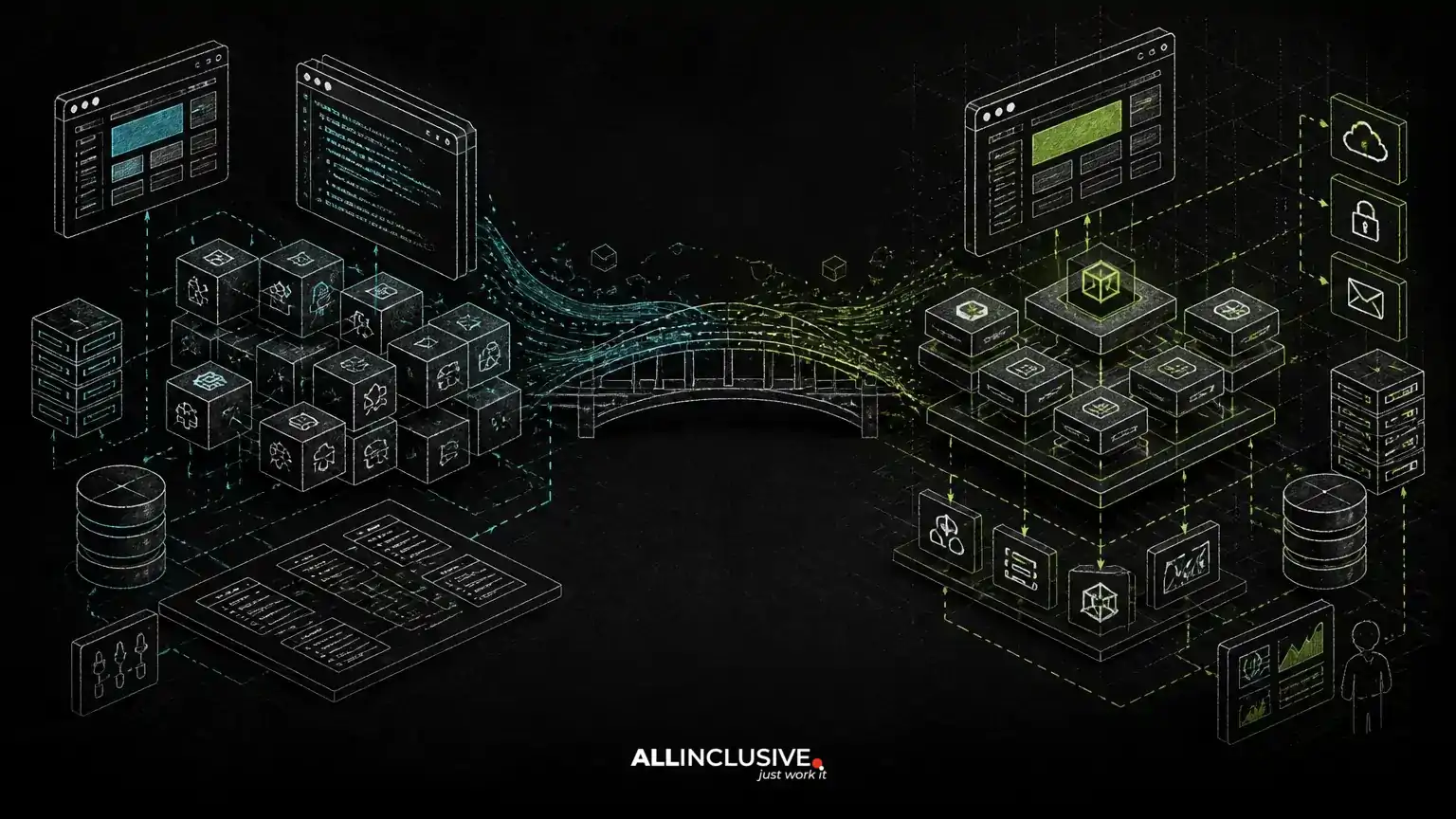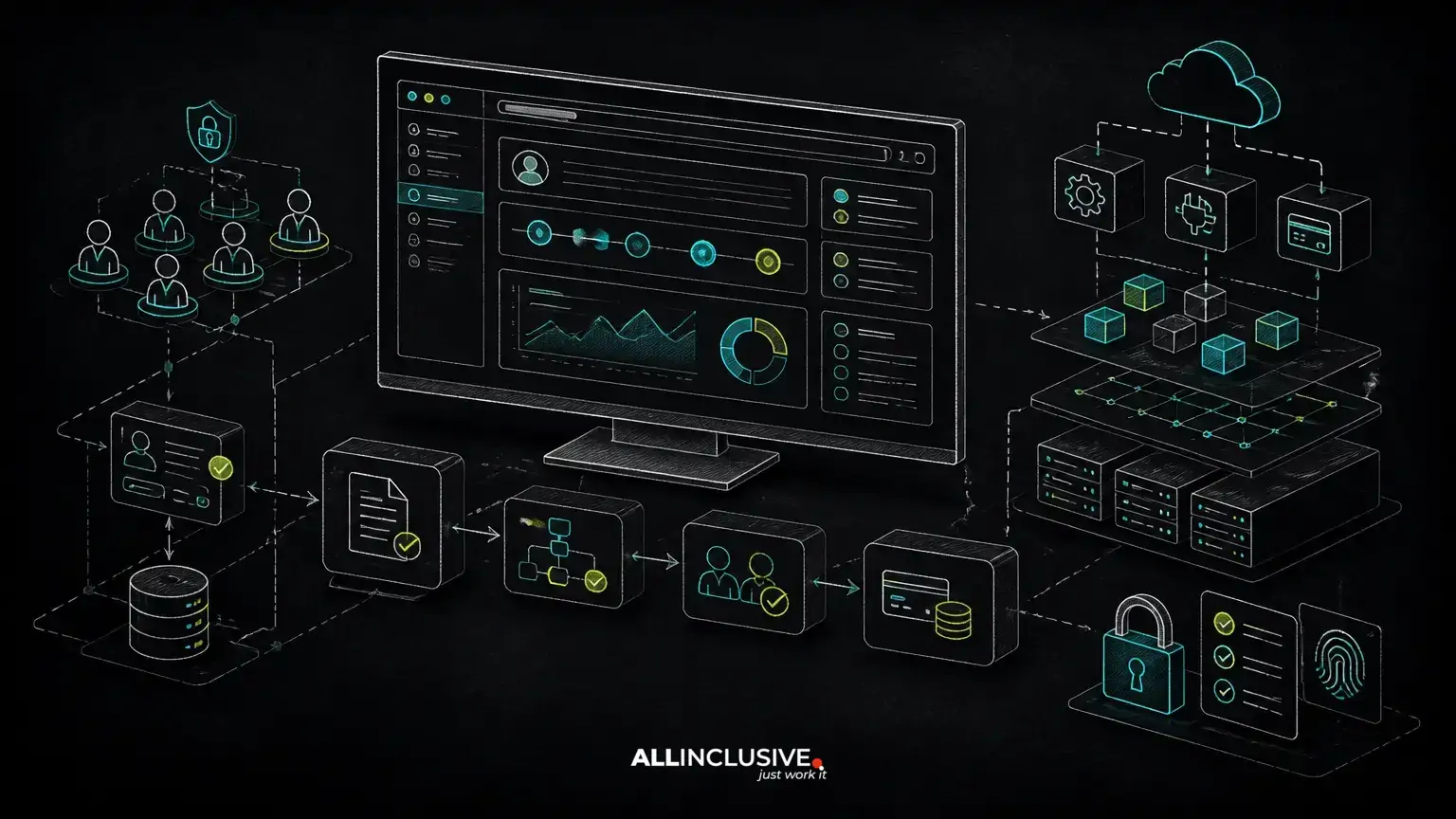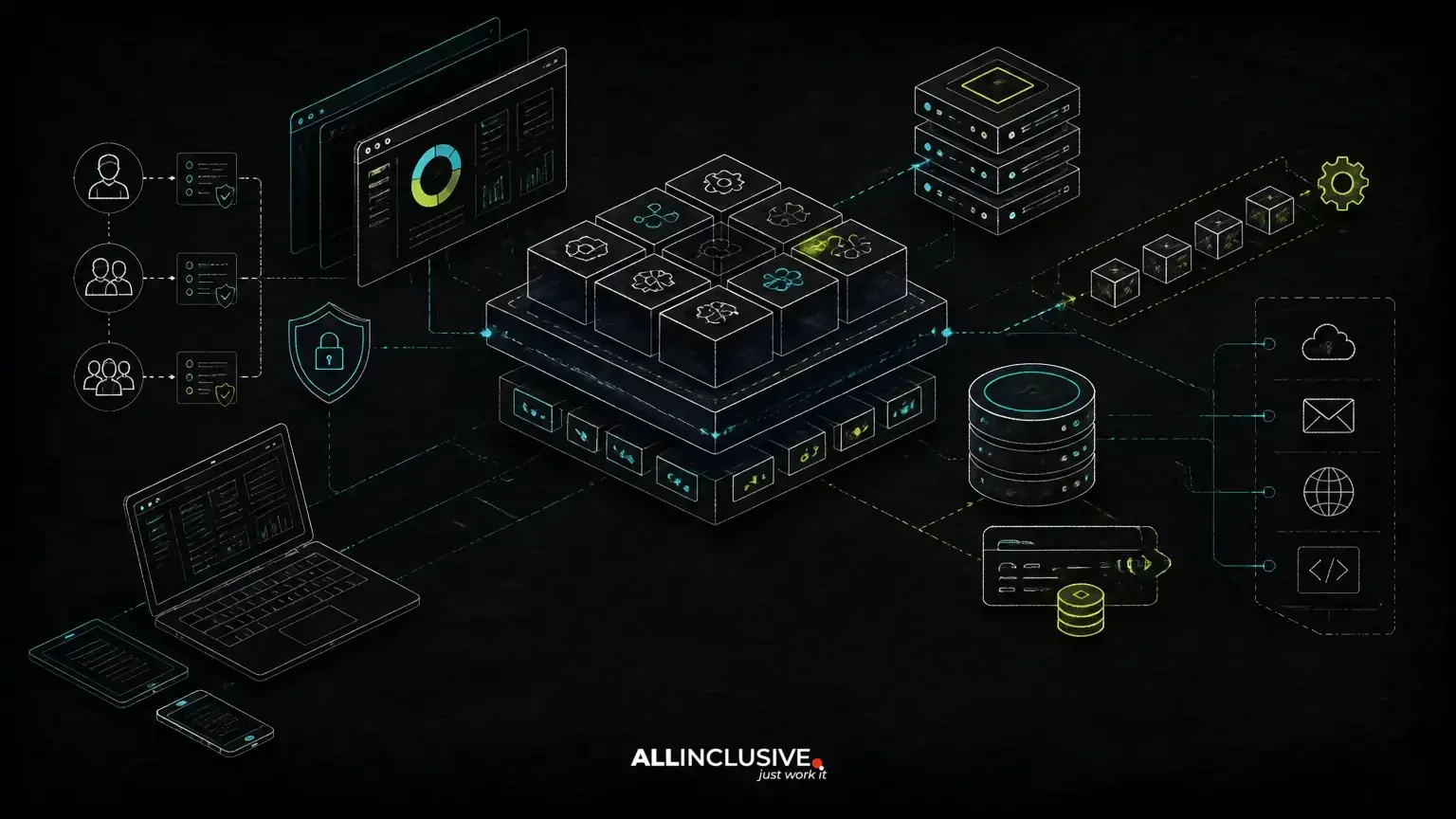
A scalable web application architecture should support growth without forcing a small product to carry the operational and technical burden of a much larger one. The most reliable approach is to design around business workflows first, then introduce complexity only when a real requirement justifies it.
For a SaaS product, portal, marketplace, booking system or internal platform, that usually means starting with clear domain boundaries, a well-structured application, dependable data ownership and observable operations. It does not automatically mean microservices, multiple databases or a distributed deployment.
This article explains how to make those decisions deliberately, including where custom-made product engineering, PHP or Laravel, modular monoliths, multi-tenancy, role-based access control, billing and integrations fit.
Start with the workflow, not the infrastructure
Architecture should reflect how the business operates. Before selecting frameworks or deployment patterns, map the core workflows that create value and expose risk.
For example, a booking platform may need to coordinate availability, pricing, customer records, payments, confirmations and cancellations. A B2B portal may center on account hierarchies, approvals, document access, reporting and integrations with an existing CRM or ERP. These workflows have different consistency, authorization and failure-handling requirements.
A useful first pass identifies:
- Primary users and the actions each role can perform
- Business entities and which system owns each one
- State changes, approvals and irreversible operations
- External systems and what happens when they are unavailable
- Data that must be immediate versus data that can be processed later
- Expected operational responsibilities after launch
This process prevents a common failure mode: choosing an architecture based on fashionable components before understanding the product’s actual constraints.
Choose the simplest architecture that preserves future options
For many custom applications, a modular monolith is a strong starting point. It keeps deployment, testing and local development relatively straightforward while allowing the codebase to be divided into meaningful business modules.
Modules might include identity and access, organizations, catalog, orders, billing, notifications and reporting. They can have explicit interfaces and ownership rules even when they run in one application. This makes future extraction possible if a particular area develops genuinely different scaling, release or reliability needs.
A modular monolith is not the same as an unstructured codebase. It still requires:
- Clear domain responsibilities
- Consistent service boundaries inside the application
- Controlled access to shared data
- Automated tests around critical workflows
- Separate configuration for environments and integrations
Microservices may be appropriate when teams need independent deployment, domains have materially different operational requirements, or components must scale and fail independently. They also introduce network calls, distributed tracing, deployment coordination, data synchronization and more complex testing. Those costs should be accepted for a reason, not as a default definition of scalability.
Design the data model around ownership and consistency
Data architecture is often more important than the number of application servers. Start by deciding which component owns each business fact and which operations must be atomic.
For instance, creating an order and reserving inventory may require a carefully defined transaction boundary. Sending an email confirmation usually does not need to block the order if the message can be queued and retried. Separating these concerns improves resilience without making every operation asynchronous.
Plan for:
- Stable identifiers and explicit relationships
- Constraints that protect business rules at the database level where appropriate
- Migration procedures that can be tested and reversed safely
- Indexes based on actual access patterns
- Retention, archival and deletion requirements
- Audit records for sensitive administrative actions
Read-heavy reporting may eventually justify read models, caching or a separate analytics pipeline. Those tools are useful when measured access patterns or reporting requirements call for them. Adding them before the underlying transactional model is clear can make correctness harder to maintain.
Plan multi-tenancy as a product decision
Multi-tenancy affects authorization, data isolation, billing, support and operations. It should be designed early if the product will serve multiple organizations, even if the first release has only a small number of tenants.
Common approaches include shared tables with tenant identifiers, separate schemas and separate databases. Each has trade-offs:
- Shared tables: often efficient to operate, but every relevant query and authorization path must enforce tenant scope.
- Separate schemas: can provide stronger structural separation, while increasing migration and operational complexity.
- Separate databases: may suit strict isolation or specialized customer requirements, but complicate provisioning, reporting and fleet management.
There is no universal best option. The choice depends on regulatory obligations, customer expectations, recovery procedures, infrastructure capability and the level of isolation the product actually needs. Tenant context should be explicit throughout the request, authorization and data-access layers rather than inferred from a loosely controlled parameter.
Make access control part of the architecture
Role-based access control is more than a screen-level concern. A scalable application should define permissions in terms of business actions and resources, then enforce them consistently in the backend.
A useful model may combine organization membership, roles, resource ownership, workflow state and exceptional permissions. For example, a user might be allowed to edit a draft within one organization but only approve it when assigned a particular role.
Keep authorization decisions close to the domain rules, while presenting understandable controls in the interface. Test both permitted and denied paths. Pay particular attention to bulk actions, exports, background jobs, API endpoints and administrative tools, where authorization gaps can be overlooked.
Use asynchronous processing selectively
Queues and background workers help protect user-facing requests from slow or unreliable work. Good candidates include email delivery, document generation, webhook processing, large imports, search indexing and non-critical third-party synchronization.
Asynchronous design creates its own obligations. Jobs need idempotency, retry rules, failure visibility and a way to handle work that cannot succeed automatically. A payment or provisioning workflow may require explicit reconciliation rather than unlimited retries.
Keep the user’s workflow clear. If an action completes later, show its state and provide a reliable way to inspect failures. “Queued” should be a meaningful product state, not a substitute for operational ownership.
Treat integrations as boundaries, not scattered calls
External services change, fail and impose their own data models. Isolate those concerns behind integration modules or adapters instead of allowing vendor-specific requests to spread across core business logic.
For each integration, document:
- Which system is authoritative for each field
- How records are matched and updated
- Whether operations are synchronous or event-driven
- Timeout, retry and rate-limit behavior
- How duplicate events and out-of-order updates are handled
- What support staff can inspect or replay
This boundary makes it easier to replace a provider, add another channel or diagnose a synchronization problem. It also clarifies whether a build-versus-buy decision is appropriate. A purchased capability may reduce delivery effort, but it can introduce limits around workflow, data ownership and long-term operating cost. For a broader framework, The scalable web application architecture workflow also connects to the guidance in the build vs buy software decision framework.
Choose technology for maintainability and team fit
Technology should support the workflow and the team responsible for operating the product. PHP with Laravel can be a practical choice for structured web applications that need authentication, authorization, queues, database-backed workflows and integrations. Python may be a better fit where data processing, automation or machine-learning workloads are central. The architecture should accommodate the actual product rather than forcing every capability into one language or service pattern.
Framework selection matters less than disciplined boundaries, testing, deployment practices and ownership of the source code. Custom development is most valuable when the product’s workflow, permissions, integrations or data model are important differentiators that off-the-shelf software cannot represent cleanly.
For context on the broader delivery model, explore custom software and web development services, with particular attention to how the proposed architecture will be maintained after launch.
Build operational visibility from the beginning
Scalability includes the ability to understand and recover from problems. At minimum, production systems should make it possible to investigate failed requests, slow operations, background jobs, integration errors and important business events.
Useful practices include:
- Structured application logs with correlation identifiers
- Error tracking that avoids exposing sensitive data
- Health checks for critical dependencies
- Metrics for request latency, queue age and failure rates
- Backups with tested restoration procedures
- Deployment and rollback procedures that the team can execute
Capacity planning should be based on observed traffic, data volume, job throughput and dependency limits. Avoid presenting scalability as a single theoretical number. The relevant question is whether the system can handle the next meaningful stage of demand while remaining operable.
Recognize the warning signs of overengineering
Overengineering often appears as complexity without a corresponding business or operational need. Warning signs include independent services with no independent release requirement, multiple storage systems for similar data, event-driven workflows that are difficult to trace, and infrastructure that the team cannot confidently maintain.
Another warning sign is delaying useful product work to solve hypothetical future problems. A better approach is to record architectural assumptions, identify which decisions are reversible, and create a measured path for introducing more complexity when evidence supports it.
A practical architecture review checklist
- Are the highest-value workflows explicitly documented?
- Does each major business entity have a clear owner?
- Are authorization rules enforced on the server and tested?
- Is the tenancy model appropriate for isolation, billing and support needs?
- Can slow or unreliable work run without blocking critical requests?
- Are integrations isolated, observable and recoverable?
- Can the team deploy, monitor, back up and restore the system?
- Does the architecture preserve source-code ownership and reduce avoidable vendor lock-in?
- Is every major infrastructure component justified by a current requirement?
Scale the architecture when the evidence changes
A scalable web application architecture is not a fixed diagram. It is a set of boundaries and operating practices that can evolve as workflows, teams, traffic and compliance requirements change.
Start with a design that is modular, observable and explicit about data ownership. Use queues, caching, replicas, separate services or specialized platforms when a measured requirement makes them worthwhile. That approach keeps delivery focused on business outcomes while preserving room for growth.
If an existing product is becoming difficult to change, a structured support and maintenance plan can help distinguish urgent stabilization from refactoring or a larger rebuild. See web application support and maintenance. You may also find custom web app vs off-the-shelf software useful when deciding which capabilities should be built, integrated or purchased.