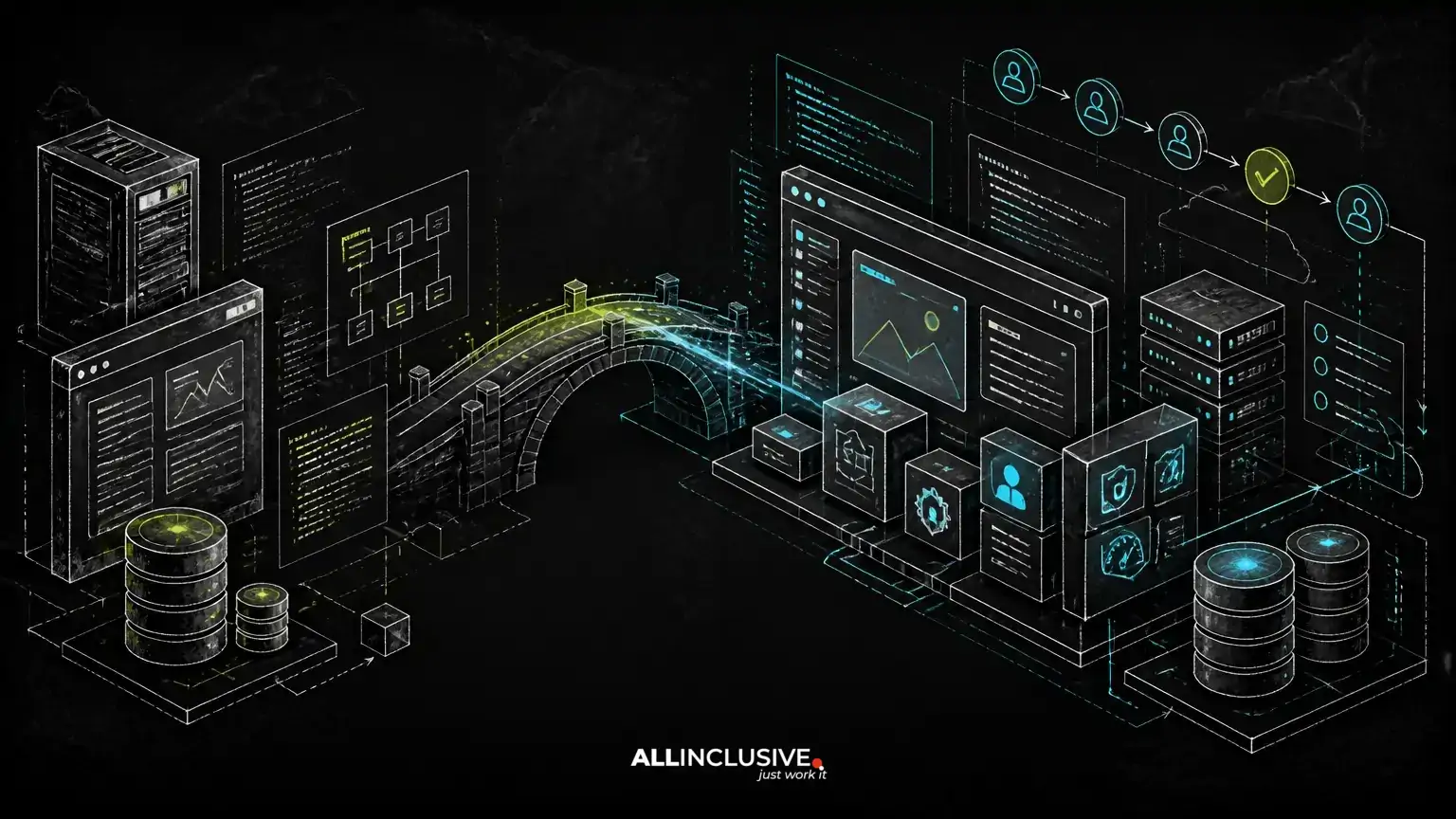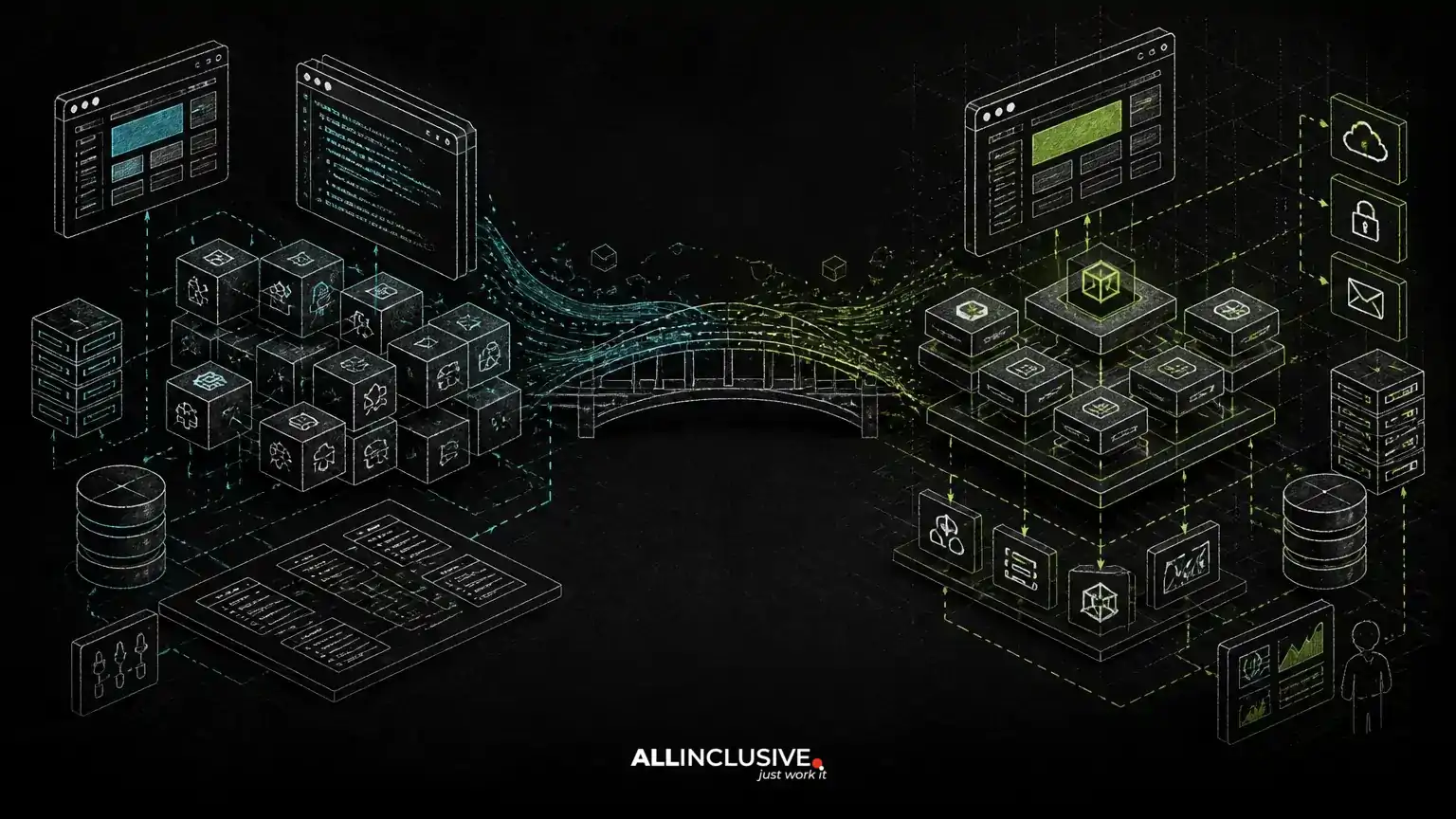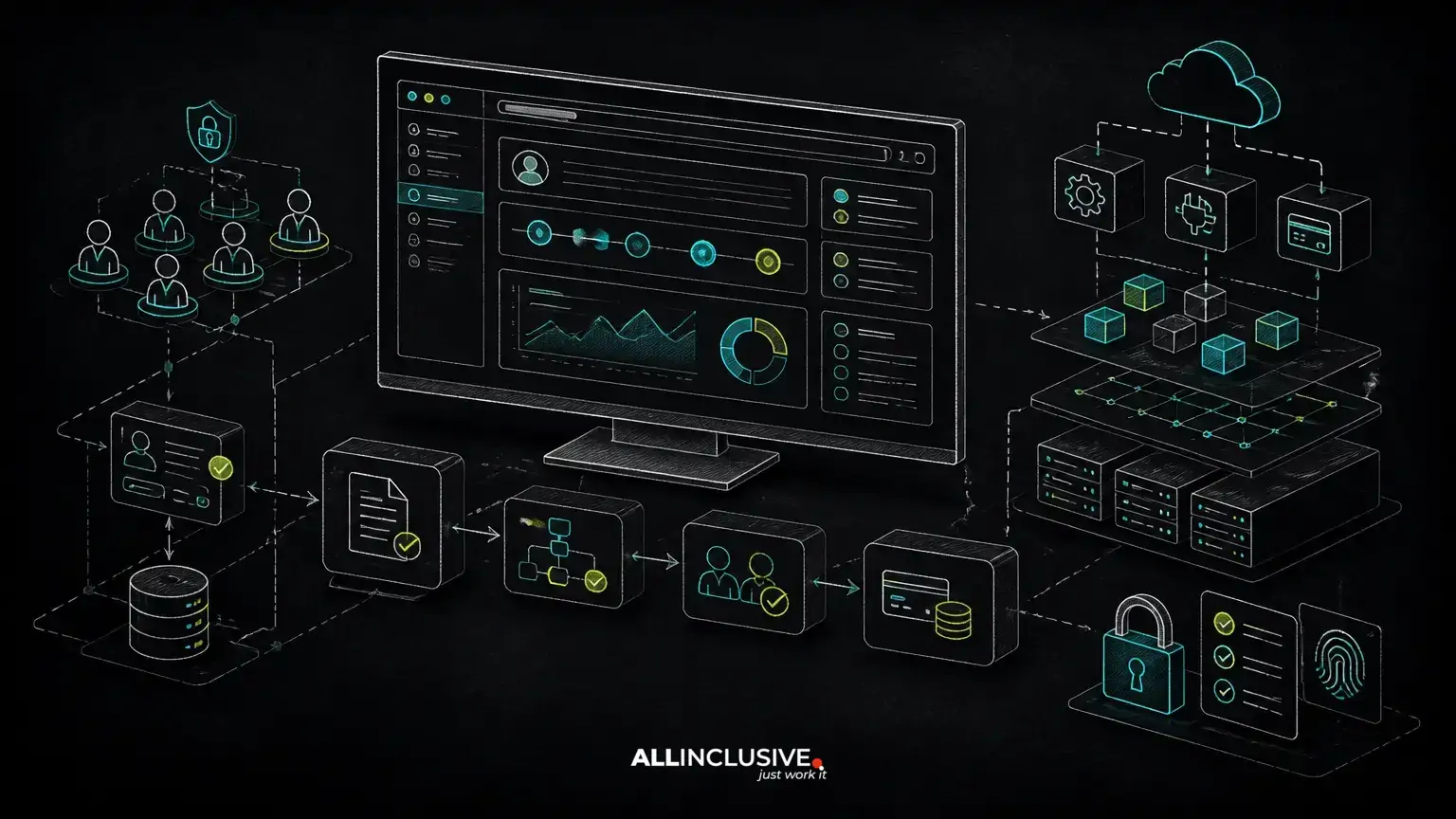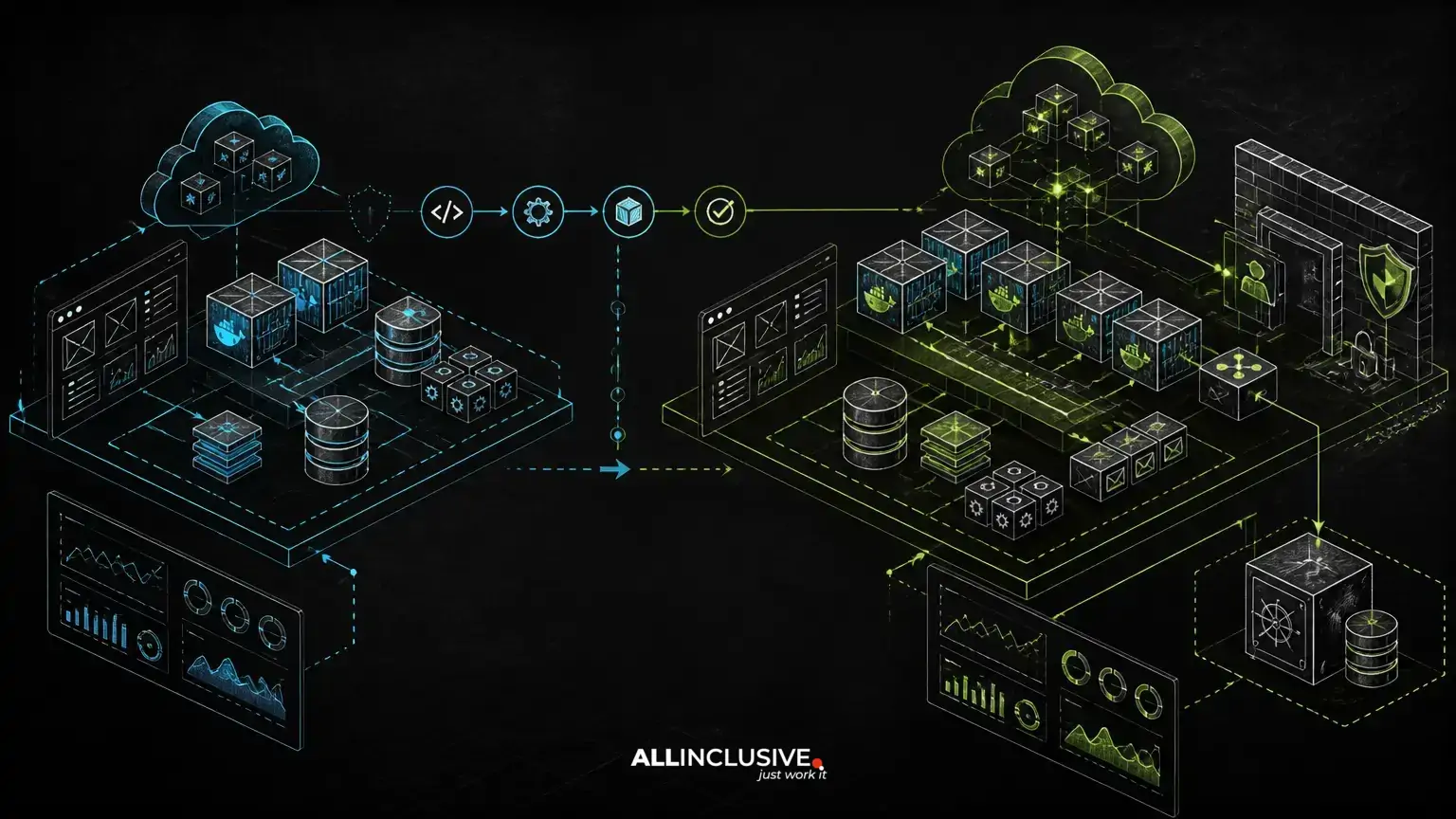
Staging vs production environments should be similar enough to expose release problems before users encounter them, but different enough to protect real data, control cost and reflect production’s operational requirements. Treating them as either identical copies or unrelated systems creates avoidable risk. For staging vs production environments, an adjacent technical consideration is explained in web development services.
The right model is selective parity. Application code, deployment artifacts, configuration shape, database behavior, networking assumptions and observability should align closely. Production data, credentials, traffic volume, scaling capacity and destructive access should not be copied indiscriminately.
For custom web applications, this distinction affects release confidence, debugging speed, infrastructure cost and the ability to recover when a deployment or dependency fails.
What staging and production should share
Application artifacts and runtime assumptions
Staging should run the same application artifact intended for production whenever possible. Building one Docker image and promoting that immutable artifact through environments reduces the chance that staging validates one dependency set while production receives another.
The runtime contract should also be comparable: language version, framework version, operating-system assumptions, web-server behavior, queue workers, scheduled jobs and required extensions. A Laravel application, for example, should not rely on a PHP extension in production that was absent during staging validation. The same principle applies to Python services and their package-locking or dependency-management process.
Exact infrastructure sizing does not need to match, but the way components interact should. If production uses a load balancer, Redis, object storage, a relational database and asynchronous workers, staging should represent those boundaries rather than replacing every dependency with an in-memory substitute.
Deployment and configuration structure
Both environments should be managed through the same deployment process and, where practical, the same infrastructure definitions. Environment-specific values should be injected at deployment time instead of maintained through manual server edits.
Configuration keys can differ in value while remaining consistent in shape. Staging and production might each define database, cache, queue, mail, object-storage and observability settings, even though they point to separate resources. A missing variable should fail deployment or startup clearly rather than become a silent fallback.
This approach makes CI/CD behavior more representative. A pipeline can run tests, build the artifact, deploy it to staging, execute smoke tests and then require an explicit production approval or policy check. A release process built around manual changes in only one environment is difficult to audit and harder to reproduce.
Database behavior and migration discipline
Staging should use the same database engine and a compatible major-version family where feasible. It should also exercise the same migration mechanism, indexes, transaction boundaries and connection behavior used in production.
Production-sized data volume may be impractical, but a small synthetic dataset can conceal query and indexing problems. Load tests, representative fixtures and anonymized data subsets can provide better signals without exposing personal or confidential information.
Database migrations deserve special attention. A migration that works on an empty staging database may lock a large production table or break an older application version during a rolling deployment. Test backward-compatible migration sequences when zero-downtime deployment is required: introduce a compatible schema, deploy code that can work with both versions, backfill safely, and remove obsolete structures only after they are no longer used.
For broader architecture considerations, see scalable web architecture and CI/CD for web applications.
What should differ between staging and production
Data, secrets and external side effects
Production secrets must not be reused in staging. That includes database credentials, signing keys, payment credentials, cloud access keys, private API tokens and encryption material. Staging should use separately scoped credentials with the smallest practical permissions.
Staging data should be synthetic, anonymized or otherwise approved for non-production use. Copying production data can create privacy, security and governance problems, even when the environment is not publicly accessible.
External side effects should also be isolated. Test email should route to controlled inboxes, payment integrations should use test modes where available, and webhooks should target staging endpoints. A staging job must not accidentally send customer notifications, create real orders or enqueue production work.
Capacity, availability and cost
Production generally requires higher availability, redundancy, backup retention and capacity than staging. A staging environment can use smaller AWS instances, fewer replicas or a reduced worker fleet if its purpose is validation rather than serving customers.
However, cost-saving changes should not alter the architectural behavior being tested. Replacing Redis with local memory, removing queue workers or running a single process may make staging cheaper while eliminating important failure modes. Staging can be smaller; it should not be misleading.
Teams should document which production properties are intentionally absent. For example, staging may not reproduce multi-AZ failover or full autoscaling, but it can still test health checks, graceful shutdown, queue retry behavior and deployment rollback.
Access controls and operational permissions
Production access should be more restricted, more observable and more deliberate. Developers may have broad access to staging for investigation, while production changes should use approved roles, audited sessions and a controlled deployment path.
Administrative tools deserve separate treatment. Disable or tightly restrict destructive utilities in staging and production alike, but do not assume that a private network alone is sufficient protection. Apply authentication, authorization and environment-aware safeguards to actions such as data deletion, job replay and configuration changes.
How Docker and CI/CD improve environment consistency
Docker is useful when it standardizes the application’s runtime without pretending that containers eliminate infrastructure differences. A Laravel or Python application can use the same image across staging and production while connecting to different databases, caches, queues and object-storage buckets.
Build dependencies should be separated from runtime dependencies where appropriate, and images should be versioned immutably. Avoid using a floating tag that can silently point to different content between deployments. The deployment system should record which artifact reached staging and which artifact reached production.
A dependable pipeline commonly includes:
- Automated unit, integration and security-relevant checks for each change.
- One reproducible build that produces the deployable artifact.
- Staging deployment using environment-specific, separately managed secrets.
- Smoke tests covering login, core workflows, database access, queues and critical integrations.
- Optional load or migration tests for changes that affect capacity or data access.
- An explicit promotion step with rollback criteria and ownership.
- Production deployment followed by health checks and monitored verification.
Staging should validate the release process itself, not just the application. If production uses rolling replacement or another zero-downtime pattern, test the compatibility assumptions behind that pattern before a high-risk release. More deployment patterns are covered in zero-downtime deployment.
Observability should be consistent even when scale is not
Logs, metrics and traces are often treated as production-only concerns. That weakens staging because teams lose the same diagnostic context they will need during an incident.
Both environments should emit structured logs with correlation identifiers, application errors, queue failures and deployment metadata. Metrics should cover request health, latency, database connections, cache behavior, queue depth, worker failures and resource saturation. Distributed tracing may be sampled differently, but trace context should pass through the same meaningful service boundaries.
Alert thresholds can differ. Production may page an on-call engineer, while staging may create a ticket or pipeline failure. The important point is that staging exercises the instrumentation and confirms that operators can find the cause of a failed workflow.
Test the failures staging is meant to catch
Parity is valuable only when tests target realistic failure modes. Useful staging checks include:
- A deployment with an application and database schema change that must remain temporarily compatible.
- A Redis interruption or cache miss that verifies the application’s fallback behavior.
- A queue worker failure, retry storm or dead-letter path.
- Slow database queries and connection-pool pressure.
- Object-storage permission errors and unavailable external APIs.
- Container restarts, health-check failures and graceful shutdown.
- Rollback of the application artifact after a failed health check.
Load testing should be designed around expected workflows and carefully isolated from production services. It can reveal bottlenecks in application code, database access, caching and queue throughput, but results from a small staging environment should not be presented as a direct production capacity guarantee.
Backups and disaster recovery are production responsibilities
Staging is not a substitute for a recovery environment. Production backups should be configured, monitored and periodically tested independently of application deployment. Recovery planning should identify who can restore data, where the restored system will run, how secrets will be recovered and how DNS or traffic routing will be changed.
A staging environment can support recovery exercises by providing a safe destination for a backup restore or by validating infrastructure definitions. It should not be the only copy of critical configuration or the only place where restoration procedures are documented.
Recovery objectives should reflect business impact rather than infrastructure preference. A customer-facing transaction system, internal operations tool and asynchronous reporting platform may require different recovery priorities. Document those priorities before an incident forces an improvised decision.
A practical parity checklist for custom web applications
Before calling staging production-like, review these questions:
- Does staging run the same versioned artifact and compatible runtime?
- Are the same major dependencies represented, including databases, Redis, queues and object storage?
- Are configuration keys consistent while secrets and credentials remain isolated?
- Can staging validate migrations against representative schema and data patterns?
- Are external side effects safely redirected or disabled?
- Does the deployment pipeline use the same release and rollback mechanics?
- Can operators inspect comparable logs, metrics and traces?
- Are production-only scale, redundancy and recovery properties documented rather than accidentally omitted?
- Is ownership clear for approving releases, responding to failures and restoring service?
The goal is not to spend production-level money on every environment. It is to invest in parity where differences create false confidence, while deliberately isolating data, credentials, capacity and customer impact.
For teams planning a new custom application or improving an existing delivery process, custom web development should include environment design as part of the product’s operating model, not as a final deployment task. Ongoing patching, monitoring and incident readiness also belong in a defined support and maintenance plan.