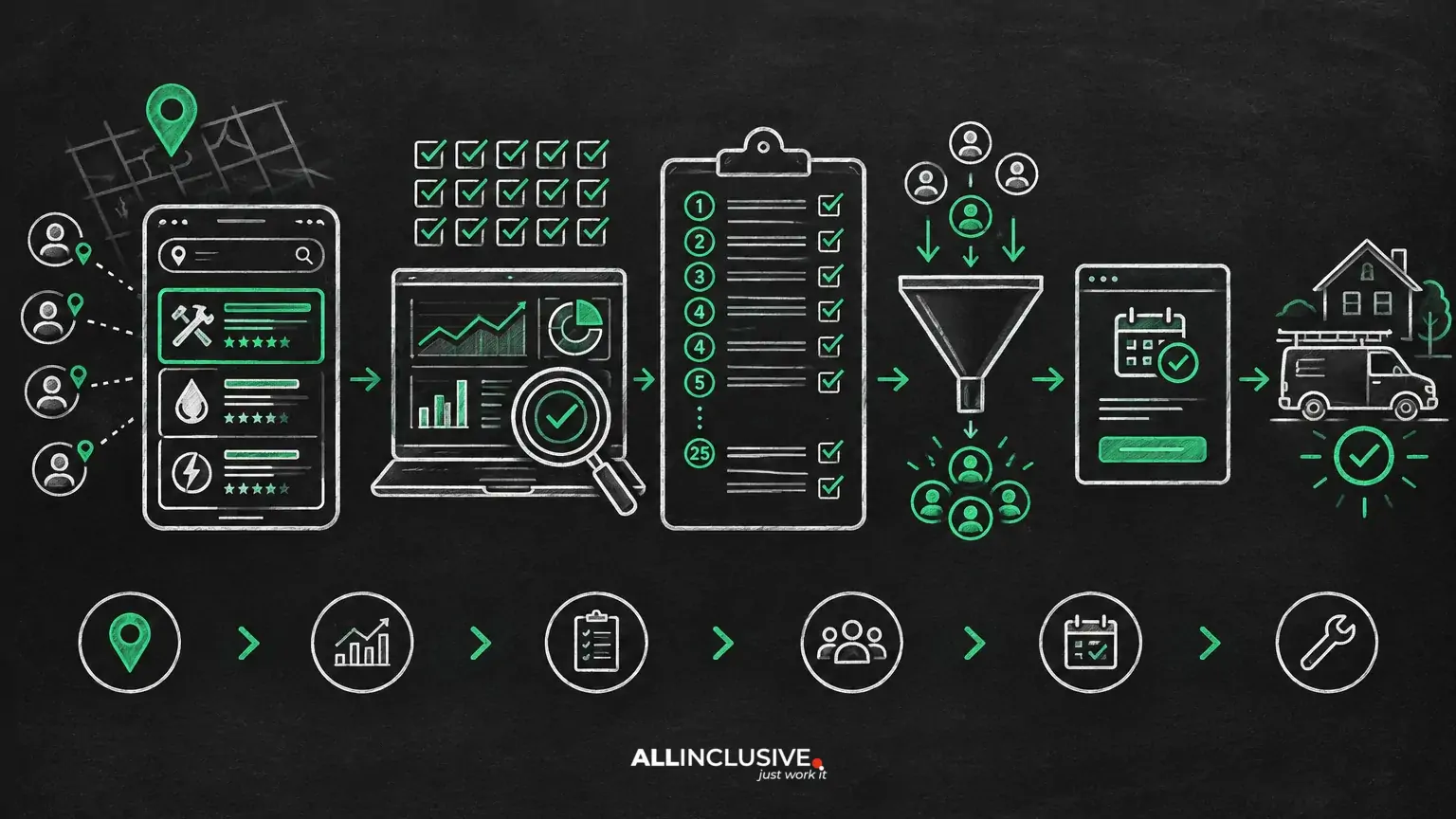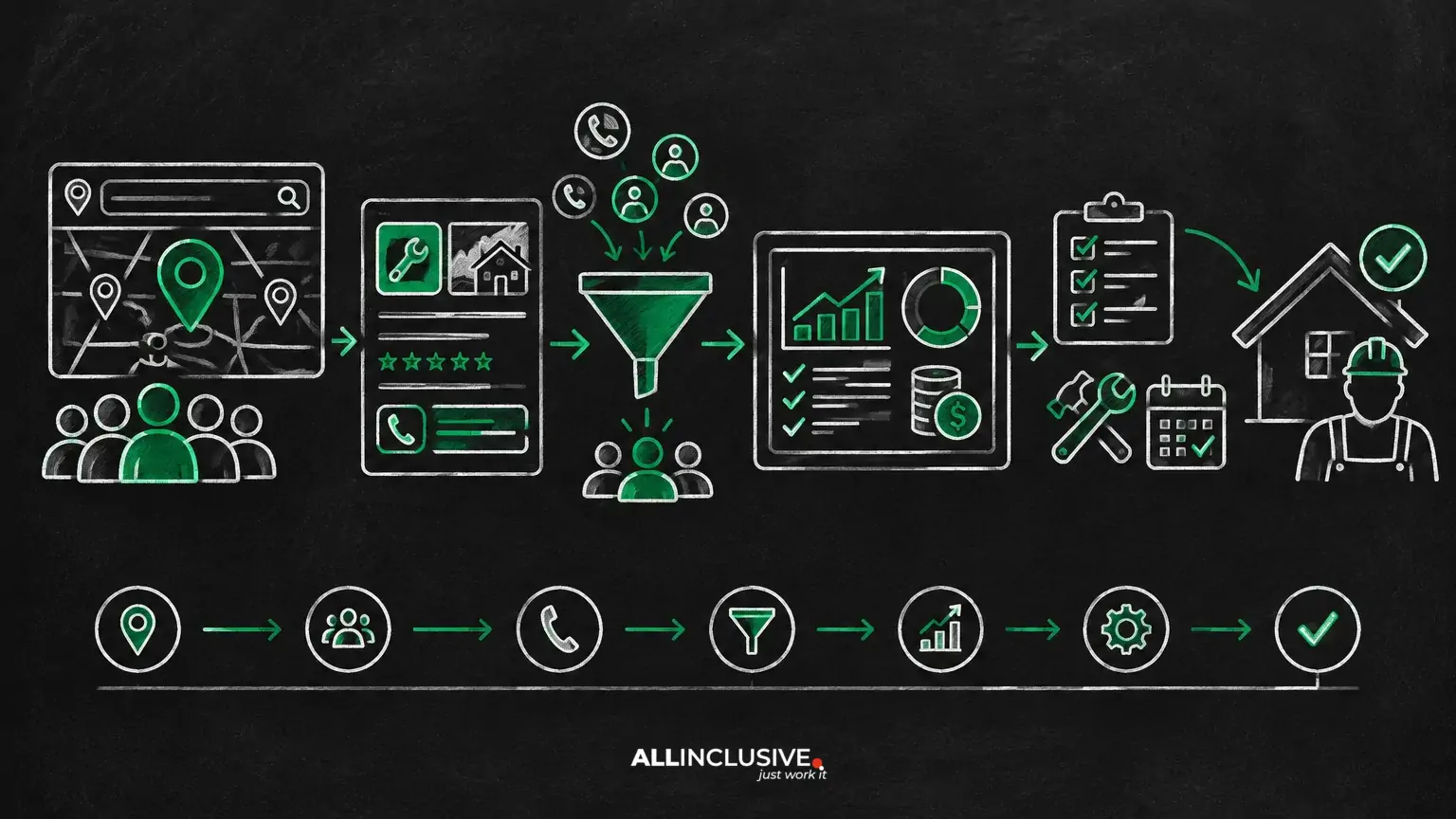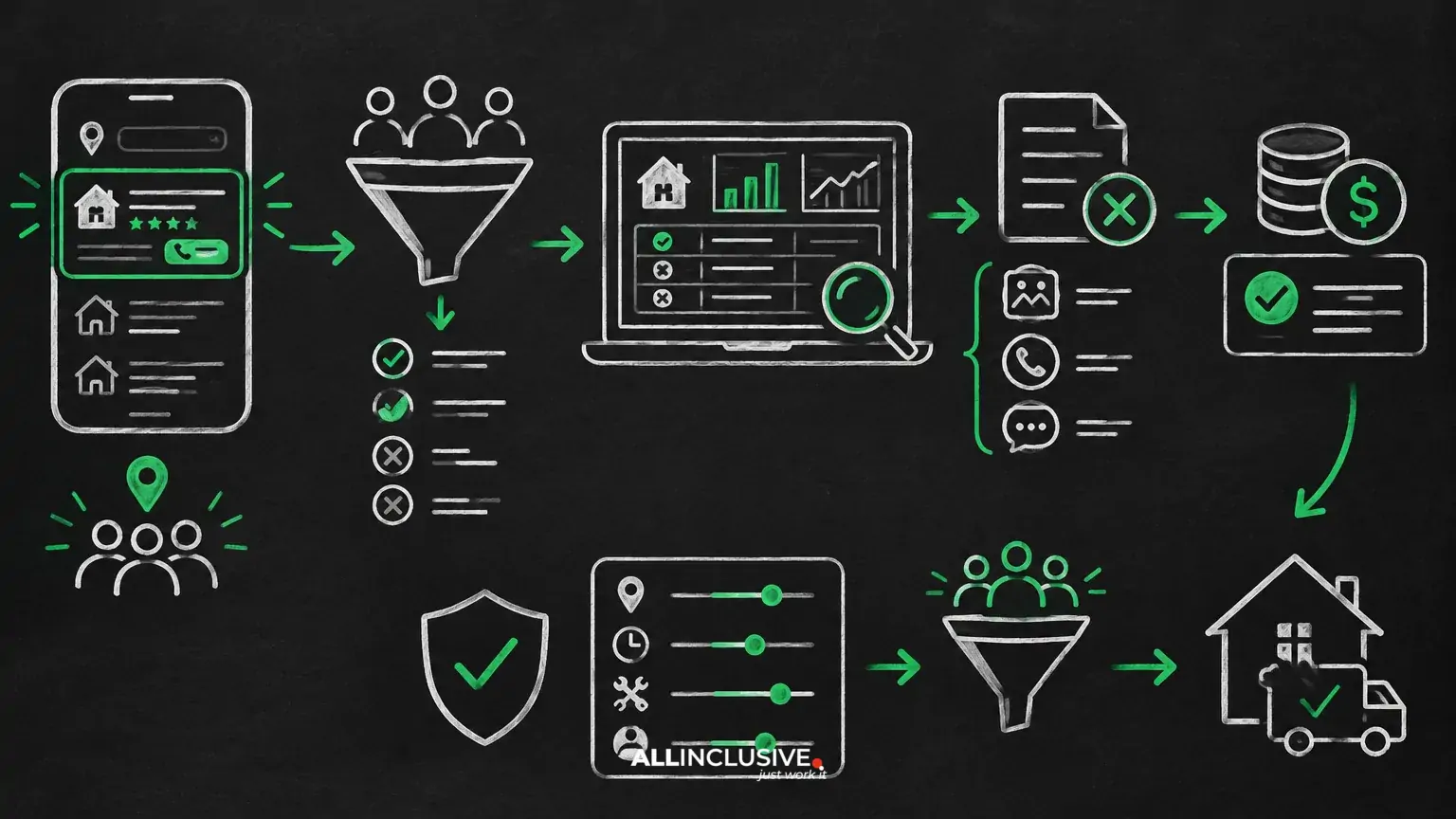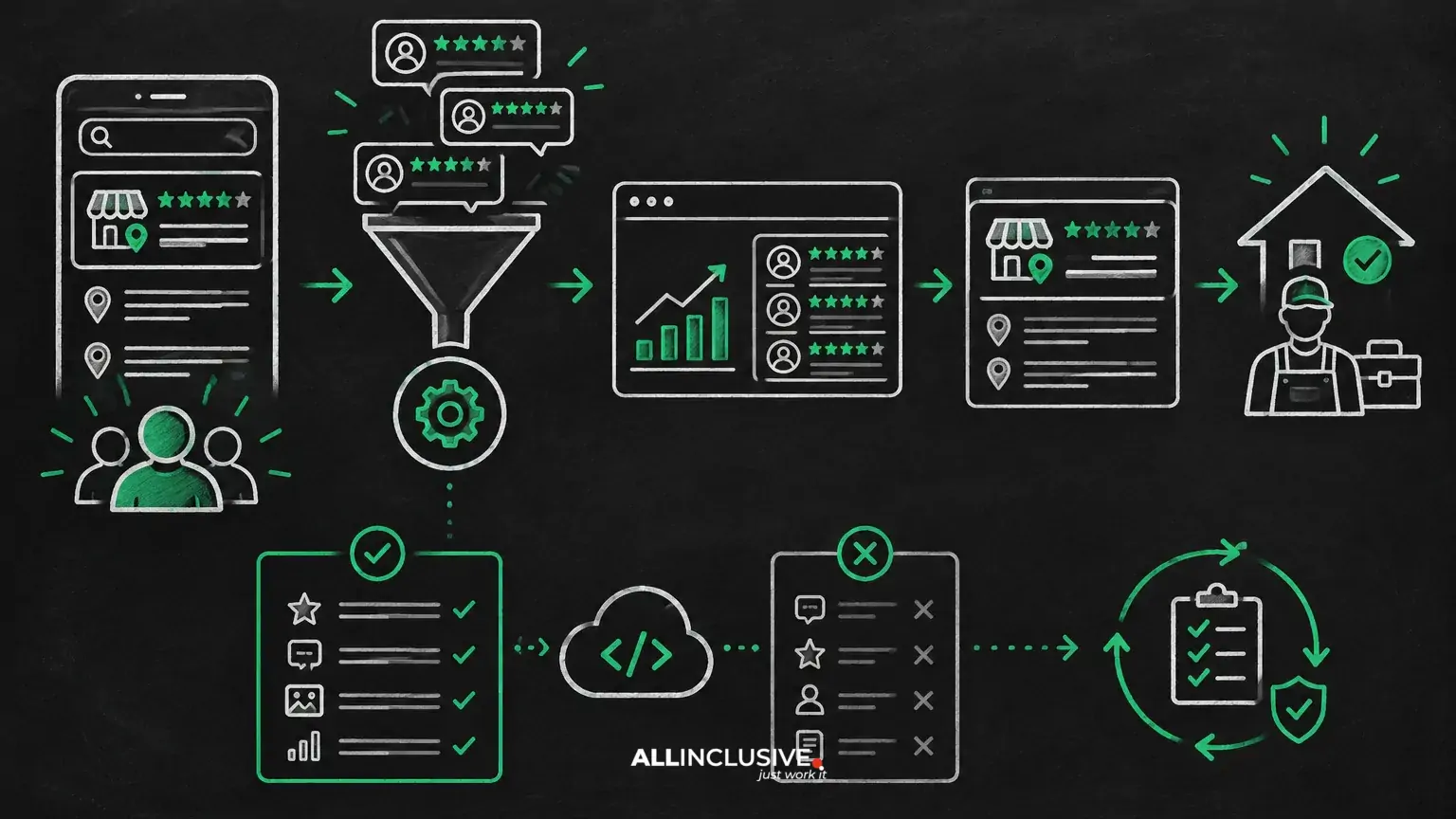
If you are researching a local service ads reviews api, the first question is not which connector to buy. It is what you need the system to do—and whether that action is supported by an official platform interface, a permitted integration, or only a manual workflow.
In practice, an API may help a business or agency organize review-related data, connect reputation signals with lead reporting, and reduce repetitive work. It does not automatically grant unrestricted access to every Local Services Ads screen, enable review manipulation, or replace the platform’s own eligibility, moderation, and account controls.
This distinction matters because Local Services Ads reviews influence trust and may affect how prospects evaluate a provider, but reviews are only one part of paid lead performance. A useful implementation connects review operations to lead quality, response speed, booked jobs, and revenue—not just to a star rating.
What people usually mean by a Local Services Ads reviews API
The phrase can describe several different technical needs:
- Retrieving review data from an eligible source for reporting or analysis.
- Synchronizing business, location, or provider records across systems.
- Sending review requests through an approved customer-communication workflow.
- Monitoring newly published reviews and routing them to an operations or reputation team.
- Combining review information with Local Services Ads lead, booking, call, or cost data in a dashboard.
These are not interchangeable. A connector that imports public or first-party review information is different from an interface that exposes advertising-account performance data. A reputation-management tool may support response workflows without providing direct control over Local Services Ads configuration.
Before selecting a vendor, define the required object, action, account, and refresh frequency. For example: “Notify our manager when a new review is published for a verified location” is a clearer requirement than “connect reviews to Local Services Ads.”
What an API may be able to support
Review collection and normalization
An integration can potentially collect review records from supported sources and standardize fields such as location, reviewer identifier, rating, text, publication date, response status, and source. Availability depends on the source’s access model, account permissions, geography, and terms.
Normalization is valuable for multi-location businesses. One system may call a field “location,” another may use “business profile,” and a third may identify a provider by account or listing ID. A stable internal naming convention makes it easier to compare reputation data with leads and booked work.
Alerts and workflow routing
Review events can be routed to the appropriate team. A positive review may enter a monitoring queue, while a low rating or complaint can trigger an escalation to customer service. The integration should preserve the original record and record who handled the response.
Do not treat automated responses as a substitute for review judgment. A response workflow should include permission controls, templates with human review, and escalation rules for safety, legal, billing, or service-quality concerns.
Reporting and analysis
Review data becomes more useful when analyzed alongside operational outcomes. A reporting layer can help answer questions such as:
- Are locations with recent review activity receiving more qualified inquiries?
- Do complaint themes correspond with missed appointments, refunds, or poor booking rates?
- Does response time to new leads differ between high- and low-rated locations?
- Are reviews being evaluated by service line rather than only at the overall business level?
These are analytical questions, not proof of causation. A change in lead volume may also reflect budget, coverage, seasonality, competition, hours, service availability, or bidding settings.
Data export to a warehouse or dashboard
For an agency or larger advertiser, an integration may export review and advertising data into a warehouse or business-intelligence tool. This can reduce spreadsheet work and create a shared reporting model.
Build the model around stable identifiers and documented time zones. Store event timestamps, extraction timestamps, source names, and any transformations applied. Without this audit trail, teams may mistake a delayed sync or changed source field for a real performance shift.
What an API cannot be assumed to do
It cannot guarantee access to private platform data
Access is controlled by the relevant platform, product, account type, permissions, and approved integration method. A third-party tool may advertise “API access” while relying on exports, user-authorized connections, public data, or browser automation. Those methods have different reliability and compliance implications.
Ask the vendor precisely:
- Which official interface or source provides the data?
- What account authorization is required?
- Which fields are available, and which are inferred?
- How frequently is data refreshed?
- What happens when permissions expire or the source changes?
- Can data be deleted or exported if the relationship ends?
It cannot manufacture or transfer trust
An integration can organize review information, but it cannot make an unverified business eligible, turn a disputed customer interaction into a favorable review, or transfer reputation from one business identity to another. Review policies and advertising eligibility remain separate from reporting convenience.
It cannot safely automate every response
Automated text can be inaccurate, insensitive, or inappropriate for a complaint involving health, safety, discrimination, payment, or legal issues. Use automation for routing and drafting, with human approval where context matters.
It cannot prove that reviews caused more leads
Review ratings and review volume are correlated with many other business conditions. If a location receives more leads after a review improvement, that observation alone does not establish that the reviews caused the increase. Use controlled comparisons where practical and document other changes to budget, coverage, response handling, and availability.
How Local Services Ads reviews fit into performance management
Reviews should be treated as one input in a broader operating system. A business may have strong public sentiment but still waste spend through slow call handling or poor appointment availability. Conversely, a newer provider may have limited review history while delivering excellent service and converting leads efficiently.
Track the relationship between reputation and outcomes using a consistent set of fields:
- Reputation: rating, review count, recency, themes, and response status.
- Lead acquisition: lead source, date, service, location, cost, and dispute status.
- Sales handling: first-response time, contact result, appointment status, and reason for loss.
- Commercial outcome: booked job, completed job, revenue, margin where available, and repeat value.
For broader measurement guidance, see Local Services Ads reporting. That reporting framework is useful for keeping review signals connected to actual lead and revenue outcomes rather than treating reputation metrics as a standalone scorecard.
Implementation pattern for an agency or multi-location business
1. Define the business question
Start with a decision the data should support. Examples include identifying locations that need service-recovery intervention, comparing review activity with booking performance, or reducing the time required to prepare monthly reports.
2. Map source ownership and permissions
List each system involved: review source, advertising account, customer relationship management system, call-tracking platform, booking system, and data warehouse. Assign an owner for each permission and document how access is revoked.
3. Separate identifiers from display names
Names change. Store durable source IDs where available and maintain a separate location table for addresses, brands, service areas, and current display names. This prevents historical reporting from breaking when a location is renamed.
4. Establish a review-event workflow
Set rules for new reviews, low ratings, unanswered reviews, suspected spam, and service complaints. Include a target response window, an escalation owner, and a status such as open, drafted, approved, responded, or closed.
5. Reconcile data before automating decisions
Compare several reporting periods manually. Look for duplicate reviews, missing locations, timezone mismatches, delayed updates, and records that cannot be joined to a lead or customer. Automation should follow validation, not replace it.
6. Limit access and protect customer information
Use the least access required for each role. Avoid copying unnecessary personal information into dashboards, define retention rules, and confirm that the integration’s data handling fits your contracts and applicable privacy obligations.
API, connector, export, or manual workflow?
The best approach depends on volume, risk, and the action required.
- Manual workflow: suitable when there are few locations, low review volume, or sensitive cases requiring judgment.
- Scheduled export: useful for periodic reporting when real-time alerts are not necessary.
- Approved connector: appropriate when a supported integration can synchronize the required fields with clear authorization.
- Custom API integration: justified when the business has stable technical ownership, repeatable requirements, and enough volume to support maintenance.
Do not build a custom integration merely because the word “API” appears in a vendor proposal. A maintained connector with clear limitations may be more dependable than a bespoke system that breaks whenever a source changes.
Local Services Ads Reviews API: Mistakes to Watch For
- Assuming all review data is available through the same interface as advertising performance data.
- Buying a tool before defining the required fields and business decision.
- Using rating alone as a proxy for lead quality or profitability.
- Automating public responses without escalation and approval controls.
- Ignoring location-level differences in service mix, coverage, staffing, and demand.
- Failing to preserve source timestamps, extraction times, and historical snapshots.
- Confusing a data-access limitation with a campaign-performance problem.
For the reputation side of the topic, the guide to Local Services Ads reviews explains how review quality and customer experience can affect evaluation of a provider. For lead economics, keep review analysis connected to cost, booking, and revenue—not isolated from the rest of the account.
A practical evaluation checklist
Before approving an integration, confirm that it can answer these questions in writing:
- What exact data source is connected?
- Is the connection official, authorized, and consistent with the source’s terms?
- Which review fields are returned?
- Can the system distinguish locations, brands, and service categories?
- What is the expected delay between publication and availability?
- How are deletions, edits, duplicates, and unavailable records handled?
- Can users approve, revise, and audit responses?
- How are credentials, customer data, and retention managed?
- What happens when the connection fails?
- Can the data be exported in a usable format?
If the vendor cannot answer these questions, treat the product as a workflow convenience rather than a dependable source of record.
Local Services Ads Reviews API: Decision Summary
A Local Services Ads reviews API can be useful for organizing reputation data, routing review workflows, and connecting customer sentiment with lead and operational reporting. Its value depends on accurate source mapping, appropriate permissions, reliable identifiers, and disciplined interpretation.
It cannot be assumed to provide unrestricted access to private platform data, override review or advertising policies, automate every response safely, or prove that reviews caused performance changes. Start with the decision you need to make, verify the available data path, and introduce automation only after the workflow has been validated.
For context on how this work fits into a broader acquisition program, explore paid media strategy and management and the Local Services Ads pillar at Local Services Ads.