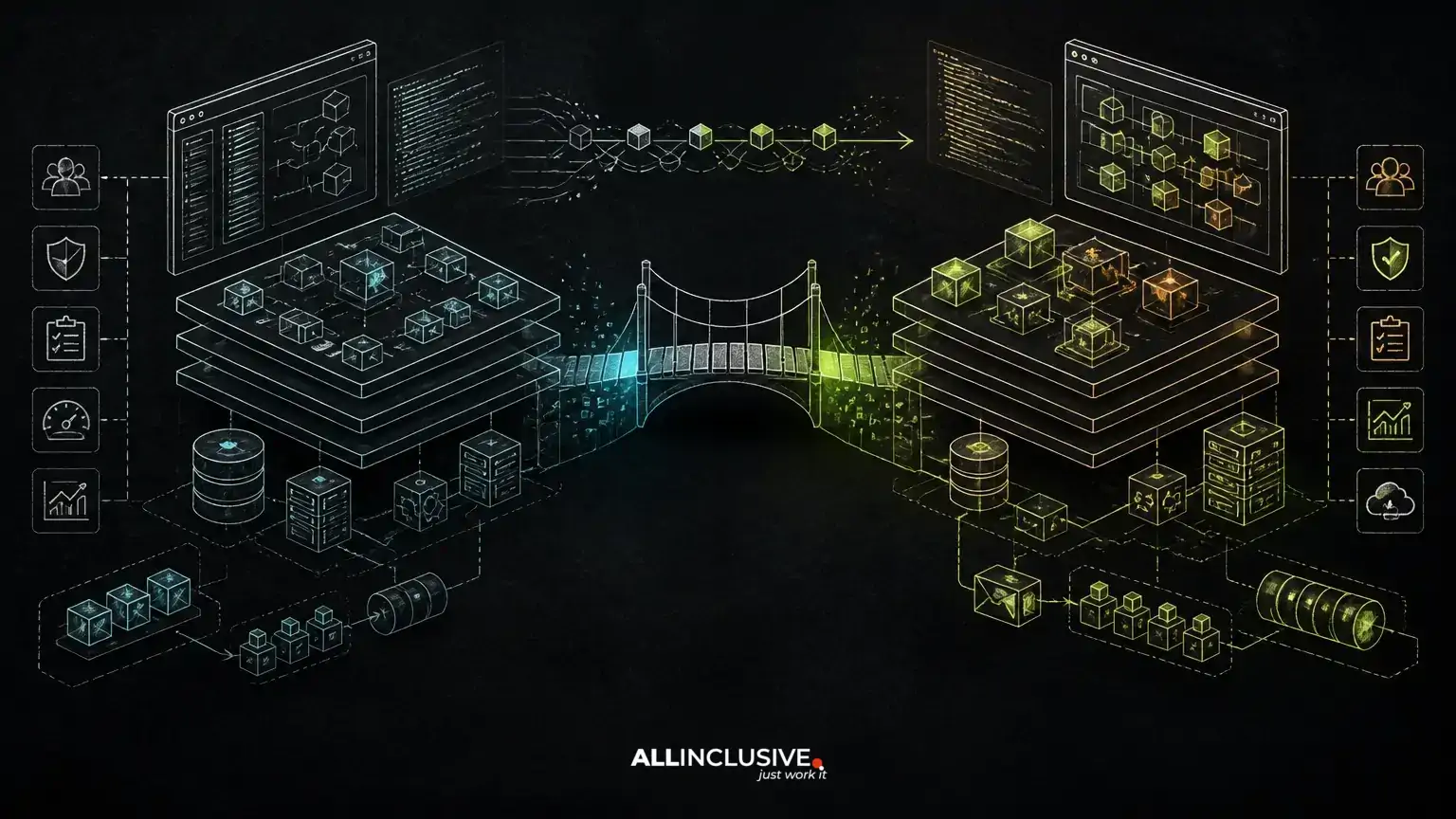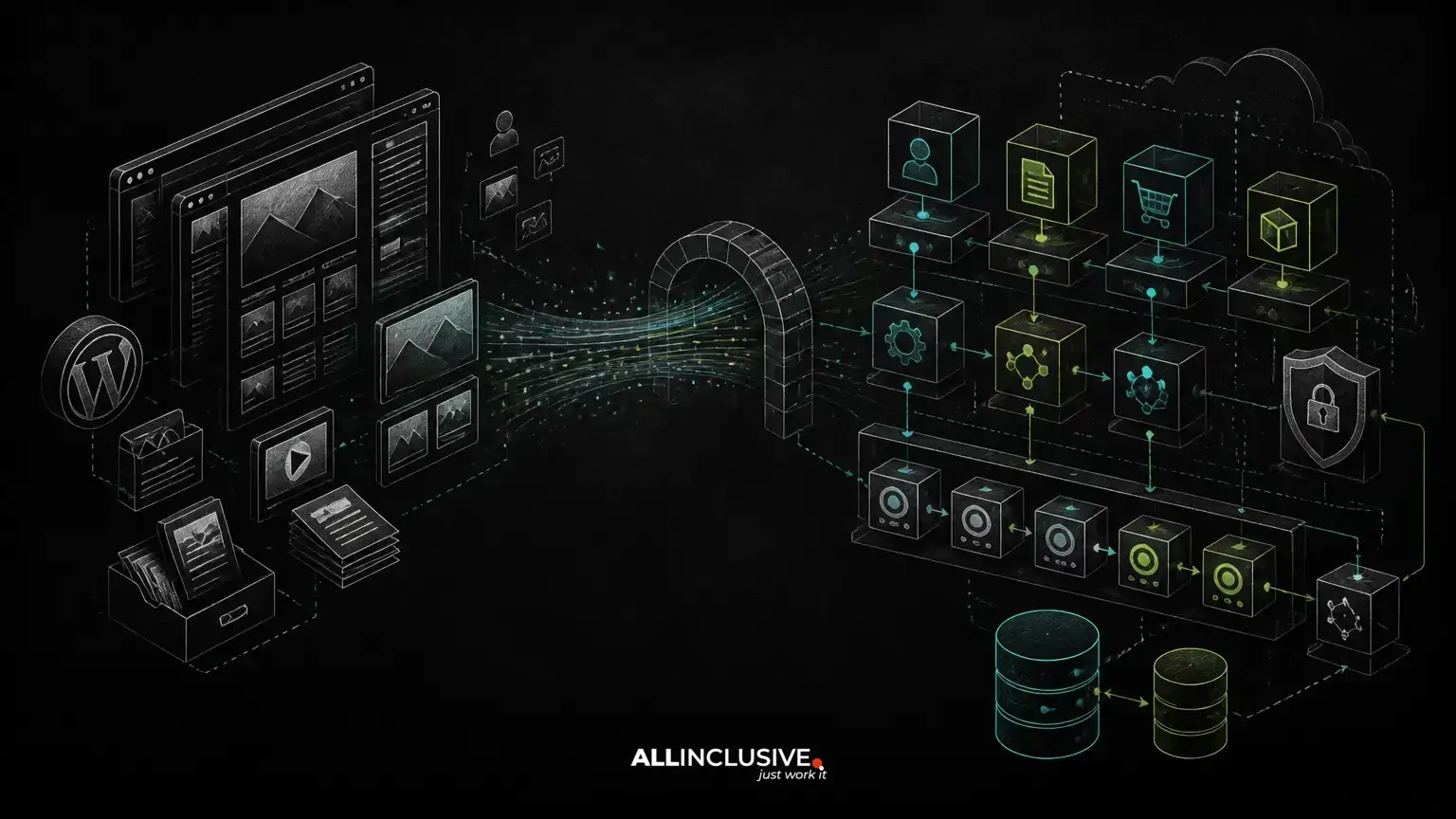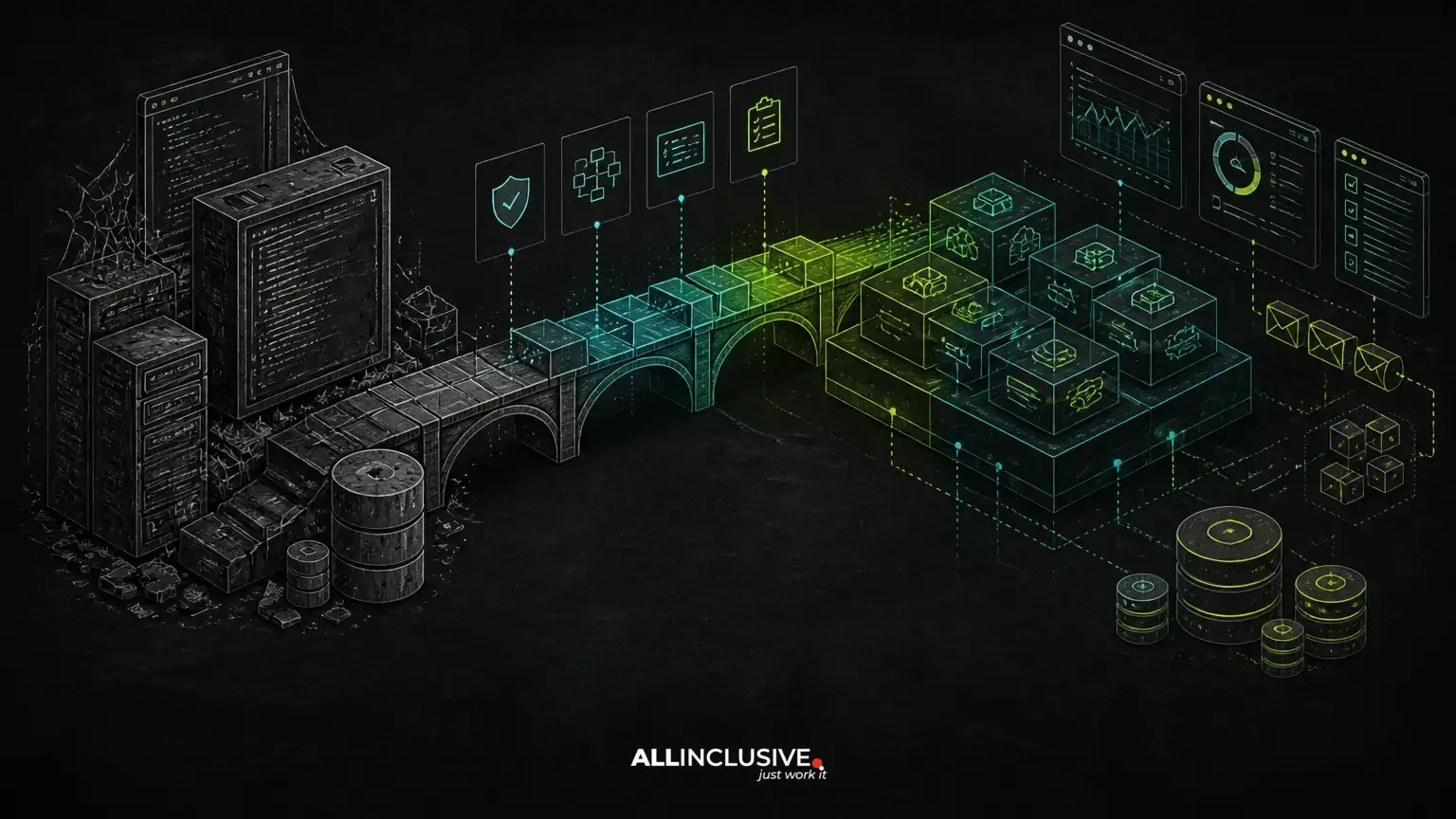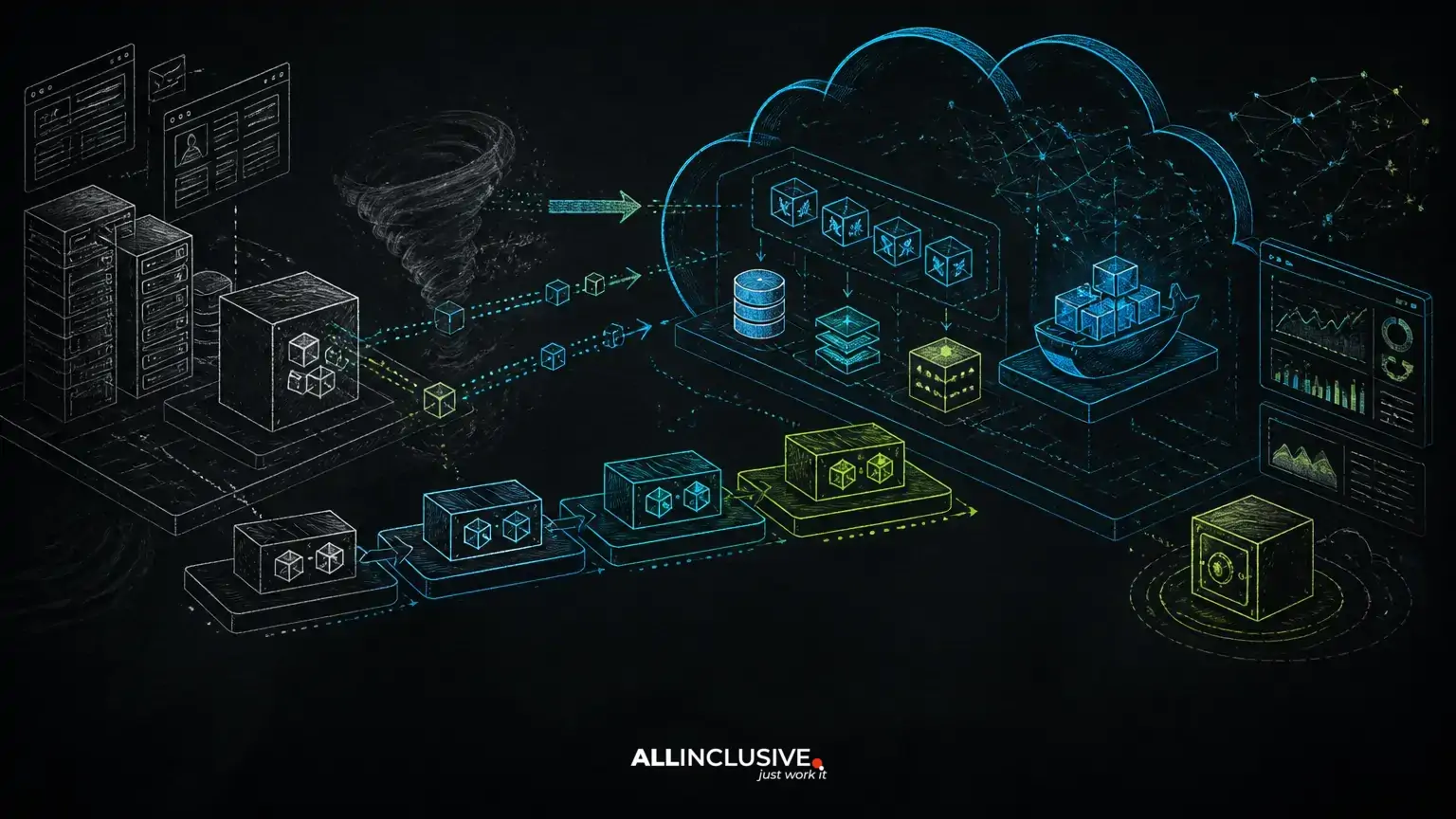
Cloud migration for web applications is safest when treated as a sequence of controlled operational changes, not a single infrastructure switch. A practical plan separates discovery, stabilization, containerization, data migration, traffic cutover and post-migration optimization. Each phase should have a rollback path and measurable acceptance criteria.
The goal is not to move every component to a more complicated architecture. For many custom applications, a well-operated monolith with managed database services, Redis, background queues, automated deployments and clear observability provides a better starting point than a premature microservices split. The right design depends on workload patterns, team ownership, data constraints and recovery requirements.
This article explains how to build that migration plan, with attention to AWS or comparable cloud platforms, Docker, CI/CD, databases, caching, load testing, zero-downtime deployment, logs, metrics, traces, backup and disaster recovery.
Start with application behavior, not cloud products
Before choosing compute, networking or storage services, document how the application behaves in production. A web application may include more than its HTTP requests and database. Common dependencies include scheduled jobs, queue workers, file uploads, email delivery, payment or identity providers, search indexes, reporting processes and administrative tools.
Create an inventory that identifies:
- Web, worker, scheduler and batch processes
- Primary and secondary databases, including read-heavy workloads
- Session storage, caches and queue backends
- User-uploaded files and generated documents
- External APIs, webhooks and outbound network dependencies
- Scheduled tasks and time-sensitive workflows
- Operational owners, deployment steps and recovery procedures
This discovery phase exposes hidden coupling. For example, a deployment may appear successful while queued jobs still point to an old endpoint, or uploaded files may remain on a local disk that will not be shared across multiple application instances.
Define migration constraints and success criteria
A migration plan needs explicit constraints before implementation begins. These may include a permitted maintenance window, maximum tolerable data loss, regulatory or residency requirements, dependency changes that cannot occur simultaneously, and the application’s busiest operating periods.
Define success in operational terms rather than simply confirming that the new environment is running. Useful criteria include:
- Critical user workflows complete correctly in the target environment.
- Database writes and background jobs remain consistent during cutover.
- Deployment can be repeated from version-controlled configuration.
- Logs, metrics and traces identify failures without relying on server access.
- Backups are automated and restoration has been tested.
- The team can roll back or redirect traffic using a documented procedure.
These criteria connect cloud work to business risk. A migration that reduces server maintenance but makes recovery uncertain is not operationally complete.
Stabilize the application before changing its hosting model
Moving an unstable application to new infrastructure can make diagnosis harder because application defects and platform changes appear at the same time. Stabilization does not mean refactoring everything. It means reducing avoidable uncertainty before the move.
Prioritize reliable application startup, repeatable configuration, database migration discipline, idempotent jobs and clear health checks. Separate configuration from code using environment-specific settings or a managed configuration mechanism, while keeping secrets out of source control and container images.
Identify filesystem assumptions early. If the application writes temporary files, generated exports or user uploads to local disk, decide whether those files belong in object storage, a shared filesystem or an ephemeral workspace. A horizontally scaled web tier cannot safely depend on one instance’s local files.
For Laravel and other PHP applications, this may include separating web requests from queue workers and scheduled commands. Python applications often require the same distinction between the web process, workers and scheduled tasks. The architectural principle is more important than the framework: each process should have a clear responsibility and an independently testable deployment path.
Choose a migration architecture that preserves ownership
A common target architecture for a custom web application contains a load-balanced web tier, managed relational database, object storage for durable files, Redis where caching or queues require it, and separate worker processes for asynchronous work. Docker can make these runtime units consistent across development, staging and production.
That does not automatically require microservices. Keeping a modular monolith may reduce network failure modes, deployment coordination and operational overhead. A service split becomes easier to justify when a component has a distinct scaling profile, release cadence, security boundary or ownership model.
Review the trade-offs before selecting cloud components. Managed services can reduce routine administration, but they introduce provider-specific configuration, network dependencies and service limits that the team must understand. Self-managed infrastructure offers more control but transfers patching, monitoring, backup and recovery work to the engineering team.
For a deeper infrastructure example, see AWS architecture for Laravel. For broader design considerations, the guide to scalable web architecture covers decisions that should be made before additional servers become urgent.
Containerize for consistency, not abstraction theater
Docker is useful during migration when it produces a repeatable runtime and clarifies process boundaries. Build images from versioned definitions, keep them as small and deterministic as practical, and ensure the container can start without manual server changes.
Production images should not contain development-only dependencies, local secrets or mutable application state. Store logs through the platform’s collection mechanism rather than depending on files inside a container. Treat containers as replaceable; durable state belongs in databases, object storage or other explicitly managed systems.
Run the same essential image and startup behavior through staging and production, while keeping credentials, scale and external integrations appropriately separated. The related Docker guide for Laravel and Python provides a practical multi-service setup for this stage.
Move data with a rehearsed cutover plan
Database migration is often the highest-risk part of cloud migration for web applications because data is stateful and application behavior may change when connection latency, extensions or transaction settings change.
Choose a migration method based on database size, downtime tolerance, consistency requirements and platform compatibility. A straightforward export and import may be appropriate for a smaller system with a planned maintenance window. Larger or more availability-sensitive systems may need replication, change capture or a staged synchronization process.
Regardless of method, rehearse the process. Measure backup creation, transfer, restoration, schema migration, application startup and validation. Test indexes, connection limits, time zones, character encoding and extensions rather than assuming the target database behaves identically.
During cutover, define which system is authoritative for writes. Ambiguous write ownership can produce duplicate records, lost updates or jobs created in one environment and consumed in another. Validate record counts where meaningful, run business-level checks and retain a rollback decision point.
Design caching and queues around failure behavior
Redis can improve response times through caching and can support queues or shared application state, but it should not become an undocumented dependency. Decide which data may be lost, how keys expire, what happens during a cache flush and whether queue durability requirements differ from cache requirements.
Background queues deserve particular attention. A migration can create duplicate processing if workers run in both old and new environments without coordination. Use idempotent job handling where possible, define retry and dead-letter behavior, and monitor queue depth, job age and failure rates.
Cache misses should normally degrade to a slower valid response, not an application outage. Queue delays should be visible before users report missing notifications or incomplete workflows. These behaviors should be tested under partial failure, not only during a healthy deployment.
Build CI/CD and zero-downtime controls before cutover
Migration is safer when the target environment can be deployed repeatedly before it receives production traffic. A CI/CD pipeline should build and test the application, scan or validate artifacts as appropriate, publish an immutable version, run database migration checks and deploy through a controlled promotion process.
Zero-downtime deployment is not simply a load balancer setting. It requires compatibility between application versions, database schema changes, workers and queued jobs. Prefer additive schema changes first, deploy code that can work with both old and new structures, backfill data separately, and remove obsolete structures only after the old code is no longer active.
Use health checks that verify meaningful readiness without turning every dependency outage into a restart loop. Confirm that workers, schedulers and web processes receive the correct version. The article on CI/CD for web applications explains how to structure release flow, while this guide to zero-downtime deployment covers compatibility and traffic-shift patterns.
Prove capacity with load testing and observability
Do not infer cloud scalability from instance size or a successful smoke test. Load testing should represent important user workflows, realistic data access, background activity and external dependency behavior. Test steady load, bursts and recovery after saturation, while observing database connections, lock contention, queue latency, memory, CPU and network limits.
Observability should be in place before production cutover. Centralized logs help explain individual failures. Metrics show trends such as latency, error rate, throughput, resource saturation and queue age. Traces can connect a slow request across application code, database calls and external services when the instrumentation supports that level of visibility.
Define alerts around user impact and recovery needs. An alert that fires only when a server is completely unavailable may arrive too late. Conversely, alerts without ownership or runbooks create noise rather than control.
Make backup and disaster recovery part of migration acceptance
Backups are not a recovery plan until restoration has been tested. Document recovery objectives for the application and its data, then map them to backup frequency, retention, replication and restoration procedures. Include databases, object storage, configuration, deployment artifacts and other state required to rebuild the service.
Test more than a database restore. Verify that the application can reconnect, that files are available, that secrets and configuration can be supplied, and that queued or scheduled work behaves safely after recovery. Consider regional or provider-level failure separately from an accidental deletion or bad deployment.
Record who makes the recovery decision and which steps are automated. A technically possible recovery that depends on one unavailable administrator is not a dependable operating model.
Use a staged traffic migration instead of a single switch
Once the target environment has passed validation, move traffic in controlled stages when the architecture allows it. Options may include internal users, a limited audience, weighted routing or a short parallel period with carefully managed write ownership.
Monitor business workflows during each stage, not only infrastructure dashboards. Check authentication, checkout or submission flows, file uploads, notifications, reports and administrative operations. Define explicit stop and rollback conditions before traffic moves.
After the migration, keep the old environment available long enough to support the agreed rollback and validation period, but do not leave it running indefinitely without ownership. Remove obsolete access, credentials and infrastructure only after dependencies and recovery requirements have been reviewed.
A migration plan the team can operate after launch
Cloud migration succeeds when the post-migration operating model is clearer than the pre-migration one. The team should know how to deploy, inspect a failing request, replay or quarantine a job, restore data, scale a constrained component and respond to an incident.
For custom application planning and implementation context, visit Allinclusive development services. Ongoing operational needs may also warrant a defined support and maintenance approach covering monitoring, patching, release support and recovery exercises.
The safest migration is usually incremental: stabilize the application, make runtime behavior reproducible, move state deliberately, automate releases, observe real workloads and improve architecture only where evidence supports it. That sequence reduces big-bang risk while creating a platform the team can operate long after the initial move.