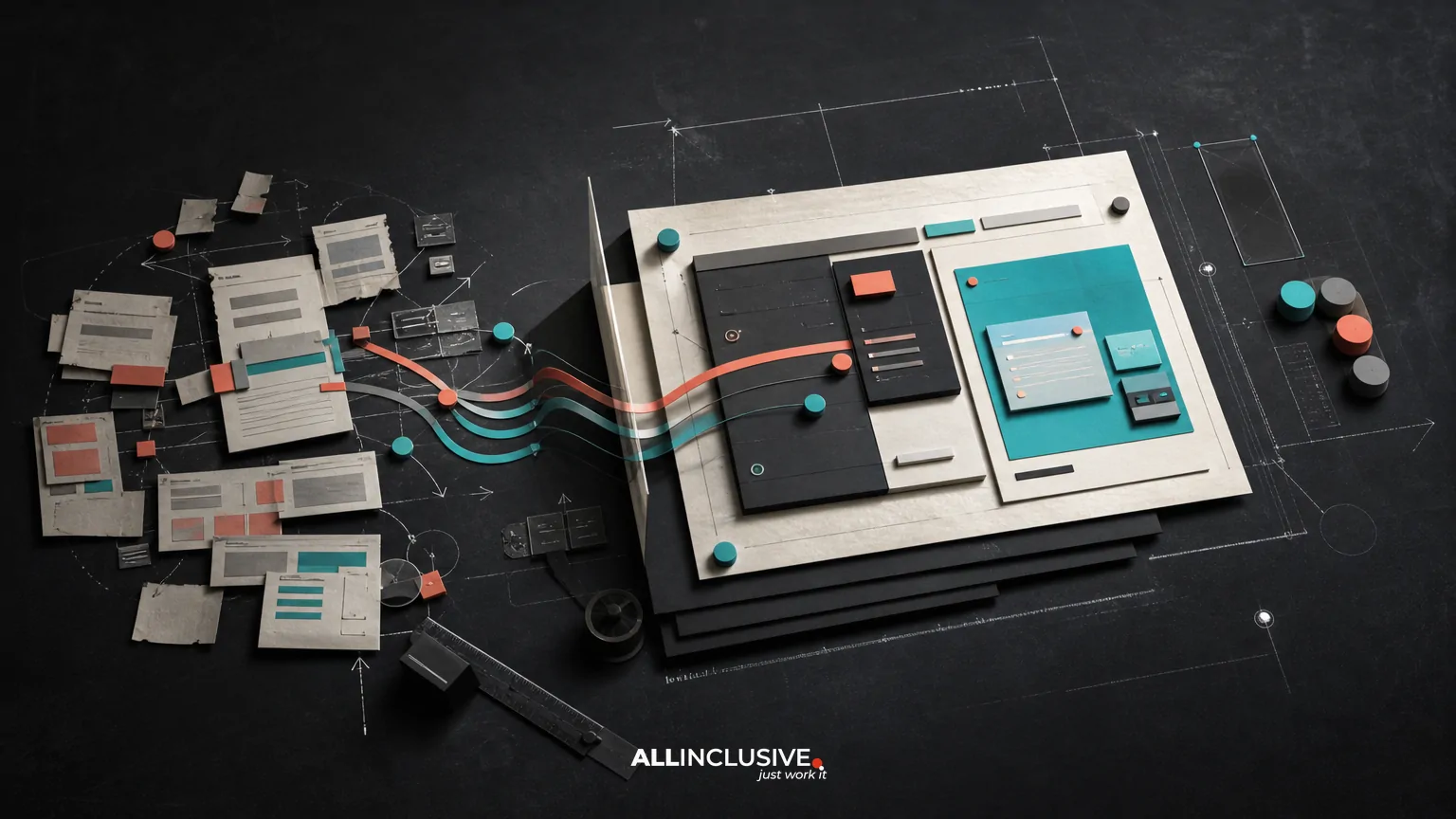
An ecommerce website redesign is more than a visual refresh. It changes the experience customers use to browse, compare, trust, and purchase—and it may also change URLs, templates, content, structured data, analytics, and the systems behind the storefront.
The strongest redesign plans connect four workstreams from the beginning: user experience, conversion performance, technical migration, and post-launch measurement. Treating any one of them as an afterthought can create avoidable risk, including lost rankings, broken tracking, checkout friction, or a new interface that looks modern but performs worse.
This guide explains the major decisions, dependencies, and controls to review before approving an ecommerce redesign. For broader project scope and delivery considerations, see the website redesign overview.
What an ecommerce website redesign should accomplish
A redesign should solve identifiable business and customer problems rather than simply replace an old interface. Common objectives include:
- Making product discovery faster across navigation, search, filters, and category pages.
- Improving product comprehension with clearer content hierarchy, media, specifications, and availability information.
- Reducing friction in cart, checkout, account creation, payment, shipping, and returns.
- Supporting mobile customers without creating a separate or incomplete experience.
- Making merchandising, content, and promotional updates easier for internal teams.
- Preserving or improving organic search visibility during platform, taxonomy, or URL changes.
- Producing reliable data for conversion analysis, merchandising decisions, and future optimization.
These goals can conflict. A more visual product page may improve inspiration but slow page performance. Faceted navigation may help shoppers but create crawl and indexation problems. A simplified checkout may reduce friction while removing information that customers need to make a confident purchase. The redesign brief should make these trade-offs explicit.
Scope the redesign before choosing the visual direction
“Redesign” can describe very different levels of change. Define the scope before evaluating concepts or estimating delivery.
Experience and interface redesign
The visual system, page hierarchy, navigation, product cards, product detail pages, cart, checkout, and responsive behavior may change while the underlying commerce platform remains largely intact. This is often the least disruptive path, but it can be limited by inherited templates, integrations, or content models.
Front-end or theme rebuild
A new theme or front-end architecture can improve performance, component consistency, accessibility, and design flexibility. It still requires careful attention to URL behavior, tracking, structured data, third-party scripts, and platform constraints.
Platform or CMS migration
Moving to another commerce platform or CMS introduces broader dependencies. Product data, variants, customer accounts, orders, reviews, promotions, tax rules, search behavior, integrations, and content must be mapped and tested. Migration planning should begin before detailed design is finalized.
Business-model or catalog change
Adding subscriptions, wholesale purchasing, marketplaces, regional storefronts, bundles, or a substantially different catalog changes information architecture and operational requirements. In this case, a redesign is also a business-process project.
Document what is changing, what is staying, and what must remain compatible. That baseline helps prevent an attractive concept from quietly expanding into an uncontrolled rebuild.
Audit the current store before designing the replacement
An audit creates the evidence needed to distinguish real problems from stakeholder preferences. Review the current experience through several lenses.
Customer and UX audit
- Can users understand the offer and value proposition quickly?
- Do navigation labels match customer language and product relationships?
- Can shoppers compare meaningful attributes without opening multiple pages?
- Are filters useful, understandable, and stable on mobile?
- Are product availability, delivery expectations, returns, warranties, and support easy to find?
- Does the checkout communicate progress, cost, payment options, and error recovery clearly?
Combine analytics with session reviews, customer service themes, usability observation, search behavior, and stakeholder interviews. Analytics can show where users leave; qualitative evidence helps explain why.
Conversion and merchandising audit
Review the paths from landing page to purchase, including category pages, internal search, product pages, cart, checkout, and post-purchase confirmation. Look for weak calls to action, unclear product differentiation, hidden costs, unavailable variants, poor cross-sell logic, or promotional messages that create confusion.
Technical and SEO audit
Inventory indexable URLs, templates, status codes, canonical tags, metadata, structured data, internal links, XML sitemaps, pagination or filtering behavior, image handling, and performance constraints. Record high-value pages and important query themes before changing the information architecture.
For a more focused review of user experience evidence, the website redesign UX audit guide provides a useful companion framework.
Design the ecommerce information architecture around decisions
Customers do not experience a store as a collection of screens. They use a sequence of decisions: what is this, is it right for me, can I trust it, and how do I buy it?
Build the information architecture around those decisions. Define:
- Primary categories and the logic behind them.
- Attribute and filter vocabulary, including synonyms customers use.
- Relationships between categories, collections, editorial content, and products.
- Internal search behavior, zero-result handling, spelling correction, and merchandising rules.
- Product variants, bundles, accessories, substitutes, and out-of-stock behavior.
- Regional, wholesale, subscription, or account-specific experiences where relevant.
Do not use filters as a substitute for a coherent category structure. Also avoid forcing every possible attribute into primary navigation. A smaller, comprehensible system usually supports better scanning and maintenance.
Prioritize conversion without creating pressure or confusion
Conversion-focused design is not the same as adding more buttons, pop-ups, or urgency messages. It means reducing uncertainty at the moments that affect purchase confidence.
Product discovery
Category pages should make comparison efficient. Consider image consistency, visible price and availability, concise product distinctions, useful sorting, and filters that remain understandable when several are applied. Preserve the user’s position and selections when returning from a product page where possible.
Product detail pages
Product pages should answer practical questions near the purchase decision. Depending on the category, that may include dimensions, compatibility, materials, care, delivery, returns, stock status, reviews, financing, and product media. Put essential information in a clear hierarchy rather than hiding it behind excessive tabs or accordions.
Cart and checkout
Review guest checkout, account creation, address handling, payment methods, shipping choices, error messages, coupon behavior, and order confirmation. Test interrupted sessions and edge cases, not only the ideal path. A checkout that works for a standard order may fail for multiple quantities, restricted products, backorders, or mixed shipping rules.
Use accessibility, content clarity, and error recovery as conversion requirements—not as a final compliance pass. Interface decisions that help people understand and correct mistakes often help every customer.
Plan content and CMS migration as a separate workstream
Content migration is not a copy-and-paste task. Create an inventory and classify each item as migrate, revise, consolidate, redirect, archive, or create.
Include product descriptions, category copy, buying guides, support content, policies, reviews, images, downloads, metadata, structured data fields, and promotional landing pages. Define ownership for content decisions and establish a content freeze or controlled publishing process before launch.
Pay particular attention to content that is easy to lose in a platform change: image alt text, editorial relationships, downloadable files, author or update information, product specifications, and custom fields used by templates or feeds.
Protect SEO during URL, canonical, and schema changes
Organic visibility can decline even when the new storefront looks better. Build a migration workbook that maps current URLs to intended destinations and records the reason for each decision.
Redirect mapping
Map changed, removed, and consolidated URLs to the closest relevant replacement. Avoid sending large groups of unrelated URLs to the homepage. Test redirects for chains, loops, incorrect protocols, query parameters, and destination status codes.
Canonical and indexation controls
Review canonical tags, robots directives, faceted navigation, internal search pages, duplicate product paths, pagination, regional variants, and staging environments. Canonicalization should reflect the intended primary URL; it should not be used to conceal unresolved architecture problems.
Structured data
Preserve or intentionally revise relevant structured data for products, offers, reviews, breadcrumbs, organization information, and other supported entities. Validate that markup matches visible page content and remains accurate when inventory, price, or availability changes.
Internal links and sitemaps
Update navigation, breadcrumbs, related products, editorial links, XML sitemaps, and feed references. A redirect can preserve access to an old URL, but it does not replace a healthy internal linking structure.
Keep analytics and experimentation intact
Measurement plans should be designed with the new experience, not reconstructed after launch. Document the events and properties required for product views, searches, filters, add-to-cart actions, checkout steps, purchases, refunds, account actions, and key merchandising interactions.
Confirm that analytics tools, consent behavior, advertising pixels, payment flows, call tracking, customer data platforms, and server-side integrations work in the new templates. Establish a test order process that does not pollute production reporting.
Define success measures before release. Depending on the business, these may include revenue, conversion rate, average order value, checkout completion, search refinement, product engagement, organic landing performance, page speed, accessibility findings, support contacts, and return behavior. Avoid relying on a single metric.
Use a staged launch and post-launch monitoring plan
Launch day is a transition, not the end of the redesign. Before release, test critical paths on representative devices, browsers, user states, products, regions, and payment or shipping combinations.
A practical launch checklist includes:
- Production crawl of templates, links, status codes, canonicals, directives, metadata, and structured data.
- Validation of redirect rules against the migration workbook.
- Confirmation that checkout, order processing, notifications, refunds, and fulfillment integrations work.
- Verification of analytics, consent, feeds, search tools, and error monitoring.
- Review of accessibility, performance, responsive behavior, and image loading.
- Backup and rollback procedures with named decision-makers.
- Monitoring dashboards for traffic, rankings, indexation, errors, conversion steps, revenue, and support issues.
Monitor closely after launch, then compare performance against an appropriate baseline. Investigate anomalies by template, device, product group, source, and geography rather than assuming the whole redesign succeeded or failed.
Common ecommerce redesign mistakes
- Starting with visual inspiration: A polished direction cannot compensate for an unresolved catalog, checkout, or content model.
- Changing URLs without a mapping process: This can break links, rankings, campaigns, bookmarks, and reporting continuity.
- Designing only the happy path: Out-of-stock products, validation errors, returns, discounts, and interrupted payments need equal attention.
- Underestimating internal tools: Merchandising, customer support, fulfillment, and content teams need usable workflows too.
- Adding third-party scripts without governance: Extra tags can affect performance, privacy, reliability, and debugging.
- Measuring only launch-week sales: Short-term fluctuations can hide improvements or regressions in retention, organic visibility, and operational workload.
- Leaving migration testing until the final week: Redirects, data transformations, and integrations need time for realistic validation.
How to evaluate redesign proposals
When comparing teams or approaches, ask for evidence of the method rather than judging only the visual portfolio. A useful proposal should explain:
- How the current store will be audited and which evidence will guide priorities.
- How customer journeys, catalog structure, and responsive states will be documented.
- How product, content, and CMS data will be inventoried and migrated.
- How redirects, canonicals, schema, internal links, and sitemaps will be protected.
- How analytics requirements and acceptance criteria will be defined.
- How integrations, checkout edge cases, accessibility, and performance will be tested.
- Who owns launch decisions, rollback, monitoring, and post-launch fixes.
For organizations managing multiple locations or regional experiences, compare these requirements with the considerations in the multi-location website redesign guide. Healthcare and other regulated categories may also require additional content, accessibility, privacy, and trust considerations; the healthcare website redesign article offers a relevant use-case comparison.
Final decision framework
Approve an ecommerce website redesign when the team can connect the proposed experience to documented customer problems, commercial goals, technical constraints, migration controls, and measurable acceptance criteria. If the plan focuses only on pages and visual styles, it is not yet ready.
For help defining the broader scope, dependencies, and implementation path, review web development considerations, SEO implementation considerations, and related design services. The assigned website redesign page can then serve as the next step for evaluating a project brief.