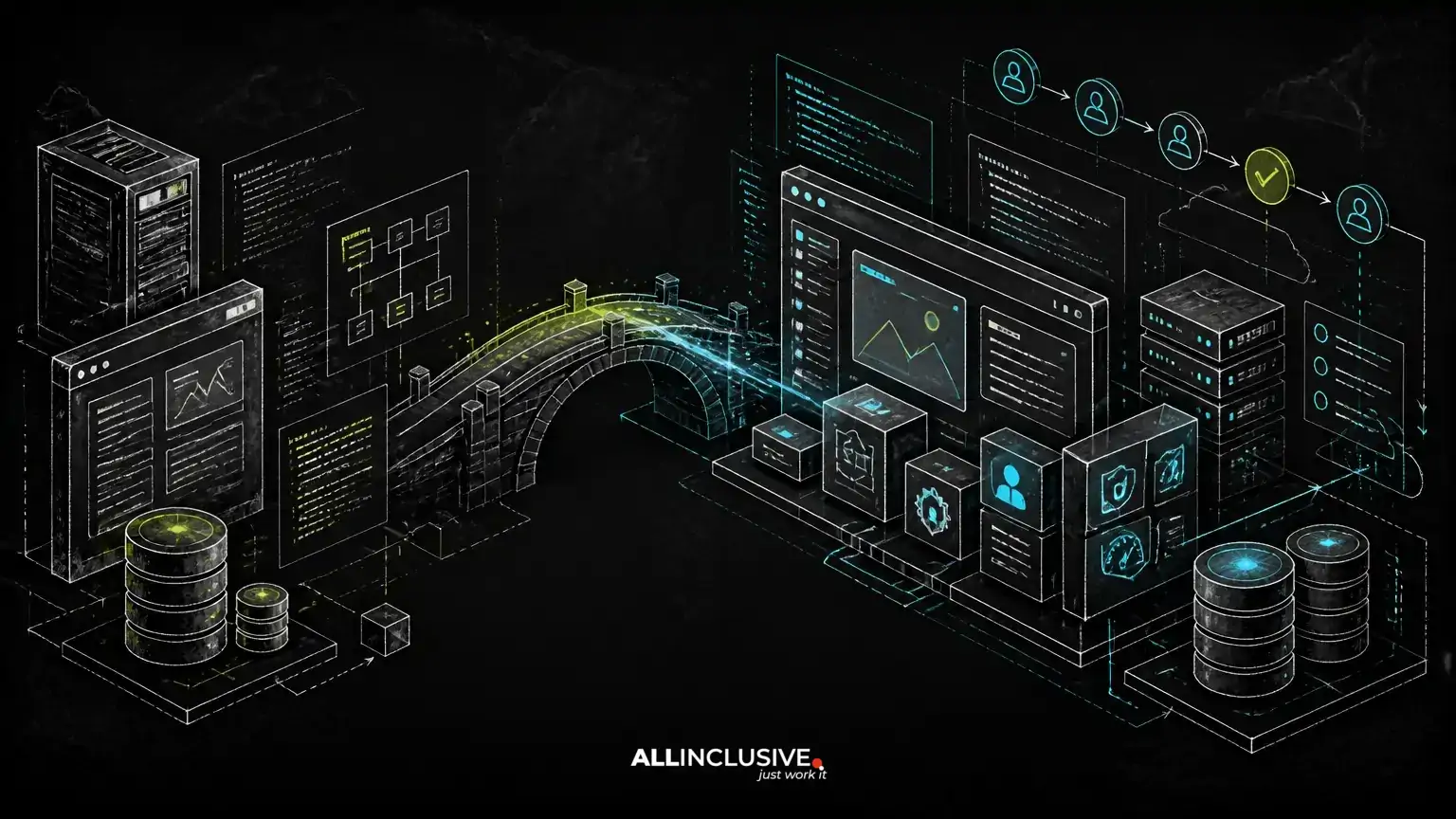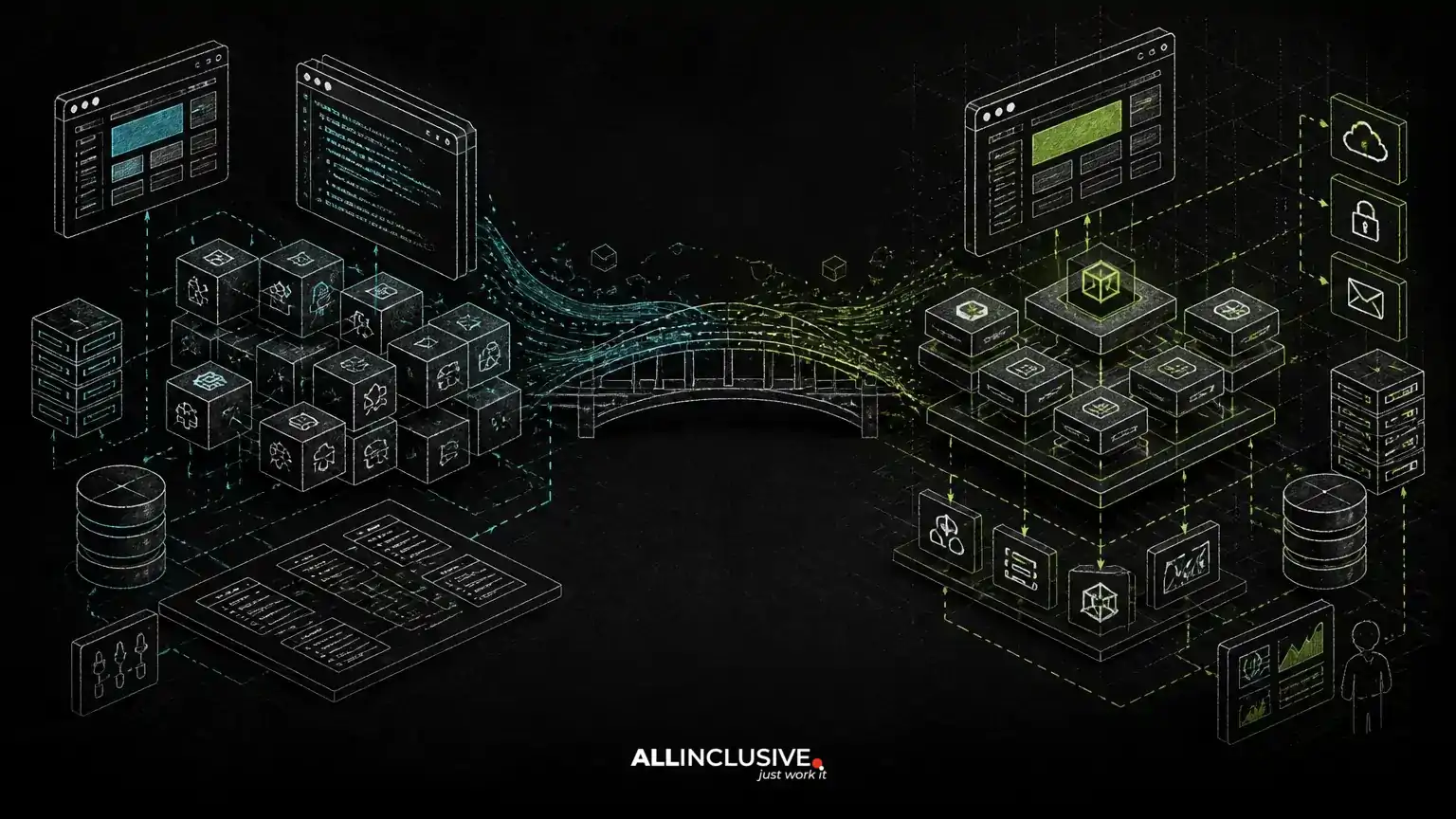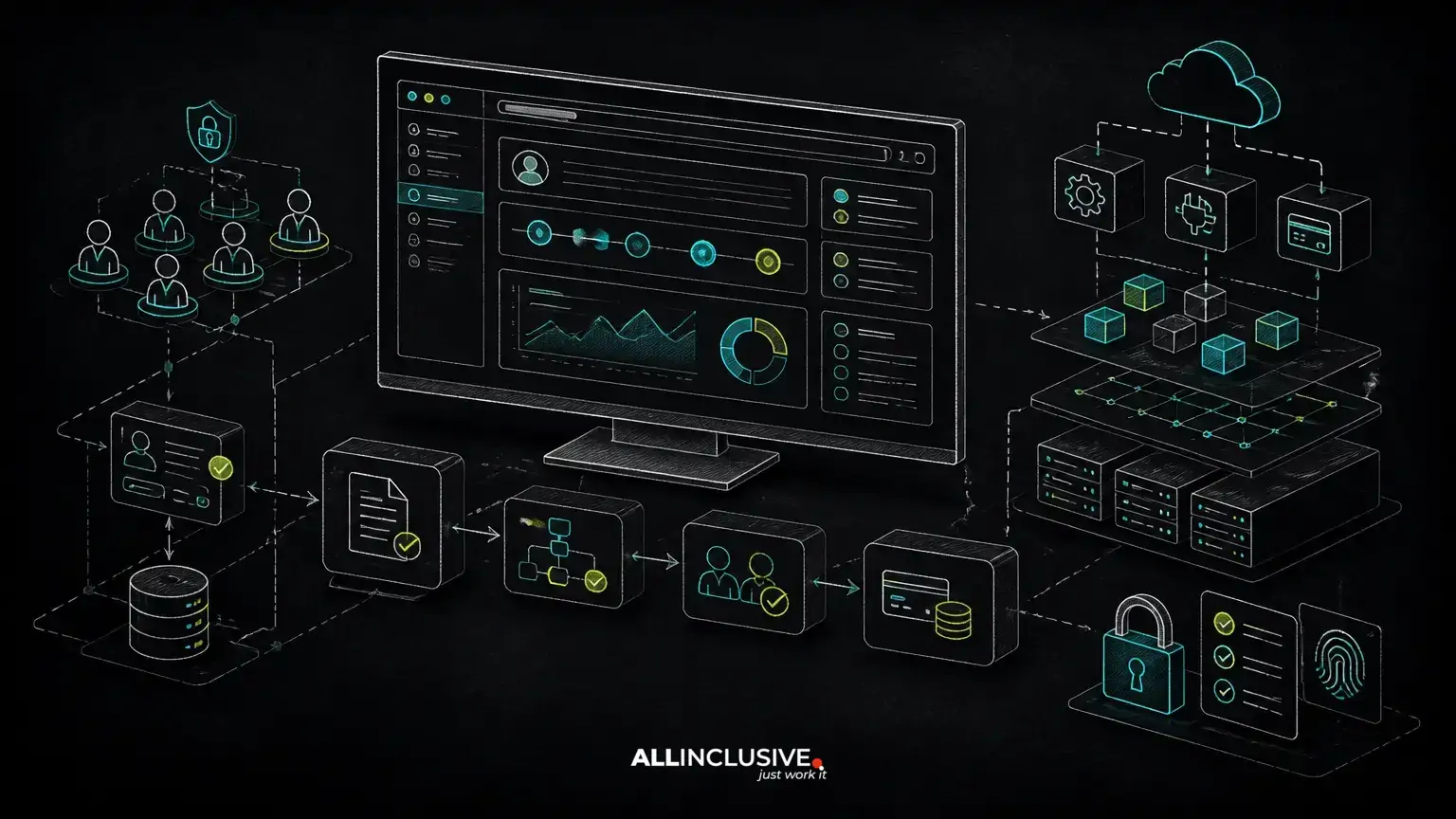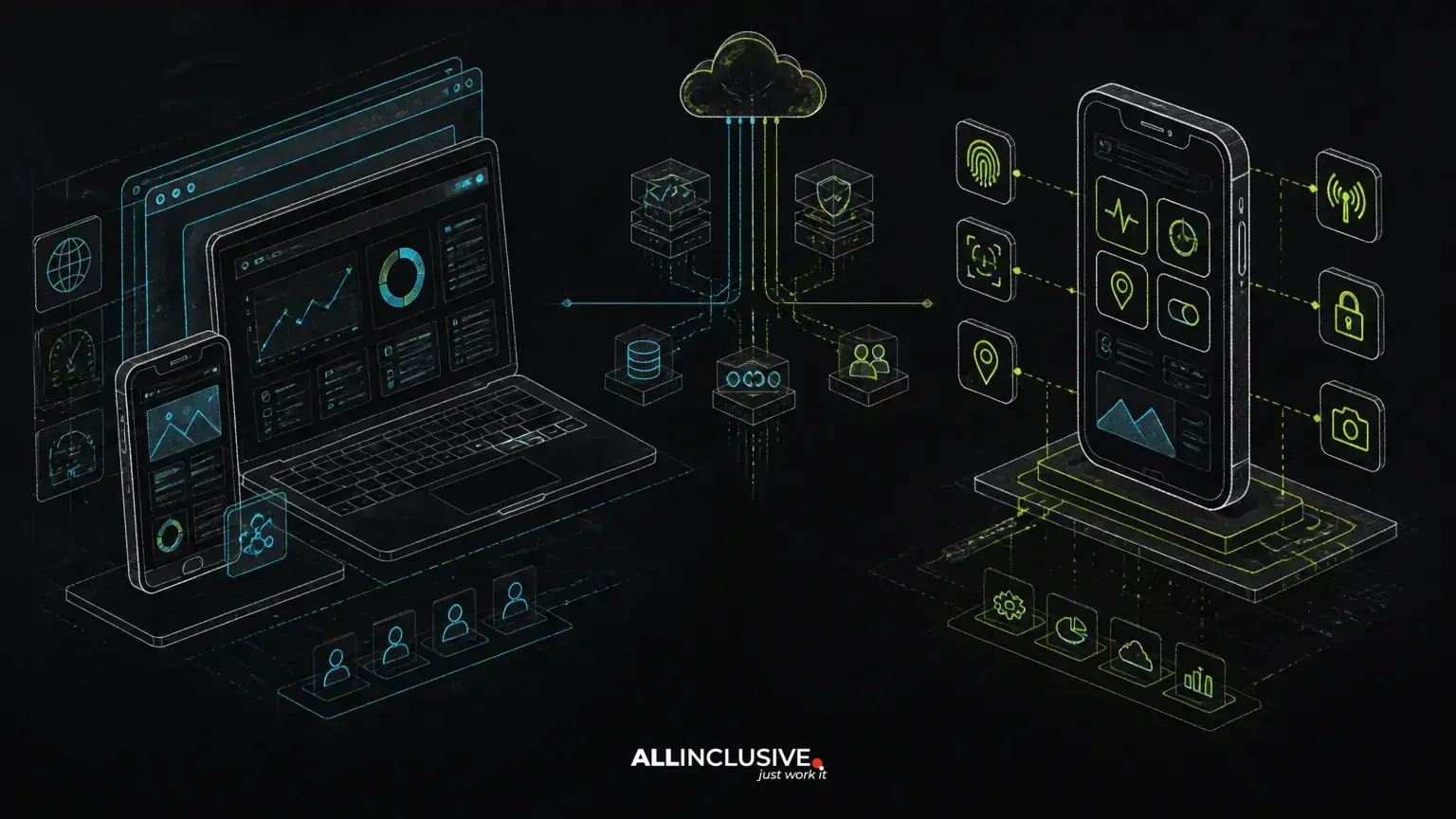
PWA vs native app is not simply a choice between cheaper and more expensive development. It is a product architecture decision: how users will access the system, which device capabilities the workflow requires, how much operational complexity the business can support, and who will own the underlying software.
A progressive web app can be the stronger choice for SaaS products, customer portals, internal systems, booking workflows and marketplaces that need broad access through a URL. A native app is usually better when the product depends heavily on deep device integration, intensive background behavior, demanding graphics or a tightly controlled mobile experience. Many businesses also benefit from a web-first product with a native companion app for specific workflows.
The right answer depends on the workflow before it depends on the technology.
What distinguishes a PWA from a native app?
A progressive web app is a web application enhanced with capabilities such as installability, offline handling, caching and device integration where the operating system and browser permit it. Users typically reach it through a URL and may add it to a device home screen. The application can be built as part of a broader web platform, with shared authentication, APIs and administrative interfaces.
A native app is built for a specific mobile operating system using that platform's application model and distribution channels. It can provide more direct access to supported device features and can offer a highly controlled mobile interaction model. Native development may mean separate implementations for different operating systems, or a cross-platform layer with native integrations where required.
Neither model automatically produces a better product. A well-designed PWA can outperform a poorly scoped native app in business value, while a native app can be unnecessary complexity for a workflow that users only need occasionally.
PWA vs native app: the decision criteria that matter
Distribution and user acquisition
PWAs reduce friction when users need immediate access. A customer can open a link from an email, search result or sales conversation without first locating an app in a store. This is particularly useful for B2B portals, event registration, booking systems and software used by external partners.
Native apps introduce an installation step and depend on store distribution or managed enterprise deployment. That friction may be acceptable when regular use, device integration or a strong mobile habit justifies it. For a workforce that uses the product every day, installation can become a benefit rather than a barrier.
Device capabilities and offline requirements
Native apps generally provide the most predictable access to platform APIs, sensors, notifications and background behavior. This matters for products involving continuous location tracking, advanced camera workflows, Bluetooth peripherals, biometric interactions or demanding media processing.
PWAs can support offline or unreliable-network scenarios, but offline capability is an architecture decision rather than an automatic feature. The product needs a deliberate data synchronization model, conflict handling, local storage strategy and clear rules for what users can do without a connection.
Ask which capabilities are essential to the core workflow, not which capabilities might be useful later. If a field technician must capture evidence in low-connectivity locations, offline behavior may influence the entire product model. If a customer only checks order status occasionally, a browser-based experience may be sufficient.
Performance and interaction complexity
For forms, dashboards, account management, content, scheduling and transactional workflows, a well-engineered web application can provide an effective experience on mobile devices. Performance still depends on frontend architecture, API design, asset delivery, data volume and the quality of loading states.
Native apps have advantages for graphics-intensive interfaces, complex gestures, high-frequency interactions and workloads that need close coordination with device hardware. They can also offer more consistent control over the mobile interface, although this comes with additional implementation and testing responsibility.
Security, identity and governance
The security model should follow the data and workflow rather than the app label. Both PWAs and native apps require secure authentication, authorization, protected APIs, careful session handling, input validation, logging and appropriate controls for sensitive data.
For business systems, role-based access control is often more important than whether the client is native or browser-based. A multi-tenant SaaS platform must isolate tenant data and enforce permissions on the server, not rely on hidden interface elements. Billing, administrative actions and integrations also need server-side validation and auditable workflows.
Native apps add platform distribution and release-management considerations. PWAs add browser compatibility, web-session and caching considerations. In either case, security review should include the backend, infrastructure, third-party services and operational procedures.
Maintenance and ownership
A PWA can allow a business to maintain one primary application surface across desktop and mobile browsers. That does not eliminate testing: responsive layouts, browser differences, accessibility, offline states and device behavior still need coverage. However, a shared web platform may reduce duplicated product logic.
Native apps can require coordinated releases across platforms, operating-system changes, store review processes and multiple mobile codebases. This may be justified by the product experience, but it should be budgeted as an ongoing operating concern rather than treated as a one-time build cost.
Ownership also matters. A custom-made product should provide access to its source code, data model, deployment configuration and integrations. Vendor-controlled app builders can accelerate an early launch, but they may constrain workflow changes, migration options or long-term governance.
When a PWA is usually the better product model
- The product is accessed through a link. Customers, partners or occasional users should be able to start without installation.
- The workflow spans desktop and mobile. Users may manage records on a larger screen and complete short actions from a phone.
- The application is business-process heavy. Portals, approvals, dashboards, scheduling, forms, billing and role-based administration often fit a web architecture well.
- Rapid iteration matters. A centralized deployment model can simplify release coordination across user groups.
- The product must support broad device coverage. A browser-based entry point can reduce platform-specific distribution work.
Examples include a customer portal with account access and service requests, a multi-tenant SaaS platform with billing and permissions, or a marketplace where users discover, compare and book services.
When a native app is usually the better product model
- Device integration is central. The product depends on sensors, peripherals, advanced camera functions, location behavior or other platform capabilities.
- Offline use is frequent and operationally critical. Users need a robust local workflow with synchronization and conflict resolution.
- The interaction model is highly mobile-specific. Repeated gestures, background tasks or intensive media workflows may justify native implementation.
- Daily engagement supports installation. A managed workforce or established consumer product can absorb the installation and update process.
- Platform-specific experience is a differentiator. The product needs deeper control over the operating system's conventions and capabilities.
Even in these cases, the native app may not replace the web product. An operations dashboard, support console, billing interface or administrator portal can remain web-based while the mobile app focuses on field execution.
Architecture options beyond a binary choice
Web-first platform with a native companion
This model keeps the core business system, administration and reporting in a web application while providing a native experience for workflows that require device access. It is often suitable for logistics, field service, inspections and delivery operations.
Shared backend with multiple clients
A well-designed API and domain model can serve a PWA, native app, internal tools and third-party integrations. The backend should enforce business rules consistently so that permissions, pricing, inventory and state transitions do not vary by client.
Progressive web app as the first release
For an early product, a PWA can test the workflow and demand before the business commits to a second mobile codebase. This is not a promise that native development will always be unnecessary. It is a way to validate the product's core behavior before expanding the client surface.
The SaaS MVP development process should therefore identify which assumptions need validation and which mobile capabilities are genuinely required for the first release.
Questions to answer before choosing PWA or native
- Who uses the product and how often? Occasional external users have different installation tolerance than an internal team using the system all day.
- Which steps must work without connectivity? Define the offline workflow, not just an offline label.
- Which device capabilities are mandatory? Separate required capabilities from desirable enhancements.
- Where does the workflow begin and end? A mobile task may depend on web-based administration, billing or reporting.
- How many roles, tenants and integrations are involved? These shape backend architecture, testing and support effort more than the client format alone.
- Who owns the source code and deployment path? Confirm that the business can change, export and operate the product without being trapped by a platform.
- What is the release and support model? Plan for monitoring, incident response, browser or operating-system changes, backups and ongoing maintenance.
These questions are also useful in a build-versus-buy assessment. An off-the-shelf app may provide a fast starting point but fail to match approval rules, tenant boundaries, billing logic or integrations. A custom build provides more control, but the business must accept responsibility for product decisions and long-term maintenance. The related build vs buy software framework can help make that trade-off explicit.
How a custom engineering team should scope the decision
Start with the business workflow: actors, states, permissions, exceptions, data ownership and integrations. Then map each workflow to its user surfaces. This prevents the team from selecting a client technology before understanding what the system must do.
For many custom web applications, PHP and Laravel are suitable for the backend, authentication, queues, administrative workflows and API layer. Python may be appropriate where data processing, automation or specialized services are central. The choice should follow the system's needs, the team's operating capability and the expected integration landscape.
Define a thin but complete first workflow rather than building disconnected screens. For example, a booking product may need availability rules, customer identity, staff permissions, payment status, notifications and cancellation handling before an app shell has meaningful value.
Once the architecture is clear, a team can estimate the real cost drivers: number of clients, platform-specific work, offline synchronization, integrations, compliance obligations, testing scope, observability and support. For broader guidance on product architecture and delivery stages, see the custom web application development process.
Choose the product model that matches the workflow
Choose a PWA when reach, link-based access, shared web workflows and centralized iteration are the priority. Choose native when deep device capabilities, demanding offline behavior or a platform-specific experience are central to the product's value. Choose a hybrid architecture when the business system and mobile execution have different needs.
The strongest decision is usually the one that minimizes unnecessary product surfaces while preserving the capabilities users actually need. A workflow-first discovery process can turn the PWA vs native app question into a clearer architecture, ownership and delivery plan. If you are evaluating a custom product, explore custom software development services and plan the ongoing operating model with support and maintenance.