
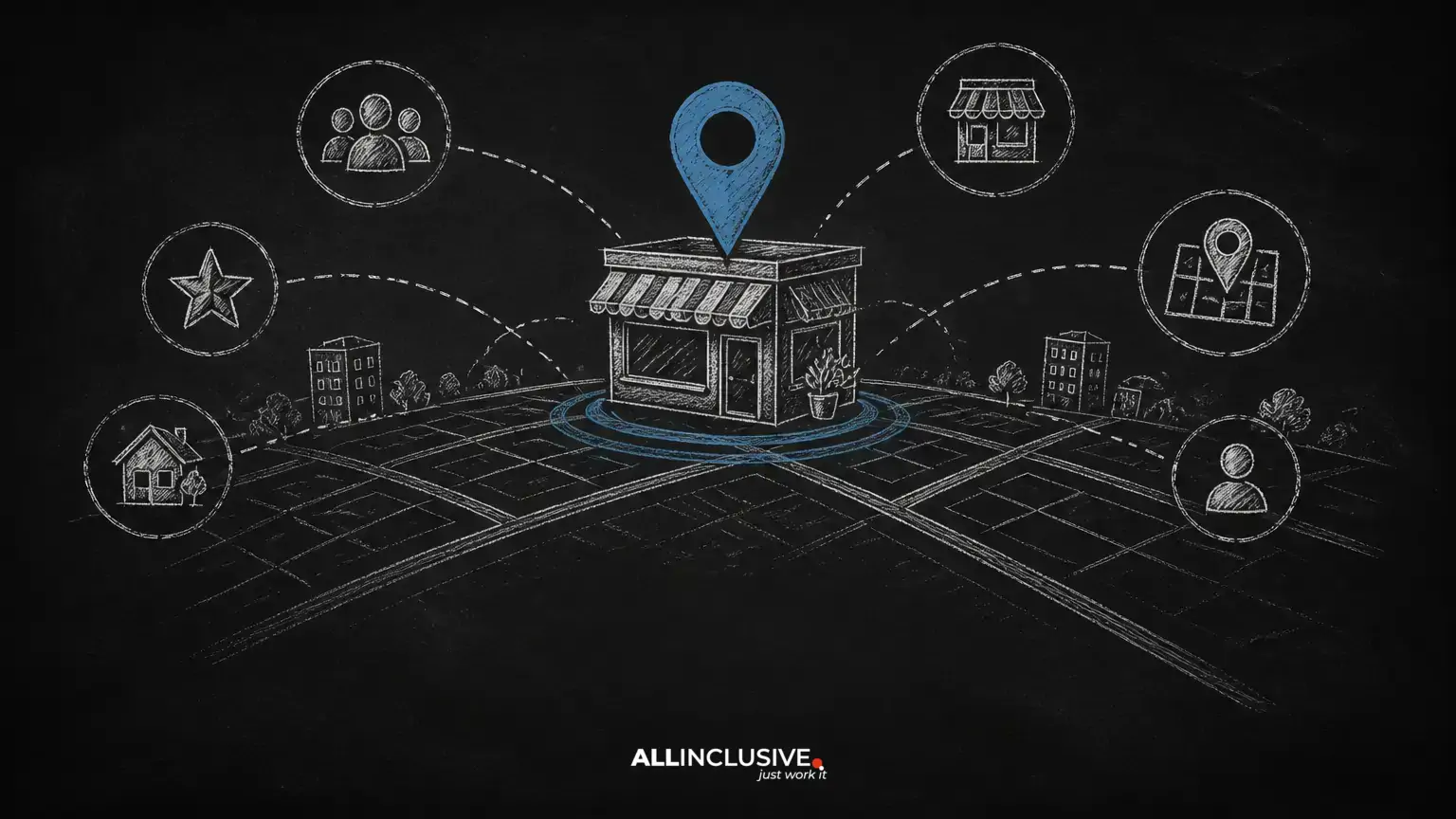
Google Maps marketing is the process of improving how your business appears, communicates, and converts in local search. It includes your Google Business Profile, the website connected to it, customer reviews, local listings, and the operational habits that keep business information accurate.
A strong Maps presence can help people discover a nearby business, compare options, request directions, call, visit a website, or begin a booking. It is not a shortcut around good service or a replacement for a useful website. Instead, it gives local customers reliable information at the moment they are deciding what to do next.
This guide explains a practical way to manage Google Maps marketing without relying on unsupported ranking promises. For a broader local search framework, see the Allinclusive local SEO guide.
What Google Maps marketing includes
Local results can appear in Google Search and Google Maps when a query suggests that location matters. Visibility may depend on the searcher's location, the wording of the query, the business category, the quality and completeness of available information, and how well the business matches the user's need.
Google Maps marketing therefore covers several connected assets:
- Google Business Profile: The public listing containing your name, category, address or service area, hours, services, photos, reviews, and customer actions.
- Website: The site that explains what you offer, where you serve customers, and how people can contact or buy from you.
- Reviews: Customer feedback that helps prospective customers evaluate your business and can provide useful language about real experiences.
- Local listings: Consistent references to your business on relevant directories, professional associations, and industry platforms.
- Measurement: A process for tracking actions and business outcomes rather than focusing only on an imprecise map position.
Start with an accurate Business Profile
Your profile should represent the real business customers will encounter. Use the actual business name rather than adding location names, services, keywords, or promotional claims to the name field. Choose the most accurate primary category available, then add secondary categories only when they genuinely describe the business.
Core information to review
- Business name and ownership details
- Primary and relevant secondary categories
- Street address, if customers visit a staffed location
- Service-area settings, if customers are served away from your address
- Local phone number and website URL
- Regular and special hours
- Appointment, booking, or ordering links where applicable
- Services, products, attributes, and business description
Do not publish an address where customers cannot actually visit, create unnecessary listings for individual service areas, or use a virtual location as though it were a staffed place of business. These shortcuts can create confusion, policy risk, and a poor customer experience.
Make the profile useful before making it promotional
A profile is most valuable when it answers the questions a customer has before contacting you. Explain what the business does, who it serves, the areas it covers, and what a first-time customer should know. Keep descriptions factual and readable. Avoid repeating a keyword in unnatural ways.
Use original, current visual assets that help customers recognize the business. Depending on the company, useful images may include the exterior, interior, team, products, completed work, vehicles, facilities, or clearly explained service situations. A professional business with few naturally visual products can still show its workplace, process, staff, and customer-facing environment.
Do not rely on stock imagery to represent a real location or team. If an image could cause a customer to expect something you do not provide, do not use it. Review image visibility periodically because platforms may display content from multiple contributors and may not always show the image selected by the business.
Use services, products, and questions to remove friction
Where the profile supports them, add accurate services or products with concise descriptions. Organize them around the way customers understand the offer, not around a long list of search phrases. Include meaningful differences such as service scope, audience, location, or scheduling requirements when they help someone choose.
Questions and answers can also address recurring concerns. Monitor the section and respond with direct, verifiable information. Good topics include parking, accessibility, appointment requirements, service areas, accepted payment methods, preparation steps, and typical process questions.
Do not manufacture customer questions or coordinate artificial engagement. If a question is important enough to answer, it is usually better to add the information to the profile or website as well. That creates a more durable source for customers and reduces the chance that an outdated answer remains visible.
Build a review process based on real customer experiences
Reviews influence how people evaluate a local business. They can also reveal where the customer experience is strong or inconsistent. The safest review strategy is operational: deliver a good experience, ask customers neutrally for honest feedback, and make the request easy to complete.
A responsible review workflow
- Choose a natural point after the transaction or service is complete.
- Send the same honest invitation to customers rather than selectively requesting only positive reviews.
- Provide a direct review link when appropriate, without pressuring the customer about the rating or wording.
- Monitor new reviews and respond consistently.
- Share recurring service issues with the team and fix the underlying problem.
Never buy reviews, offer rewards in exchange for a particular rating, write reviews for customers, or ask staff to pose as customers. Review platforms have their own policies, and practices that distort customer feedback can damage trust even when they produce short-term volume.
Respond to negative feedback without revealing private information or arguing about every detail. A useful response acknowledges the concern, avoids defensiveness, and offers an appropriate private contact path. Do not promise that every complaint will be removed. If a review appears to violate platform rules, use the platform's reporting process and keep records of the issue.
Publish updates only when they help customers
Business Profile updates can highlight a new service, event, offer, seasonal change, helpful announcement, or recent work. Their primary value is communication, not a guaranteed ranking benefit. Write a clear headline, explain the next step, and use an image only when it adds context.
Examples include:
- A service update explaining what changed and who it is for
- An event announcement with accurate dates and registration instructions
- A seasonal reminder about scheduling or preparation
- A concise offer with eligibility, restrictions, and expiration details
- A practical answer to a question customers frequently ask
Set a review date for time-sensitive updates. Remove or revise information that could mislead customers after an offer, event, schedule, or policy changes. Avoid publishing a stream of near-identical posts simply to appear active.
Manage local listings selectively
Local citations are references to a business's name, address, phone number, website, and other details on third-party platforms. Accuracy matters most on sources that customers use, sources relevant to the industry, and important local or professional directories.
Begin with an audit rather than submitting the business to every directory available. Record duplicate listings, incorrect phone numbers, old addresses, inconsistent names, and profiles controlled by former employees or agencies. Update the listings that matter and document access credentials and ownership.
Consistency does not mean forcing every platform to display identical wording when the platform has different fields. It means the core facts should not conflict. A local listing is useful when it helps a customer find, evaluate, or contact the business—not merely because it exists.
Connect Maps visibility to your website
Your Business Profile and website should tell the same basic story. Create useful pages for important services and locations only when each page has original information for that audience. Include service details, practical expectations, proof of expertise, contact options, and clear geographic coverage.
A local page should not be a location name swapped into a template. Thin or repetitive pages can create a poor experience and make it harder for visitors to decide. Make the contact path obvious, keep hours current, and ensure the mobile experience supports calls, forms, directions, and bookings.
If you are reviewing the wider search strategy, the Allinclusive SEO services page provides a relevant next step for evaluating technical, content, and local search needs.
Measure actions, not just map positions
Map results are affected by the searcher's location, device, query, competition, and other changing conditions. A single search from one office does not represent every customer. Use rankings as directional evidence, not as the only measure of success.
Track a balanced set of indicators:
- Calls, website visits, direction requests, messages, bookings, or quote requests from the profile
- Conversions from organic local landing pages
- Review volume, themes, response coverage, and recurring complaints
- Profile completeness and accuracy over time
- Visibility across a defined set of locations and search themes, when reliable tracking is available
- Qualified leads, appointments, revenue, or other business outcomes connected to local search
Use tagged website links where your analytics setup supports them, and keep the tagging convention documented. Compare trends over meaningful periods rather than reacting to one day's fluctuation. Ask new leads how they found the business, then reconcile those answers with analytics and call records.
A practical maintenance schedule
Weekly
- Review new questions, reviews, messages, and customer feedback.
- Check for urgent changes to hours, services, or availability.
- Respond to customers using a consistent, professional tone.
Monthly
- Review profile details, links, categories, services, and photos.
- Check important listings for duplicate or inaccurate information.
- Evaluate profile actions and website conversions.
- Publish a useful update only when there is something timely to communicate.
Quarterly
- Compare local competitors based on customer experience, service clarity, reviews, and website usefulness.
- Review search themes and questions from sales or support teams.
- Audit access, ownership, and business information after staffing or location changes.
- Prioritize improvements that make the business easier to choose, contact, and visit.
Common mistakes to avoid
- Adding keywords or locations to the official business name
- Creating duplicate profiles for the same business or service area
- Using inaccurate addresses, hours, categories, or service claims
- Buying reviews or filtering requests to manipulate ratings
- Publishing expired offers and outdated announcements
- Expecting a profile alone to compensate for weak service or an unhelpful website
- Judging performance from one manual search in one location
- Building large numbers of low-quality listings without an accuracy and maintenance plan
Conclusion
Effective Google Maps marketing is a customer-information system, not a collection of ranking tricks. Keep the Business Profile accurate, show the real business through useful media and services, earn honest reviews, maintain important local listings, connect the profile to helpful website content, and measure actions that matter to the business.
Progress is usually cumulative. A reliable profile and a dependable customer experience give every later optimization a stronger foundation.