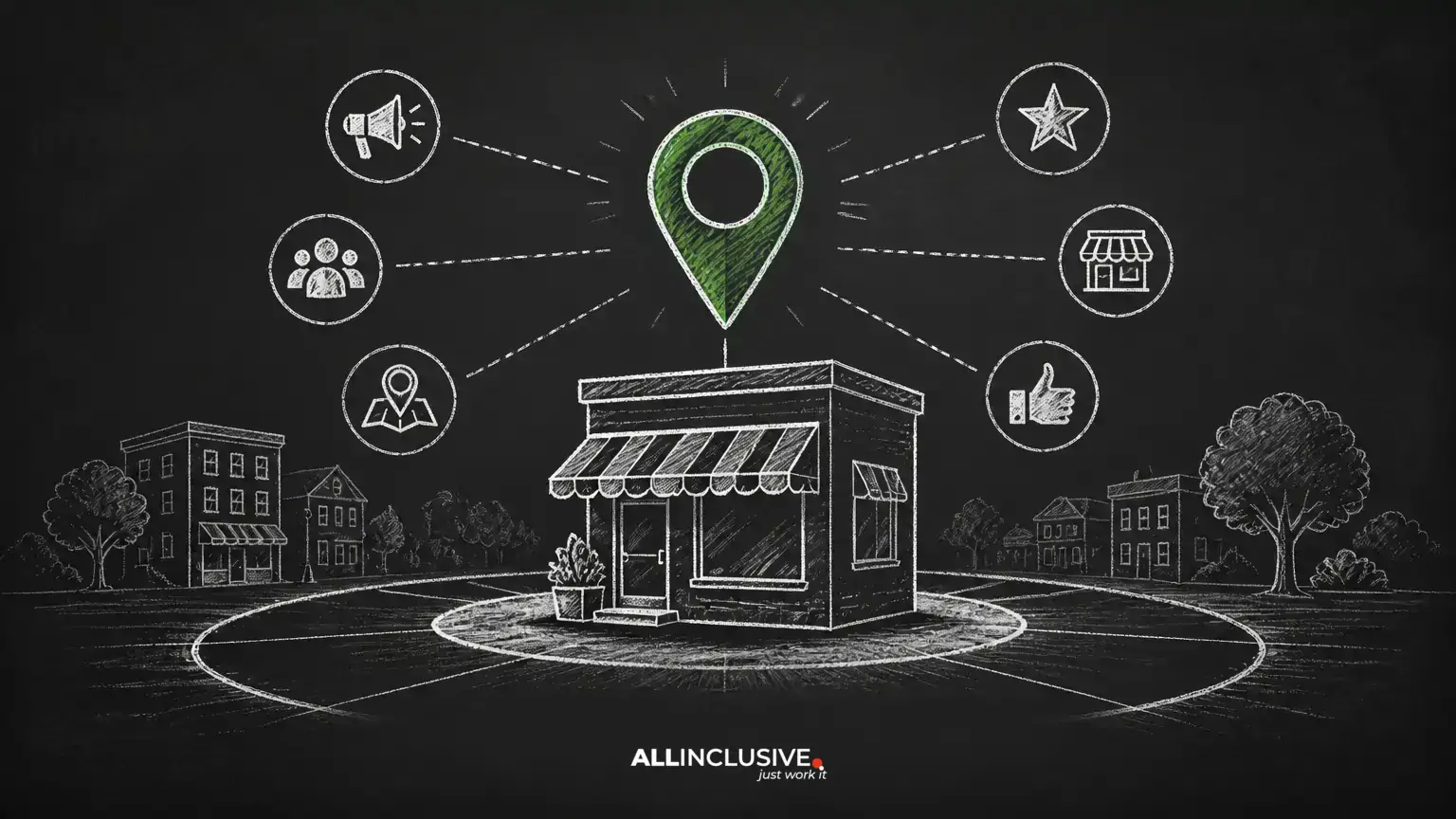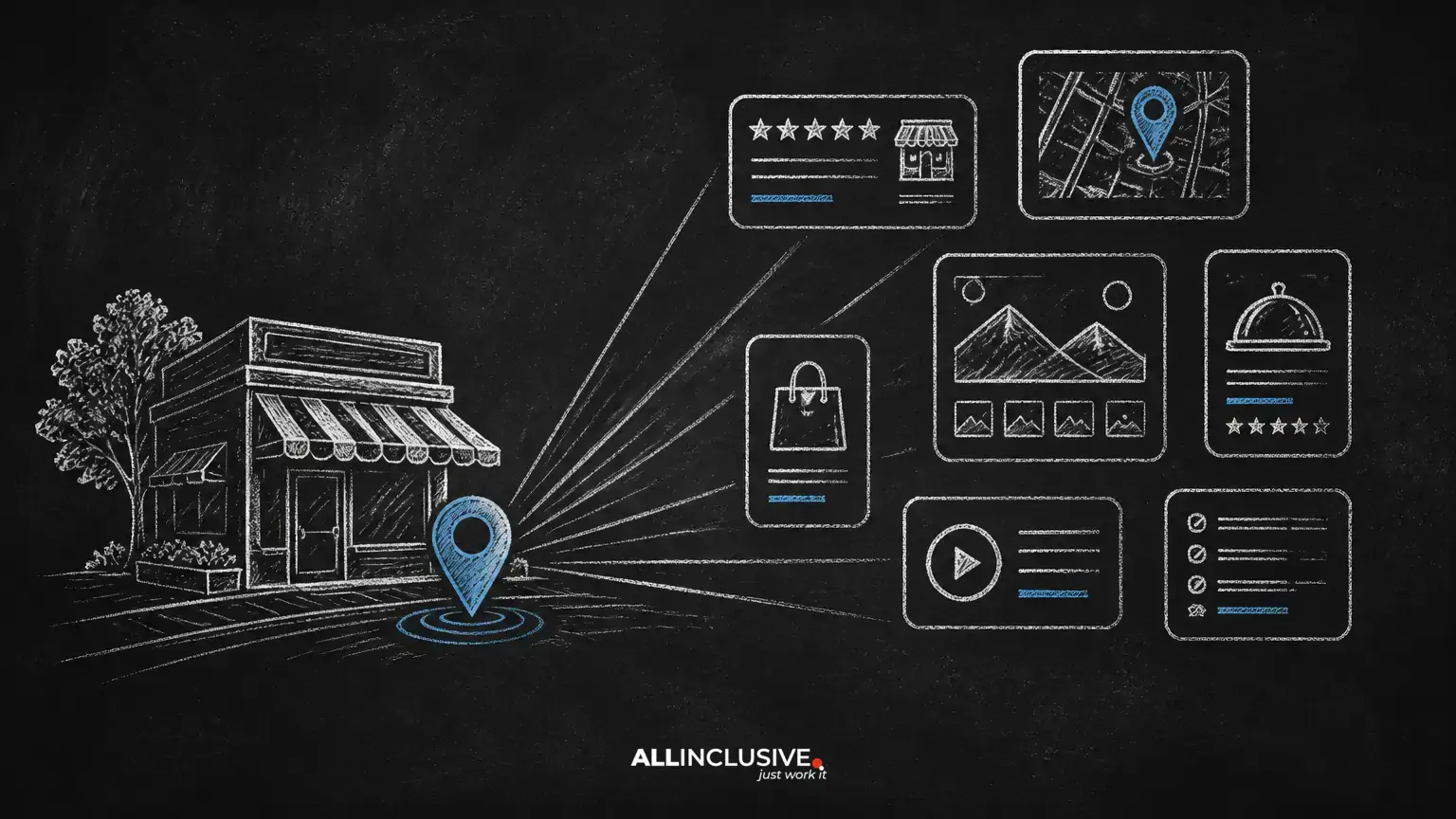
A Google Business Profile (GBP) helps eligible businesses manage how key information appears across Google Search and Maps. It can help customers find your location, contact your team, request directions, understand your services, and evaluate your business through reviews and other profile details.
A profile is not a substitute for a useful website or complete local SEO program. It is one part of a broader system that connects your real-world business information with local searchers. For a wider framework, see the Allinclusive local SEO guide.
What is Google Business Profile?
Google Business Profile is Google's business-listing platform for eligible organizations that interact with customers in person, either at a public-facing location or at customers' locations. A verified profile may appear in Google Search, Google Maps, and local results.
The information associated with a profile can include the business name, category, address or service area, opening hours, phone number, website, photos, services, attributes, and customer reviews. Google may also display information from other sources, so profile owners should monitor the listing and suggest corrections when details are inaccurate.
Why a Google Business Profile matters
- Discovery: Customers can encounter the business while searching for nearby products or services.
- Convenience: Accurate hours, contact details, directions, and links reduce friction.
- Trust: Reviews, photos, answers, and complete business information give searchers more context.
- Local relevance: The profile provides Google with structured information about the business and the areas or locations it serves.
- Measurement: Depending on the interface and account, owners may receive performance information such as interactions, calls, website visits, or direction requests.
Visibility is not guaranteed by creating a profile. Local results can vary by the searcher's location, query, relevance, prominence, competition, and the quality and accuracy of available business information.
Who can use Google Business Profile?
Eligibility depends on whether the business has meaningful in-person contact with customers. A storefront that welcomes customers may qualify. A service-area business that travels to customers may also qualify, even if it does not display its address publicly.
An online-only business with no in-person customer contact generally should not create a local business profile merely to appear in local search. Businesses with unusual operating models, shared spaces, virtual offices, or multiple brands should review Google's current eligibility and representation requirements before creating listings.
How to create or claim a profile
- Search for the business first. Look in Google Search and Maps for an existing listing. Creating a duplicate can create confusion and may delay verification or correction.
- Use the real-world business name. Enter the name customers recognize in the physical world. Do not add location, service, or promotional keywords solely to influence rankings.
- Select the most accurate primary category. Choose the category that best describes the core business. Additional categories should represent genuine offerings, not every phrase a business wants to rank for.
- Choose the correct business model. Indicate whether customers visit a location, whether the business travels to customers, or both, based on how the business actually operates.
- Enter contact details. Add the official phone number and the most relevant website URL. Confirm that the details match the business's other important references.
- Complete verification. Google determines which verification methods are available. Follow the method presented in the account rather than relying on older instructions about a specific channel or timeline.
- Finish the profile. Add accurate hours, services, photos, attributes, and other information that helps customers decide whether the business meets their needs.
How to claim an existing Google Maps listing
If a listing already exists, open the correct business record in Google Maps or Search and look for the option to claim or manage it. The exact wording and workflow may change. Make sure the listing represents the correct business before requesting access.
If another person manages the verified profile, use the access-request process rather than creating another listing. Check former employee, agency, franchise, or owner accounts for access, and keep ownership tied to a business-controlled account wherever possible.
Address and service-area guidance
Businesses with a public location
Use a real location where the business is eligible to receive customers during stated hours. Do not use a mailbox, forwarding address, or an address that exists only to create a local presence. Make sure the address, suite information, phone number, and hours are consistent with the location's actual operation.
Service-area businesses
A service-area business can generally hide its street address when customers do not visit that address. Instead, define the areas the business genuinely serves. Do not create separate profiles for every city or neighborhood unless each location independently meets the relevant requirements.
Service areas should reflect operational reality. Listing a very large region does not automatically create visibility throughout that region, and it can make the profile less credible if the business cannot reasonably serve the listed locations.
Home-based businesses
A home-based service business should consider whether customers visit the home. If they do not, the public-facing address may need to be hidden while the service area is provided instead. Verification information may still be required privately, so never enter an address you cannot substantiate.
Choosing categories, services, and attributes
The primary category should describe the business's principal offering, not a target keyword. Review secondary categories only when they accurately represent additional, meaningful services. Category availability and labels can change, so select the closest truthful option available in the profile interface.
Use service fields and attributes to clarify the customer experience. Describe actual offerings, booking options, accessibility features, payment methods, or other applicable details. Avoid stuffing service fields with repetitive location names or claims that the business cannot support.
How to improve a profile without violating trust
- Use the exact business name used in the real world.
- Keep hours current, including holiday or temporary changes when the platform supports them.
- Use clear, authentic photographs that represent the location, team, products, or work.
- Link to the most relevant page on the website rather than automatically sending every visitor to the homepage.
- Describe what the business does in plain language and avoid exaggerated claims.
- Monitor suggested edits and customer questions.
- Respond to reviews professionally, including critical reviews, without revealing private customer information.
- Use a consistent primary phone number unless a measurement setup has been carefully planned and does not create contradictory business information.
Profile activity should support the customer journey. A new photo or update is useful when it communicates something real, but publishing repetitive content solely for perceived ranking benefit is unlikely to improve the experience.
Reviews and customer questions
Ask genuine customers for honest feedback through a neutral process. Do not buy reviews, gate requests so only happy customers can respond, offer incentives that compromise authenticity, or ask staff to pose as customers. These practices can damage trust and may violate platform rules.
Responses should be timely, specific, and calm. Thank customers for positive feedback, acknowledge legitimate concerns, and offer an appropriate offline contact path when account details are needed. Avoid arguing, copying the same response to every review, or making promises the business cannot keep.
Questions and answers should be treated as public customer service. Monitor them, answer accurately, and correct misleading information. Do not use the section to publish keyword-heavy promotional copy.
Managing multiple locations
Each location should represent a distinct, eligible operation with its own accurate information. Keep location names, addresses, phone numbers, hours, categories, photos, and landing pages aligned with the real-world structure. Larger organizations may have account or bulk-management options, but they should validate imports carefully before applying changes.
Do not create duplicate listings for the same location to target different keywords. If a business relocates, changes ownership, or consolidates locations, document the change and use the appropriate profile-management process rather than starting over without a plan.
Common mistakes to avoid
- Creating a listing for an ineligible online-only business.
- Using a virtual office, mailbox, or borrowed address as a storefront.
- Adding keywords to the business name.
- Creating duplicate profiles for one location.
- Listing service areas the business cannot realistically serve.
- Using a tracking number that prevents customers or platforms from reaching the business.
- Leaving old hours, ownership details, or holiday schedules unchanged.
- Paying for guaranteed local-pack rankings.
- Removing legitimate negative reviews instead of addressing the underlying customer issue.
A practical maintenance routine
- Monthly: Check the name, address, phone number, website, categories, hours, and service areas.
- After operational changes: Update hours, contact details, services, photos, and appointment information promptly.
- Weekly or as needed: Review new messages, questions, reviews, suggested edits, and user-generated changes.
- Quarterly: Compare profile information with the website and other important business listings. Review interactions for useful customer-service and content insights.
Record significant changes and keep access with authorized business personnel. If a verification or suspension issue occurs, use Google's current support and appeal workflows and provide documentation that accurately represents the business.
How Google Business Profile fits into local SEO
GBP is strongest when it agrees with a useful, crawlable website and a consistent customer experience. Your website should explain services, locations, pricing context where appropriate, contact options, and policies. Local pages should be genuinely useful rather than thin copies created for every nearby place.
For broader technical, content, and authority work, review the Allinclusive SEO services page. The profile, website, reviews, and offline operations should reinforce the same accurate business identity.
Conclusion
Google Business Profile is a practical local-discovery asset, but it rewards accuracy more reliably than shortcuts. Start by confirming eligibility, claim the correct listing, complete the information customers need, maintain it as the business changes, and use reviews and questions as genuine customer-service channels. Pair that work with a useful website and a consistent local SEO process for a stronger foundation. Local Services Ads use a related business profile, so understanding that profile’s foundation helps connect paid and organic local visibility.