
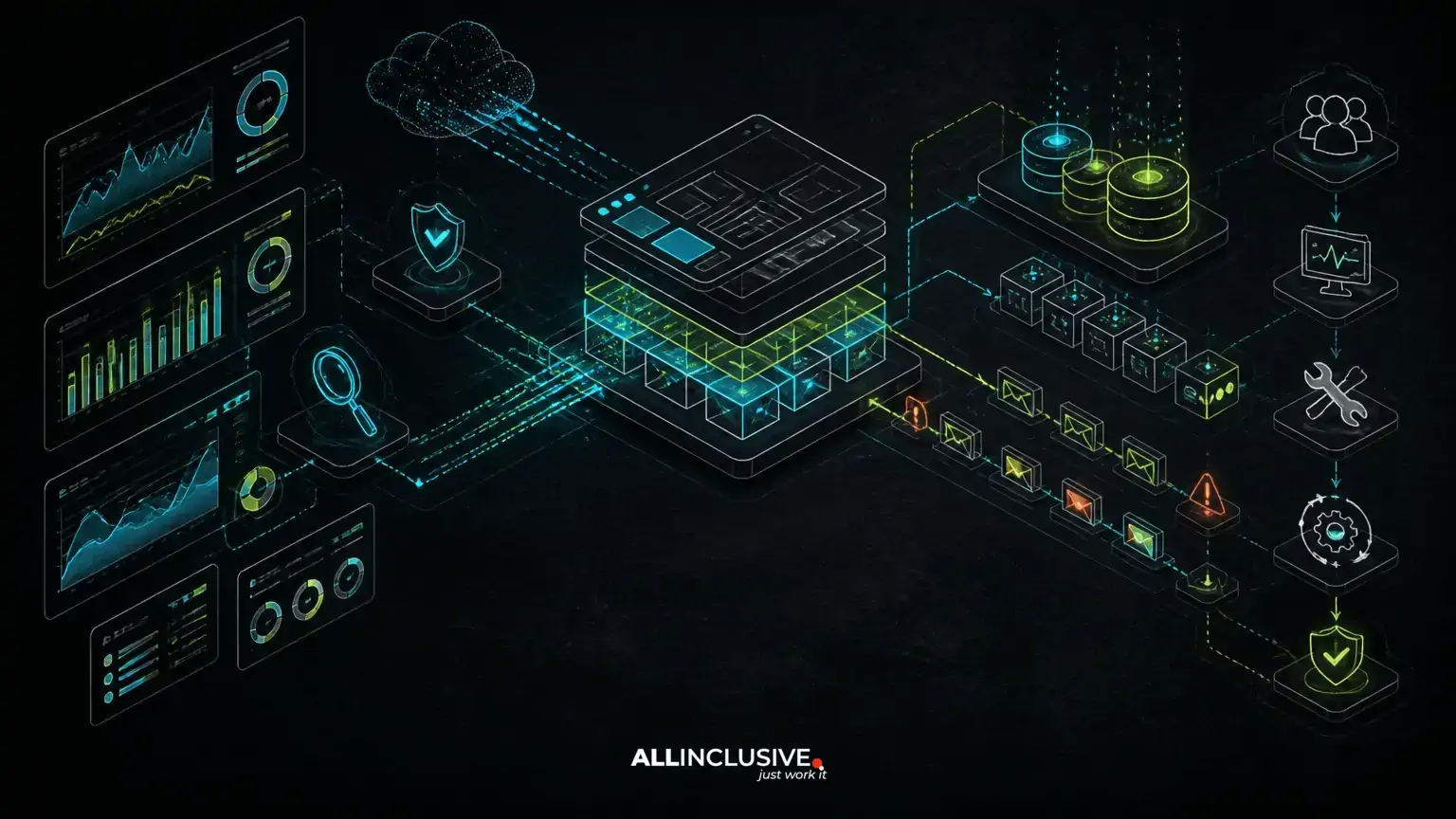
Web app performance maintenance is the ongoing work required to keep a production application responsive as its data, traffic, dependencies and feature set expand. It is not limited to tuning a slow query after users complain. Effective maintenance combines observability, incident response, dependency management, security patching, release discipline and architectural judgment. A related decision for web app performance maintenance is covered in custom software development.
For a custom Laravel, PHP or Python application, the goal is not to preserve an arbitrary benchmark forever. The goal is to understand how the system behaves, identify meaningful degradation early, and make changes without creating new operational risk. That requires an ownership model that continues after launch rather than treating production support as occasional emergency work.
This work often sits within broader support and maintenance services, but performance should be managed as part of the application’s delivery lifecycle. Monitoring findings need to influence the roadmap, and roadmap changes need to account for operational capacity.
Why performance changes as a web app matures
Performance usually degrades through accumulation rather than one dramatic mistake. More records increase query work. New integrations add network dependencies. Additional permissions make authorization logic more complex. Reporting features introduce expensive aggregation. Background jobs compete with user-facing requests for database, CPU or queue capacity.
Application behavior can also change without a code release. A customer imports a larger dataset, a scheduled process begins overlapping with another job, or a third-party API changes its latency profile. These events make production data and traffic patterns essential to performance analysis.
Maintenance should therefore examine several dimensions together:
- Request latency: how long important user workflows take, including slow and failed requests rather than only averages.
- Resource pressure: database connections, memory, CPU, storage, queue workers and cache capacity.
- Data growth: table size, index effectiveness, retention policies and the cost of reporting queries.
- Dependency behavior: external APIs, payment systems, email providers, search services and internal services.
- Release impact: whether a deployment changes query patterns, job volume, caching or error rates.
Build a monitoring model around user workflows
Infrastructure metrics are useful, but they do not explain whether customers can complete important work. A practical monitoring model connects technical signals to workflows such as signing in, searching, submitting an order, uploading a document or reviewing a report.
Track request duration, error rates and throughput for those workflows, then segment the data where useful by endpoint, tenant, region, browser or application version. A slow administrative report may require a different response from a slow checkout or authentication flow. Monitoring should make that distinction visible.
Application-level instrumentation can also identify where time is spent: controller execution, database queries, queue dispatch, template rendering or external requests. Logs should carry enough context to correlate related events without exposing sensitive information. Alerts should be tied to actionable conditions and routed to people who can investigate them.
A useful starting point is the application monitoring checklist, especially when an inherited application has limited visibility into production behavior.
Use performance budgets as operating boundaries
A performance budget is a defined boundary for an important behavior, such as a maximum acceptable response time for a workflow, a limit on database query count, or a threshold for queue age. Budgets are not universal promises; they are decision tools based on the application’s users, architecture and business priorities.
Budgets help teams evaluate proposed work before release. A feature that adds a complex filter may be valuable, but its design should include indexing, pagination, asynchronous processing or a revised reporting model if it threatens a critical workflow.
Budgets should be reviewed when usage patterns change. A target that was reasonable for a small dataset may need a different implementation once the application supports larger accounts or more concurrent work. The important practice is to make the trade-off explicit instead of allowing performance to become an accidental consequence of feature delivery.
Investigate the database before adding infrastructure
Database behavior is a frequent source of application slowdown, particularly as custom systems accumulate features. Common issues include unindexed filters, inefficient joins, repeated queries inside loops, unbounded result sets and reports that run synchronously during a user request.
Investigation should begin with evidence from representative production-like data. Examine query plans, execution time, returned row counts and frequency. A query that is fast on a small development dataset may behave differently when tables and cardinality grow.
Typical remedies include adding or revising indexes, selecting only required columns, introducing pagination, batching work, caching carefully, or moving non-interactive processing to a queue. Each remedy has trade-offs. An index can improve reads while increasing write cost and storage. Caching can reduce repeated work while creating invalidation and freshness concerns. A background job can protect request latency while requiring retry, status and failure handling.
Do not use a larger database instance as the default answer. Additional capacity may be appropriate, but it can conceal inefficient access patterns and increase operating cost without addressing the underlying design.
Control background work and asynchronous failures
Queues protect interactive requests from work that does not need to finish before the user continues. They also introduce another system that must be maintained. Queue depth, job age, retry volume, failure rates and worker capacity should be monitored alongside web requests.
Jobs need clear retry behavior. Retrying a transient network request may be appropriate; retrying a non-idempotent operation without safeguards can duplicate side effects. Jobs that repeatedly fail should be isolated and surfaced for investigation rather than retried indefinitely.
Performance maintenance should also review scheduling. A nightly import, report generation task and backup process may be individually acceptable but operationally problematic when they overlap. Capacity planning should consider peak concurrency, not only average workload.
Make dependencies and security patches part of performance work
Framework, runtime and library updates are often treated as security or compliance tasks, but they can also affect latency, memory use, compatibility and deployment behavior. Delaying updates increases the size of future changes and makes diagnosis harder because multiple versions are changed at once.
A disciplined dependency process maintains an inventory, groups related updates where practical, tests critical workflows and provides a rollback path. Teams should distinguish routine patching from major framework upgrades that may require code changes, configuration review and staged rollout.
Dependency decisions matter in Laravel, PHP and Python systems because the application is shaped by its runtime, framework, extensions, packages and deployment environment. The right process is not to update blindly or freeze indefinitely. It is to evaluate risk continuously and reserve engineering time for supported, testable changes.
For a more focused treatment, see the dependency update strategy for long-lived web applications.
Use incident response to improve the maintenance plan
An incident is not only an outage. It may be a severe slowdown, elevated error rate, failed queue, database saturation or a security event that affects normal operations. A useful response process defines severity levels, ownership, communication paths and recovery priorities before an incident occurs.
During an incident, prioritize stabilization: reduce load, disable a failing feature if that is safe, roll back a change, increase capacity or route work through a degraded but controlled path. Avoid making unrelated refactors while the system is unstable.
After recovery, record the trigger, detection gap, user impact, mitigation and permanent corrective work. The follow-up may involve instrumentation, a schema change, a deployment control, a runbook or an architectural decision. Incident reviews should produce owned actions with a place on the roadmap, not merely a narrative.
Support inherited code without stopping product delivery
Performance work is more difficult when documentation, tests and deployment knowledge are incomplete. The first task is to establish a safe operating baseline: how the application is deployed, where logs live, which jobs run, which integrations are critical, and who can approve or execute production changes.
Next, map high-value workflows and identify areas where the system is already fragile. Resist the temptation to rewrite broad sections before understanding their dependencies. Stabilization, targeted refactoring, migration and rebuilding are different choices, each with different cost and delivery risk.
For inherited systems, a short maintenance plan can separate work into four categories:
- Immediate risk: outages, unsupported components, exposed credentials, missing backups or unsafe deployment practices.
- Performance constraints: slow queries, overloaded workers, blocking integrations or unbounded data operations.
- Maintainability improvements: tests around critical workflows, clearer configuration, better logging and documented runbooks.
- Roadmap enablers: schema changes, modularization, API boundaries or platform upgrades that make planned features safer.
This approach creates room for product delivery while reducing the chance that every new feature increases operational fragility. Teams taking over an unfamiliar system can also review the first 30 days of support for an inherited codebase.
Coordinate releases with operational ownership
Performance maintenance fails when development and operations are treated as separate queues. Every material release should identify likely effects on queries, cache behavior, queue volume, external calls, storage and user workflows.
Release controls may include automated tests, migration checks, feature flags, staged rollout, smoke tests and a defined rollback procedure. The appropriate controls depend on the application’s risk and architecture. A database migration that cannot be reversed needs a different plan from a presentation-only change.
Release notes should help support teams understand what changed and what signals to watch. After deployment, compare behavior with the baseline and keep the observation period long enough to capture scheduled jobs and normal usage patterns.
Decide when maintenance is enough—and when architecture must change
Incremental tuning is appropriate when the system’s boundaries remain sound and the bottleneck is understood. Architectural change becomes more likely when the same constraint returns after local fixes, when one workload consistently interferes with another, or when the data model no longer represents the product’s operating needs.
Possible changes include separating read-heavy reporting, introducing dedicated workers, redesigning a search path, partitioning data, replacing synchronous integrations with durable workflows, or extracting a bounded service. These choices increase operational complexity, so they should follow evidence rather than fashion.
A maintenance review should ask:
- Is the bottleneck measured in production-like conditions?
- Will the proposed change improve a critical workflow or only a technical metric?
- What new failure modes, deployment steps and ownership responsibilities will it create?
- Can the team operate and troubleshoot the new design?
- Does the change support the product roadmap, or is it compensating for an unrelated issue?
Turn performance maintenance into a recurring operating cycle
A sustainable cycle reviews monitoring signals, incidents, dependency exposure, data growth and upcoming product work together. Monthly or quarterly reviews can identify trends that individual tickets miss: steadily increasing report duration, growing queue age, repeated manual interventions or releases that require disproportionate caution.
For custom applications, continuity matters as much as isolated technical skill. The people maintaining the system need context about business workflows, architecture, known constraints and planned changes. That continuity reduces rediscovery, improves incident response and lets the team make smaller, safer improvements before a rewrite becomes unavoidable.
Web app performance is ultimately an ownership discipline. When monitoring, security, upgrades, incidents and roadmap decisions are managed together, a mature Laravel, PHP or Python system can continue to evolve without treating every increase in data or functionality as a crisis. Organizations evaluating ongoing engineering capacity can explore dedicated product teams when sustained product and maintenance ownership is required.


