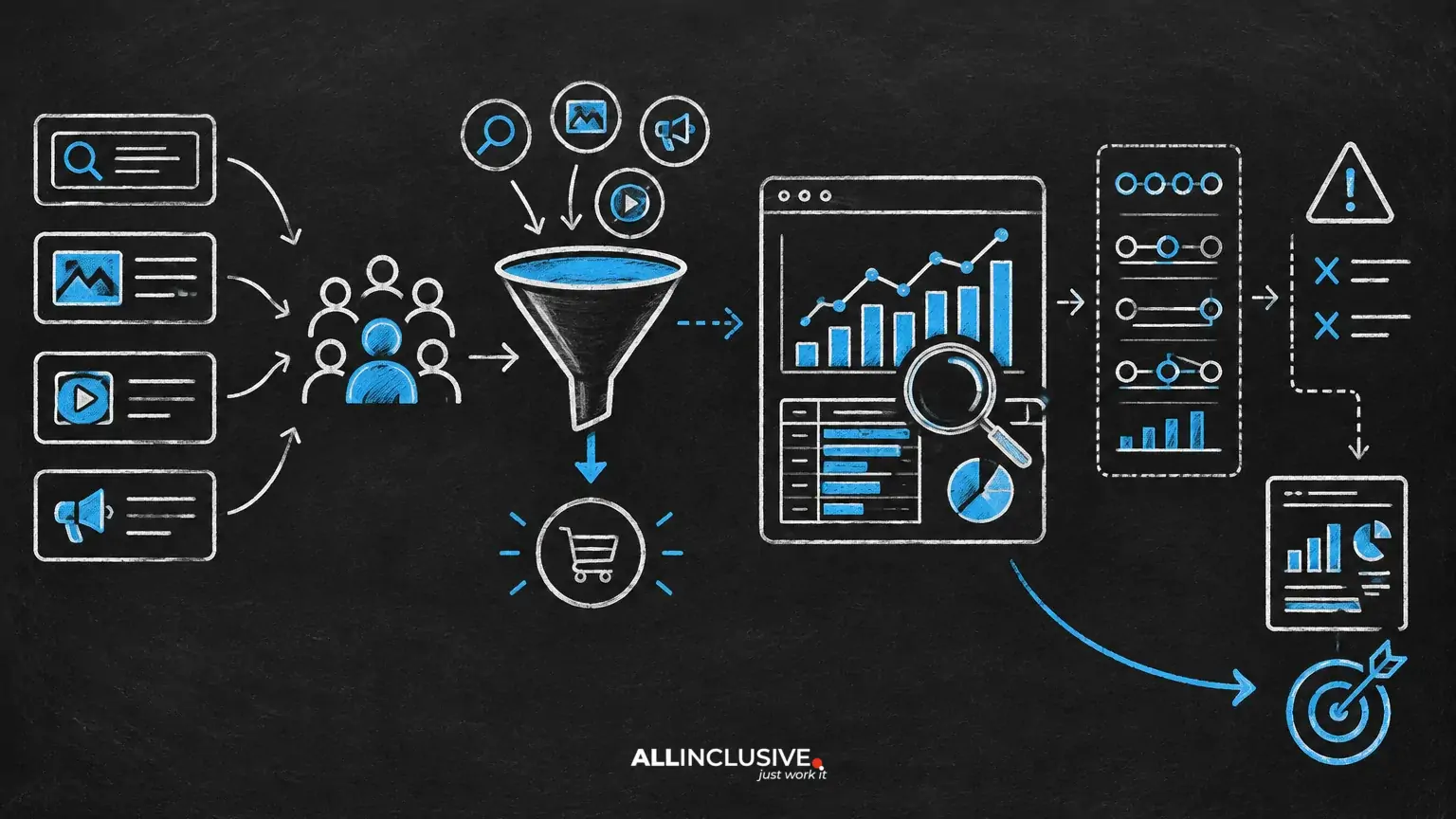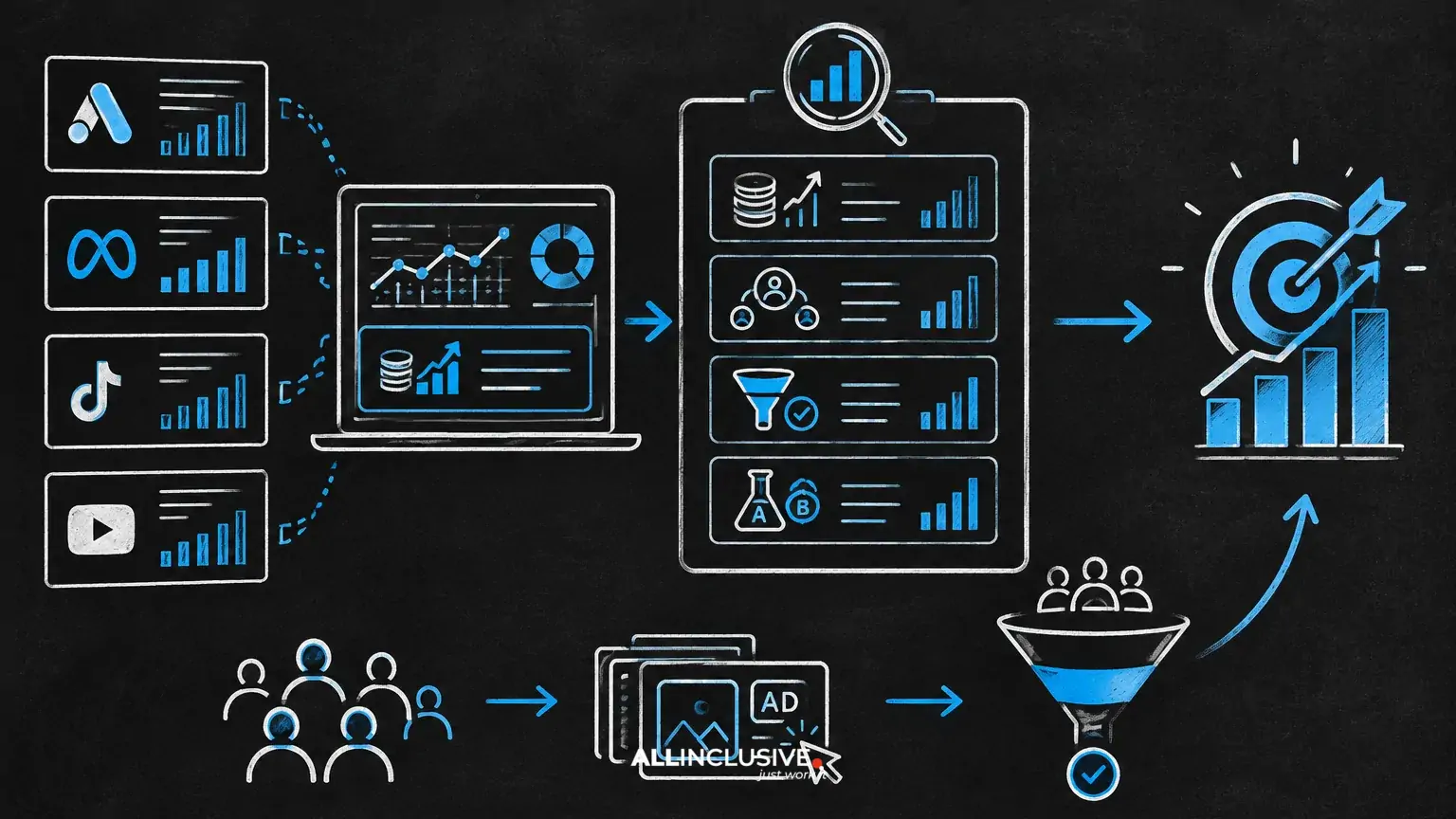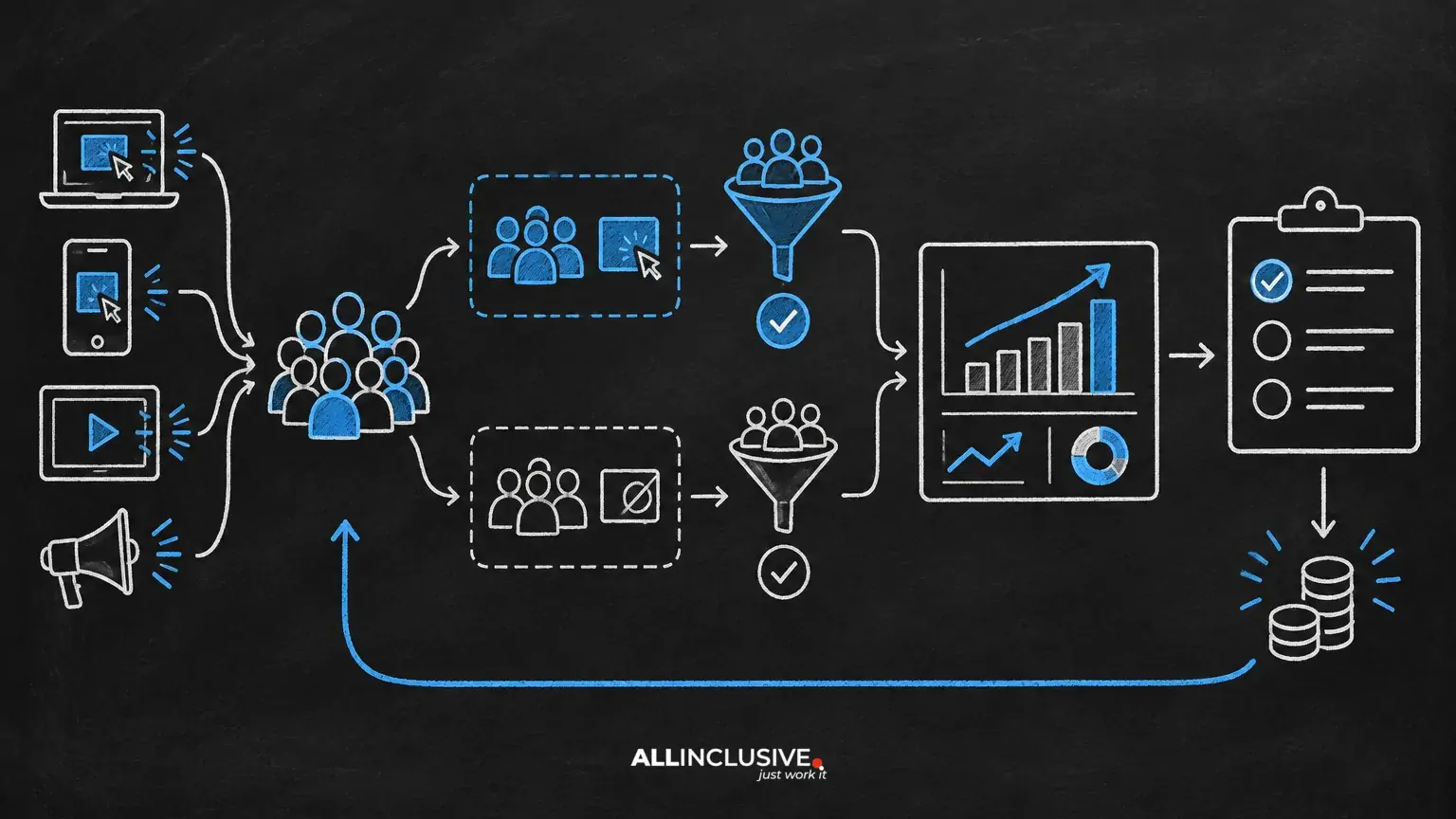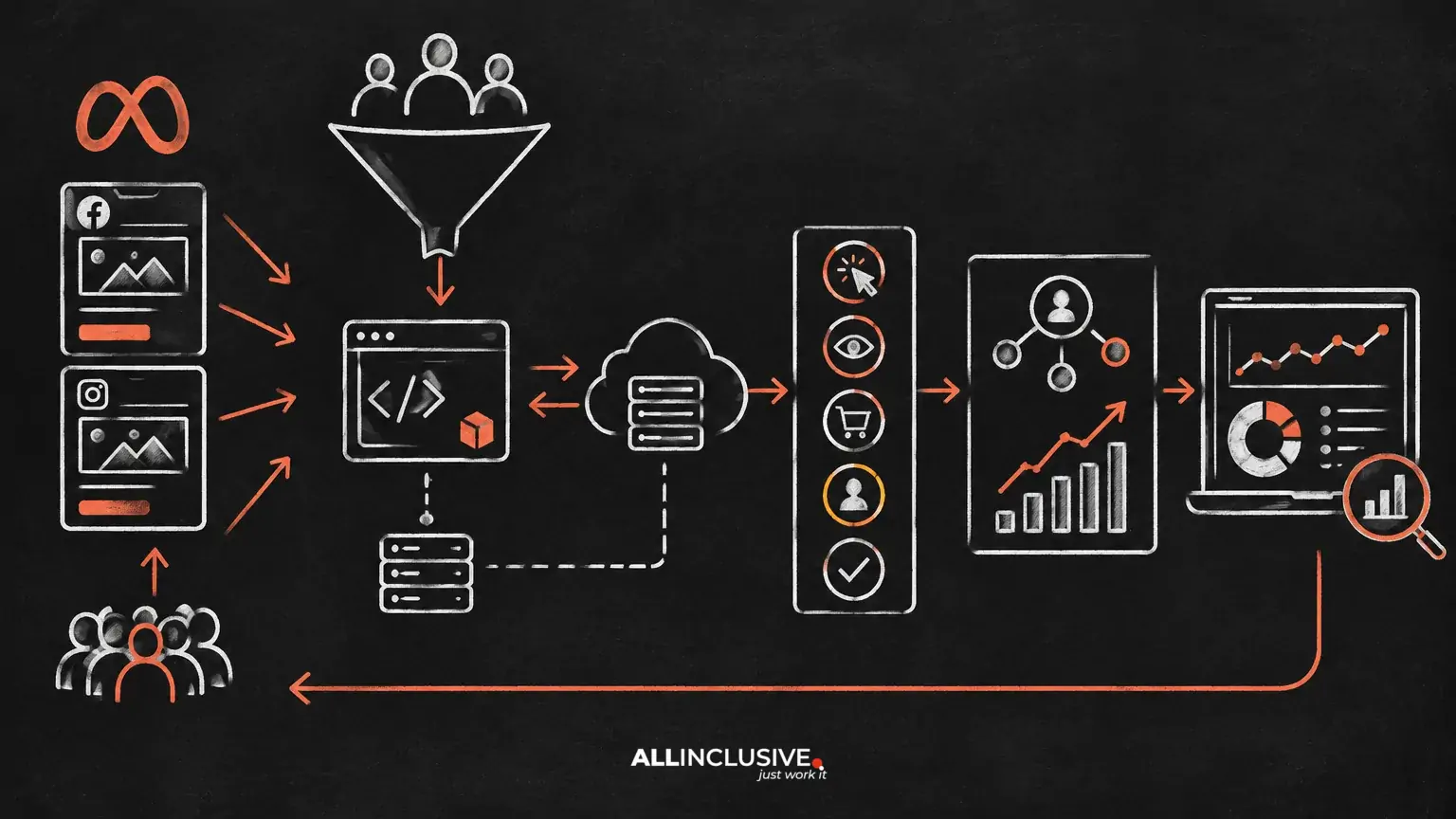
Meta Ads conversion tracking is the process of sending meaningful user actions to Meta, matching those actions to ad interactions where possible, and using the resulting signals for reporting, optimization and audience building. The core components are the Meta Pixel, the Conversions API (CAPI), a deliberate event structure and a clear attribution framework.
Good tracking is not simply a matter of installing a script. It requires consistent definitions across your website, analytics platform, CRM and ad account. It also requires realistic expectations: platform reporting is modeled and attribution is not the same as incrementality or revenue causation.
What Meta Ads conversion tracking needs to accomplish
A useful tracking setup should answer four operational questions:
- What happened? For example, a purchase, qualified lead, demo request or trial activation.
- Where did it happen? On a website, app, server, CRM or offline sales process.
- Can the event be matched? Meta needs sufficient signals to connect an event with an eligible ad interaction, subject to user choices, browser limitations and platform modeling.
- Can the business act on it? The event must be reliable enough to support bidding, reporting, retargeting or downstream revenue analysis.
The strongest setup separates these questions. A conversion may be valid in your database but not appear in Meta reporting, while an event may appear in Meta without representing a genuinely valuable business outcome. Both the technical implementation and the measurement interpretation matter.
The Meta Pixel: browser-based measurement
The Meta Pixel is a browser-based tag that sends web activity to Meta. It can record standard events, such as a purchase or lead, and custom events that reflect a business-specific action. Pixel data can support ad delivery, conversion reporting, remarketing audiences and other account functions, depending on implementation and user consent.
The Pixel remains useful because it observes actions in the browser where the page event occurs. However, browser-based tracking can be affected by ad blockers, browser restrictions, network failures, consent choices, page-load issues and changes in the checkout or form experience. For that reason, relying on the Pixel alone can create incomplete or inconsistent measurement.
What to check in a Pixel implementation
- The base code is installed on the intended pages and fires only in the appropriate consent context.
- Important events fire once, not multiple times because of duplicate tags, page refreshes or single-page application behavior.
- Event names and parameters reflect the actual business action.
- Revenue, currency, product identifiers and order identifiers are passed consistently where relevant.
- Lead events are not triggered merely by a form view or button click if a completed submission is the intended conversion.
- Testing covers different browsers, devices, landing pages and checkout or form paths.
Conversions API: server-side event delivery
Conversions API is a server-side method for sending events from a website server, customer data platform, CRM or other controlled system to Meta. It can complement browser events and provide a more durable path for events that occur after the initial page interaction, including qualified lead stages, purchases confirmed by a backend system or offline outcomes.
CAPI does not make tracking complete or automatically improve performance. It still depends on accurate event definitions, lawful data handling, correct deduplication and appropriate matching information. Server-side delivery can reduce some browser-related signal loss, but it cannot recreate data that a business never collected or that a user did not permit it to use.
Why Pixel and CAPI are commonly used together
Using both methods can create broader event coverage. The browser may provide immediate page context, while the server can confirm or enrich the same action. When both send the same event, Meta needs a reliable way to recognize that they represent one conversion rather than two.
The usual control is a shared event identifier passed with both versions of the event. The identifier must be stable for that action and generated consistently. If it changes between the browser and server event, deduplication may fail and reported conversions can be overstated. If it is reused across separate actions, legitimate conversions may be incorrectly treated as duplicates.
Design the event model before implementing tags
Start with a measurement plan rather than a tag list. Define the customer journey and identify which actions should be visible to Meta at each stage.
- Business outcome: the result that creates value, such as collected revenue, a qualified opportunity or an activated account.
- Primary optimization event: the event Meta should use for the campaign objective when sufficient volume and quality exist.
- Supporting events: actions that explain progression, such as landing-page views, form starts, content downloads or checkout initiation.
- Qualification events: later-stage outcomes imported from a CRM or backend system when lead quality is determined after the initial submission.
- Exclusions and controls: duplicate orders, internal traffic, test transactions, canceled purchases and other records that should not influence reporting.
Keep event definitions behavior-based and operationally clear. “Lead” should mean the same thing in the website, CRM and Meta account. If sales-qualified leads are the true objective, a raw form completion may be useful as an early signal but should not be described as equivalent to revenue or pipeline.
Standard events, custom events and parameters
Standard events provide a shared vocabulary for common actions. They are generally preferable when an available standard event accurately describes the behavior. Custom events may be appropriate for actions that are unique to your business, but they require stronger documentation so analysts and operators understand their meaning.
Parameters add context to an event. Depending on the action, useful fields may include value, currency, content identifiers, product category, order number or lead type. Parameters should be populated from authoritative sources and formatted consistently. A purchase value should come from the transaction record, not from a displayed estimate that can change or be manipulated in the browser.
Do not add fields simply because they are available. Collect and transmit only information that has a defined measurement or activation purpose and that your privacy and governance processes permit.
Attribution: what Meta reporting does and does not tell you
Attribution determines how credit is assigned to an ad interaction when a conversion occurs. Meta reporting may show conversions attributed within the account’s selected settings, while your analytics platform, CRM or finance system may use a different model and a different conversion date. Differences are expected when systems have different lookback settings, identity resolution, channel definitions, time zones, deduplication logic or eligibility rules.
Use platform attribution for campaign optimization and directional comparisons inside the account. Use a broader measurement framework for budget decisions and business outcomes. That framework may combine ad-platform data with web analytics, CRM stages, revenue records, controlled tests or other evidence.
A reported conversion is not proof that an ad caused the entire outcome. It is a conversion that met the reporting system’s attribution conditions. This distinction is especially important for high-consideration B2B journeys, repeat visitors, branded demand and leads that are later rejected by sales.
A practical implementation and QA process
1. Map the data flow
Document where each event originates, which system owns the value, how consent is recorded, and whether the event is sent through the browser, server or both. Include the website, app, CRM, payment platform and offline sales process where applicable.
2. Establish naming and ownership rules
Create a data dictionary for event names, parameters, currencies, time zones, identifiers and qualification states. Assign an owner for the website implementation, server integration, CRM mapping and ongoing QA.
3. Test event behavior
Use controlled test journeys to confirm that the intended event fires at the intended point, contains the expected values and does not fire on validation errors or page refreshes. Test successful and unsuccessful paths, mobile and desktop experiences, returning users and interrupted sessions.
4. Check browser-server deduplication
When the Pixel and CAPI report the same action, verify that the shared identifier is present and consistent. Compare transaction counts in the source system with event counts in downstream tools. Investigate unexplained gaps and spikes rather than assuming either system is correct.
5. Reconcile with source-of-truth systems
Compare Meta events with orders, submitted forms, CRM records and qualified outcomes. The comparison should account for reporting windows, delayed conversions, canceled transactions, duplicate records and differences in time zone. Reconciliation is a diagnostic exercise, not a requirement that every system display identical totals.
Common tracking failures and what they indicate
- More Meta purchases than completed orders: look for duplicate firing, refresh-triggered events, thank-you-page reuse or missing deduplication.
- Fewer Meta conversions than the source system: check consent, browser loss, blocked requests, incorrect event timing and attribution eligibility.
- Leads appear strong but sales quality is weak: the optimization event may be too shallow, the form may invite low-intent submissions, or CRM feedback may not be reaching the optimization process.
- Revenue is missing or inconsistent: inspect currency, transaction identifiers, tax and shipping treatment, refunds and the system that supplies the value.
- Events fire on page load rather than completion: move the event trigger to a confirmed success state or a backend transaction record.
- Campaign results changed after a site release: compare the release timeline with tag behavior, consent logic, routing, checkout and form changes.
How to use tracking for optimization
Choose the deepest reliable event that provides enough signal for the campaign to learn. A purchase or qualified opportunity may be the right long-term goal, but a lower-funnel event that occurs too rarely or arrives too late may limit feedback. In that case, use a staged approach: monitor the deeper outcome, maintain the most reliable optimization signal available, and improve data quality as volume and process maturity develop.
Do not judge tracking only by the number of events. Evaluate whether the events arrive on time, represent the intended audience action, carry usable values and correlate with downstream business quality. A larger event count can make reporting look healthier while weakening decision quality.
For creative and audience diagnosis, pair conversion data with delivery metrics and funnel behavior. Our guide to Meta Ads CTR can help distinguish click-generation issues from post-click conversion problems, while the paid social reporting framework helps connect platform signals to broader business measures.
Privacy, consent and governance
Tracking architecture must align with applicable privacy requirements, consent choices, contractual obligations and internal data policies. Work with legal, privacy and security stakeholders on the data that may be collected, shared and retained. Server-side transmission is not a bypass for consent or data-minimization requirements.
Limit access to event data, document changes and maintain an audit trail for tag, CRM and server integrations. Re-test after website releases, checkout changes, consent-management updates and CRM field changes. Tracking is a maintained product, not a one-time installation.
A concise operating checklist
- Define the business outcomes and event hierarchy.
- Choose standard events where they accurately describe the action.
- Document parameters, identifiers, values, currencies and time zones.
- Use Pixel and CAPI together where the data flow and governance justify it.
- Implement reliable deduplication for browser and server versions of the same event.
- Validate success states, duplicate prevention and consent behavior.
- Reconcile platform events with website, CRM and revenue records.
- Separate attributed conversions from incremental business impact.
- Review tracking after every material site, CRM or consent change.
For broader planning and measurement context, see the paid social pillar and the paid media hub. The goal is not perfect agreement between every platform. It is a dependable measurement system that makes event quality, attribution limits and business outcomes visible enough to support better decisions.