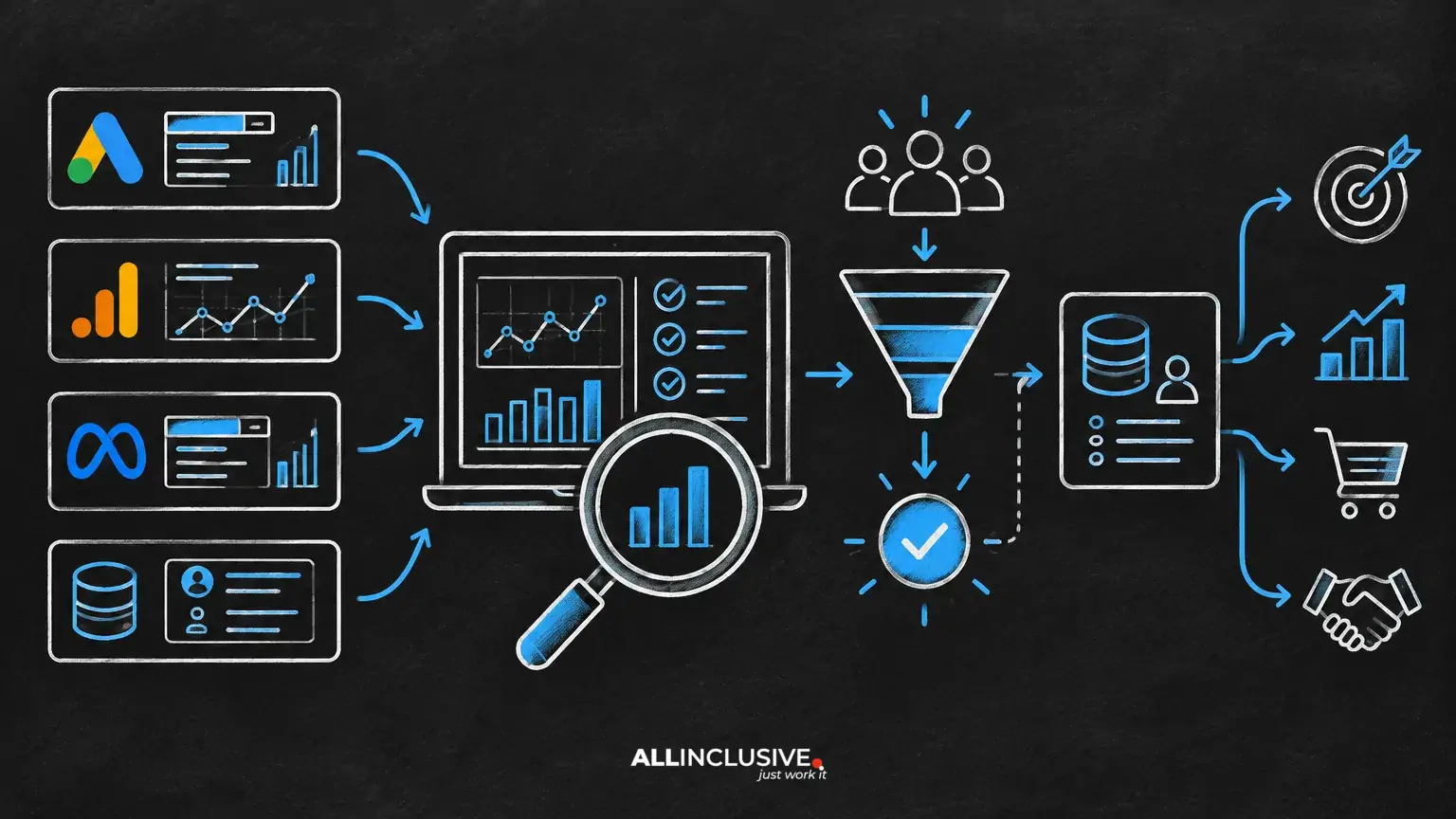
Before you increase a Google Ads budget, confirm that the account can turn additional spend into useful business outcomes. A Google Ads audit should not be a cosmetic review of campaign settings. It should test measurement, targeting, search intent, creative, landing-page experience and the commercial quality of conversions.
Use the 30 checks below in sequence. First validate the data, then control waste, then improve the path from click to qualified outcome. If the account fails a foundational check, fix that issue before treating more budget as the solution.
1. Measurement and account foundations
1. Confirm the primary conversion actions
List every conversion action currently used for optimization and reporting. Separate meaningful business outcomes—such as qualified leads, completed purchases or booked consultations—from softer actions such as page views, downloads or button clicks. A primary conversion should represent an outcome the business is genuinely willing to pay to acquire.
2. Check conversion definitions
Review the exact event or action behind each conversion. A form submission may be valid only when required fields are completed; a phone conversion may need a meaningful call duration or sales qualification. Document what counts, what does not and who owns the definition.
3. Test conversion tracking end to end
Perform a controlled test from ad click through confirmation or purchase. Confirm that the event fires once, is attributed to the intended account and appears in reporting. Test important paths separately, including mobile forms, calls, checkout steps and offline follow-up where applicable.
4. Identify duplicate counting
Compare analytics, advertising-platform conversions, CRM records and transaction systems. Multiple tags, imported goals and repeated page loads can inflate totals. If the numbers disagree, do not simply choose the most favorable source; identify the reason for the difference.
5. Reconcile online conversions with business outcomes
For lead generation, connect advertising conversions to lead status, opportunity creation and revenue where possible. If Google Ads optimizes toward every lead equally while sales rejects a substantial share, the account may be efficient at generating contacts but inefficient at generating demand.
6. Review attribution and reporting windows
Make sure reporting windows and attribution settings are appropriate for the sales cycle. Short-cycle ecommerce and long-cycle B2B services should not be interpreted using the same time horizon. Avoid judging recent traffic before enough time has passed for conversions and CRM updates to mature.
2. Budget, bidding and campaign structure
7. Map budget to business priorities
Document which campaigns support growth, defense, testing or remarketing. Budget allocation should reflect margin, capacity, geography, product availability and sales priorities—not only the campaigns with the highest reported conversion volume.
8. Check for constrained campaigns
Look for campaigns that are limited by budget, but do not assume every constrained campaign deserves more money. First verify that its incremental traffic is relevant and that marginal conversions remain valuable. A budget constraint is a diagnostic signal, not a scaling recommendation.
9. Review bidding strategy against data maturity
Choose bidding logic that matches the amount and quality of available conversion data, the campaign objective and the degree of control required. Automated bidding can be useful, but it cannot repair inaccurate conversion signals or unclear goals.
10. Inspect bid adjustments and exclusions
Review device, location, audience and schedule adjustments where they are available and relevant to the campaign type. Remove legacy changes that no longer have a clear rationale. Check that exclusions do not block valuable segments or create accidental delivery gaps.
11. Separate objectives that should not compete
Do not force brand defense, high-intent non-brand acquisition, remarketing and experimental traffic into one undifferentiated optimization problem. Separate campaigns when their economics, intent or reporting requirements differ materially.
12. Evaluate budget pacing
Check whether spend is distributed sensibly across the period or concentrated on a few days. Investigate sudden changes caused by account edits, seasonality, inventory, approval issues or demand shifts before increasing the daily budget.
3. Targeting and search intent
13. Review location targeting
Confirm that locations match where the business can sell, serve or fulfill. Examine presence and interest settings or their equivalent carefully, especially for local, regulated or service-area businesses. Exclude areas where clicks cannot become commercially useful.
14. Check language and market assumptions
Ensure campaign language and regional choices reflect the actual customer experience. A language setting alone does not guarantee that ad, keyword and landing-page messaging are aligned for the audience.
15. Classify keyword intent
Group keywords by problem, product, category, brand, competitor and research intent. Ask whether each group deserves the same landing page, bid logic and success metric. High-volume informational searches may be useful for education, but they should not be evaluated like purchase-ready queries.
16. Review match types and query control
Inspect how keywords are matched to actual searches and whether the resulting traffic is appropriate. Broader targeting can discover demand, but it requires stronger query review, exclusions and conversion-quality controls. Narrow targeting can improve relevance while limiting scale.
17. Analyze search terms
Review search terms by cost, conversions, qualification and intent. Add exclusions for recurring irrelevant themes, but distinguish one-off noise from a pattern. For B2B accounts, examine whether queries indicate the right company type, use case, buying stage and geography.
18. Protect against internal competition
Check whether multiple campaigns are eligible for the same demand without a deliberate reason. Brand and non-brand campaigns can have different roles; the issue is not overlap alone, but whether overlap obscures performance or redirects budget away from incremental demand.
For a deeper framework on acquisition queries, see Non-Brand Search Campaigns. For brand-demand decisions, review Brand Campaigns in Google Ads.
4. Ads, assets and message fit
19. Match ad language to search intent
Ads should answer the reason behind the query, not merely repeat a keyword. A pricing-oriented search needs a different promise from a comparison or problem-aware search. Make the next step clear and credible.
20. Check message-to-landing-page continuity
Users should immediately recognize that the landing page fulfills the ad promise. Compare the query, headline, offer, proof and call to action across the path. Misalignment often creates poor conversion rates even when click-through rates appear healthy.
21. Audit claims and qualification
Remove unsupported claims, vague superlatives and offers that the landing page cannot substantiate. In lead generation, clear qualification can improve efficiency by discouraging clicks that were unlikely to become good prospects.
22. Review asset coverage
Check whether ads communicate the core value proposition, differentiators, proof points, service areas and next step. Use distinct messages for distinct intent groups rather than producing many minor variations with no testing hypothesis.
23. Test creative with a decision rule
Define what a creative test is intended to learn and which outcome determines a decision. Consider conversion quality and downstream value, not only click-through rate. Avoid declaring a winner when volume, conversion lag or traffic mix makes the comparison unreliable.
5. Landing pages and conversion experience
24. Verify the landing-page offer
Confirm that the offer is specific, relevant and easy to understand. If the conversion asks for a sales call, explain what happens next. If the offer is a guide or consultation, make the value and eligibility clear before the form.
25. Reduce avoidable friction
Review form length, required fields, error handling, navigation, contact options and mobile usability. Friction is not always bad: qualification fields may protect sales capacity. The question is whether each requirement serves a measurable business purpose.
26. Check page speed and technical reliability
Test key pages on common devices and networks. Look for broken forms, slow scripts, redirect problems, missing consent handling or confirmation pages that fail to load. A technical issue can be mistaken for a targeting or bidding problem.
27. Validate trust and proof
Match proof to the audience and offer. Relevant use cases, transparent process information, security details, reviews or recognizable customer context can address hesitation. Avoid adding generic badges that do not help the visitor make a decision.
28. Confirm analytics continuity
Ensure campaign parameters, landing-page analytics and CRM fields preserve the information needed for analysis. The team should be able to connect source, campaign, query or audience context with the eventual business outcome without relying on guesswork.
6. Commercial readiness and scaling decisions
29. Calculate the real economic threshold
Define the maximum acceptable acquisition cost or return threshold using contribution margin, close rate, average contract value, repeat value and sales capacity. Reported platform efficiency is only useful when it is connected to the economics of the business.
30. Create a scale decision and monitoring plan
Before increasing budget, write down the hypothesis, amount, timeframe, success metrics, guardrails and rollback condition. Monitor spend, conversion rate, qualified rate, marginal acquisition cost and downstream revenue. Scale gradually enough to identify whether performance changes are caused by budget, demand, seasonality or a structural account issue.
How to prioritize audit findings
Classify findings into four groups:
- Measurement blockers: tracking errors, duplicate conversions or missing CRM feedback. Fix these first.
- Budget waste: irrelevant queries, invalid locations, broken pages or poorly aligned campaigns. Address before adding spend.
- Conversion opportunities: stronger offers, clearer messaging, better forms and improved proof.
- Scaling opportunities: campaigns with reliable measurement, acceptable economics, available demand and operational capacity.
Do not let a long checklist delay action. Rank each issue by expected business impact, confidence and implementation effort. A small number of high-impact fixes is usually more valuable than a large batch of cosmetic changes.
When an audit says not to increase budget
Hold the budget when conversions are not trustworthy, search terms are materially irrelevant, landing pages are technically unreliable, lead quality is unknown or the sales team cannot handle additional demand. More spend will amplify the system currently in place—including its measurement errors and inefficiencies.
Increase budget only when the account has a defensible measurement foundation, a clear role in the marketing mix and evidence that additional traffic can produce outcomes the business values. For broader planning across channels, see the paid media strategy hub, and for budget-setting considerations, review Google Ads Budget: How Much Should You Spend?.
Google Ads Audit: What to Prioritize
A Google Ads audit is a decision framework, not a settings checklist. Validate the signal, control irrelevant demand, align ads with intent, remove conversion friction and connect platform results to commercial outcomes. Once those conditions are in place, a budget increase becomes a measured growth experiment rather than a leap of faith.
For broader strategic context, see our paid search resource.