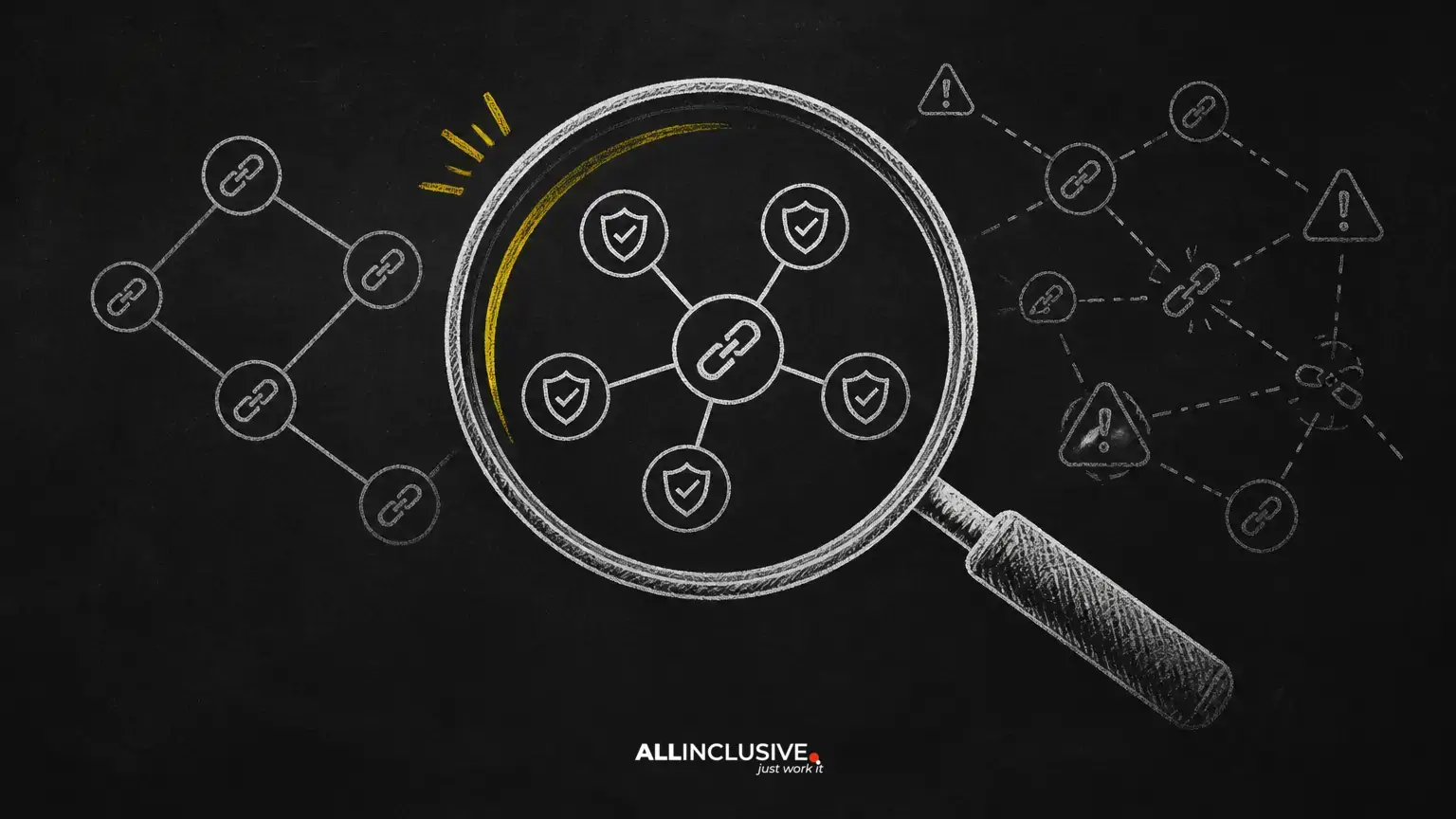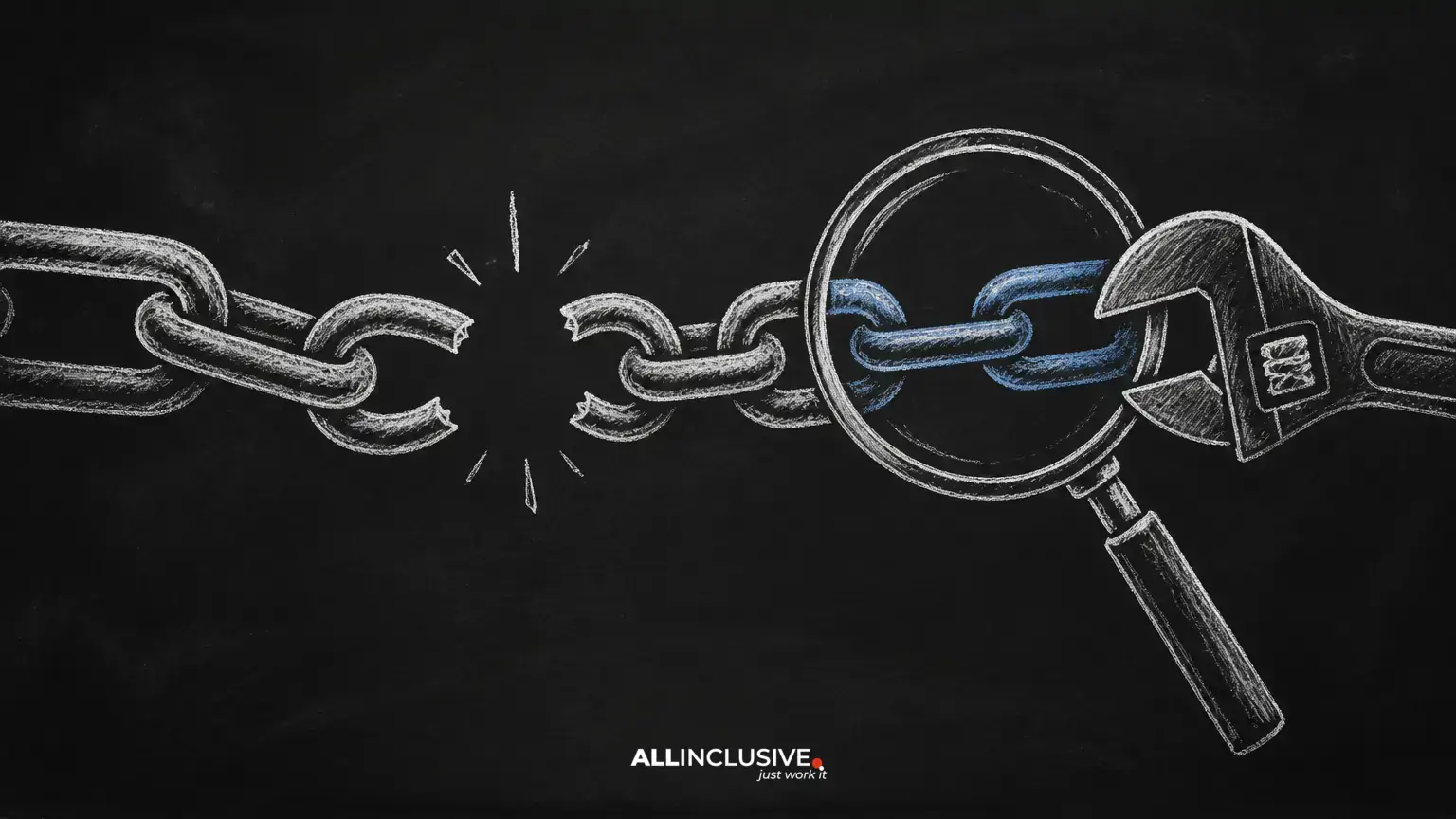
Broken links are a routine website maintenance issue, but they deserve more than a quick error report. A link that leads to a missing page, inaccessible resource, or incorrect destination can interrupt a visitor’s next step and make important content harder to discover.
The best response is not to remove every link that produces an error during a single crawl. First determine what is actually broken, why it happened, and whether the correct fix is an updated URL, a redirect, a replacement resource, or removal. This guide explains a practical process for reviewing broken internal links, external links, and backlinks.
What is a broken link?
A broken link is a hyperlink that does not take a user or crawler to the intended resource. The destination may return an HTTP error, fail to resolve, redirect incorrectly, require unavailable access, or lead to content that no longer matches the link’s purpose.
Common examples include:
- A URL that returns a 404 or 410 response because the page was removed.
- A link that points to an old URL after a site redesign or migration.
- A misspelled domain, path, or file name.
- A document, image, video, or other asset that has been deleted.
- A server, DNS, authentication, firewall, or timeout problem that prevents access.
- A destination that redirects through an unnecessarily long or broken chain.
Not every failed request has the same meaning. A temporary outage should be investigated differently from a permanently removed page, and access restrictions may affect only certain users or locations.
Why broken links matter
They interrupt user journeys
Visitors often use links to compare options, read supporting information, verify claims, or move toward a conversion. A dead end creates friction at exactly the point where the visitor expects assistance. It can also undermine confidence in the accuracy and upkeep of the site.
They weaken internal navigation
Internal links help people and crawlers move between related pages. When an important link points to a missing destination, users may not reach valuable content and search engines may receive a less complete picture of the site’s structure.
They can waste crawl effort
Broken URLs are not automatically a ranking penalty, and fixing them does not guarantee higher rankings. However, a site with recurring errors, poor redirects, or inaccessible resources is harder to maintain and can provide weaker navigation signals. Prioritize links that affect important pages, templates, conversions, or large sections of the site.
They can conceal lost backlink value
A website may have earned links to an older URL that now returns an error. If a relevant replacement page exists, a properly configured redirect can help visitors reach it. If no suitable replacement exists, the right action may be to restore the original resource or accept that the link should not be redirected.
How to find broken links
1. Crawl your website
Use a site crawler or technical SEO platform to scan internal links and collect the destination status, source page, anchor text, and affected URL. Configure the crawl to reflect your site’s real structure, including important subdirectories or authenticated areas where appropriate.
Review the crawl results rather than treating every flagged URL as a confirmed defect. A tool may report a problem caused by a temporary response, a blocked crawler, a redirected URL, or a resource that is intentionally restricted.
2. Review server and analytics data
Server logs, analytics reports, and webmaster tools can reveal broken URLs that a normal crawl misses. Look for requests to outdated paths, links from external websites, and frequently visited URLs that return errors.
Compare these findings with your crawl. A low-traffic broken link may be a minor cleanup task, while a broken URL receiving visits or valuable referrals should move higher in the queue.
3. Check important templates manually
Inspect navigation menus, footers, breadcrumbs, product or service templates, downloadable resources, and high-traffic content. Template-level errors can affect many pages at once, while a crawler may not show the business impact as clearly as a manual review.
4. Check backlinks separately
Backlink tools can identify external websites that link to URLs on your domain. Filter for links pointing to pages that return errors, then assess the referring page’s relevance, quality, and likely value before deciding whether outreach is worthwhile.
How to prioritize broken links
Do not work through an error list in arbitrary order. Use a simple prioritization framework:
- Business impact: Fix errors affecting lead forms, checkout flows, core services, important products, or key navigation first.
- Audience impact: Give priority to links on high-traffic pages and resources used by returning visitors.
- Search impact: Review broken links involving important indexed pages, frequently linked destinations, or major content sections.
- Scope: Resolve template or CMS issues that create the same defect across many URLs.
- Confidence in the replacement: Redirect only when the new destination genuinely satisfies the original intent.
A useful audit spreadsheet can include the source URL, broken destination, response type, link location, traffic or referral context, recommended action, owner, and completion date.
How to fix broken internal links
Update the link
If the destination moved and a clear replacement exists, edit the source page to point directly to the current URL. Direct links are easier to maintain than links that rely on avoidable redirect chains.
Set up a redirect
When an old URL has meaningful visits, backlinks, or a close successor, configure a permanent redirect to the most relevant replacement. Avoid sending unrelated URLs to the homepage merely to eliminate errors. A redirect should serve the visitor’s original need.
Restore the resource
If a removed page remains useful and there is no equivalent replacement, restoring it may be better than redirecting it elsewhere. This is especially relevant for evergreen guides, documentation, research, or pages with established external references.
Remove or replace the link
Remove a link when the destination is no longer necessary, no suitable replacement exists, or the link’s original claim is no longer valid. If the surrounding content still needs support, replace it with a current, relevant resource rather than leaving a vague reference.
Correct the underlying system
Recurring broken links may point to a CMS, publishing workflow, redirect rule, plugin, deployment, or migration problem. Fixing individual URLs without correcting the source of the errors will create repeated maintenance work.
How to handle broken external links
External destinations can change without notice. Confirm whether the problem is temporary and whether an authoritative replacement exists. Then choose one of three actions:
- Update the link to a new page on the same site when it serves the same purpose.
- Replace it with another trustworthy source that supports the surrounding content.
- Remove the citation or reference when the claim no longer needs it or cannot be supported responsibly.
Do not preserve an external link simply because it once existed. Relevance, accuracy, accessibility, and editorial usefulness matter more than keeping a specific URL.
How to recover broken backlinks
When another site links to an outdated URL on your domain, first determine whether the URL should redirect to a relevant live page. If it should, implement and test the redirect. Then consider contacting the referring site with a concise request to update its link.
Outreach is most useful when the referring page is relevant and maintained, the replacement is genuinely equivalent, and the link is likely to send qualified visitors. Do not treat every low-quality or unrelated backlink as a recovery opportunity.
Using broken link building responsibly
Broken link building involves finding a relevant dead resource on another website, creating or identifying a useful replacement, and suggesting it to the site owner. The method works only when the replacement improves the page for its audience.
A responsible process is:
- Find a broken resource on a relevant, maintained website.
- Confirm that the page’s subject aligns with your existing or planned content.
- Create a genuinely useful replacement rather than a thin page made only for outreach.
- Contact the site owner with the exact broken URL and a clear explanation of why the replacement helps.
- Accept that the owner may decline or choose another resource.
This is a relevance-led editorial tactic, not a reason to pursue large volumes of low-quality links.
How to prevent broken links
- Document URL changes during redesigns and migrations.
- Maintain redirects when pages move, and remove obsolete redirect chains.
- Use consistent, descriptive URL structures.
- Test important templates and conversion paths after releases.
- Review downloadable files and media separately from HTML pages.
- Schedule recurring crawls based on the size and publishing frequency of the site.
- Assign an owner to resolve errors and record why each decision was made.
A practical broken-link checklist
- Run a crawl and export suspected broken destinations.
- Confirm the response and rule out temporary or access-related issues.
- Identify the source pages and affected templates.
- Prioritize by users, business value, search importance, and scope.
- Update, redirect, restore, replace, or remove each link.
- Test the fix from the source page and confirm the destination works.
- Re-crawl the site and monitor important URLs after deployment.
Conclusion
Broken-link management is a combination of technical maintenance and editorial judgment. Find errors with a crawl, validate them with site and server context, and prioritize the links that affect real users or important content. The strongest fixes restore a useful journey: update links when destinations move, redirect only to relevant replacements, and remove references that no longer serve a clear purpose.
For broader technical and authority-building guidance, explore Allinclusive’s link-building resources and the wider SEO services overview.