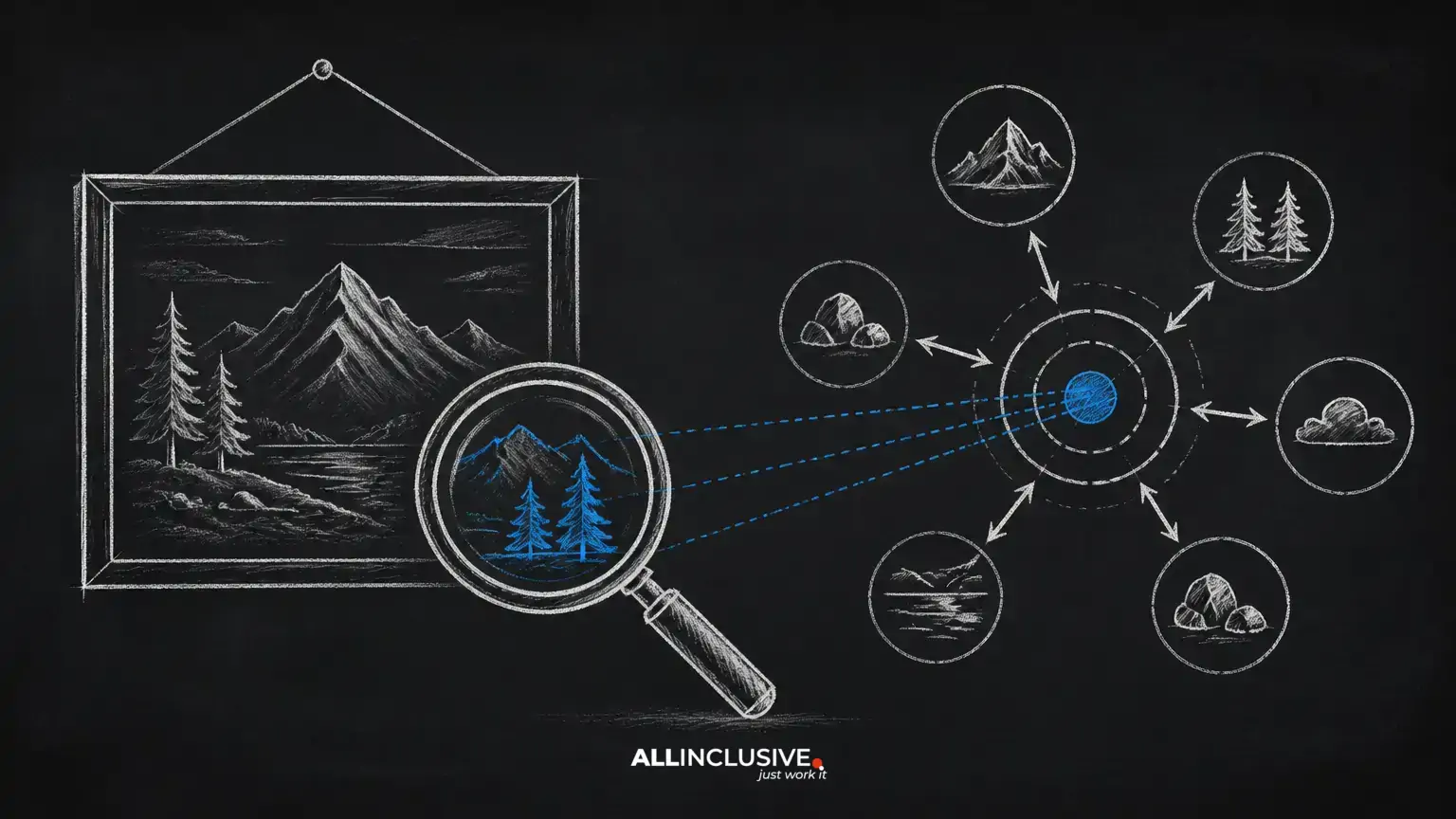
On-page SEO is the work you do on an individual webpage to make its purpose clear, its information useful, and its experience easy to navigate. It includes the visible content as well as elements such as page titles, headings, URLs, links, images, and structured data.
Unlike off-page SEO, which focuses on signals outside your website, on-page optimization is largely within your control. It should not be treated as a checklist for inserting keywords. The central question is simpler: does this page give the intended visitor a clear, complete, and credible answer?
This guide presents a practical process you can use for a new page or an existing one. For broader planning, see the Allinclusive content marketing guide. If your work also includes site architecture, crawling, and broader search strategy, review the SEO services overview.
What on-page SEO includes
On-page SEO covers the factors that shape how a page is understood and experienced. Common areas include:
- Search intent and topical coverage
- Page copy, examples, and supporting evidence
- Title tags, meta descriptions, and headings
- Readable, descriptive URLs
- Internal links and relevant external references
- Images, alt text, and media performance
- Mobile usability, accessibility, and page performance
- Structured data where it accurately describes the page
These elements work together. A well-written article can underperform if it is difficult to access or impossible to find through the site’s navigation. Conversely, technical improvements cannot compensate for content that does not satisfy the visitor’s actual need.
1. Define the page’s primary purpose
Start with one clear job for the page. A page may educate, compare options, explain a process, support a purchase decision, or help someone complete a task. If several unrelated goals are competing for attention, consider whether the material belongs on separate pages.
Identify the likely audience, the question or problem they bring, and the next step that would be genuinely useful. Search results can reveal patterns in intent, but do not assume that every result should be copied. Look for the type of information people need, then create a more coherent and useful resource.
Use a focused topic, not a keyword quota
Choose a primary phrase that describes the page’s subject, then list closely related questions and terms that a knowledgeable reader would expect. Use those concepts where they clarify meaning. Do not force exact wording into every heading or paragraph.
Natural language is especially important when a topic has multiple legitimate terms. Explain abbreviations, define specialist language, and include practical examples. Relevance comes from covering the subject well, not from repeating one phrase at an artificial frequency.
2. Build a useful content structure
Readers often scan before they commit to reading. Give them a clear route through the page with a descriptive title, a direct introduction, and headings that accurately preview each section.
Write a direct opening
The first paragraphs should establish what the page covers and who it helps. Answer the main question early when possible, then add the context, process, examples, and caveats that make the answer useful. Avoid long introductions that delay the information promised by the title.
Use headings as an information outline
Organize sections in a logical order. A heading should describe the content that follows rather than exist only to contain a keyword. Use heading levels consistently and do not skip from a main section to a deeply nested subsection without a clear reason.
Short paragraphs, lists, tables, and examples can make complex material easier to use. They are not ranking tricks; they are formatting choices that help people locate and understand information.
3. Improve the core content
Useful content is specific enough to act on and honest enough to set expectations. Explain not only what to do, but when it applies, what can go wrong, and how someone can judge whether the step worked.
- Replace broad claims with processes, examples, or decision criteria.
- Separate established guidance from opinion and label limitations clearly.
- Keep facts current when the subject changes over time.
- Remove repetition that does not add meaning.
- Review the page from the visitor’s perspective after drafting.
Originality does not require an unusual opinion. It can come from clearer organization, better examples, a more useful framework, or a careful explanation of trade-offs. Avoid reproducing another page’s structure or wording simply because it ranks well.
4. Optimize title tags and meta descriptions
The title tag helps search engines and searchers understand the page. Write a distinct title that states the subject and, where useful, the intended benefit. Keep it specific rather than adding a string of related phrases.
A meta description is a concise summary that can support the searcher’s decision to visit. It may not always be displayed exactly as written, but preparing an accurate description helps communicate the page’s value. Do not promise an answer the page does not provide.
Review titles and descriptions for duplication across the site. Similar pages need sufficiently distinct positioning so visitors and search engines can tell them apart.
5. Create a clear URL
A good URL is short, readable, stable, and relevant to the page. Use words that describe the topic and separate them with hyphens. Avoid unnecessary dates, session identifiers, excessive folders, and strings of ambiguous numbers.
Choose the URL before publication when possible. Changing an established URL can affect links and discoverability, so use an appropriate redirect and update internal links if a change is necessary. A keyword in a URL is not a substitute for useful content.
6. Strengthen internal linking
Internal links help people discover related information and help search engines understand how pages fit together. Link from contextually relevant sentences rather than adding a block of disconnected links at the end of every article.
Use descriptive anchor text that tells the reader what to expect. Link to the next logical resource, such as a detailed explanation, a service page, or a practical checklist. Important pages should be reachable through the site’s navigation or relevant content, not left isolated.
Audit older pages for opportunities to add links to newer resources, and check for broken links or links that point to outdated destinations. A small number of useful links is better than a crowded page that distracts from the main task.
7. Make images helpful and accessible
Images should explain, demonstrate, orient, or support the surrounding content. Decorative visuals should not replace important text. Use appropriately sized files and modern delivery practices where available, while preserving sufficient quality for the visitor’s needs.
Write alt text when an image conveys information. Describe the meaningful subject or function rather than listing vague keywords. For a decorative image, an empty alt attribute may be appropriate. Captions can add context when the source, interpretation, or relationship to the text matters.
Check how images affect the page on smaller screens. A visual that looks useful on a desktop can become a distraction or performance burden on mobile if it is oversized or poorly placed.
8. Improve usability and technical quality
Search visibility is only valuable when people can use the page. Check that the main content is visible, the layout is stable, text is readable, navigation is understandable, and interactive elements work with common devices and input methods.
Performance should be evaluated with real page conditions rather than a single score treated as a guarantee. Compress heavy assets, reduce unnecessary scripts, and review third-party tools that delay rendering. Also verify that important content is available to users and not dependent on an interaction that fails in some environments.
Accessibility improvements often benefit every visitor. Use meaningful link text, sufficient contrast, logical heading order, keyboard-friendly controls, and labels for form fields. Accessibility is not merely an SEO tactic; it is part of responsible publishing.
9. Use structured data carefully
Structured data can provide machine-readable context about eligible content, such as an organization, product, event, article, or frequently asked question. Use it only when it accurately represents visible page content and follows the relevant technical requirements.
Do not add markup solely to obtain a search enhancement. Validate the implementation, keep it synchronized with the page, and remove it when the underlying information changes. Structured data can improve interpretation or eligibility for certain presentations, but it cannot make weak content authoritative.
10. Review and maintain the page
Optimization is an ongoing editorial process. After publication, review the page for accuracy, broken links, changing terminology, outdated examples, and new questions raised by visitors or internal teams.
Use analytics and search data as diagnostic evidence, not as an instruction to make random edits. A page receiving impressions but few visits may need a clearer result title or better alignment with the query. A page receiving visits but failing to support the next step may need stronger structure, clearer explanations, or a more relevant call to action.
When changing a page, record what changed and why. This makes it easier to evaluate improvements and prevents repeated edits that provide no meaningful benefit.
A practical on-page SEO checklist
- Define one primary purpose and the audience’s likely need.
- Confirm that the content matches the intent behind the target topic.
- Write a direct introduction and organize the page with descriptive headings.
- Use related terminology naturally and remove unnecessary repetition.
- Create a unique title tag, meta description, and readable URL.
- Add contextual internal links to relevant next steps.
- Check images, alt text, captions, file sizes, and mobile presentation.
- Test readability, accessibility, navigation, and interactive elements.
- Apply structured data only when it accurately describes visible content.
- Set a review date for information that can become outdated.
Conclusion
Strong on-page SEO is the disciplined practice of making a page understandable, useful, accessible, and connected to the rest of the site. Begin with search intent and content quality, then refine structure, metadata, links, media, and technical performance. Avoid shortcuts that prioritize search engines over people. A page that clearly solves the visitor’s problem is a stronger foundation for sustainable search visibility and meaningful action.