
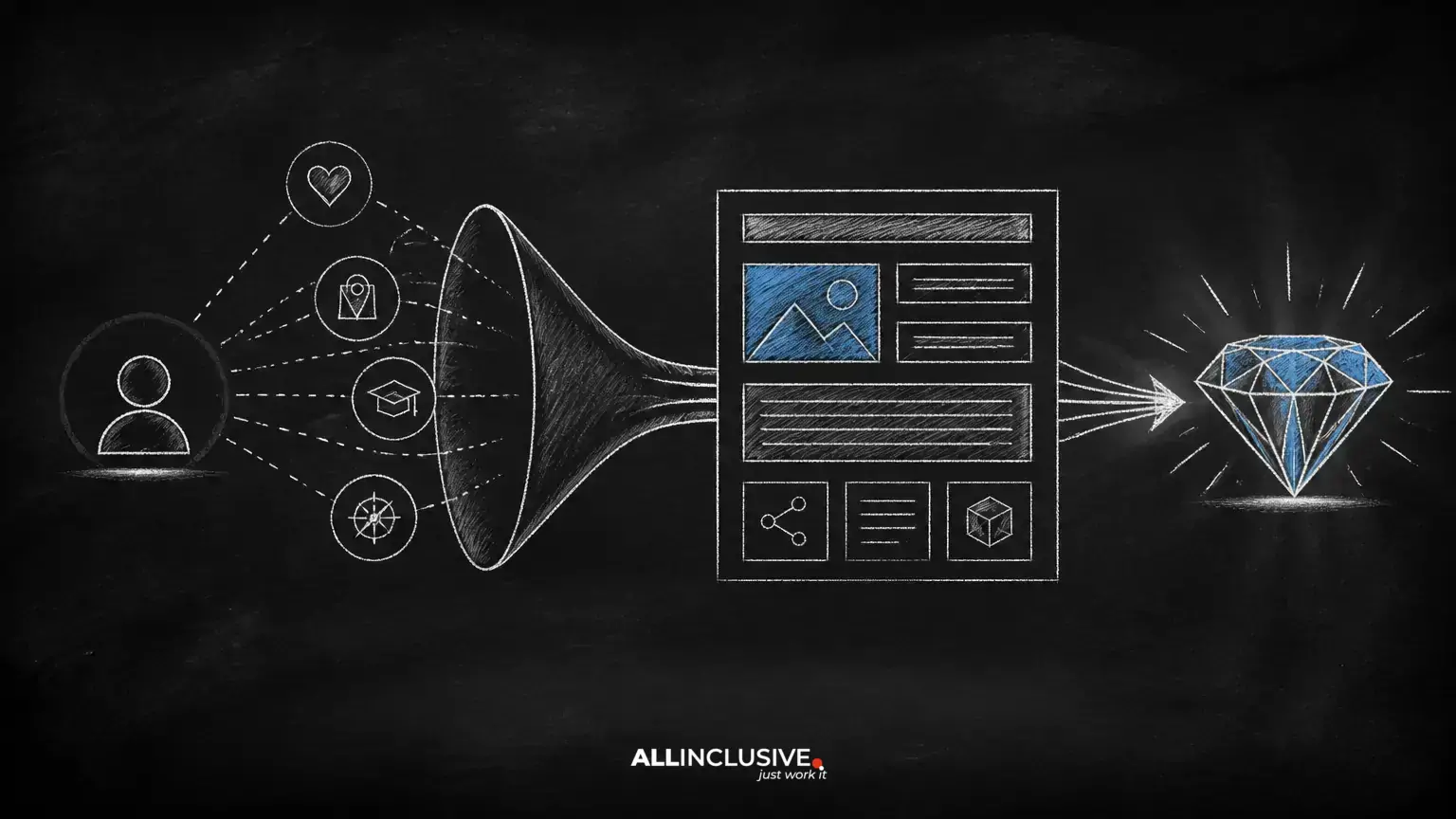
Advanced on-page SEO is not a collection of obscure tricks. It is the disciplined process of making a page clearly relevant to a searcher, easy for systems to interpret, and useful enough to support a meaningful next step.
Basic elements still matter: a descriptive title, logical headings, readable copy, useful metadata, and technically accessible HTML. But these elements work best when they support a larger page strategy. The page should answer a defined need, demonstrate appropriate expertise, guide the visitor, and fit logically within the website.
This guide presents a practical framework you can apply to important pages without relying on keyword repetition or unsupported ranking guarantees. For broader planning and implementation, see the Allinclusive SEO services overview.
Start with the page’s primary job
Before editing copy, state what the page is supposed to accomplish. A page may educate, compare options, explain a process, support a purchase decision, generate a lead, or direct visitors to a more specific resource. It can have secondary goals, but one primary job keeps the content focused.
Write a short page brief that answers four questions:
- Who is the intended visitor?
- What question or problem brought them here?
- What should they understand or be able to do after reading?
- What is the most useful next step?
This prevents a common failure mode: a page that tries to rank for every related topic while failing to satisfy the original query. A focused page can still cover related subtopics, but each section should support the main purpose.
Match content to search intent
Search intent is the task behind a query, not merely the words in it. A query that asks “how does technical SEO work?” calls for explanation. A query containing “pricing,” “agency,” or “near me” may indicate a stronger evaluation or service intent. The exact interpretation depends on context, so avoid forcing every query into a rigid label.
Use the wording of the query as a starting point, then review the questions and decisions the visitor is likely trying to resolve. A useful intent brief might look like this:
- Information needed: the essential definition, process, or explanation.
- Concerns: risks, limitations, cost, effort, or alternatives.
- Evidence: examples, methodology, documentation, or clear qualifications.
- Next action: a related guide, tool, consultation, signup, or purchase step.
Do not copy the structure of competing pages mechanically. Use visible search results as a research input when available, but improve on them by addressing unanswered questions, clarifying trade-offs, and making the page easier to use.
Build topical relevance without keyword stuffing
A page becomes more understandable when it uses the language of the subject naturally. That includes synonyms, related concepts, common questions, process terms, and specific examples. The goal is not to insert a predetermined number of phrases. The goal is to explain the topic completely enough that a knowledgeable reader can follow it.
Map the topic into three layers:
- Core concept: the subject named by the primary query.
- Supporting concepts: the methods, components, constraints, and terminology needed to explain it.
- Decision concepts: the comparisons, risks, costs, outcomes, and next steps that help the visitor act.
Use these layers to identify missing sections. If a page defines a process but never explains when to use it, what it requires, or what can go wrong, it may be lexically relevant but practically incomplete.
Design a structure that works for readers and crawlers
Strong structure makes the page scannable without reducing it to disconnected fragments. Use one clear title in the CMS, then organize the body with descriptive H2 headings and, where necessary, H3 subheadings. Each heading should describe the section’s actual subject rather than serve as a vague keyword container.
A useful section should usually do three things:
- State the point early.
- Explain or demonstrate it with enough context.
- Connect it to the visitor’s decision or next step.
Short paragraphs, lists, tables, and examples can improve comprehension, but formatting should reflect the information. A table is useful for genuine comparisons; a list is useful for discrete steps or criteria. Avoid breaking every sentence into a separate block simply to make a page appear easier to scan.
Make the opening section answer the immediate question
Visitors should not have to navigate a long introduction before learning whether the page is relevant. The opening should identify the subject, establish the audience or use case, and set expectations about what the page covers.
For an informational article, a strong opening often includes a concise definition followed by the practical implication. For a service page, it may explain the problem addressed, who the service is for, and what the engagement includes. This is not a demand to place every detail above the fold; it is a reminder to lead with the information most likely to help the visitor decide whether to continue.
Connect pages with purposeful internal links
Internal links help people move from general information to deeper explanations and from research to action. They also provide context about how your site’s content relates. Link because the destination adds value, not because a target phrase needs another occurrence.
Useful internal-link patterns include:
- A broad strategy page linking to specialized guides.
- An educational article linking to a relevant service or implementation page.
- A process explanation linking to prerequisites, examples, or measurement guidance.
- An older article linking to a current, more complete resource.
Use descriptive anchor text that tells the reader what to expect. Avoid generic anchors such as “click here,” and avoid repeating the same exact anchor wording across every page. A small number of highly relevant links is generally more useful than a dense network of forced references.
Align conversion paths with the visitor’s readiness
On-page SEO and conversion design should support each other, but an informational visitor may not be ready for a hard sales request. Offer a next step that matches the page’s intent. A beginner’s guide might point to a checklist or related explanation. A comparison page might link to requirements, pricing information, or a consultation option.
Make calls to action specific and honest. Explain what happens after the click, avoid implying guaranteed outcomes, and ensure the destination fulfills the promise made by the link or button. If a page has several actions, establish a clear primary action so visitors are not forced to choose among competing priorities.
Improve image and media usefulness
Images should clarify, demonstrate, or organize information. Decorative media can support presentation, but it should not distract from the page’s purpose. Give meaningful images accurate alternative text that describes their function in context. If an image is purely decorative, the implementation should communicate that appropriately to assistive technology.
Use descriptive file names where practical, select an appropriate format, and compress media without making important text or detail unreadable. Check responsive behavior on smaller screens. Do not treat alt text as a hidden keyword field; inaccurate or repetitive descriptions reduce accessibility and provide little value.
Review technical and experience signals together
Content cannot perform well if users or search systems cannot reliably access it. Review the page for crawlability, indexability, canonicalization, broken links, mobile layout, visible text, and basic performance. The exact technical priorities vary by platform and site architecture.
Also test the human experience:
- Can a visitor understand the page’s purpose quickly?
- Are important answers buried beneath unnecessary context?
- Do headings describe what follows?
- Are links and controls understandable without guesswork?
- Does the page remain usable when scripts, images, or screen width change?
- Are claims, examples, and qualifications accurate and current?
Structured data can help describe eligible content types when implemented accurately, but it should not be used to disguise unsupported claims or mark up information that users cannot see.
Measure improvements with a controlled workflow
On-page optimization is an iterative process. Establish a baseline before making major changes, record what changed, and allow enough time for meaningful observation. Review impressions, clicks, rankings, engagement patterns, conversions, and assisted actions according to the page’s role. No single metric explains performance on its own.
When a page receives impressions but few clicks, investigate the query-to-result alignment, title, and snippet promise. When it receives clicks but fails to help visitors continue, inspect content quality, clarity, trust, and the next-step experience. When traffic is limited, investigate relevance, discoverability, competition, and technical access before rewriting every sentence.
A practical review cycle is:
- Choose a page with a defined business or audience purpose.
- Document its target audience, intent, and desired action.
- Compare the page with the questions visitors actually need answered.
- Improve structure, clarity, evidence, links, and experience.
- Record the changes and monitor outcomes over time.
- Keep, revise, or reverse changes based on evidence rather than assumptions.
Common advanced on-page mistakes
Optimizing a phrase instead of solving a problem
A page can mention a target term frequently and still fail because it does not answer the visitor’s real question. Start with usefulness and edit for clarity, not density.
Publishing overlapping pages
Multiple pages with nearly identical purposes can confuse visitors and divide internal support. Consolidate overlapping resources when one stronger page can serve the intent, then redirect or update obsolete URLs according to the site’s migration process.
Adding depth that does not add value
Longer is not automatically better. Remove repetition, qualify uncertain claims, and use examples where they clarify a decision. Depth should mean useful coverage, not word count.
Separating SEO from design and development
Late SEO fixes are often more expensive and less complete. Include content structure, navigation, accessibility, performance, and indexability in the page planning process.
Conclusion
Advanced on-page SEO is the practice of aligning a page’s purpose, language, structure, experience, and place within the website. The strongest improvements usually come from clearer intent, more complete answers, better internal pathways, accessible media, and measured iteration—not from hidden tricks.
Use the framework above to audit one important page at a time. When each page has a clear job and genuinely helps its intended visitor, optimization becomes a repeatable editorial and technical discipline rather than a checklist of isolated tags.
For related guidance, see contact Allinclusive.