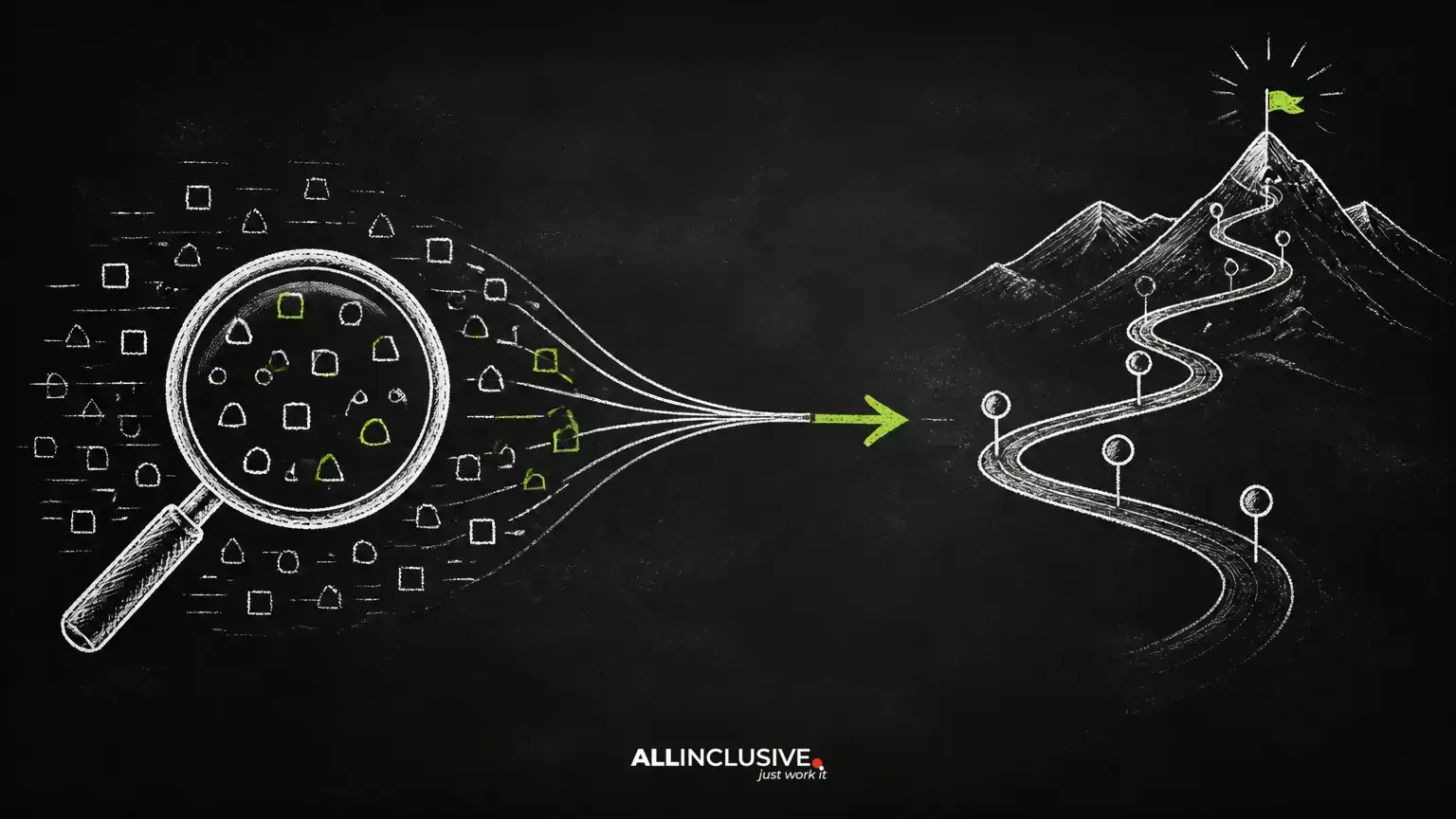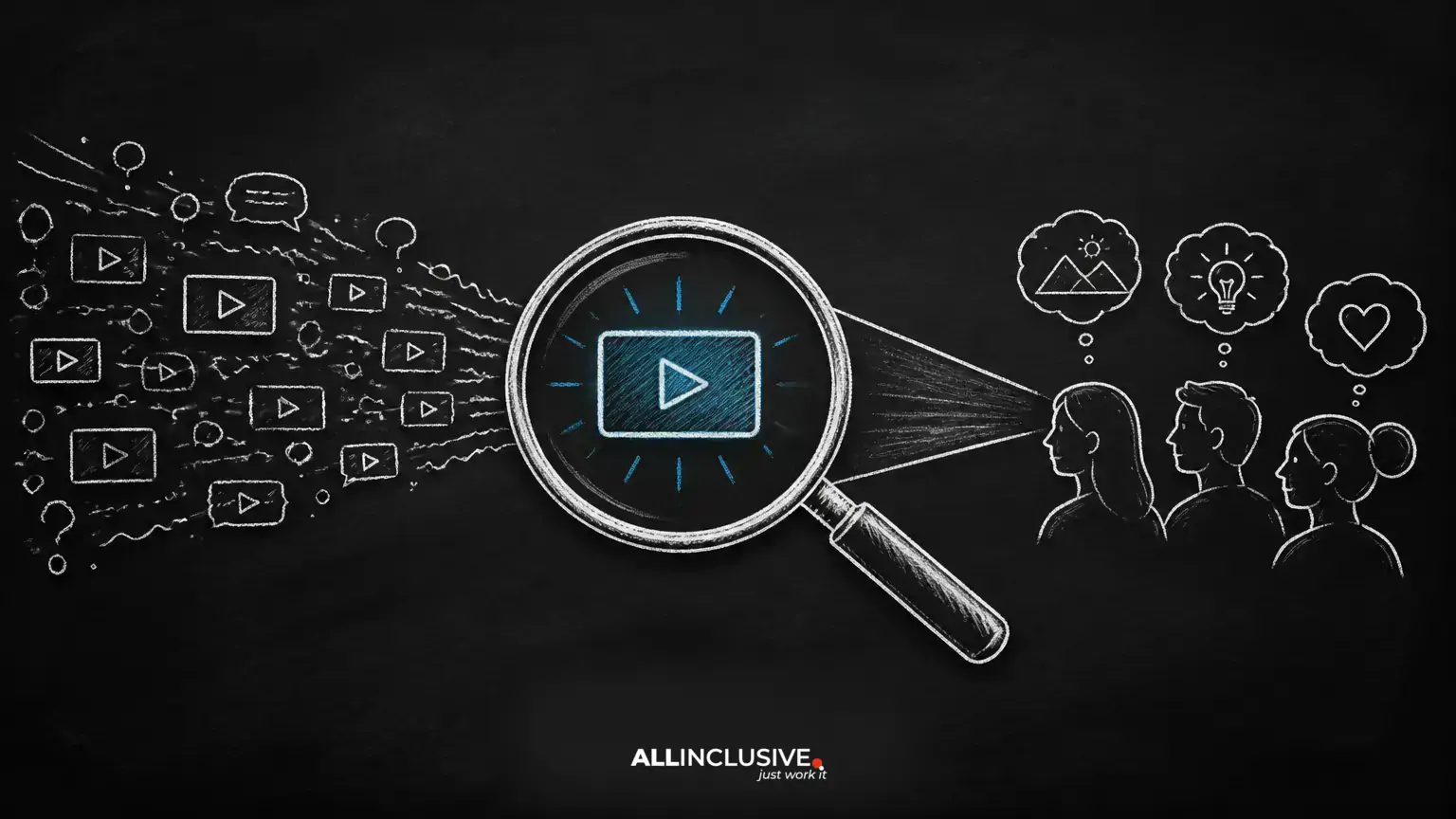
YouTube keyword research is the process of discovering the words and questions people use when looking for videos. Done well, it helps you choose topics your audience actually wants, explain each video clearly, and build a channel around related needs.
Keywords alone do not guarantee views. A video must also satisfy the viewer, deliver on its promise, and compete effectively in the results page. Treat keyword research as a planning and audience-understanding exercise rather than a way to manipulate rankings.
This guide explains a durable workflow for researching YouTube topics, judging intent, organizing ideas, and applying keywords naturally. For broader search strategy, see our SEO services page.
What a YouTube keyword really is
A YouTube keyword can be a single word, a phrase, or a complete question. It represents the language a viewer may use to find a video or describe a problem they want solved.
Examples include:
- Broad topic: acoustic guitar
- Specific task: how to change acoustic guitar strings
- Comparison: beginner acoustic guitar under a specific budget
- Problem: acoustic guitar strings keep going out of tune
The longer phrase is not automatically better. It is useful when it reflects a clear audience need and your video can address that need thoroughly. A broad term may support awareness, while a specific question may attract viewers who are ready for a focused answer.
Start with the audience problem
Before opening a keyword tool, describe who the video is for and what they should be able to do or understand afterward. This keeps the research connected to a real content outcome.
Ask:
- Who is likely to watch this video?
- What situation prompted the search?
- Is the viewer learning, comparing, troubleshooting, or taking action?
- What level of knowledge does the viewer have?
- Can the channel provide a credible and useful answer?
For a business channel, add the relationship between the viewer’s question and the organization’s offer. A helpful educational video does not need to make a hard sales pitch, but it should fit the broader subject area and provide a sensible next step.
Find keyword and topic ideas
Use YouTube autocomplete as a starting point
Enter a broad phrase in YouTube’s search field and review the suggestions. These suggestions can reveal wording, modifiers, and questions associated with the initial topic. Record ideas that match your audience rather than copying every suggestion.
Autocomplete is directional, not a complete measure of demand. Suggestions can vary by location, account, device, and other factors, so use them to generate hypotheses that require further review.
Review the language in existing videos
Search the topic and study relevant results. Look at titles, descriptions, chapters where available, and the questions viewers ask in comments. Pay attention to recurring phrases and gaps in the explanations.
Do not assume that a highly visible video is the best model to copy. Instead, assess whether it:
- Matches the same audience and intent
- Answers the question directly
- Uses a format appropriate to the topic
- Leaves important subquestions unanswered
- Promises something the video actually delivers
Use customer and community language
Support tickets, sales conversations, community discussions, product reviews, and internal subject-matter experts can reveal questions that conventional keyword lists miss. Group repeated questions by problem, audience stage, and desired outcome.
Use keyword tools carefully
Third-party tools can help expand a list and compare phrases. Their estimates are models, not guarantees of YouTube impressions or views. Tool data may use different sources, definitions, and update schedules.
Use tools to support judgment. Do not select a topic solely because it has a large estimated volume, and do not reject a valuable niche topic simply because a tool reports limited data.
Classify search intent before choosing a format
Search intent describes what the viewer is trying to accomplish. The same broad subject can support several different video types.
| Intent | Viewer need | Potential video format |
|---|---|---|
| Learn | Understand a concept or topic | Explainer, lesson, or overview |
| Do | Complete a task | Tutorial, walkthrough, or demonstration |
| Compare | Evaluate alternatives | Comparison, review, or decision guide |
| Fix | Solve a problem | Troubleshooting guide or diagnostic video |
| Explore | Find ideas or inspiration | Roundup, examples, or commentary |
Search the exact phrase and inspect the results. If most results are tutorials, a commentary video may struggle to satisfy the expected need. Results are not a permanent rule, but they provide a useful indication of the format viewers may prefer.
Evaluate a keyword opportunity
After collecting ideas, score each one against practical criteria. A simple spreadsheet can include:
- Primary phrase and related phrases
- Audience and knowledge level
- Search intent
- Recommended video format
- Business or channel relevance
- Evidence of existing viewer interest
- Competitive difficulty based on the current results
- Unique angle or missing information
- Planned call to action
- Publication status and performance notes
Consider relevance first. A topic that attracts the wrong audience can produce views without meaningful engagement or business value. Next, assess whether the channel can offer a distinctive, accurate, and well-produced answer. Finally, consider production effort and whether the topic can remain useful over time.
Build a YouTube keyword map
A keyword map connects topics to individual videos and prevents an unstructured publishing schedule. Assign one primary intent to each video, then list related questions that the video can address naturally.
A useful map may distinguish:
- Primary topic: the central question or task
- Supporting phrases: closely related wording and subtopics
- Audience stage: discovery, evaluation, implementation, or retention
- Content status: idea, planned, published, or due for improvement
- Internal relationship: videos that should reference one another
Avoid creating several near-identical videos simply because they use similar phrases. Separate videos when the audience, intent, format, or outcome is meaningfully different. Otherwise, consolidate the subject into one stronger resource.
Apply keywords naturally to the video
Write a clear, accurate title
Put the central topic where viewers can understand it quickly, but prioritize clarity over repetition. A title should communicate the outcome, audience, or angle without promising more than the video provides.
Weak approach: Guitar Strings Guitar Tutorial Guitar Tips
Stronger approach: How to Change Acoustic Guitar Strings Without Damaging the Bridge
Use the description to set expectations
Summarize the video in natural language. Include the problem addressed, important steps or sections, relevant resources, and a clear next action. The opening lines should help a viewer decide whether the video answers their question.
Make the content match the query
State the subject early and move efficiently to the answer. If the query asks how to perform a task, show the necessary steps. If it asks for a comparison, explain the criteria and trade-offs. Keyword placement cannot compensate for an unclear or incomplete video.
Treat tags as supporting metadata
Tags may help describe variations, misspellings, or ambiguous terms, but they should not become the center of the optimization process. Use accurate metadata and avoid adding unrelated popular terms.
Use chapters and captions when appropriate
For longer videos, descriptive chapters can help viewers navigate the material. Accurate captions improve access and make the spoken content easier to follow. These elements should describe the actual video, not serve as keyword containers.
Check whether Google search creates another opportunity
Some YouTube videos can appear in Google results for queries where video is a useful format. Search the topic in Google and note whether video results, video carousels, or other visual results appear. This is an opportunity signal, not a promise of placement.
If the topic has potential across both search engines, make the video self-contained and align any supporting website page with the same user need. Avoid publishing a thin page that merely repeats the video transcript. Add useful context, examples, definitions, or supporting resources where appropriate.
Measure outcomes beyond views
Views are useful but incomplete. Review performance in relation to the video’s objective and audience. Depending on the channel, useful indicators may include:
- Impressions and click-through behavior
- Audience retention and meaningful drop-off points
- Watch time or completion patterns
- Comments that indicate unresolved questions
- Subscribers or inquiries associated with the video
- Clicks on relevant resources
- Whether viewers continue to related content
Interpret metrics together. A high click-through rate with weak retention may indicate that the title or thumbnail overpromises. Strong retention with limited impressions may suggest a narrow topic, weak distribution, or a need for better packaging. Confirm conclusions over an appropriate period and account for seasonality, promotion, and changes to the channel.
Common YouTube keyword research mistakes
- Chasing broad volume: Large phrases can be difficult to serve well and may attract an unfocused audience.
- Ignoring intent: A keyword can be relevant while the planned format is wrong for the viewer’s need.
- Repeating the phrase: Unnatural keyword repetition harms clarity and does not improve the actual answer.
- Copying competitors: Existing results reveal expectations, not a requirement to reproduce another creator’s script or angle.
- Confusing tags with strategy: Metadata cannot replace a strong topic, title, thumbnail, and useful content.
- Failing to refresh: A video may need updated examples, links, or instructions when the subject changes.
A repeatable workflow
- Define the audience and problem.
- Collect phrases from autocomplete, existing results, customer language, and relevant tools.
- Group similar ideas by topic and intent.
- Inspect current results to understand the expected format.
- Score opportunities by relevance, usefulness, competition, and production feasibility.
- Assign one primary intent to each planned video.
- Write a clear title and description based on the actual content.
- Publish a useful video with accurate supporting metadata.
- Review audience behavior and update the plan based on evidence.
Conclusion
YouTube keyword research works best when it connects audience language to a genuinely useful video. Start with the problem, identify the viewer’s intent, inspect the current results, and choose a topic your channel can explain better or more appropriately. Use keywords to clarify the video—not to replace substance.
For related guidance, see Contact.