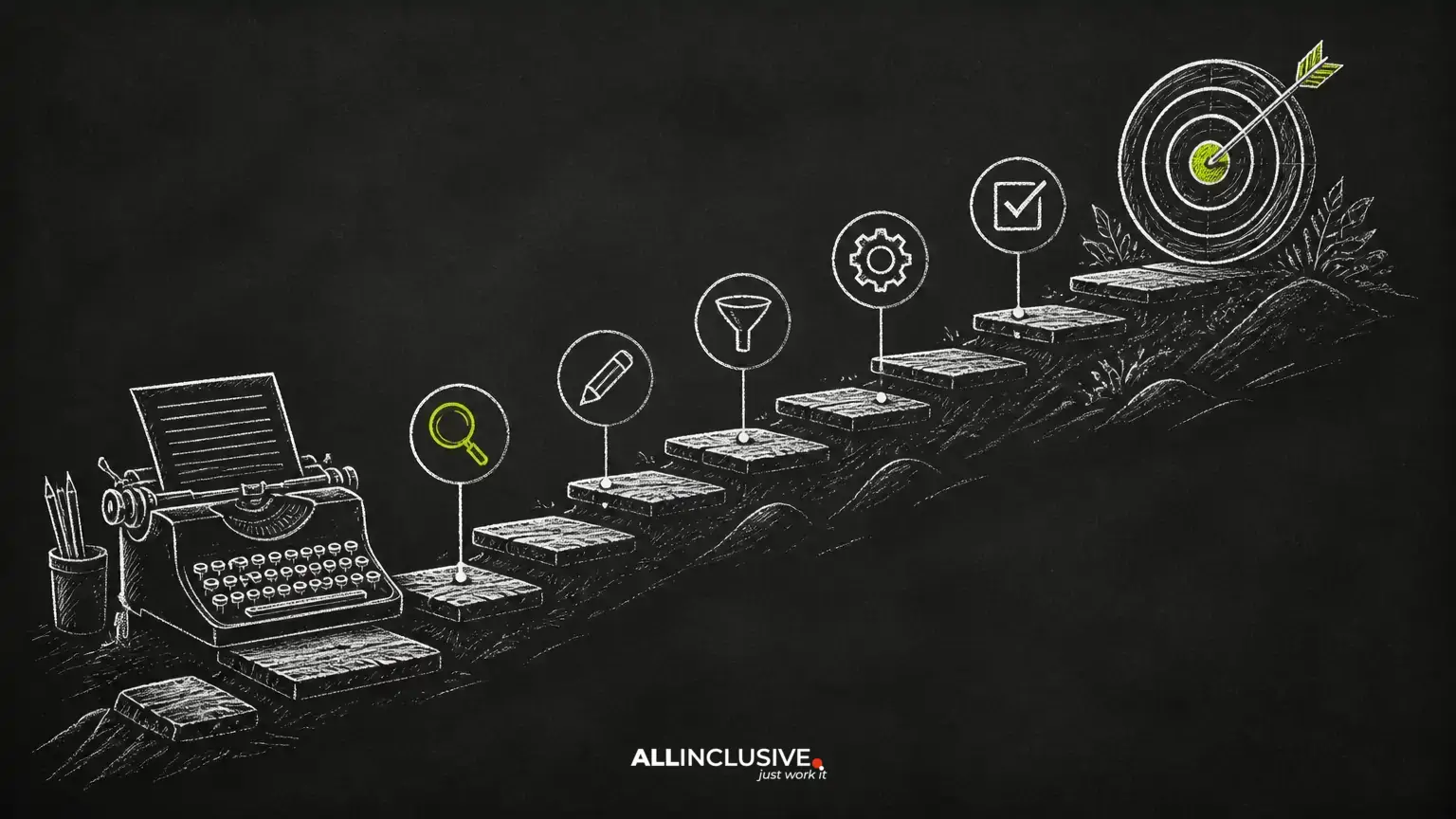
SEO writing is the practice of creating content that is genuinely useful to readers while making its subject, purpose, and scope clear to search engines. It is not a process of repeating a phrase until a page sounds unnatural. Strong SEO content connects audience needs, accurate information, clear organization, and a realistic publishing goal.
This guide presents a repeatable workflow for planning and improving SEO content. Use it for blog posts, guides, landing pages, and educational resources. For broader strategic support, see the Allinclusive content marketing services page.
What makes writing effective for SEO?
Search visibility is only useful when the resulting page helps the visitor. A well-written SEO page should:
- Address a defined audience and a specific problem or question.
- Match the likely purpose behind the search.
- Cover the subject thoroughly enough to satisfy the reader without adding padding.
- Use descriptive headings, concise paragraphs, and helpful examples.
- Connect naturally to related pages through internal links.
- Remain accurate, maintainable, and honest about uncertainty.
There is no universal ideal word count or keyword density. The appropriate length is the amount of content needed to answer the query clearly. A short answer can be better than a long article when the topic is narrow; a complex decision may require more context, comparisons, or instructions.
1. Define the page’s job before researching keywords
Start by writing a one-sentence brief: “This page will help [audience] accomplish [outcome] by explaining [topic].” This prevents a draft from expanding into several unrelated intents.
Clarify the page’s role in your site. Is it intended to answer a beginner question, explain a process, compare options, support a service decision, or guide an existing customer? The answer affects the format, depth, calls to action, and internal links.
Also identify what the page should not attempt to do. A guide about planning an editorial calendar does not need to become a complete treatise on technical SEO. Scope is a quality control tool.
2. Research the topic and the audience
Keyword research can help you understand the language people use, but it should not replace subject research. Begin with the audience’s circumstances, vocabulary, objections, and likely follow-up questions.
Build a focused topic set
- Primary topic: the central question or problem the page answers.
- Supporting concepts: terms, steps, definitions, examples, and constraints needed to explain the topic.
- Related questions: natural follow-ups that a reader may ask before taking action.
- Exclusions: adjacent subjects that deserve separate pages or are irrelevant to the intended audience.
Review first-hand material where appropriate, such as product documentation, customer questions, internal subject-matter interviews, regulations, or primary records. If a claim could affect health, safety, finances, legal decisions, or compliance, apply a higher verification standard and identify the responsible reviewer before publication.
3. Match the content to search intent
Search intent is the underlying task a person is trying to complete. A query can appear simple while requiring a particular format or level of detail.
- Informational: the reader wants an explanation, definition, tutorial, or answer.
- Commercial investigation: the reader is comparing approaches, providers, products, or features.
- Transactional: the reader is ready to take an action such as requesting, booking, subscribing, or purchasing.
- Navigational: the reader is trying to reach a particular site, brand, or page.
Choose the format that best completes the task. A how-to query usually benefits from ordered steps and prerequisites. A comparison may need a table with clearly defined criteria. A broad educational query may need definitions, examples, limitations, and links to deeper resources.
Do not imitate competing pages mechanically. Use them to identify the expected task, then improve the result with clearer explanations, better organization, original examples, or more useful caveats.
4. Create an outline that answers the main question early
An outline is a promise to the reader. Put the core answer near the beginning, then arrange supporting material in the order a person needs it.
A practical outline pattern
- State what the reader will learn or accomplish.
- Define important terms and assumptions.
- Present the process, framework, or recommendation.
- Add examples, edge cases, and common mistakes.
- Explain what to do next.
Use H2 headings for major sections and H3 headings for subdivisions. Headings should describe the section’s actual content rather than function as vague labels such as “Overview” or “More Information.” A reader scanning the headings should understand the page’s logic.
5. Write for clarity before optimizing phrases
Draft the explanation in natural language. Use the words your audience would understand, including relevant terminology where it improves precision. Avoid forcing every variation of a keyword into the copy.
Strong paragraphs generally develop one idea at a time. Prefer concrete verbs, define specialist terms, and separate instructions from explanation. When a process has a sequence, use a numbered list. When order does not matter, use bullets.
Examples make abstract advice actionable. Instead of saying “write a descriptive title,” show the difference between a vague title and one that identifies the subject and benefit. Examples should be clearly labeled as examples, not presented as universal rules.
6. Optimize the page’s on-page elements
Title tag
Write a distinct title that accurately describes the page and gives the reader a reason to choose it. Put the central topic in natural language when it fits. Avoid promises the page cannot fulfill, excessive punctuation, and repeated keyword variants.
Primary heading
The visible primary heading should align with the title and the page’s actual subject. It may be more conversational than the title tag, but it should not create a mismatch between the search result and the page.
Meta description
Use the meta description to summarize the page and set an accurate expectation. Search engines may choose a different snippet, so treat the description as useful page metadata rather than a guaranteed message. Keep it specific, readable, and relevant to the intended searcher.
URLs
Use a short, lowercase, durable URL that describes the page. Separate words with hyphens and avoid unnecessary parameters or dates when the page is intended to remain evergreen. Changing an existing URL can create broken links and redirect requirements, so review the migration impact before altering a published address.
7. Make the content easy to scan and access
Readers often decide quickly whether a page is worth their attention. Improve usability with descriptive headings, short paragraphs, meaningful lists, useful whitespace, and direct answers.
Images, diagrams, and screenshots should explain something or make a process easier to follow. Give each image a descriptive file name when practical, provide accurate alternative text, and do not use alt text as a place to insert keywords. Decorative images may need empty alternative text so assistive technology can ignore them.
Check links, headings, contrast, keyboard behavior, and mobile presentation during review. Accessibility is not merely an SEO tactic; it helps more people understand and use the page.
8. Add internal links with a clear purpose
Internal linking helps readers discover related information and helps search engines understand how pages relate to one another. Add a link when the destination provides useful context, a next step, a definition, or a deeper explanation.
Use descriptive anchor text that tells the reader what they will find. “Learn about content marketing strategy” is more useful than “click here.” Do not add links simply to reach a target count, and do not repeat the same destination in every paragraph.
This guide can naturally support a broader content marketing resource. Readers who need a wider search strategy may also benefit from the SEO services overview. These links are useful because they provide distinct next steps rather than interrupting the explanation.
9. Review, publish, and improve responsibly
Before publishing, review the draft in several passes. First check whether it solves the intended problem. Then verify factual claims, examples, links, terminology, and the relationship between the title, headings, and body copy.
Pre-publication checklist
- The page has one clearly defined primary purpose.
- The opening explains the value or answer without unnecessary background.
- Sections follow a logical order and address likely questions.
- Claims are supported by reliable internal knowledge or verified source material.
- Titles, headings, description, URL, and links accurately represent the page.
- Images have appropriate alternative text and do not slow the page unnecessarily.
- Internal links point to relevant, working destinations.
- The call to action fits the reader’s intent and stage of decision-making.
- The content has an owner and a reason for future review.
After publication, evaluate the page using business and user signals rather than rankings alone. Depending on the page’s purpose, useful indicators may include qualified visits, engagement with the next step, completed inquiries, assisted conversions, or evidence that users found the answer. A traffic increase is not automatically success if the visitors are not the intended audience.
Common SEO writing mistakes to avoid
- Writing for a keyword instead of a person: the result is often repetitive and incomplete.
- Combining several intents: the page becomes difficult to navigate and difficult to evaluate.
- Using fixed word-count rules: length should follow the information needed.
- Making unsupported promises: outcomes depend on context and should be described carefully.
- Copying competitor structure too closely: similar formatting is not a substitute for original usefulness.
- Adding links without context: excessive or irrelevant links reduce trust.
- Ignoring maintenance: examples, instructions, and recommendations can become inaccurate.
Conclusion
SEO writing works best as an editorial discipline rather than a final layer of keyword placement. Define the page’s job, research the audience’s needs, match the format to intent, explain the subject clearly, optimize the page elements, and connect readers to useful next steps. Then review the content over time so it remains accurate and valuable.