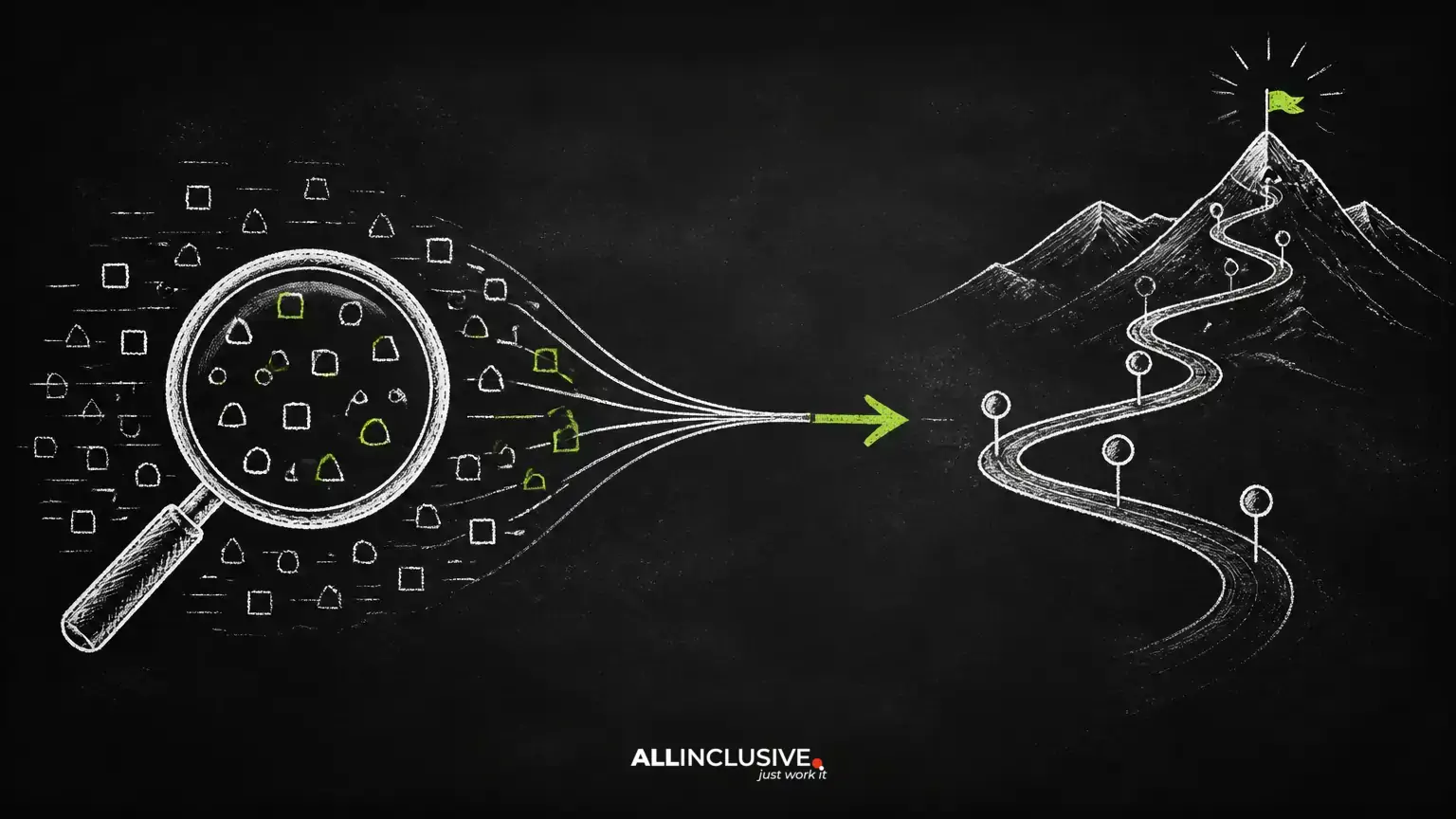
Keyword cannibalization is the practical problem of having multiple pages on one website compete for the same search intent. It often develops gradually: a blog post targets a question, a service page later targets a similar phrase, and an old landing page remains published after the site’s structure changes.
The result is not automatically an SEO penalty. Search engines may rank several pages from the same site successfully when each page serves a distinct purpose. The real issue is ambiguity: your internal signals, links, and content may not clearly indicate which URL deserves visibility for an important query.
This guide explains how to investigate possible cannibalization, distinguish it from normal ranking overlap, and select a proportionate solution. For broader technical and content work, use this article alongside Allinclusive’s link-building guidance and the wider SEO services resource.
What keyword cannibalization really means
Two pages are not cannibalizing each other merely because they mention the same keyword. A stronger diagnosis requires meaningful overlap in search intent, audience, and the type of result each page is designed to provide.
For example, a general guide to commercial insurance and a local commercial insurance service page may share terminology but satisfy different needs. Combining them could make the site less useful. By contrast, two nearly identical service pages aimed at the same audience and location are more likely to create genuine competition.
How to identify competing pages
Start with query and landing-page data
Review the queries for which your pages receive impressions, clicks, or rankings in your search performance data. Look for situations where:
- Two or more URLs repeatedly appear for the same query or closely related queries.
- The ranking URL changes frequently without a clear content or intent reason.
- A supporting article ranks above the page intended to generate leads or sales.
- Impressions are present, but clicks and conversions are weak because the result does not match the searcher’s likely next step.
A spreadsheet can make the pattern easier to see. Record the query, URL, page type, search intent, impressions, clicks, average position when available, and desired destination. Treat these metrics as evidence, not as an automatic command to merge pages.
Compare the pages by intent
Read the competing URLs as a user would. Ask:
- Do both pages answer the same primary question?
- Are they aimed at the same audience, location, product, or stage of the buying journey?
- Would a visitor reasonably expect the same content from either result?
- Does one page provide a clearly stronger and more complete answer?
If the pages have different jobs, preserve the distinction and improve their titles, introductions, headings, and internal links so that the difference is obvious.
Audit internal signals
Check navigation, contextual links, anchor text, XML sitemap inclusion, canonical tags, and page titles. A site can unintentionally make a secondary page appear primary when important internal links point to it or when several pages use nearly identical metadata.
Also review URL variants, faceted navigation, print versions, campaign pages, language or regional versions, and migrated URLs. Technical duplication can look like keyword cannibalization even when the visible copy is not identical.
When overlapping rankings are not a problem
Ranking overlap can be beneficial when each result serves a distinct purpose. A product page and a comparison guide may both appear for a broad query while helping users at different stages. Likewise, two strong pages can occupy multiple results without harming performance.
Do not change a stable structure solely because two URLs rank for related terms. Before acting, look for an actual business or user problem: the wrong page receives qualified traffic, conversions are being sent to an unsuitable destination, performance is unstable, or the pages are so similar that maintaining both creates unnecessary editorial and technical work.
When cannibalization deserves action
Intervention is more justified when the wrong page ranks for a valuable query or when two pages divide signals that should support one authoritative resource. Common warning signs include:
- A low-conversion informational page outranks a relevant service page for a transactional query.
- Two pages contain substantially overlapping material and neither has a clear unique purpose.
- Important backlinks or internal links point to an outdated URL.
- Users must navigate through an article to find the commercial page that should have met their need directly.
- Multiple regional, product, or service pages target the same audience without meaningful differences.
How to fix keyword cannibalization
Clarify each page’s primary intent
Before changing URLs, assign one principal job to every page. A page might educate, compare options, explain a process, support a location, or convert a visitor. Rewrite the title, opening paragraphs, headings, examples, and calls to action around that job.
Do not force every related phrase onto one page. A clear topic structure can include a central guide supported by narrower pages, provided each page adds distinct value.
Consolidate genuinely overlapping pages
Merge pages when they address the same audience and intent, contain duplicative information, and would be more useful as one comprehensive resource. Preserve the strongest material, remove repetition, and create a coherent structure rather than simply appending one article to another.
After selecting the destination URL, implement a permanent redirect from the retired page when appropriate. Update internal links, navigation, structured references, and relevant campaign materials. Confirm that the destination is the closest useful replacement; redirecting every retired page to a generic homepage can create a poor user experience.
Differentiate pages that should remain separate
If both pages deserve to exist, make the distinction visible. Give each one a specific audience, use case, location, product, or funnel stage. Link between them where helpful, using descriptive anchor text that explains the relationship.
For example, a broad educational guide can link to a service page, while the service page can link back to the guide for readers who need background information. This structure supports users without pretending that both pages have the same purpose.
Correct internal links and anchor text
Find links that point to the less appropriate URL and update them to the preferred destination. Prioritize sitewide navigation, high-authority pages, relevant body copy, and links using anchors that imply the target is the main resource.
Internal links are useful signals, but changing anchor text alone will not solve substantially duplicated content or conflicting intent. Treat internal linking as part of a broader page-mapping decision.
Use canonicalization carefully
A canonical link element can indicate the preferred version among substantially similar URLs, especially where duplication is caused by URL parameters or alternate page paths. It is not a substitute for making materially different pages serve clear purposes, and it should not be used merely to force one unrelated page to rank.
After implementation, check that the canonical target is accessible, relevant, indexable, and consistent with internal links and sitemap entries. Canonical signals should be reviewed as part of a technical audit rather than applied in bulk.
Consider noindex for appropriate utility pages
Some pages need to remain accessible but do not need organic search visibility. Examples may include certain filtered views, internal result pages, or thin navigational archives, depending on the site’s purpose and technical setup. A noindex directive can be appropriate when the page has a legitimate user function but is not intended to compete in search.
Do not use noindex as a shortcut for a useful page that merely ranks below another page. First determine whether improving or differentiating the content would better serve users.
Remove pages only after checking dependencies
Deletion may be suitable for obsolete, thin, or redundant pages with no continuing audience or business purpose. Before removing one, inspect backlinks, internal links, traffic, conversions, bookmarks, campaign references, and equivalent replacement content. If a close replacement exists, plan the redirect and update dependent links.
Prevention: build a page-to-intent map
Maintain a simple content inventory containing each important URL, its primary intent, audience, target topic, funnel stage, canonical URL, and preferred internal-link destination. Consult it before publishing a new article or landing page.
Content briefs should define what the new page will do differently from existing resources. Regularly review pages with similar titles, overlapping introductions, or shared conversion goals. Prevention is especially valuable during redesigns, migrations, expansion into new locations, and large-scale content production.
A practical decision framework
- Confirm overlap: compare intent, audience, content, and query patterns.
- Define the preferred outcome: identify which URL best satisfies the searcher and business goal.
- Choose the lightest effective fix: differentiate, improve links, consolidate, canonicalize, noindex, or remove.
- Update the surrounding system: revise navigation, sitemaps, metadata, redirects, and references.
- Monitor after deployment: allow enough time for crawling and ranking changes, then review query-to-URL behavior, traffic quality, and conversions.
Conclusion
Keyword cannibalization is best treated as a page-intent and site-architecture problem, not as a keyword-counting exercise. Some overlapping pages are useful; others create confusion about which result should serve a searcher. Diagnose the actual impact, preserve meaningful distinctions, and make targeted changes that clarify your site’s most important resources.