
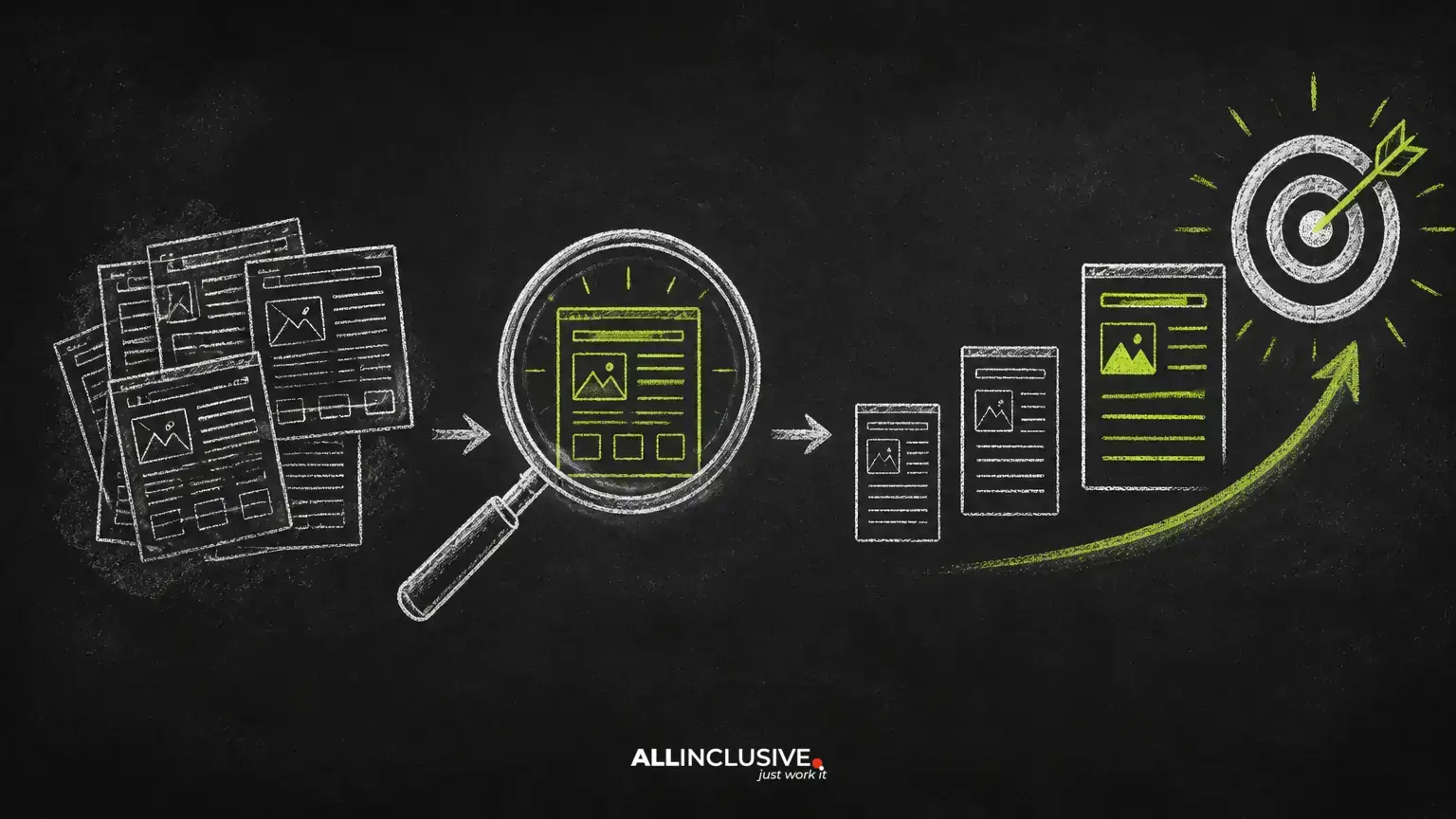
Content optimization tools are most useful when they help you make better editorial decisions—not when they generate a long, unprioritized list of suggestions. The right workflow combines search data, page analysis, content quality checks, internal linking review, and human judgment.
For many websites, the fastest opportunity is not publishing another article. It is improving pages that already have relevant information, some visibility, or a clear role in the customer journey. A focused update can clarify the page’s purpose, answer important questions, improve navigation, and make the next action easier.
This guide explains how to evaluate content optimization tools and use them as part of a repeatable improvement process. For the broader strategy behind planning, producing, and maintaining content, see Allinclusive’s content marketing services.
What content optimization tools should help you do
A useful tool should support decisions across five areas:
- Opportunity discovery: identify pages with relevant impressions, declining performance, incomplete topic coverage, or conversion potential.
- Content diagnosis: reveal unclear structure, weak intent alignment, missing context, poor readability, or outdated information.
- Site relationships: find internal linking gaps, orphaned pages, and important content that is difficult to reach.
- Competitive research: show how other relevant pages address a topic, without encouraging imitation or unsupported claims.
- Measurement: establish a baseline so changes can be evaluated against an appropriate business or user outcome.
No tool can determine whether a recommendation is accurate, helpful, or appropriate for your audience. Treat automated findings as prompts for investigation rather than instructions to apply blindly.
Start with page selection, not a tool checklist
Before opening an optimization platform, define what you are trying to improve. The answer might be organic visibility, qualified leads, product education, sign-ups, or simply a clearer experience for existing visitors. Your goal determines which pages deserve attention.
A practical first pass is to group pages into four categories:
- High opportunity: pages that are relevant to an important topic and already receive some visibility, but underperform relative to their purpose.
- High business value: pages close to conversion that need clearer positioning, stronger evidence, better calls to action, or improved navigation.
- Strategic support: educational pages that can connect users to service, product, or comparison pages.
- Low priority: pages with little relevance, no clear audience, duplicate intent, or no defensible reason to maintain them.
This prevents a common failure mode: spending time polishing pages that cannot meaningfully support users or the organization’s goals.
Use content audits to find improvement opportunities
A content audit should combine quantitative signals with a qualitative review. Useful fields include the page URL, topic, intended audience, funnel role, last substantive update, organic impressions, clicks, conversions, internal links, and editorial owner.
Look for patterns rather than isolated numbers. For example:
- A page has impressions for several related questions but does not answer them clearly.
- A page receives visits but sends users nowhere relevant next.
- Several URLs cover nearly the same intent and compete for attention.
- A page has strong topical relevance but is buried several navigation steps from important hubs.
- The title and introduction promise one outcome while the body delivers another.
Do not remove or rewrite a page solely because traffic is low. A page may serve a specialized audience, support sales conversations, answer an important customer question, or provide evidence for another page. Assess its role before deciding whether to improve, consolidate, redirect, or retire it.
Match the page to search intent and user need
Optimization begins with intent. A query may indicate that the searcher wants to learn, compare options, complete a task, find a specific brand, or speak with a provider. The page should make that purpose obvious within its title, introduction, headings, and supporting examples.
Questions to ask during an intent review
- What problem is the visitor trying to solve?
- What level of knowledge can you reasonably assume?
- What information would help the visitor choose a next step?
- Does the page answer the main question directly before adding background detail?
- Is the page type appropriate for the intent, or would a guide, comparison, service page, or tool be more useful?
Search results can provide clues about the format people expect, but they are not a substitute for understanding your audience. Build a page that is complete and useful in its own right, rather than adding sections simply because another result includes them.
Improve structure before increasing word count
Longer content is not automatically better content. A well-organized page helps visitors locate an answer, understand the reasoning, and decide what to do next.
Review the page’s structure in this order:
- State the page’s purpose and audience early.
- Answer the central question directly.
- Use descriptive headings that communicate what each section contains.
- Break dense paragraphs into manageable units.
- Use lists, tables, examples, or short procedures where they improve comprehension.
- End major sections with a practical implication or next step.
Headings should reflect the information architecture, not serve as containers for repeated keywords. Likewise, metadata should accurately summarize the page and set an honest expectation for the click.
Use topic research without forcing keywords
Keyword and competitor tools can reveal language, related questions, and gaps in coverage. Their strongest use is helping editors understand how people describe a problem and which subtopics deserve consideration.
When reviewing topic suggestions, separate them into:
- Core concepts: terms essential to explaining the subject.
- Supporting concepts: related ideas that improve completeness or clarity.
- Distinct intents: questions that deserve their own page rather than another paragraph.
- Irrelevant variants: phrases that do not fit the audience, offer, or purpose.
Include language naturally where it improves precision. Avoid inserting awkward variants, repeating the same phrase, or creating thin sections for every related query. A page should demonstrate understanding through clear explanations and useful coverage, not through visible keyword density.
Strengthen internal linking as part of the update
Internal links help users continue their research and help search engines understand how pages relate to one another. They are most effective when they appear where the reader would reasonably want more detail or a relevant next step.
For each page, identify:
- The broader hub or pillar page it supports.
- More specific guides that explain concepts mentioned in the article.
- Commercial or conversion pages that are genuinely relevant.
- Older pages that should link into the updated resource.
Use concise, descriptive anchor text that tells the reader what they will find. Do not add links solely to increase a count, and do not force every page to link to every other page. A small number of relevant connections is usually more useful than a dense block of navigation.
When reviewing a wider site, check whether important pages are discoverable through normal navigation and contextual links. Fix broken links, remove links to retired destinations, and update anchors when the destination’s focus has changed. A content strategy should work as a connected system, not as a collection of isolated articles.
Review trust, accuracy, and evidence
Optimization is not complete when a page becomes more visible. Readers need reasons to trust the information and understand how it applies to them.
Check whether the page:
- Identifies the intended audience and relevant limitations.
- Distinguishes guidance from guarantees or predictions.
- Uses examples that are accurate and clearly framed.
- Explains important terminology instead of assuming specialist knowledge.
- Shows who is responsible for the content when authorship matters.
- Uses sources or references where claims require verification.
- Has a review process for information that can become outdated.
Be especially careful with health, finance, legal, safety, and other high-impact topics. Automated recommendations may not recognize nuance or risk. Subject-matter review and fact-checking should take priority over superficial on-page changes.
Prioritize recommendations with an editorial scorecard
Tool outputs become actionable when recommendations are ranked. A simple scorecard can assess each proposed change against four criteria:
| Criterion | Question |
|---|---|
| Audience value | Will this make the answer clearer, more complete, or easier to use? |
| Business relevance | Does it support a meaningful organizational or conversion goal? |
| Confidence | Is the recommendation supported by reliable evidence and editorial review? |
| Effort | Can the change be completed without creating avoidable risk or maintenance work? |
Prioritize changes with strong audience value and business relevance, especially when the evidence is clear and the effort is manageable. Examples include clarifying a misleading introduction, repairing important internal links, consolidating overlapping pages, adding a missing decision section, or updating demonstrably outdated information.
Measure outcomes without overpromising
Record the page’s baseline before making substantial changes. Depending on the goal, monitor organic impressions, clicks, qualified visits, engagement signals, conversions, assisted conversions, or feedback from users and sales teams.
Interpret results carefully. Rankings and traffic can change for reasons unrelated to an edit, including seasonality, competition, technical changes, and changes in search behavior. A single movement does not prove that a specific recommendation worked. Compare an appropriate period, document what changed, and evaluate whether the page is serving users better as well as attracting visits.
Optimization should be iterative. Revisit pages when the audience’s questions change, the offering changes, new evidence becomes available, or performance data suggests that the page’s role needs reconsideration.
When a content optimization tool is not the answer
Some problems require a different intervention. If pages are slow, inaccessible, poorly rendered, or blocked from discovery, address the technical issue first. If the site lacks a coherent offer or audience, more content will not solve the positioning problem. If several pages target the same intent, consolidation may be more appropriate than editing each one.
Likewise, do not use an optimization tool to manufacture authority, imitate competitors, or guarantee rankings. Tools can organize evidence and reduce manual effort; they cannot replace strategy, subject expertise, or editorial accountability.
Conclusion
The best content optimization workflow is selective and user-centered. Choose pages with a clear purpose, diagnose the real problem, improve structure and usefulness, strengthen relevant internal links, verify important claims, and measure outcomes against a documented baseline.
Used this way, content optimization tools support a durable content marketing program rather than a cycle of disconnected tweaks. If your site needs a broader search strategy alongside content planning and production, explore Allinclusive’s SEO services.