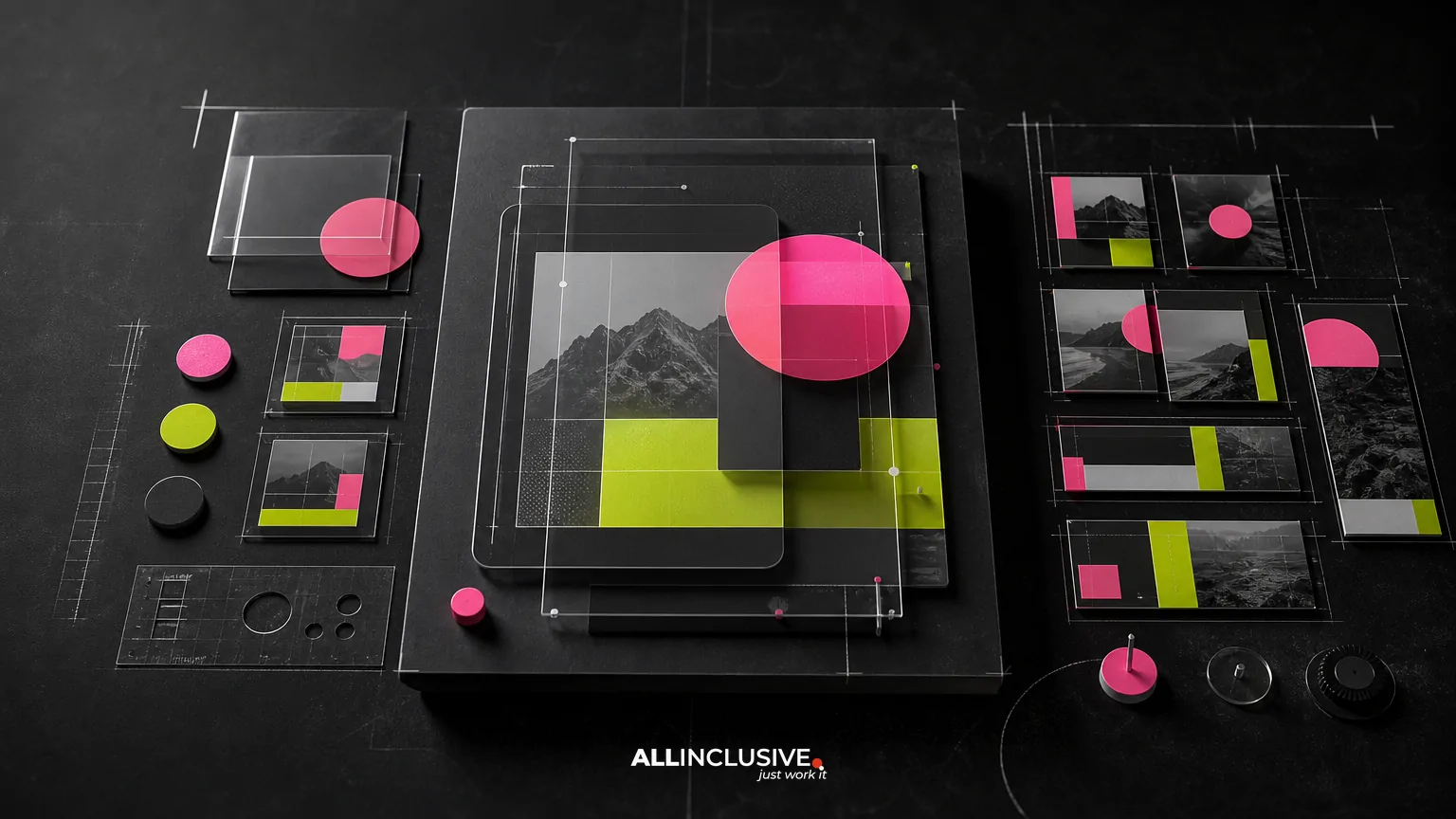
Social media template design is the creation of a reusable visual system for producing on-brand posts, stories, ads, announcements, and campaign variations. A strong system does more than place a logo on a set of graphics: it defines layouts, typography, color use, imagery, hierarchy, and production rules so teams can create content consistently across channels without rebuilding every asset from scratch.
For B2B marketing teams, the central decision is not whether to use templates. It is how much structure to introduce without making every post look identical. The best systems establish recognizable brand cues while leaving enough flexibility for different messages, formats, audiences, and campaign stages.
This guide explains what to include, how to evaluate a template system, and where templates fit within an ongoing graphic design production program.
What social media template design should accomplish
A social template system should make recurring content easier to plan, produce, review, and adapt. Its value is operational as much as visual. When designed well, it helps a marketing team answer common production questions before they become bottlenecks.
- Which layout fits an announcement, quote, product feature, or educational post?
- How should a headline, supporting copy, image, and call to action be prioritized?
- What changes are required for feed, story, vertical video cover, or paid-ad formats?
- How can different contributors create assets without drifting from the brand?
- Which elements are fixed, and which can change from post to post?
Templates are especially useful when an organization publishes regularly, supports several business units, runs recurring campaigns, or needs to adapt one idea across organic and paid media. They are less effective when treated as a substitute for campaign strategy or original creative direction.
Templates versus one-off social graphics
One-off graphics are individually art-directed for a specific message. They can be the right choice for a major launch, executive announcement, event campaign, or concept that does not fit an existing pattern. Templates, by contrast, are designed for repeatability.
| Consideration | Template system | One-off design |
|---|---|---|
| Best for | Recurring content and campaign variations | Distinctive, high-priority moments |
| Production speed | Faster after initial system development | Requires design work for each asset |
| Consistency | Built into the layout and rules | Depends on each designer or contributor |
| Creative flexibility | Flexible within defined boundaries | Highest flexibility for a single concept |
| Governance | Can be managed through approved components | Requires individual review |
Most mature marketing teams use both. Templates support the volume layer of production, while custom design gives important campaigns room to feel distinctive. The goal is not maximum standardization; it is an intentional division between repeatable and exceptional work.
The core components of a scalable template system
1. A defined content architecture
Start with the types of content the business actually publishes. Common categories include thought leadership, customer proof, event promotion, product education, hiring, company news, offers, and campaign announcements. Each category may need a different information hierarchy.
For example, a customer quote may require a prominent statement, attribution, and supporting context. An event post may need the event name, date, location, speaker, and registration action. Treating both as the same layout usually creates either clutter or excessive empty space.
2. Flexible layout families
Build a small set of layout families rather than one rigid master template. A family may include a text-led design, image-led design, split layout, data or statistic layout, and announcement layout. Each family should share recognizable brand elements while accommodating different amounts of copy and imagery.
Use constraints deliberately. A text area can have a recommended character range, but it should not force every headline to be the same length. A flexible system accounts for short, medium, and long messages without encouraging tiny type or awkward line breaks.
3. Brand rules translated into production decisions
Brand guidelines often describe colors, typefaces, logos, and imagery at a broad level. Social templates must convert those principles into practical decisions: which color is used for emphasis, how much contrast is required, where a logo may appear, and how a headline behaves at different sizes.
If the existing brand system needs clarification, review the broader design resources and production context before building templates. A template library should reinforce the brand, not compensate for unresolved identity decisions.
4. Channel-aware specifications
Social platforms change their visible areas, cropping behavior, and content formats. A system should account for the intended placements and preserve critical information within safe areas. It should also define whether an asset is designed for organic distribution, paid media, or both.
Do not simply resize a square post into a vertical format. Recompose the hierarchy when needed. A vertical asset may require a shorter headline, a different image crop, more breathing room, or a repositioned call to action.
5. Editable source files and usage guidance
A template is only scalable if the people using it understand how to edit it safely. Provide organized source files, approved components, image guidance, copy limits, export settings, and examples of correct and incorrect use.
Documentation should answer practical questions such as:
- Which layers or components are intended to be edited?
- Which colors and type styles are approved?
- How should images be cropped or replaced?
- What file format and dimensions should be exported?
- When should a contributor request custom design instead?
How to plan a social template project
Audit the current content operation
Review recent posts, campaign briefs, approval comments, performance priorities, and production handoffs. Look for repeated content types, recurring layout problems, inconsistent brand application, and points where work is delayed.
An audit should include more than the visual feed. Examine the relationship between social graphics, landing pages, email, ads, sales collateral, and event materials. If a campaign message is adapted across multiple formats, the template system should support that connection rather than create another isolated design language.
Define the users and approval path
The person editing a template may be a designer, content marketer, social manager, regional team, or outside partner. Each user has a different level of design expertise. A system for professional designers can expose more options than a system intended for occasional contributors.
Document who can edit, who reviews brand compliance, who approves messaging, and who maintains the library. Without ownership, template systems tend to accumulate outdated versions and unofficial workarounds.
Prioritize the highest-value formats
Do not begin by designing every possible size. Start with the formats tied to the most frequent and important content types. A focused first release is easier to test and improve than a large library that no one understands.
After the initial set is used in real production, identify missing states: unusually long headlines, dark imagery, multiple speakers, product screenshots, legal copy, or localized content. These edge cases are useful evidence for the next version.
Test with real content
Placeholder copy can make any template look successful. Test with actual headlines, approved images, campaign disclaimers, names, dates, and calls to action. Include both the shortest and longest realistic examples.
Check the results at the size and context in which people will see them. A design that looks balanced on a large monitor may become unreadable in a mobile feed. Review accessibility, contrast, cropping, and hierarchy before approving the system.
Decision criteria for evaluating a template library
Use the following checklist when comparing an internal build, a design partner, or an existing template tool.
- Brand fidelity: Does the system express the brand beyond repeating a logo and color?
- Message flexibility: Can it accommodate different lengths, topics, and content categories?
- Channel readiness: Are formats, safe areas, crops, and exports clearly handled?
- Ease of use: Can the intended users edit it without introducing avoidable errors?
- Governance: Is there a clear owner for versions, permissions, and updates?
- Accessibility: Are contrast, type size, legibility, and image treatment considered?
- Campaign integration: Can the system support related ads, email, landing pages, and collateral?
- Distinctiveness: Does the library leave room for custom creative when the campaign requires it?
Common social template design mistakes
Making every post look the same
Consistency comes from shared principles, not identical compositions. If every post uses the same image position, headline treatment, and accent shape, the feed can become visually repetitive. Use a controlled range of layouts and image treatments to create rhythm.
Designing for the average message
Average copy does not exist in production. Some messages are brief, while others need context, attribution, or required language. Build variations for realistic content lengths instead of shrinking type whenever a headline runs long.
Confusing templates with strategy
A polished layout cannot fix unclear positioning, weak messaging, or an undefined audience. Before expanding the library, clarify the role of each content type and the action it should support.
Ignoring non-design contributors
A system can fail because the instructions are unclear, not because the layouts are poor. Provide examples, editing rules, and escalation guidance. Make it obvious when a contributor should stop adapting a template and request a custom asset.
Failing to maintain the library
Campaigns, products, platform requirements, and brand systems change. Assign ownership and schedule periodic reviews. Retire obsolete files, consolidate duplicate versions, and record changes so contributors know which assets are current.
How templates connect to broader marketing production
Social content rarely exists alone. A campaign may need a landing-page visual, paid-ad variations, email graphics, sales materials, or event signage. A shared design system can make these adaptations more coherent, but each channel still requires its own hierarchy and production decisions.
For example, a social announcement may introduce a message, an ad may focus on a conversion action, and an email graphic may support a longer explanation. Related assets should feel connected without becoming copies of one another. For adjacent guidance, see the editorial resources on ad creative design and email graphic design.
Template systems can also complement larger collateral programs. If a social campaign introduces a report, event, or offer, its visual language should align with the associated materials. The goal is a recognizable campaign ecosystem, not a collection of disconnected assets.
A practical implementation checklist
- Inventory recurring social content and priority channels.
- Identify the audiences, messages, and actions associated with each content type.
- Separate repeatable production needs from moments requiring custom art direction.
- Define layout families, typography, color use, imagery, and component rules.
- Create channel-specific compositions rather than relying on automatic resizing.
- Test templates with real short, medium, and long content.
- Review accessibility, mobile legibility, cropping, and export quality.
- Document editing permissions, usage rules, and approval responsibilities.
- Launch a focused library and collect production feedback.
- Maintain versions, retire outdated assets, and expand based on evidence.
Final takeaway
Effective social media template design creates a repeatable operating system for visual content. It protects brand consistency, reduces unnecessary production friction, and gives teams a dependable starting point without eliminating creative judgment. The strongest approach combines flexible layout families, clear governance, channel-aware specifications, and a defined path to custom design when a template is not enough.
If your team is assessing how social templates fit within ongoing campaign and collateral production, explore the broader graphic design services offering as the next decision point.