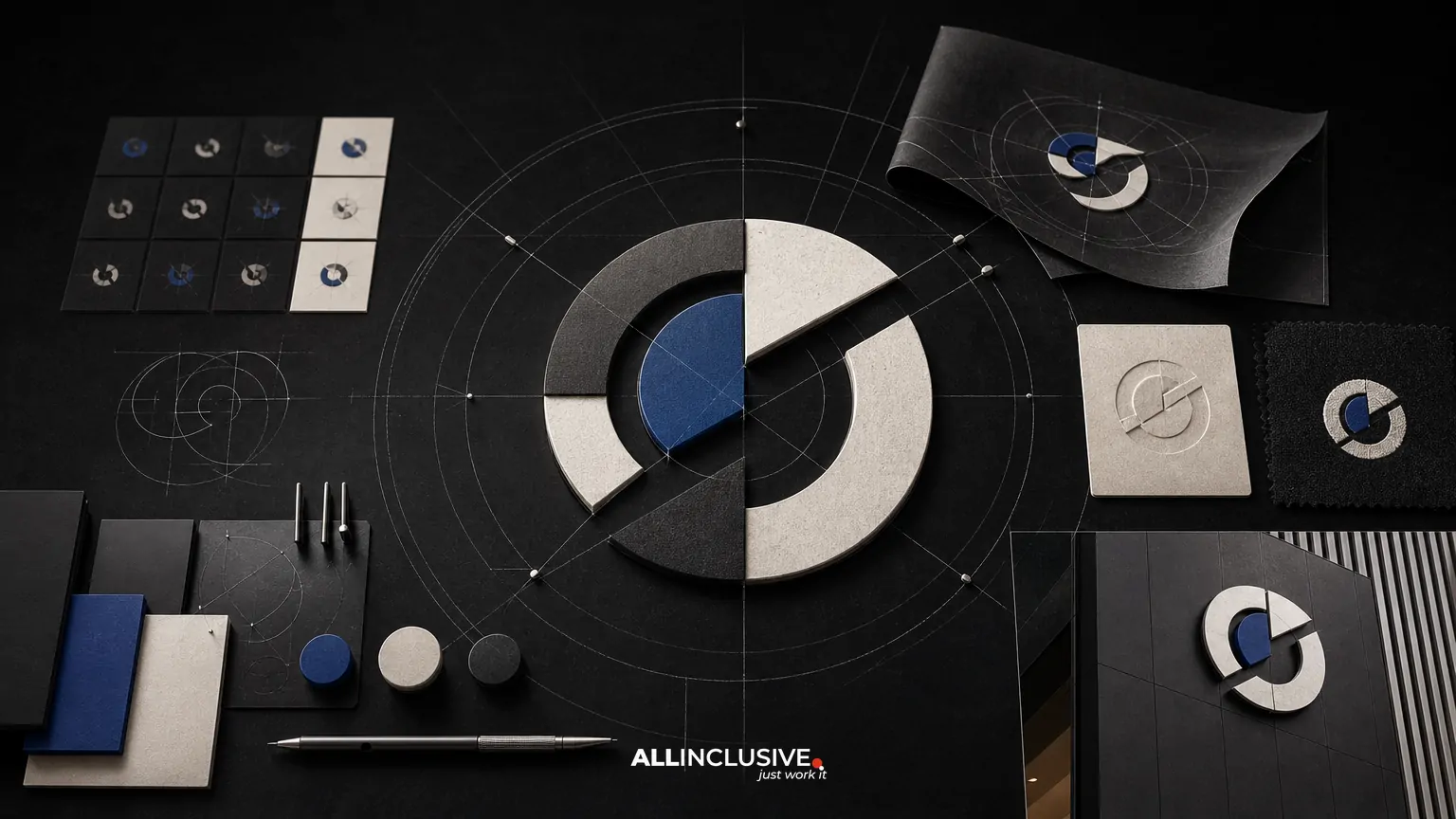
A brand identity audit is a structured review of how consistently and effectively a company appears across every customer-facing touchpoint. It examines more than a logo: typography, color, imagery, iconography, motion, layouts, templates, guidelines, and the way those assets are used by teams and partners.
The purpose is not to declare that a brand needs a redesign. It is to identify where the current system is working, where it is breaking down, and which problems can be solved through governance, production updates, or a broader identity change. That distinction can prevent unnecessary expense and help leadership make a better-informed decision.
This guide explains what to review, how to organize evidence, and how to turn audit findings into a prioritized action plan.
What a brand identity audit should examine
A useful audit covers the complete visual system and its operating environment. Reviewing only the logo may reveal obvious problems, but it will not explain why a brand feels inconsistent across campaigns, presentations, digital products, or sales materials.
- Logo system: primary and secondary marks, clear space, sizing, color versions, lockups, and use on light or dark backgrounds.
- Typography: typeface choices, hierarchy, licensing, accessibility, web implementation, and consistency between designed and office-produced materials.
- Color: core and supporting palettes, contrast, screen and print behavior, color roles, and whether teams interpret the palette consistently.
- Imagery: photography, illustration, art direction, cropping, subject matter, visual tone, and rules for commissioned or stock content.
- Iconography and graphics: icon style, line weight, illustration language, diagrams, patterns, shapes, and supporting visual devices.
- Motion and interaction: animation principles, transitions, video graphics, and whether movement reinforces the same personality as static materials.
- Layouts and templates: presentation decks, proposals, social graphics, documents, email assets, campaign files, signage, and other recurring formats.
- Guidelines and governance: documentation, asset libraries, ownership, approval workflows, and the ease with which employees can find and apply approved assets.
The audit should also consider the context around the identity. A visually coherent system may still be ineffective if it is difficult to produce, poorly adapted to key channels, or disconnected from the company’s current positioning.
Why inconsistency appears before a redesign
Inconsistency usually accumulates gradually. A team adds a new presentation template, a vendor introduces a different image style, a web developer substitutes a typeface, or a regional office creates its own social assets. Each decision may seem minor, but the combined effect can make the organization look fragmented.
Common causes include:
- Brand guidelines that describe rules but do not provide usable examples or templates.
- Outdated assets that remain in shared drives, sales tools, or automated workflows.
- Multiple teams working from different versions of the visual system.
- Visual decisions made without clear ownership or approval criteria.
- A brand that has expanded into new products, audiences, or markets without updating its system.
- Digital, print, presentation, and product teams interpreting the identity independently.
An audit helps separate isolated production errors from systemic weaknesses. That separation is important because the right response may be a cleanup and rollout plan rather than a new identity.
How to conduct a brand identity audit
1. Define the business question
Start by agreeing on what the audit needs to help leadership decide. The question might be whether the identity is ready for growth, whether teams can use it efficiently, whether a merger has created visible fragmentation, or whether the brand still fits a changed market position.
Define the audience, markets, channels, and time period in scope. A small professional-services firm may need to prioritize proposals, presentations, its website, and LinkedIn. A national organization may also need to review locations, packaging, events, recruiting, product interfaces, and partner materials.
2. Build a representative inventory
Collect real examples instead of relying only on approved files. Include current and recently published materials from marketing, sales, recruiting, customer success, leadership, product, and external partners.
Organize the inventory by channel and audience. Useful categories include:
- Website pages and landing pages
- Sales presentations and proposals
- Social media and paid campaign assets
- Email, newsletter, and event materials
- Reports, documents, and downloadable resources
- Product or service interfaces
- Office, conference, and environmental graphics
- Recruiting and internal communications
Record the source, owner, date, and status of each asset where possible. This makes it easier to identify whether a problem is caused by an outdated file, an unclear rule, or a missing component.
3. Review the system category by category
Assess each category against the same questions: Is it recognizable? Is it consistent? Is it appropriate for the audience and context? Is it practical for the people who use it? Is it accessible and technically reliable?
Look for patterns rather than isolated imperfections. One incorrect logo may be a production mistake. Five different logo lockups across important materials may indicate weak governance or unclear guidance.
4. Compare intended rules with actual use
Review existing brand guidelines alongside live materials. Note where people follow the system, where rules are being interpreted differently, and where the documentation does not address real production needs.
For example, guidelines may specify a primary typeface but provide no substitute for office software. They may show a color palette without assigning roles for backgrounds, buttons, charts, or data visualization. They may approve photography generally without explaining subject matter, lighting, cropping, or image ownership.
5. Interview the people who produce and approve assets
Short interviews can reveal operational problems that visual review alone will miss. Ask teams which assets they use most, where they look for files, which rules are confusing, what requires repeated approval, and what they change when working under deadline.
Include both frequent and occasional users. A specialist designer may understand the system well, while a sales representative or local marketer may need a different kind of support. The audit should reflect the experience of the people responsible for applying the identity in everyday work.
6. Score findings by impact and effort
A useful audit does not produce a long list of subjective comments without priorities. Rank findings using practical criteria such as:
- Visibility: How often does the issue appear, and how many people see it?
- Business importance: Does it affect a high-value audience, customer journey, or strategic initiative?
- Brand impact: Does it weaken recognition, credibility, differentiation, or clarity?
- Reach: Is the issue limited to one asset or embedded across many templates and channels?
- Ease of correction: Can the team fix it through a rule, template, asset replacement, or training?
One simple classification is to label findings as urgent, important, or opportunistic. Another is to place them on a matrix comparing business impact with implementation effort. Either approach is more useful than treating every inconsistency as equally serious.
A practical audit checklist
| Area | Questions to ask | Possible action |
|---|---|---|
| Logo | Are the correct versions easy to find and suitable for every major background? | Archive obsolete files, clarify usage, or update the logo system. |
| Typography | Are hierarchy, fallbacks, licensing, and digital implementation clear? | Define styles, substitutes, and production examples. |
| Color | Are color roles, contrast requirements, and screen/print applications understood? | Expand guidance and test key use cases. |
| Imagery | Do images share a recognizable point of view across channels? | Create art direction, selection criteria, or a curated library. |
| Templates | Can non-designers create common materials without improvising? | Replace fragile files with practical, controlled templates. |
| Guidelines | Do the guidelines explain decisions or merely display examples? | Rewrite around real tasks, audiences, and production scenarios. |
| Governance | Who owns the system, approves exceptions, and maintains assets? | Assign ownership and establish a lightweight review process. |
How to tell whether the problem is inconsistency or an outdated identity
Not every inconsistent application indicates that the underlying identity is obsolete. First ask whether the existing system still supports the organization’s current strategy, audience, products, and competitive position.
A governance or implementation problem is more likely when:
- The core identity remains appropriate but is applied differently by team or channel.
- The visual elements work together when correctly used.
- Teams lack accessible templates, examples, or approved assets.
- Most issues can be corrected without changing the foundational design language.
A broader identity review may be warranted when:
- The visual system no longer reflects the company’s positioning or maturity.
- The identity cannot stretch across important audiences, products, or formats.
- Distinctive elements have become generic, confusing, or difficult to recognize.
- The system creates persistent accessibility, production, or digital limitations.
- There is no coherent relationship between logo, type, color, imagery, graphics, and motion.
These categories can overlap. An organization may need a focused identity evolution followed by stronger guidelines and rollout support. The audit provides evidence for choosing the appropriate scale.
What an audit deliverable should include
The final deliverable should be easy for decision-makers and working teams to use. At minimum, include:
- An executive summary of the most important findings.
- A map of reviewed channels, audiences, and asset types.
- Representative examples showing consistent and inconsistent applications.
- Findings grouped by logo, typography, color, imagery, graphics, templates, guidelines, and governance.
- A prioritized action list with owners, dependencies, and suggested timing.
- A recommendation on whether to maintain, refine, or redesign the identity.
- Risks associated with delaying or sequencing the work differently.
A strong report distinguishes observation from recommendation. “Presentation titles use three different typefaces” is an observation. “Create one approved presentation template with defined title, body, chart, and cover styles” is a recommendation. Keeping those layers separate makes the report easier to evaluate and implement.
How to turn findings into an implementation plan
Implementation should follow the priorities established by the audit, not simply the order in which problems were discovered. Start with high-visibility, high-impact touchpoints and the assets that influence many downstream materials.
- Stabilize the system: remove outdated files, identify approved assets, and clarify ownership.
- Fix recurring production points: update templates, email signatures, presentation masters, social formats, and common documents.
- Resolve system gaps: define missing rules for imagery, color roles, typography, iconography, motion, or accessibility.
- Document practical guidance: show real examples, exceptions, and production instructions for each priority channel.
- Roll out deliberately: communicate the changes, train users, and provide a clear location for current assets.
- Review after adoption: sample new materials to determine whether the changes are being understood and maintained.
If the work expands into a complete identity program, the audit can become the evidence base for the broader brand identity design process. If the findings are limited to production and application, a focused update to brand guidelines and templates may be the more efficient path.
Questions to ask before commissioning an audit
- Which audiences and business priorities must the identity support over the next one to three years?
- Which channels generate the most visibility, revenue influence, or reputational risk?
- Who creates brand materials, and what tools do they use?
- Where are approved assets stored, and how often are they updated?
- What existing guidelines, templates, libraries, and approval processes are available?
- Are there legal, accessibility, licensing, localization, or technical constraints?
- Does leadership want evidence for a redesign decision, or an operational plan for improving consistency?
Answering these questions early keeps the audit focused and prevents it from becoming an unstructured collection of preferences.
Conclusion
A brand identity audit is a decision-making tool, not a disguised redesign brief. By reviewing the complete visual system across real channels, interviewing the people who use it, and prioritizing issues by impact and effort, an organization can identify what truly needs to change.
For related context, compare the broader ideas in visual identity versus brand identity and use the brand identity brief framework when a larger identity project becomes appropriate. Teams assessing their overall design needs can also review design services and capabilities. When the audit shows that the system needs coordinated strategic and visual development, the brand identity page is the appropriate next step.