
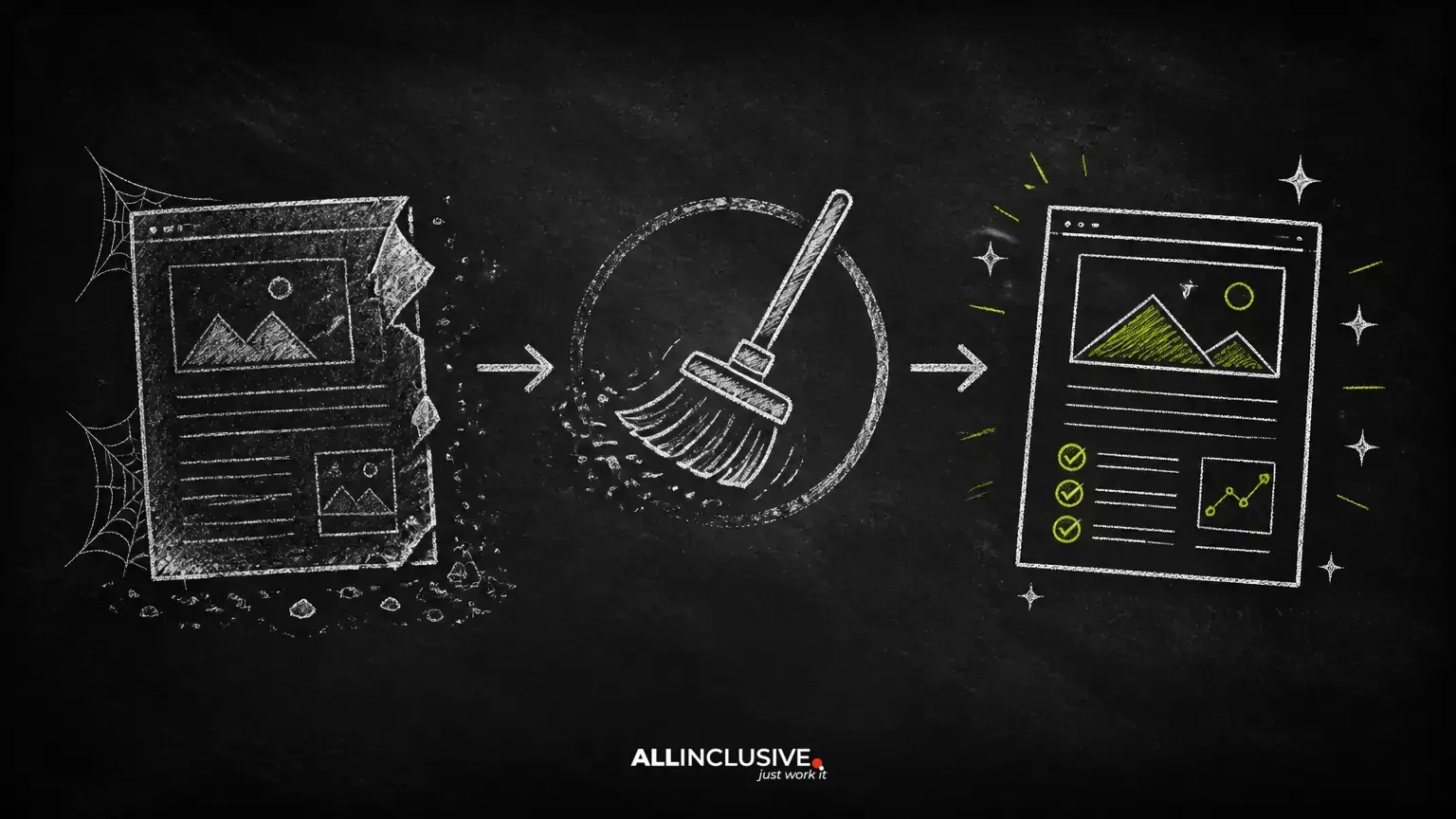
Publishing new articles is only one way to grow a content library. Older posts can also become valuable assets when their information, structure, and search intent are reviewed carefully. A page that once answered an important question may now contain outdated examples, broken links, incomplete guidance, or an angle that no longer matches what readers need.
Updating old content is not the same as changing a date and adding a few keywords. A meaningful refresh treats the article as a product that needs inspection: confirm whether the topic still matters, identify what has changed, improve the answer, and preserve the page’s useful history where appropriate.
This process can support a broader SEO strategy, but it does not guarantee higher rankings. Search performance depends on relevance, quality, competition, technical accessibility, and many factors outside an editor’s direct control.
Why refresh an existing blog post?
An established article may already have useful signals: it may be indexed, linked internally, referenced by other sites, or familiar to returning readers. More importantly, its existing performance gives you evidence about whether the topic attracts attention and whether the page helps visitors.
A refresh can be worthwhile when it achieves one or more of these goals:
- Improve accuracy: Remove claims, instructions, examples, or references that are no longer correct.
- Better satisfy the reader: Answer missing questions and make the next step clearer.
- Align with current intent: Rework the article when the audience’s likely goal has changed.
- Strengthen business value: Improve relevant calls to action and pathways to related resources without turning the article into an advertisement.
- Reduce maintenance problems: Repair broken links, confusing navigation, duplicate sections, and unsupported assertions.
Refreshing is not automatically the right choice. If the subject is obsolete, the page has no useful audience, or the search intent belongs to a different topic, creating a new resource—or retiring the page—may be more appropriate.
Step 1: Choose the right content to update
Begin with an inventory of existing posts. Record each page’s URL, topic, publication and revision dates, primary purpose, current calls to action, and any known performance information. Use the analytics and search tools available to your organization, but interpret metrics in context rather than treating one number as a verdict.
Good candidates often include:
- Pages receiving relevant organic visits but producing few meaningful next steps.
- Articles whose impressions remain useful while clicks or engagement have weakened.
- Posts that rank for related questions but do not answer them completely.
- Evergreen subjects with outdated examples, terminology, screenshots, or links.
- Articles with strong internal or external references that still serve a legitimate purpose.
- Posts that overlap with other pages and could be consolidated into one clearer resource.
Do not select a page solely because it has declined. Traffic can change because of seasonality, changes in demand, a technical issue, a more suitable competing result, or a change in the way search results are presented. Diagnose before editing.
Use a simple prioritization model
For each candidate, assess four questions:
- Audience value: Is the subject still important to the people you want to reach?
- Current usefulness: How much of the article is accurate and salvageable?
- Opportunity: Is there a clear gap between the page and the questions users appear to have?
- Effort: Can the team improve the article substantially with available evidence and expertise?
A page with moderate traffic but high business relevance may deserve attention before a high-traffic page that attracts the wrong audience. Prioritize expected usefulness, not vanity metrics.
Step 2: Reconfirm the topic and search intent
Before rewriting, describe the article’s intended reader and desired outcome in one sentence. For example: “A small business owner wants to understand how to evaluate an old article before deciding whether to refresh it.” This statement helps prevent the update from becoming a collection of disconnected keyword variations.
Review the queries, page titles, snippets, related questions, support conversations, sales questions, and comments available to you. Look for patterns in the language people use and the level of detail they expect. Search results can provide useful clues, but they should not replace subject-matter judgment or direct knowledge of your audience.
Common intent categories include:
- Learn: The reader wants an explanation, definition, or framework.
- Do: The reader needs steps, a checklist, or troubleshooting guidance.
- Compare: The reader is weighing approaches, tools, or alternatives.
- Find: The reader is looking for a specific resource or destination.
An old post may have been written as a general introduction but now needs a practical workflow. Alternatively, a tutorial may have accumulated unrelated sections and should be narrowed to one clear task.
Build an update brief
Create a short brief before drafting. Include:
- The primary question the page must answer.
- Closely related questions worth addressing.
- What the existing article gets right.
- What is outdated, unsupported, repetitive, or missing.
- The recommended structure and reader takeaway.
- Evidence or expert review needed before publication.
- Internal pages that genuinely help the reader continue.
This brief gives editors a quality standard. It also reduces the risk of making superficial changes that leave the underlying answer unchanged.
Step 3: Rewrite for accuracy, clarity, and completeness
Read the article from the perspective of someone encountering the topic for the first time. Remove introductory material that delays the answer, replace vague claims with specific guidance, and explain exceptions where a recommendation could be misunderstood.
Check factual accuracy
Review every time-sensitive element, including product interfaces, laws, prices, platform policies, statistics, examples, screenshots, and references to current events. If a claim cannot be verified, remove it, qualify it, or replace it with a durable principle. Do not preserve a statistic simply because it makes the introduction sound authoritative.
Make ownership clear for expert advice, original observations, and recommendations. If the topic carries legal, financial, medical, safety, or other significant consequences, use appropriate qualified review and explain the limits of the article.
Improve the structure
Organize the page around the reader’s decisions rather than the order in which the old draft was written. Use descriptive headings, short paragraphs, lists for procedures, and examples that clarify—not merely decorate—the guidance.
A useful structure for an update guide might be:
- Explain when an update is worthwhile.
- Show how to select a candidate page.
- Describe how to reassess intent and scope.
- Provide an editing and quality-control checklist.
- Explain URL, redirect, and measurement decisions.
Answer the central question early, then add depth for readers who need it. Avoid padding an article with repetitive definitions or broad promises about rankings.
Make the page easier to use
- Use meaningful link text instead of “click here.”
- Replace broken or unnecessary links.
- Add internal links only where they provide a logical next step.
- Use descriptive image alternatives and remove visuals that do not support comprehension.
- Check headings, tables, lists, and spacing for accessibility and scannability.
- Confirm that examples still match the instructions.
Visuals can help when they demonstrate a process, summarize a comparison, or make complex information easier to understand. A decorative stock image rarely fixes a weak answer. Prioritize diagrams, annotated examples, screenshots that can be maintained, and original explanations.
Manage the URL and publication history carefully
Keep the existing URL when the refreshed article serves substantially the same topic and the address is stable, descriptive, and appropriate. Changing a URL solely to include a keyword can create unnecessary migration work and may break existing references.
A new URL may be justified when the page is being repositioned for a materially different subject, when the old address is misleading, or when several overlapping pages are being consolidated. In those cases, map the old address to the best replacement with a relevant redirect, update internal links, and check for remaining references to the retired page.
Do not create a redirect to an unrelated destination merely to preserve a URL. If no suitable replacement exists, a clear retirement response may be more honest and useful.
Record the revision date only when the article has undergone a meaningful review. Readers should be able to distinguish a substantive update from a cosmetic date change. An editor’s note can briefly explain what was reviewed when that context helps establish transparency.
Optimize the page without over-optimizing it
Use the language your audience uses, but write for comprehension rather than repetition. Place the topic naturally in the title, introduction, relevant headings, and page description when appropriate. Cover related concepts because they help answer the question—not because a checklist demands a particular word count.
Review the title and description for accuracy and usefulness. They should set a realistic expectation for the page, not promise a result the content cannot deliver. Avoid stuffing variants into headings, image attributes, or anchor text.
Connect the article to related resources across your site. For example, readers who need broader technical or strategic support may benefit from the SEO services overview. Use only links that genuinely extend the subject, and audit them periodically as the site changes.
Publish, promote, and measure the update
Before publication, use a quality-control checklist:
- Does the article answer its primary question without unnecessary detours?
- Are factual and time-sensitive claims verified?
- Are links functional and contextually relevant?
- Are title, description, headings, and structured elements consistent?
- Does the page work on mobile devices and support accessible reading?
- Are canonical, indexation, redirect, and sitemap settings correct for the site’s setup?
- Have stakeholders approved claims that require specialist review?
After publishing, make the update visible through appropriate channels: relevant internal links, an email audience that would benefit, a community where sharing is welcome, or a sales and support team that can refer to it. Promotion should match the importance and audience of the article; not every revision needs a large campaign.
Measure against a defined baseline and a realistic evaluation period. Depending on the goal, monitor qualified organic visits, impressions, clicks, engagement with the next step, assisted conversions, referrals, or evidence that users found the answer. Compare like with like and account for seasonality or changes in tracking.
If performance does not improve, investigate rather than repeatedly adding keywords. The issue may be an incorrect intent assumption, weak differentiation, poor technical access, an uncompetitive topic, or a conversion path that does not fit the reader’s needs.
When not to update an old article
Refreshing is not a requirement for every page. Retire, merge, or leave a page alone when:
- The subject is no longer relevant to the audience.
- The page duplicates a stronger resource and adds no distinct value.
- The available evidence is insufficient to support a trustworthy rewrite.
- The article’s traffic is unqualified and does not support a meaningful goal.
- The cost of maintaining the content exceeds its likely value.
Content quality improves when a site has fewer useful pages as well as more pages. A deliberate consolidation can create a clearer experience than maintaining several thin, competing articles.
Conclusion
Updating old blog content works best as an editorial and audience exercise, not a cosmetic SEO tactic. Select pages based on relevance and opportunity, reassess the reader’s intent, rewrite for accuracy and usefulness, manage URLs responsibly, and measure outcomes that matter to the organization.
A disciplined refresh can extend the life of a strong idea while correcting weaknesses that accumulated over time. When the topic no longer deserves attention, retiring it is also a valid strategic decision.
For related guidance, see Contact.