
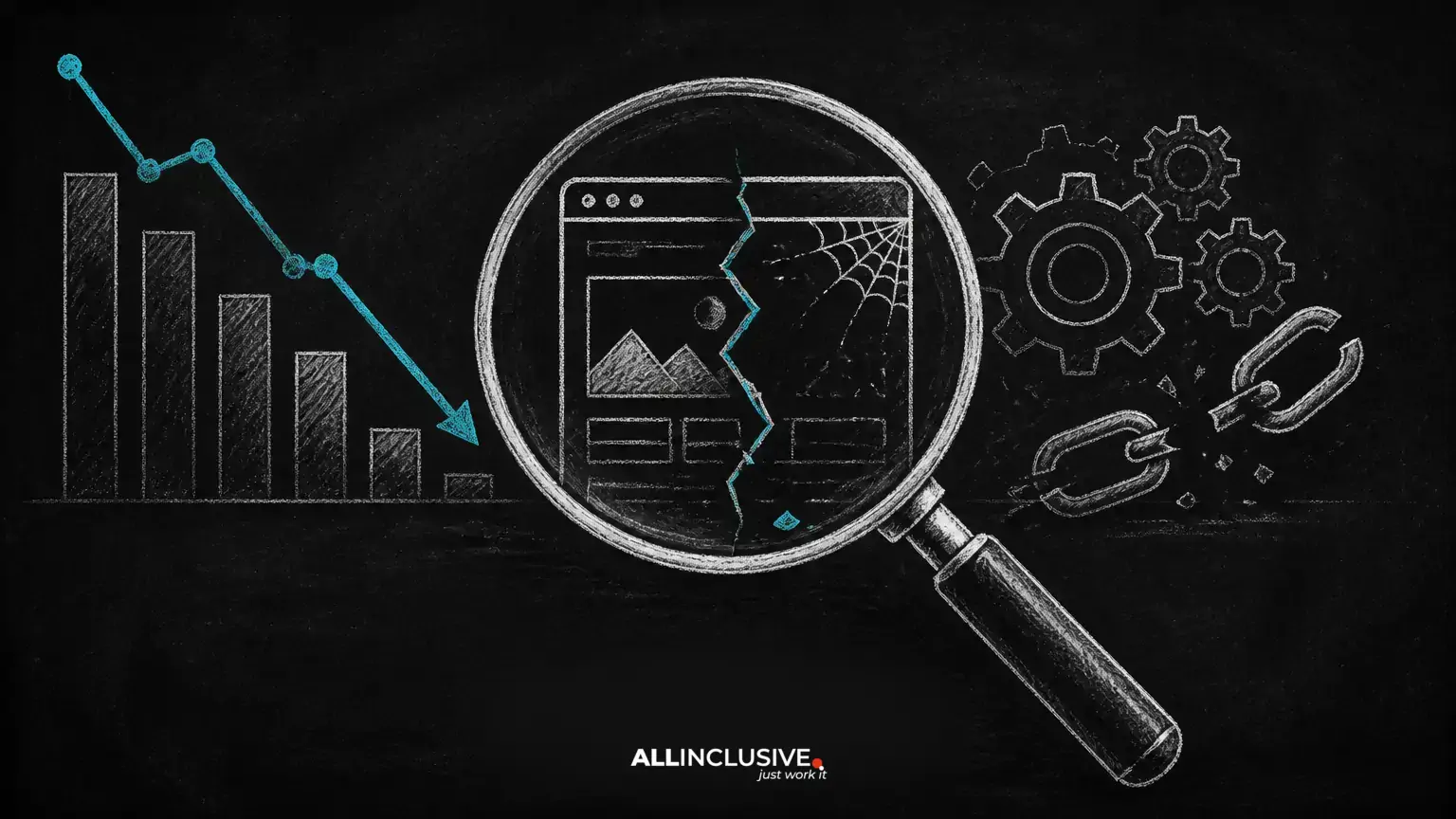
A decline in search visibility is stressful, but a ranking drop is not a diagnosis. It is an observation that may result from a technical error, a content change, a change in search results, increased competition, or an issue outside your website.
The safest response is to investigate before editing pages, removing links, or changing large parts of the site. Start by identifying when the decline began, which URLs and queries were affected, and whether the change is limited to one page, one directory, one device type, or the whole domain.
This guide covers the most common issues that can reduce organic visibility. For a broader implementation framework, see our technical SEO guide.
First, confirm that rankings actually declined
Search results vary by location, device, personalization, query wording, and search features. A single manual search is therefore weak evidence. Compare a consistent period with an earlier comparable period using your analytics and search performance data.
Check several signals:
- Organic clicks and impressions
- Average position for important queries
- Landing-page clicks and impressions
- Indexed-page counts and crawl errors
- Conversions or qualified organic visits
Separate a ranking decline from a traffic decline caused by lower demand, seasonality, tracking changes, or a shift in search features. Also check whether the drop affects branded searches, non-branded searches, or both.
Technical issues that can remove or weaken visibility
Accidental indexing restrictions
A misplaced noindex directive can remove an important page from eligible search results. A restrictive robots.txt rule can prevent crawling, while canonicalization can signal that another URL should represent the content.
Review the affected page's rendered source and response headers. Confirm that important pages are crawlable, indexable, internally linked, and represented by the intended canonical URL. Do not remove every directive automatically: private, duplicate, filtered, or administrative pages may need restrictions.
Broken redirects and URL changes
Redirects are useful when a URL has moved to a relevant replacement. Problems arise when an old page redirects to an unrelated destination, a chain of redirects, a temporary error page, or the homepage simply because no better target was prepared.
Map important old URLs to the closest equivalent new URLs. Test status codes, destination relevance, redirect chains, and internal links. A redirect should preserve user intent, not merely send visitors somewhere that loads.
Server errors, downtime, and unreliable delivery
Repeated server errors, timeouts, overloaded hosting, and application failures can prevent crawlers and users from accessing content. A page that works in a browser may still fail intermittently or return different responses to crawlers, logged-in users, or mobile visitors.
Review server logs, uptime records, response codes, and deployment history. Prioritize errors affecting high-value templates and make sure the corrected response is available consistently before expecting visibility to recover.
Slow or unstable page experiences
Performance issues can make pages difficult to use and may reduce the effectiveness of crawling and conversion. Look beyond a single speed score. Investigate slow server response, oversized media, render-blocking resources, layout movement, and scripts that delay meaningful content.
Optimize the largest causes first, test representative templates on mobile and desktop, and avoid replacing useful content with a minimal page merely to improve a score.
Mobile content and template differences
Search systems evaluate the version of a page that users and crawlers can access. If mobile templates hide primary content, omit structured navigation, serve different internal links, or produce a broken layout, mobile visibility can suffer.
Compare mobile and desktop versions for text, headings, links, metadata, structured data, images, and user functionality. Responsive design is usually easier to maintain than materially different content versions, but the key requirement is consistency and usability.
Content and relevance changes
Unhelpful or thin page expansion
Publishing many pages does not guarantee more visibility. Pages with little original value, overlapping intent, copied templates, or no clear audience can dilute a site architecture and create competing URLs.
Before adding a page, define its distinct search intent and the user problem it solves. Consolidate substantially overlapping pages where appropriate, improve genuinely useful pages, and remove or restrict pages that should not be discovered. Make these decisions based on purpose and quality, not an arbitrary word count.
Duplicate and near-duplicate URLs
Duplicate content is often a URL-management problem rather than a penalty. Parameters, print versions, faceted navigation, trailing-slash variants, staging copies, and syndicated content can create multiple addresses for similar material.
Choose the preferred version, link to it consistently, and use canonical tags, redirects, or indexing controls according to the situation. A canonical tag is a hint, not a substitute for fixing a confusing architecture or conflicting signals.
Major edits to titles, headings, or body copy
Changing a page can change what queries it appears relevant to. Removing a service, location, product attribute, explanation, or supporting internal link may reduce visibility even when the new copy sounds polished.
Keep a record of meaningful edits and compare performance before and after deployment. Restore missing information only when it remains accurate and useful; do not reinsert keywords mechanically. Test changes on priority pages and preserve content that satisfies the original intent unless there is a clear reason to replace it.
Search intent or audience mismatch
A page may lose visibility when competing results better answer the current interpretation of a query. For example, a query that once favored an overview may increasingly show tools, local providers, comparisons, or direct answers.
Review the actual results and ask whether your page gives users the format, depth, clarity, and next step they need. Improve the answer rather than copying competitors or expanding the article with unrelated sections.
Links and site architecture
Weak internal linking
Important pages need discoverable paths from relevant pages. A redesign can remove contextual links, orphan useful content, alter navigation, or make key pages several clicks deeper than necessary.
Audit links to priority URLs and check anchor text, destination status, navigation paths, breadcrumbs, and XML sitemaps. Link naturally from pages that discuss related subjects. Avoid forcing every link to use an exact-match phrase.
Manipulative or irrelevant external links
Buying links, placing large-scale guest posts for ranking purposes, exchanging links excessively, or embedding links in unrelated content can create search and reputational risk. A sudden backlink increase is not automatically harmful, and third-party spam does not prove that a competitor caused a ranking decline.
Investigate whether your organization created or sponsored the links and whether they violate applicable search guidelines. Focus on removing or correcting links you control. Do not disavow links simply because a third-party metric labels a domain “toxic”; use that tool as a review aid, not as a final diagnosis.
Security, compliance, and external causes
Hacking, malware, or deceptive pages
Compromised sites may serve spam pages, redirect users, inject scripts, or alter existing content. Browsers and search engines may warn users when a site appears unsafe, causing visibility and trust to fall.
If compromise is suspected, involve a qualified security professional. Preserve evidence, take affected systems through a documented cleanup process, rotate credentials, patch the vulnerable software, review administrator access, and verify that malicious URLs and code are gone. Keep reliable backups, but do not restore an infected backup without checking it.
Copyright and legal removals
Unauthorized text, images, video, software, or other protected material can create legal and platform risk. Maintain records showing that your organization has permission to publish the assets it uses, and establish a review process for contributed content.
When a legitimate complaint is received, respond through the appropriate legal process. Do not assume that changing a filename or cropping an image resolves ownership concerns.
Algorithm changes and stronger competitors
Search systems change, and competitors improve. A decline after a broad change does not by itself prove that a technical defect or penalty exists. Likewise, a competitor gaining visibility does not mean your site was manually suppressed.
Compare affected page types and query groups, review changes made to your site, and look for consistent quality or intent gaps. Then improve the pages and experience rather than chasing every industry rumor or making unrelated emergency edits.
A safer recovery process
- Set the timeline. Record the first observed change, deployments, migrations, outages, security events, and major content edits.
- Define the scope. Identify affected directories, templates, devices, countries, queries, and landing pages.
- Check severe technical blockers. Verify availability, status codes, robots rules, noindex directives, canonicals, redirects, and security warnings.
- Compare versions. Use backups, deployment records, crawl data, and content history to find what changed.
- Prioritize evidence. Fix issues that affect important pages and are supported by multiple signals.
- Make controlled changes. Avoid simultaneous rewrites, migrations, link removals, and template changes unless an emergency requires them.
- Monitor recovery. Recrawl corrected pages, inspect representative URLs, and compare performance over a reasonable observation period.
What not to do after a ranking drop
- Do not assume every decline is caused by a search algorithm update.
- Do not delete pages solely because they have low traffic.
- Do not redirect every old URL to the homepage.
- Do not remove useful content to chase a keyword density target.
- Do not disavow backlinks in bulk based only on third-party scores.
- Do not make dozens of unrelated changes before collecting a baseline.
Conclusion
Search visibility can decline for many reasons, but the solution is usually found through disciplined diagnosis rather than a single universal tactic. Confirm the scope, inspect technical access and security, compare recent changes, evaluate relevance, and improve the pages that serve users best.
For help planning a broader search optimization program, explore our SEO services page. Technical fixes are most effective when they support clear content, sound information architecture, and a reliable user experience.