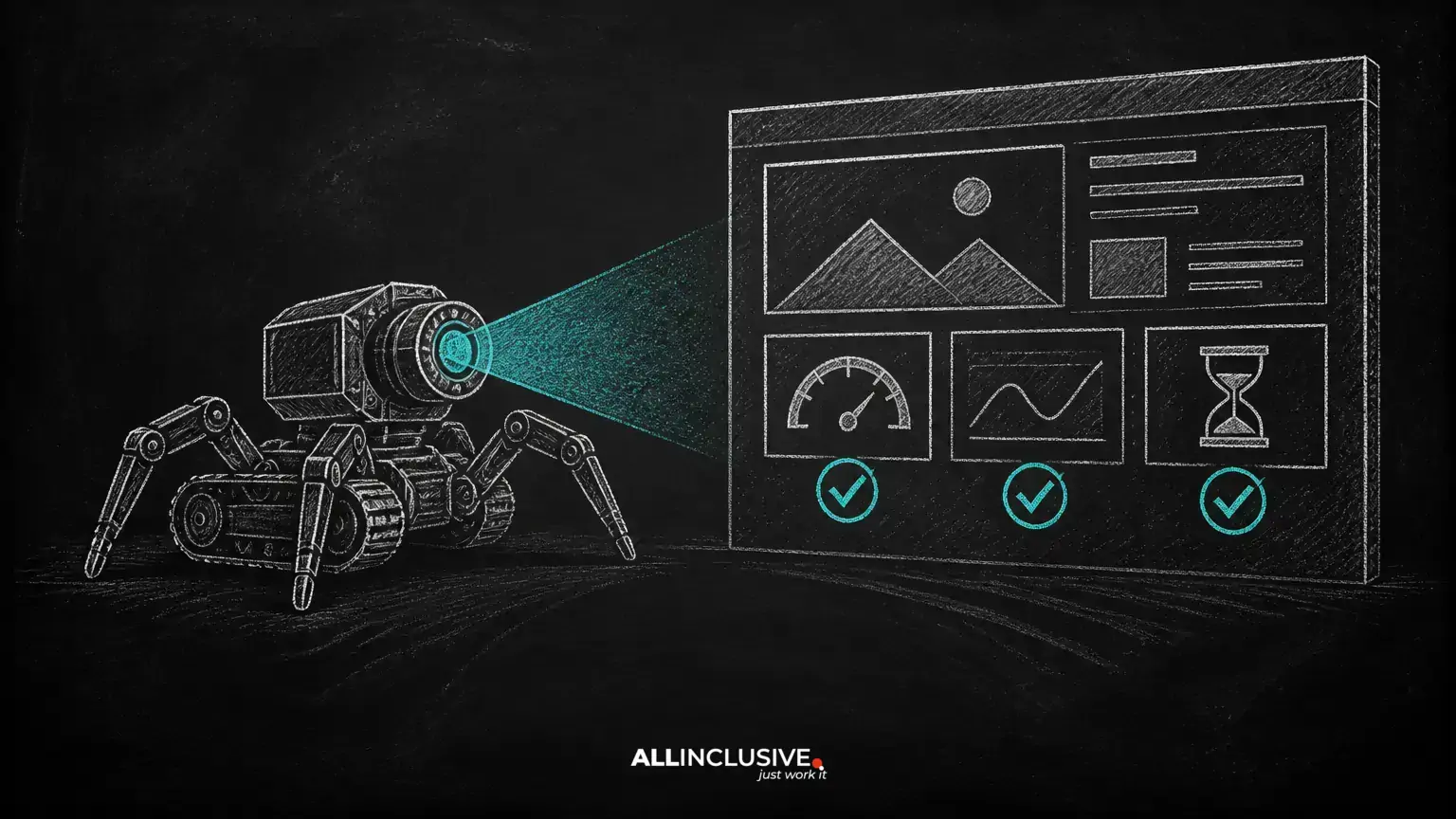
Website crawling is the process of discovering and fetching pages from the web. Search engines use automated crawlers to follow links, read page resources, and collect information that may later be considered for indexing. Site owners can also use crawlers to inspect their own websites for technical problems.
Crawling is not the same as ranking. A page must generally be accessible before a search engine can evaluate it, but crawlability alone does not guarantee indexing or visibility. The goal of a crawl is to identify barriers, inconsistencies, and unnecessary complexity so that users and search engines can reach the content that matters.
This guide explains how crawling works and provides a practical process for auditing a website with any reputable technical SEO crawler.
What is a website crawler?
A website crawler is software that requests web pages and follows discoverable links to find additional URLs. Search engine crawlers begin with known URLs, such as previously discovered pages or submitted sitemap URLs, and expand their view as they encounter internal and external links.
A crawler may examine the HTML response, status code, canonical signal, directives, structured data, links, images, scripts, and other resources. The exact information collected depends on the crawler and its configuration.
Search engines use crawling as one stage in a broader process:
- Discovery: a URL is found through links, sitemaps, or other sources.
- Crawling: a crawler requests the URL and assesses the response.
- Processing: the page and relevant resources are interpreted.
- Indexing: the page may be stored and made eligible for search results.
- Ranking: eligible pages are evaluated for particular searches.
Because these stages are distinct, fixing a crawl issue should not be described as an automatic ranking guarantee. It removes a potential technical obstacle; relevance, quality, intent alignment, and other factors still matter.
Why crawlability matters in technical SEO
Good crawlability makes important content easier to discover and process. It also helps teams understand what a site contains, which URLs are linked, and where technical signals conflict.
Crawlability problems are especially costly when they affect high-value pages, new content, product or service templates, or large groups of URLs. Common examples include:
- Important pages that are isolated from internal navigation.
- Links that lead to error responses or unintended destinations.
- Redirect chains that add unnecessary steps.
- Large numbers of duplicate or parameter-based URLs.
- Pages blocked by robots.txt or inaccessible because of server errors.
- Canonical, noindex, or sitemap signals that do not match the intended page.
A crawl report is most useful when it is connected to business priorities. Not every warning requires immediate action. A temporary issue on an obsolete URL is different from an indexing barrier affecting a core landing page.
Before you start a website crawl
Define the purpose and scope before launching the crawl. A broad crawl can reveal sitewide patterns, while a focused crawl is better for validating a migration, template change, or specific directory.
Choose the correct scope
Decide whether to crawl the full domain, a subdomain, a subfolder, or a list of selected URLs. Confirm whether protocol variations, alternate hostnames, and subdomains are part of the project. Crawling the wrong property can produce a report that looks complete but does not answer the actual question.
Set a reasonable crawl limit
For a small site, a full crawl may be straightforward. For a large site, start with a limit that covers the important templates and directories. If the crawler offers a rate setting, use a pace that does not place unnecessary load on the server. Coordinate with the development or hosting team when crawling a sensitive environment.
Decide how URLs will be discovered
Many tools can discover URLs by following internal links, reading XML sitemaps, importing a URL list, or combining these methods. Link discovery shows what a user or crawler can reach through the site architecture. Sitemap discovery helps validate the URLs the site explicitly presents for consideration. Comparing the two can reveal orphaned pages and sitemap inaccuracies.
How to run a practical website crawl
1. Configure the crawler
Enter the site scope, choose the desired user-agent option, and configure crawl speed. If the site has separate mobile and desktop behavior, consider testing the experience that is relevant to the audit. Do not bypass access controls on a production site without authorization.
2. Respect crawl controls
Review robots.txt and page-level directives as part of the audit. A crawler may offer an option to ignore restrictions for testing, but using that option can create misleading results if the goal is to understand normal accessibility. Record any temporary exceptions clearly.
3. Include or exclude URL patterns deliberately
Faceted navigation, internal search results, tracking parameters, calendars, and session identifiers can create many URL variations. Exclude patterns only when you understand their purpose. Overly broad exclusions can hide real problems, while unrestricted crawling can obscure important findings in a large volume of low-value URLs.
4. Run the crawl and preserve the baseline
Save the crawl date, configuration, scope, and any exclusions. A baseline allows you to compare later crawls and determine whether an implementation actually resolved the issue.
What to inspect in the crawl report
Status codes and server responses
Review successful responses, redirects, client errors, and server errors. A 404 on a removed page may be expected; an error on a primary service page is not. Investigate recurring 5xx responses because they can indicate availability or infrastructure problems.
Check redirect destinations and chains. Replace internal links that point to old URLs when a direct destination is available. Redirects are useful for permanent URL changes, but they should not become the default path for routine internal navigation.
Indexability signals
Compare pages that are linked, crawlable, and intended for search with their indexability directives. Look for important pages carrying an unintended noindex directive, pages blocked before a crawler can see other signals, and canonical references pointing to a different or irrelevant URL.
Do not treat every non-indexable URL as an error. Login pages, duplicate variants, internal search results, and utility pages may be intentionally excluded. The question is whether the technical signal matches the publishing strategy.
XML sitemaps
Use the crawl to check whether sitemap URLs return successful responses, resolve to the preferred URL, and represent pages that should be considered for indexing. A sitemap should not be treated as a substitute for internal linking. It is a discovery and URL-management aid, not a ranking shortcut.
Internal links and crawl depth
Review how many clicks separate important pages from the starting points of the crawl. Also inspect pages with few or no internal links. An orphaned page may still be discovered through a sitemap or external link, but weak internal connectivity makes it harder for users and crawlers to understand its role.
Use descriptive, relevant internal links rather than forcing keywords into every anchor. A clear hierarchy supports navigation and helps connect related content.
Duplicate and near-duplicate URLs
Look for duplicate titles, repeated content patterns, URL parameters, trailing-slash variations, and multiple paths to the same resource. First determine whether the URLs are genuinely separate pages. If they are not, consolidate, redirect, canonicalize, or control discovery according to the technical situation.
HTTPS, mixed content, and resource access
Confirm that the preferred site version uses HTTPS consistently and that internal links, canonicals, sitemaps, and redirects agree. Check whether important scripts, stylesheets, images, and other resources are accessible and served from appropriate URLs. A page may return a successful HTML response while still having a degraded rendered experience.
Page titles, headings, and metadata
A crawler can reveal missing or repeated titles, unusually long or short fields, missing headings, and template mistakes. These findings are useful quality checks, but they should be interpreted in context. A unique title is helpful; mechanically changing every repeated phrase is not a substitute for clear page purpose.
How to prioritize crawl findings
Prioritize issues using four questions:
- Impact: does the issue affect important pages, conversions, or user access?
- Scale: is it isolated or repeated across a template?
- Certainty: is the finding a confirmed defect or a warning requiring review?
- Effort: can it be fixed quickly, or does it require architectural work?
A practical order is to address server errors and inaccessible priority pages first, then incorrect redirects and indexability signals, followed by internal linking, duplicate URL management, sitemap quality, and lower-impact metadata cleanup. Document the owner, intended fix, validation method, and deployment date for each significant issue.
Validate fixes after the crawl
Do not assume a resolved issue is fixed because a ticket is closed. Re-crawl the affected URLs or repeat the relevant report after deployment. Confirm the HTTP response, final URL, directives, canonical, links, and rendered resources.
For important pages, use more than one validation method where appropriate: a crawler, server logs, browser testing, and the relevant search engine reporting tools. Each method observes a different part of the system.
Common website crawling mistakes
- Confusing crawling with indexing: an accessible page can still be excluded from an index.
- Ignoring crawl configuration: scope, user agent, exclusions, and discovery sources affect the results.
- Fixing warnings without context: not every flagged URL is a defect.
- Changing robots.txt casually: a broad rule can hide important sections from crawlers.
- Relying only on a sitemap: important content also needs logical internal pathways.
- Measuring only the sitewide score: page-level impact and business importance matter more than a single aggregate number.
Conclusion
Website crawling is a diagnostic process for understanding how pages, links, redirects, directives, and resources behave. A useful crawl begins with a clear question, uses an intentional scope, and ends with prioritized fixes and validation. For a broader framework covering site architecture, indexability, and other technical foundations, explore Allinclusive's technical SEO guide. If your organization needs help connecting an audit to a wider search strategy, review the SEO services page.