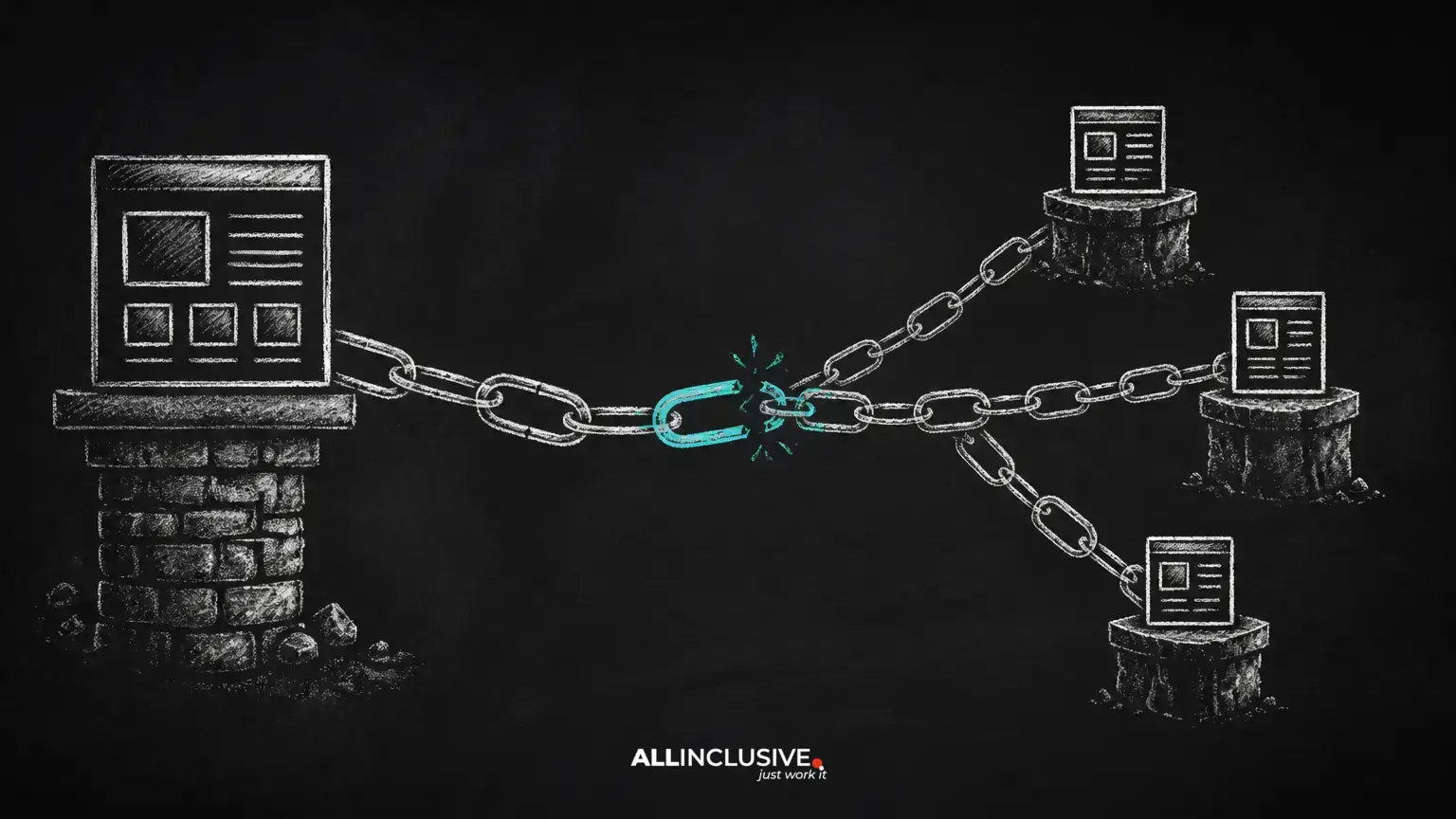
Internal linking is one of the few areas of SEO that website owners can improve without waiting for another site to publish a backlink. A well-planned internal link structure helps visitors move between related pages, gives search engines clearer paths through a site, and makes important content easier to find.
It is also easy to let internal links decay. Site migrations, deleted pages, changing services, publishing habits, and template updates can gradually create broken paths or bury valuable content. The solution is not to add links everywhere. It is to make each link useful, accessible, and consistent with the site’s information architecture.
This guide covers the most common internal linking mistakes, how to diagnose them, and how to prioritize repairs as part of a broader technical SEO program.
Why internal links matter
An internal link connects one page on a website to another page on the same website. It can serve several purposes at once:
- Helping visitors discover relevant next steps
- Showing how topics and pages relate to one another
- Providing crawl paths to pages that are not prominent in navigation
- Directing attention toward important commercial or informational pages
- Reducing friction during research, comparison, and conversion journeys
Internal links are not a substitute for useful content, sound site architecture, or relevant external references. They are part of the structure that allows those assets to work together. A link should therefore be evaluated by context and usefulness, not by an arbitrary target count.
1. Broken internal links
A broken internal link points to a URL that cannot deliver the intended page. Common causes include a deleted page, a changed slug, a typing error, an incorrect protocol, or a migration that did not update older content.
Broken links create a poor experience for users and can interrupt discovery of related pages. They also make maintenance harder because every broken destination becomes another exception in the site’s architecture.
How to fix them
- Confirm whether the destination should still exist.
- If the page has a suitable replacement, update the link directly to that URL.
- If the page has no replacement, remove the link or revise the surrounding copy.
- Use a redirect only when the old URL has a clear, relevant successor.
- Recheck templates, navigation, XML sitemaps, and important content after the change.
Do not redirect every missing page to the homepage. A broad, irrelevant redirect rarely helps users and can obscure the original problem.
2. Linking to redirecting URLs
A redirect can be an appropriate way to preserve an old URL after a deliberate change. However, internal links should normally point directly to the final destination rather than to an intermediate redirect.
Linking through redirects adds an avoidable request and makes future maintenance more complicated. It can also create chains when another migration later changes the destination.
Practical repair process
- Crawl internal links and identify destinations that return redirects.
- Replace those links with the final canonical URL where the destination is stable.
- Investigate chains separately and reduce them to a direct, relevant redirect when a redirect remains necessary.
- Check both HTTP and HTTPS variants, trailing-slash conventions, uppercase paths, and legacy URL formats.
Redirect behavior should be validated in the context of the site’s server and CMS configuration. Do not assume that every redirect is an SEO failure; the key issue is unnecessary or confusing routing.
3. Treating temporary and permanent redirects as interchangeable
Redirect status codes communicate different intentions. A temporary redirect indicates that the original URL may return, while a permanent redirect is intended to represent a lasting move. Choosing the wrong status can create ambiguity during migrations, experiments, seasonal changes, or URL consolidation.
Before changing a redirect, document the business reason and expected duration. A temporary campaign page, for example, may need different handling from a permanently renamed service page. Remove obsolete redirect rules when they no longer serve a purpose, but keep historically useful redirects when they protect users and valuable references.
4. Orphaning valuable pages
An orphan page has no meaningful internal links pointing to it. It may still be listed in a sitemap or accessible through a direct URL, but users and crawlers have no normal route to discover it through the site’s content.
Not every page needs to be linked from a blog article. Account areas, confirmation pages, and certain utility URLs may intentionally have limited visibility. The problem is an important page that is expected to attract organic visits but is absent from the site’s navigational graph.
How to identify and resolve orphan pages
- Compare crawl data with the CMS inventory, analytics, and XML sitemap URLs.
- Classify each page as valuable, obsolete, private, duplicate, or intentionally isolated.
- Add contextual links from relevant pages to valuable content.
- Improve category, service, or resource navigation when a group of pages lacks a clear home.
- Remove or consolidate pages that no longer deserve a place in the public architecture.
5. Hiding important pages too deeply
Click depth describes how many navigation steps separate a page from a prominent entry point. There is no universal number of clicks that makes a page acceptable or unacceptable. A deeper page can still be useful when the hierarchy is logical and the page is well connected.
However, if an important page can only be reached through a long chain of obscure links, both users and crawlers may struggle to find it. Review depth alongside page importance, organic performance, navigation behavior, and the clarity of the path.
Improve depth by linking strategically from relevant hubs, strengthening category pages, using breadcrumbs where appropriate, and avoiding unnecessary layers in the URL and navigation structure.
6. Giving key pages only one weak incoming link
A page with one incoming internal link is not automatically a problem. Some pages are intentionally narrow or temporary. The concern arises when an important page depends on a single fragile link buried in an unrelated article.
Commercial pages, cornerstone guides, and essential support resources should usually have multiple relevant discovery paths. Add links where they genuinely answer a user’s next question, not merely to increase a count.
Review whether the page is linked from an appropriate hub, a related supporting article, and a relevant navigation element. Use descriptive wording so the destination’s purpose is clear.
7. Using vague or repetitive anchor text
Anchor text is the visible wording of a link. Phrases such as “learn more” or “click here” can be acceptable in limited interface contexts, but they often provide little information when repeated throughout a site.
Useful anchor text describes the destination naturally. It might identify a service, explain a process, or name the next topic. Avoid forcing exact-match keywords into every link. Repetition can make copy awkward and may reduce clarity for screen-reader users.
Better anchor text principles
- Describe what the reader will find after selecting the link.
- Keep the wording concise enough to scan.
- Match the language used by the destination page without making the sentence unnatural.
- Do not use anchor text to make claims the destination does not support.
- Vary wording when the surrounding context genuinely varies.
8. Adding links without topical or user relevance
More internal links are not automatically better. A page crowded with unrelated links can distract readers and make the site’s hierarchy harder to understand. Links should connect pages that share a meaningful relationship: a problem and its solution, a broad topic and its subtopic, or a decision stage and its next step.
Before adding a link, ask whether it helps the reader complete the task represented by the page. If the answer is no, the link may belong elsewhere or may not be needed.
9. Misusing nofollow on internal links
Internal link attributes should have a deliberate purpose. Adding rel="nofollow" to ordinary internal links as a routine way to control which pages receive attention can create an inconsistent architecture and may prevent a link from serving its intended discovery function.
Review the reason for every internal nofollow directive. If a link is part of normal navigation or contextual content, it should generally behave like a normal internal link unless a specific technical or editorial requirement says otherwise. Treat link attributes as implementation decisions, not as a substitute for improving the site structure.
10. Overloading navigation, footers, or content with links
There is no useful universal limit for the number of links on every page. A large navigation system may be appropriate for a complex organization, while a small page may need only a few contextual links.
The better question is whether the page’s links are understandable, prioritized, and useful. Remove duplicated footer links, consolidate competing navigation paths, and avoid inserting links solely to manipulate internal authority. Important pages should be prominent because they matter to users, not because a template repeats them dozens of times.
11. Forgetting links after content changes
Internal linking is not a one-time project. When a page is renamed, consolidated, unpublished, or repositioned, older articles and landing pages may continue to reference it. New content can also create opportunities to connect previously isolated resources.
Make link review part of the publishing workflow. At minimum, editors should check destination status, relevance, anchor clarity, and whether the new page belongs in a stronger hub. After major migrations or redesigns, perform a broader crawl and compare the resulting architecture with the intended one.
A practical internal linking audit workflow
- Inventory important URLs. Identify pages that support business goals, answer high-value questions, or represent core topics.
- Crawl the site. Collect status codes, destination URLs, anchor text, incoming links, outgoing links, and redirect behavior.
- Find gaps. Compare crawl results with the CMS, sitemap, analytics, and editorial inventory to locate orphaned or unexpectedly deep pages.
- Review context. Determine whether each link helps users and accurately describes its destination.
- Prioritize repairs. Start with broken paths to important pages, redirect chains, orphaned assets, and navigation problems that affect many URLs.
- Validate changes. Re-crawl after implementation and check representative pages manually, including mobile layouts and accessibility behavior.
- Document ownership. Record who maintains templates, redirects, navigation, and editorial links so the same issues do not return.
What to measure after improvements
Measure outcomes that match the purpose of the work. Useful indicators may include successful crawl paths, the number of broken internal destinations, discovery of important pages, engagement with contextual links, and conversions assisted by internal navigation.
Do not interpret a ranking change as proof that one link caused a specific result. Search visibility depends on many variables, including content quality, competition, technical accessibility, and changes to search systems. Use before-and-after comparisons carefully and allow enough time for recrawling and normal business variation.
Conclusion
Effective internal linking is disciplined information architecture. Fix broken destinations, link directly to stable URLs, connect valuable pages through relevant hubs, use clear anchor text, and remove links that create clutter without helping users. Regular audits are especially important after migrations, redesigns, and large publishing programs.
For broader guidance on improving a website’s technical foundation, explore technical SEO services and the related SEO services overview.