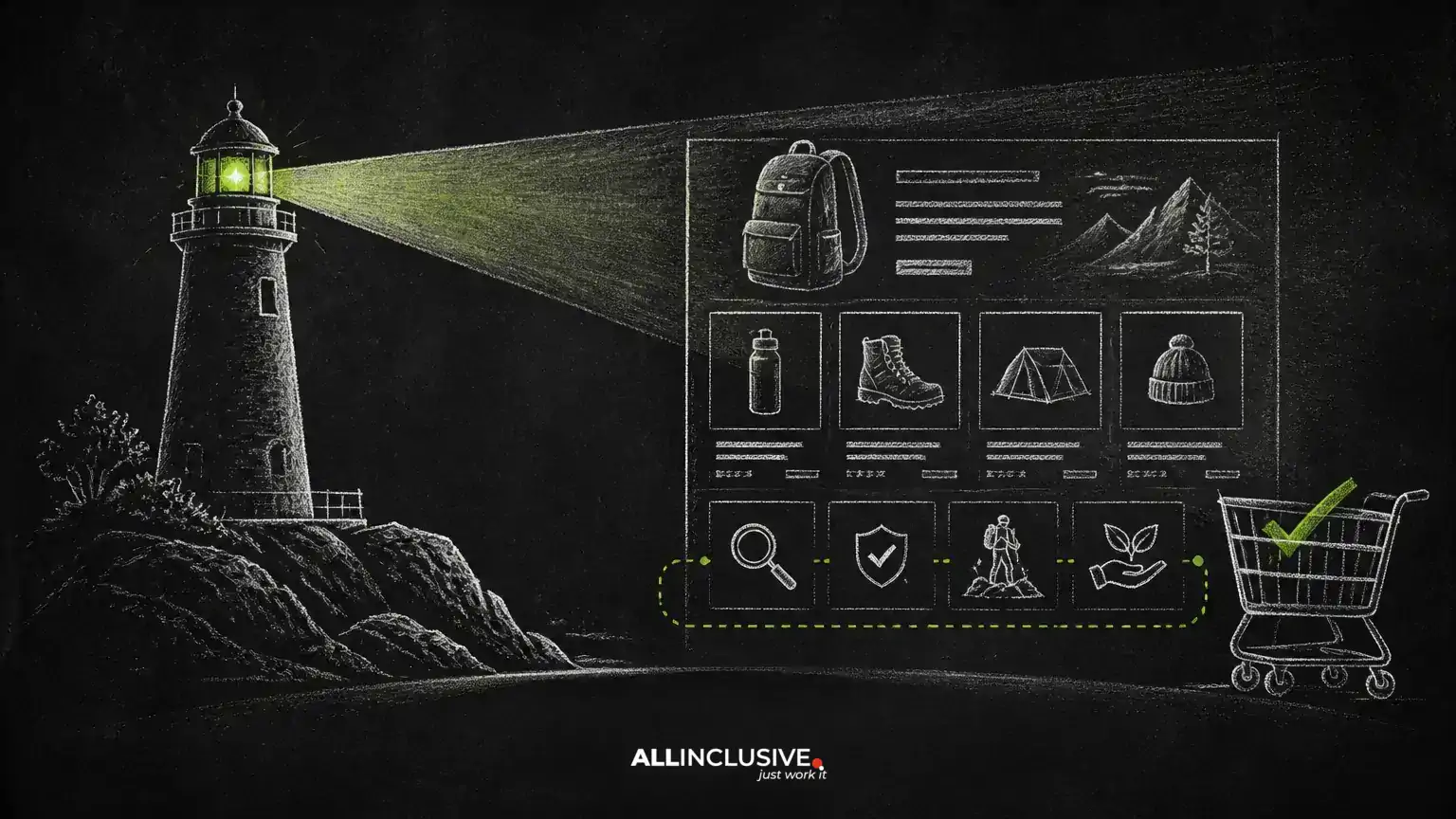
Ecommerce category pages have a difficult job: they must help shoppers choose among products while also giving search engines enough context to understand the category. Adding more copy is not automatically the answer. Content works best when it clarifies the category, supports decisions, and fits naturally into the page experience.
This guide explains how to plan, place, measure, and improve category-page content without treating word count, FAQ markup, or below-the-fold text as guaranteed ranking levers. For broader planning, see the Allinclusive ecommerce SEO guide.
What category-page content should accomplish
Useful content serves both the visitor and the business. It can explain what belongs in the category, distinguish closely related products, address selection criteria, and set expectations about compatibility, materials, sizing, use cases, or maintenance. It may also help a page match more specific searches than a category name alone.
The strongest content answers questions that arise before a shopper opens individual product pages. For example, a category for hiking backpacks might explain capacity, fit, frame types, weather resistance, and the difference between daypacks and overnight packs. It should not simply repeat product names or produce a generic paragraph that could appear on any outdoor retailer’s site.
Useful objectives to define before writing
- Explain the category in plain language.
- Help visitors narrow their choices using meaningful attributes.
- Address common uncertainty that blocks a purchase.
- Clarify differences between adjacent categories or product types.
- Support discovery of relevant subcategories and buying guides.
These objectives are more actionable than a target word count. A short, specific explanation can be more valuable than a long introduction that delays access to products.
Match the content to search and shopping intent
Category-page visitors often have mixed intent. Some know exactly what they want and need filters. Others are comparing options and need guidance. A smaller group may be learning about the product type for the first time. The page should accommodate these needs without becoming an encyclopedia.
Start by reviewing the language customers use in site search, support conversations, product reviews, returns, and sales questions. Group those questions into themes such as fit, use case, compatibility, performance, price, care, and delivery expectations. Then decide which themes belong on the category page and which require a dedicated guide or product detail page.
Keep category content distinct from product content
Category copy should explain how to choose among products. Product pages should provide the specifications, evidence, availability, and details for one item. Duplicating every product attribute in category copy creates maintenance problems and rarely helps shoppers compare a changing inventory.
Use category content for durable decision frameworks. Link to subcategories or guides when a topic needs depth. Link to product pages when a shopper is ready to evaluate a specific item.
Where to place content on the page
Placement is a design decision, not a universal ranking formula. The most important information should be available before or alongside the product grid when it helps visitors understand the category. Long-form educational material can appear after the listings or be summarized with a clear link to a fuller guide.
A practical structure is:
- Category introduction: a concise explanation of what the category includes and who it is for.
- Navigation and filters: visible controls that help shoppers narrow the selection.
- Product listings: the primary commercial content of the page.
- Decision guidance: short sections covering the most important selection questions.
- Related resources: links to subcategories, buying guides, sizing information, or support content.
Do not force a large text block above the products merely to place keywords near the top. If the content delays the inventory or makes mobile browsing difficult, it can reduce usefulness. Conversely, content placed after the grid should still be easy to discover and should not be treated as an afterthought if it answers important questions.
Write content that adds information, not volume
Before publishing a section, ask whether it helps a shopper make a decision. Specificity is usually a better quality signal than length. Replace broad claims such as “we offer the best products” with practical guidance about trade-offs, limitations, or selection criteria.
Examples of useful sections
- How to choose: explain which attributes matter for different use cases.
- Comparison guidance: distinguish similar materials, styles, sizes, or performance levels.
- Fit and compatibility: identify measurements, devices, standards, or use conditions that affect selection.
- Care and maintenance: provide realistic instructions that apply to the category.
- Common mistakes: address choices that can lead to poor fit, premature wear, or returns.
Use evidence available from product specifications, manufacturer documentation, internal expertise, and customer questions. Avoid promising outcomes that vary by product or user. When information changes frequently—such as stock, shipping, pricing, or promotions—keep it in appropriate commerce components rather than static evergreen copy.
Use headings and internal links to build a clear information path
Headings should describe the questions or decisions covered in each section. They help users scan and help editors maintain the page over time. A category page might use headings such as “How to choose a carry-on suitcase” or “What size running shoes do I need?” when those topics genuinely match the category.
Internal links should move visitors toward the next useful action. Link to relevant subcategories, comparison pages, sizing resources, and detailed buying guides. Use descriptive anchor text that explains the destination. Avoid creating a dense block of links that looks designed for crawlers rather than shoppers.
For broader search planning, an ecommerce team can also review the SEO services resource and adapt its general principles to the site’s catalog, templates, and measurement setup.
Handle FAQs and structured data carefully
Frequently asked questions can be useful when they address real uncertainty that is not already answered clearly elsewhere. Keep answers concise, accurate, and visible on the page. Do not add questions solely because they contain a target phrase.
Structured data should accurately describe visible page content and follow the applicable search-engine documentation and implementation requirements. Markup does not make weak content useful, and adding FAQ markup is not a substitute for clear answers. If an FAQ section is removed or hidden, review related markup so the code does not describe content visitors cannot access.
Because structured-data eligibility and display behavior can change, verify implementation with current technical documentation and testing tools before making a rollout decision.
Measure the page as a shopping experience
Organic clicks alone do not tell you whether category content is helping. Review several signals together, including organic landing sessions, engagement with filters, product-list interaction, add-to-cart behavior, conversion rate, revenue per visit, internal-link clicks, and relevant support or return questions.
When possible, compare similar page groups or use a controlled experiment. Define the primary success metric before changing the template, and allow enough time for normal demand variation and indexing patterns to be considered. A result showing no clear change is still informative: it may mean the content is neutral, the test was too small, the implementation was inconsistent, or the content affected users in ways the selected metric did not capture.
Separate content tests from technical changes
A fair evaluation isolates the change whenever practical. Avoid simultaneously changing titles, internal links, filters, product inventory, page speed, structured data, and copy if the goal is to understand the effect of content. Record external factors such as seasonality, promotions, outages, and major template changes.
Do not treat a directional movement as proof of causation. Use results to refine the hypothesis, inspect user behavior, and decide whether the content deserves broader adoption.
Common mistakes to avoid
- Writing for a word-count target: length does not guarantee relevance or usefulness.
- Hiding generic copy below a long product grid: content that users cannot find is unlikely to solve their questions.
- Pushing products too far down: category pages still need to function as shopping pages.
- Repeating manufacturer or product copy: duplication creates maintenance and differentiation problems.
- Adding unsupported claims: avoid guarantees about rankings, quality, delivery, or performance.
- Leaving stale content in place: review advice when products, policies, standards, or inventory change.
- Using markup that does not match the page: visible content and structured data should remain consistent.
A practical publishing checklist
- Define the category’s audience, products, and primary decisions.
- Collect real questions from customers, support, search data, and product knowledge.
- Choose a small set of topics that belong on the category page.
- Write specific guidance with clear caveats and current information.
- Place essential context near the relevant shopping task without obstructing products.
- Add only useful internal links and verify every destination.
- Check mobile readability, accessibility, performance, and template consistency.
- Review structured data against the content that is actually visible.
- Set success metrics and document the test or rollout conditions.
- Refresh the page when the catalog, customer questions, or product guidance changes.
Conclusion
Helpful ecommerce category content is not a decorative block added to satisfy an SEO checklist. It is decision support: clear information that helps shoppers understand the category, compare options, and move confidently toward the right product. Keep the guidance specific, place it where it supports the shopping journey, connect it to deeper resources, and evaluate it with both search and business outcomes in mind.